
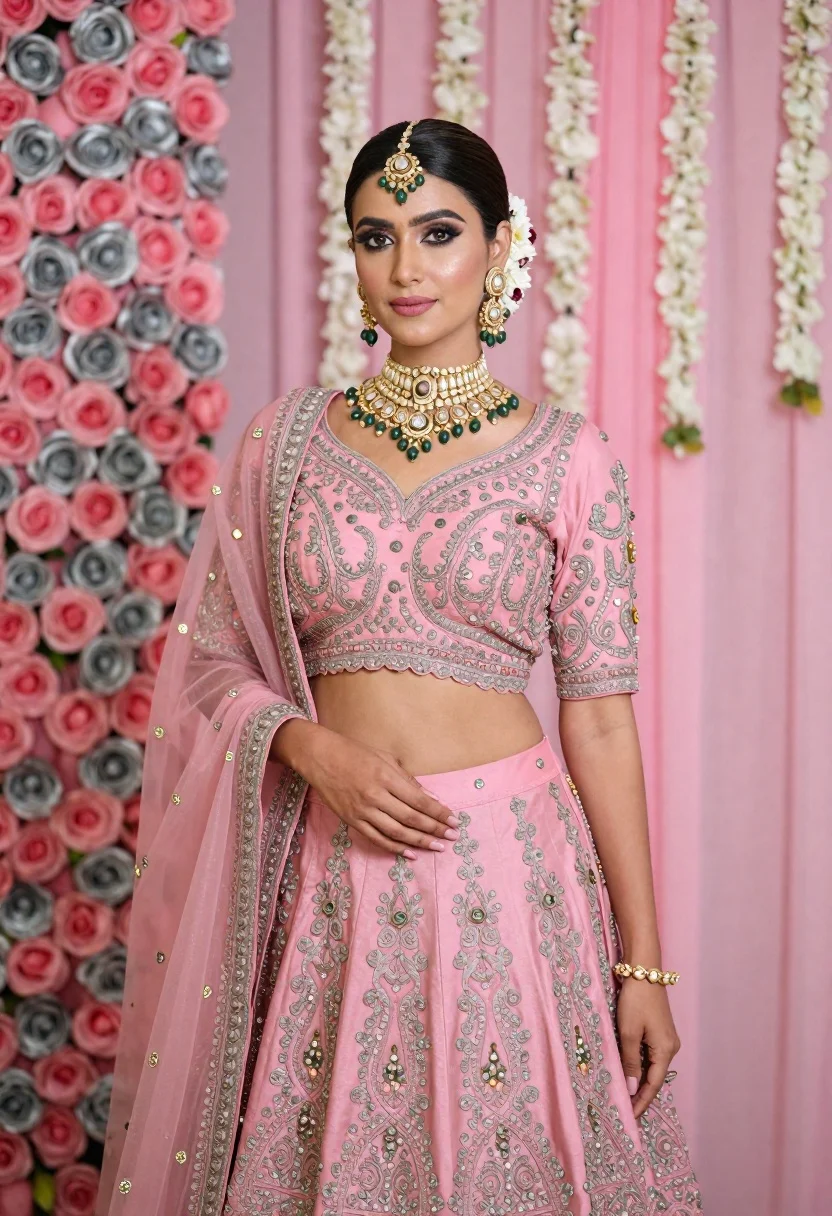
Young indian woman in pink bridal lehenga standing before floral backdrop
Prompt
A poised woman in a traditional Indian bridal ensemble stands against a romantic floral backdrop.

Subject: A young woman with dark hair styled in an elegant updo adorned with flowers and a maang tikka headpiece, featuring defined eye makeup and soft pink lips.

Clothing: She wears a heavily embroidered pink lehenga choli with silver zari work, featuring a V-neck blouse and a matching skirt with intricate patterns, complemented by a sheer dupatta draped over one shoulder.

Action: Her pose is formal and elegant, with her right hand resting gently on her abdomen and her left arm relaxed at her side, gazing directly forward with a calm expression.

Environment: The background features a wall of pink and silver roses on the left, transitioning to soft pink fabric drapes adorned with hanging white flower garlands (gajra) on the right.

Camera: A medium shot captures the subject from the waist up, utilizing a shallow depth of field that keeps the subject sharp while softly blurring the floral background.

Lighting: The scene is illuminated by soft, diffused studio lighting that highlights the textures of the embroidery and jewelry without creating harsh shadows.

Style Details: High-resolution fashion photography with a focus on rich textures, vibrant jewel tones, and a polished, celebratory aesthetic.
Description
This prompt is useful for creating bridal magazine editorials, cultural portraiture for wedding websites, and high-end catalog lookbooks. The combination of 'soft, diffused studio lighting' with the detailed description of 'heavily embroidered pink lehenga choli' ensures that the intricate silver zari work remains visible without harsh shadows, which is crucial for showcasing expensive textiles in a polished, celebratory aesthetic.
Suggestions
- Change 'pink and silver roses' to 'deep red peonies' for a richer contrast.
- Adjust 'soft pink lips' to 'nude matte lipstick' for a more modern bridal feel.
- Swap 'medium shot' to 'full body shot' to better display the lehenga skirt.
Category
Tags
Black HairFair SkinFemaleMedium ShotPortrait ShotRealisticTraditional Wear
Date added
June 21, 2026
Added by
PromptDexter Team
Related Prompts
More prompts with similar categories and tags.
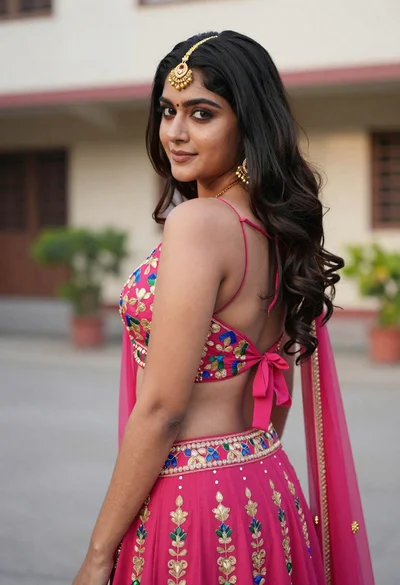
Young woman in pink lehenga looking back over shoulder in courtyard
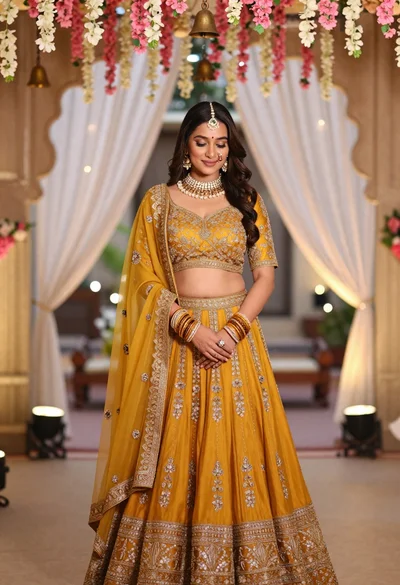
Young indian woman in mustard yellow lehenga standing under floral archway

Young woman seated on grey sofa against pink wall fashion portrait
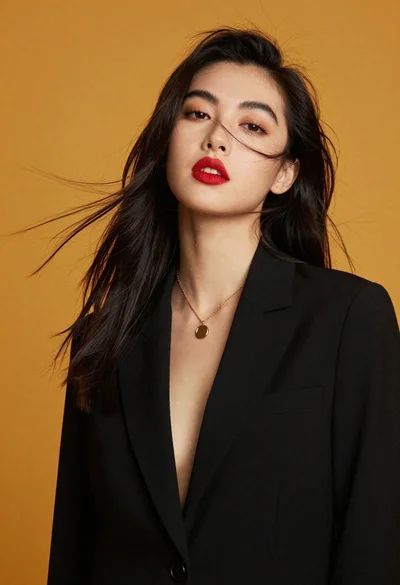
High fashion portrait of woman against mustard yellow background
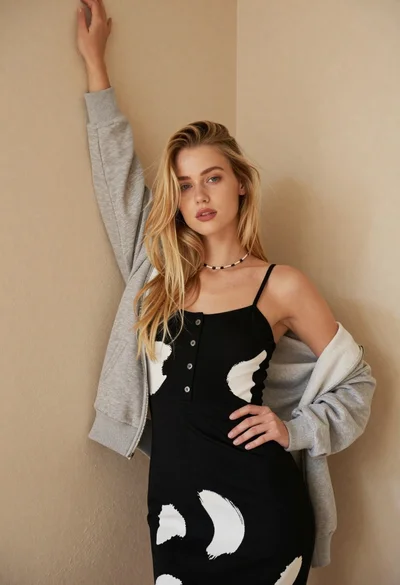
Fair blonde woman in patterned black dress against plain beige wall

Poised woman in black gown posing indoors with dramatic low key lighting
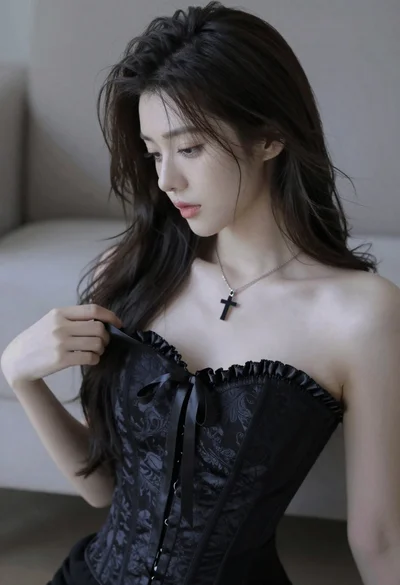
Medium close up portrait of young woman wearing black strapless corset
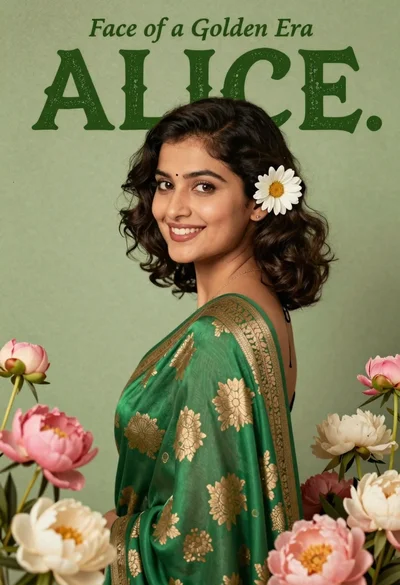
Portrait of smiling young woman in green silk sari with floral frame
