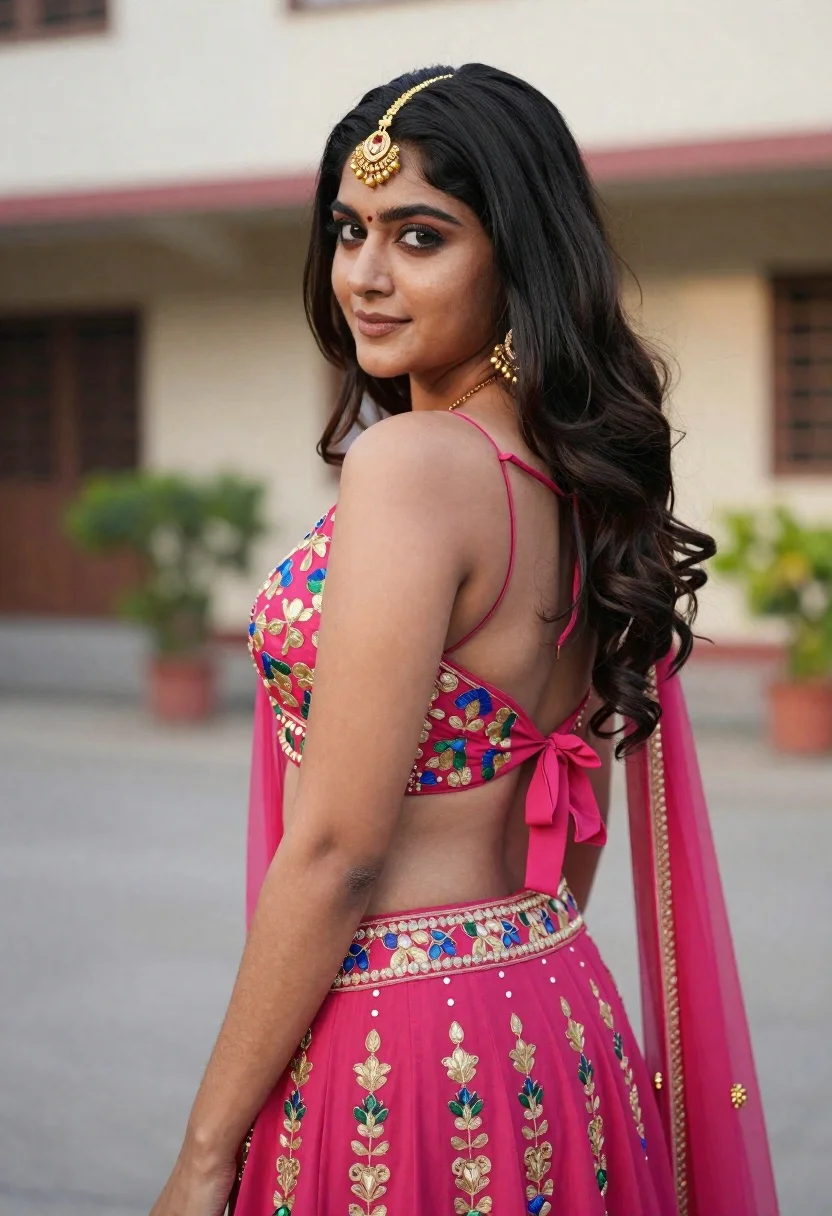
Young woman in pink lehenga looking back over shoulder in courtyard
Prompt
A woman with long dark hair looks back over her shoulder with a soft smile.

Subject: A young woman with fair skin and long, wavy black hair that cascades down her back. She wears a traditional gold maang tikka on her forehead and matching dangling earrings. Her expression is gentle and engaging as she glances back at the camera.

Clothing: She is dressed in a vibrant pink lehenga choli featuring intricate floral embroidery in gold, blue, and green threads. The blouse has thin spaghetti straps that tie at the back with a bow, revealing her midriff. A matching pink dupatta drapes over her left shoulder.

Action: She stands in a three-quarter pose, turning her torso slightly away from the camera while looking back over her right shoulder. Her posture is relaxed and elegant.

Environment: The setting appears to be an outdoor courtyard or driveway with a blurred building facade in the background. There are hints of greenery and a paved ground surface.

Camera: The shot is a medium close-up taken from behind and slightly to the side, focusing on her profile and back. The depth of field is shallow, keeping the subject sharp while blurring the background significantly.

Lighting: Natural daylight illuminates the scene, casting soft shadows and highlighting the texture of her skin and the embroidery on her outfit. The lighting is even and flattering.

Style Details: High-resolution photography with a focus on fashion and portraiture, featuring rich colors and detailed textures.
Description
This prompt is useful for creating bridal editorial spreads, cultural portraiture campaigns, and high-end ethnic wear lookbooks. The combination of 'vibrant pink lehenga choli' with 'intricate floral embroidery in gold, blue, and green threads' ensures the garment remains the focal point, while the 'shallow depth of field' isolates her against the blurred background facade, preventing visual competition.
Suggestions
- Change 'natural daylight' to 'soft diffused sunlight' for a more ethereal feel.
- Swap 'vibrant pink lehenga choli' for 'deep magenta lehenga choli' to shift the mood.
- Adjust 'medium close-up taken from behind and slightly to the side' to 'over-the-shoulder medium shot' for better engagement.
Category
Tags
Black HairFair SkinFemaleMedium ShotOutdoorsPortrait ShotRealisticTraditional Wear
Date added
June 21, 2026
Added by
PromptDexter Team
Related Prompts
More prompts with similar categories and tags.
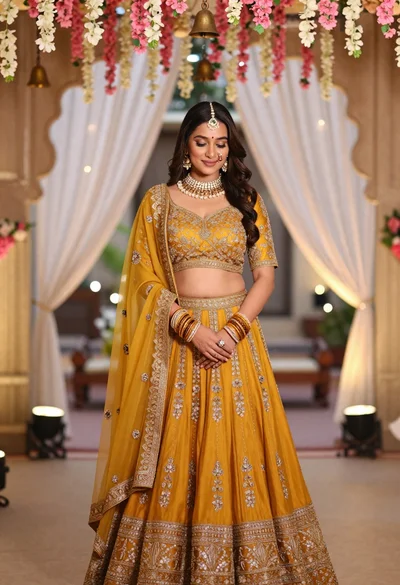
Young indian woman in mustard yellow lehenga standing under floral archway
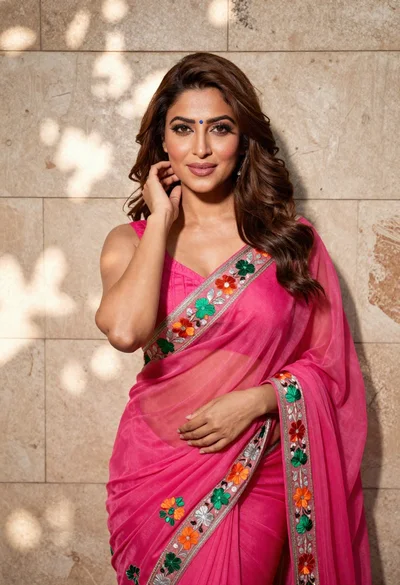
Woman in fuchsia saree posing against textured beige stone wall
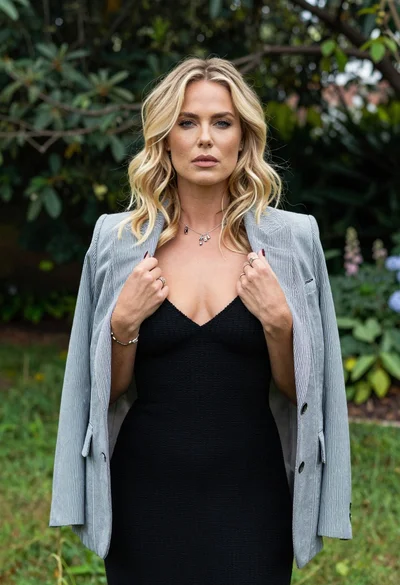
Blonde woman in striped blazer standing in lush green garden setting
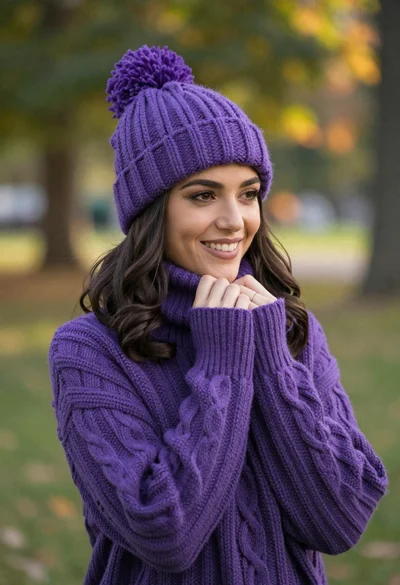
Smiling young woman in purple knit beanie and sweater in sunny park
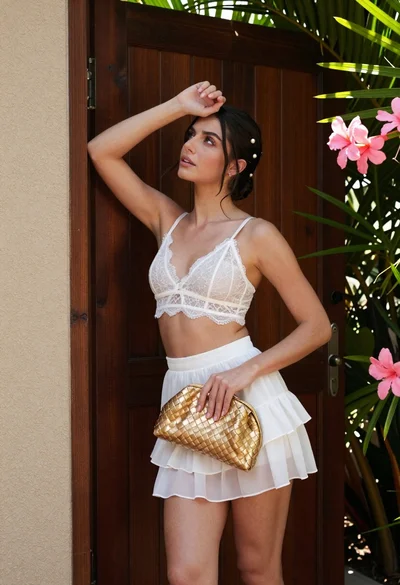
Young woman in white lace outfit standing by tropical leaves and flowers
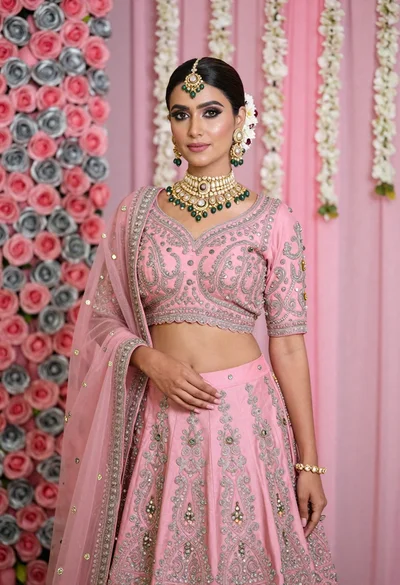
Young indian woman in pink bridal lehenga standing before floral backdrop
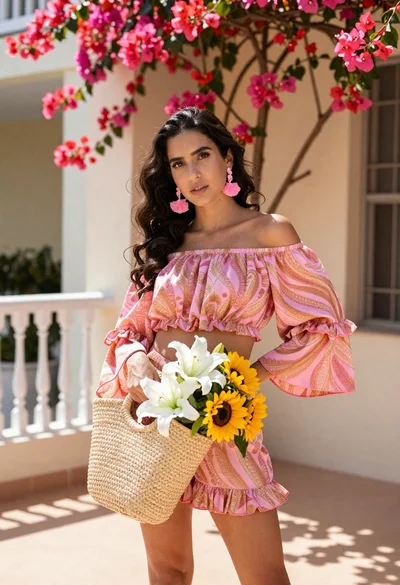
Young woman in pink outfit holding flower basket near bougainvillea flowers

Woman in black dress by window overlooking ocean at golden hour