
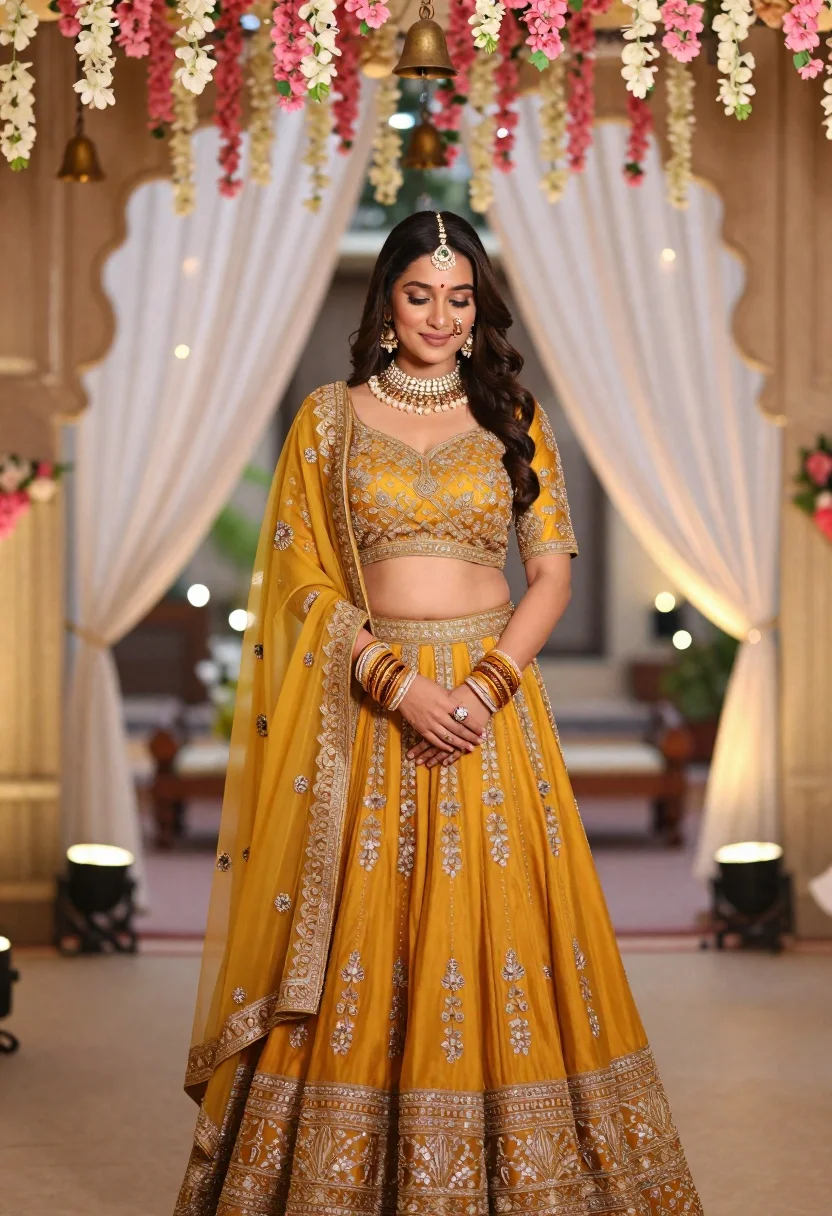
Young indian woman in mustard yellow lehenga standing under floral archway
Prompt
A woman stands in a three-quarter pose wearing an elaborate mustard yellow lehenga choli with heavy gold embroidery and a sheer dupatta draped over her shoulder.

Subject: A young woman with long dark hair, fair skin, and a gentle smile looking downward, adorned with traditional Indian jewelry including a maang tikka on her forehead, large jhumka earrings, a layered gold necklace, and multiple bangles on both wrists.

Clothing: She wears a rich mustard yellow lehenga set featuring a heavily embroidered blouse with short sleeves and a matching voluminous skirt with intricate gold border work, complemented by a sheer dupatta with floral motifs hanging from her waist.

Action: Her hands are gently clasped in front of her as she stands still, exuding a calm and graceful demeanor.

Environment: She is positioned under an archway decorated with cascading pink and white flowers and hanging brass bells, with soft white drapes and warm fairy lights visible in the background.

Lighting: The scene is illuminated by soft, diffused natural light that highlights the gold embroidery on her outfit while creating a romantic and dreamy atmosphere with bokeh effects from the background lights.

Style Details: High-resolution photography with a shallow depth of field, vibrant color grading emphasizing warm tones, and a polished, editorial aesthetic typical of wedding or fashion photography.
Description
This prompt is useful for creating bridal editorial spreads, cultural portraiture for magazines, and high-end destination wedding marketing materials. The combination of 'mustard yellow lehenga choli' with 'heavy gold embroidery' under soft, diffused natural light ensures the intricate details remain visible while the 'bokeh effects from the background lights' provide a romantic separation from the subject.
Suggestions
- Change 'pink and white flowers' to 'deep red roses' for a richer color palette.
- Swap 'mustard yellow lehenga choli' for 'emerald green silk lehenga' to shift the mood.
- Add 'cinematic volumetric lighting' to enhance the drama of the scene.
Category
Tags
3/4 AngleBlack HairFair SkinFemaleMedium ShotOutdoorsPortrait ShotRealisticTraditional WearUrban
Date added
June 21, 2026
Added by
PromptDexter Team
Related Prompts
More prompts with similar categories and tags.
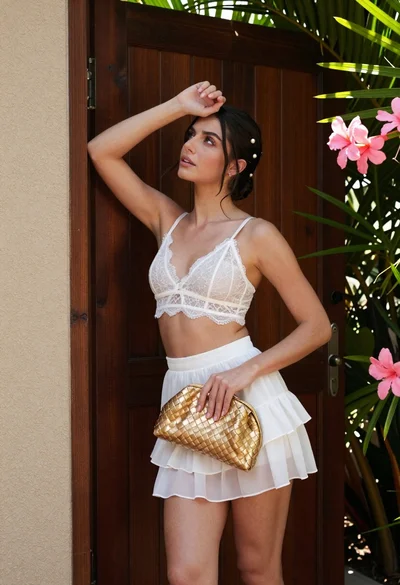
Young woman in white lace outfit standing by tropical leaves and flowers
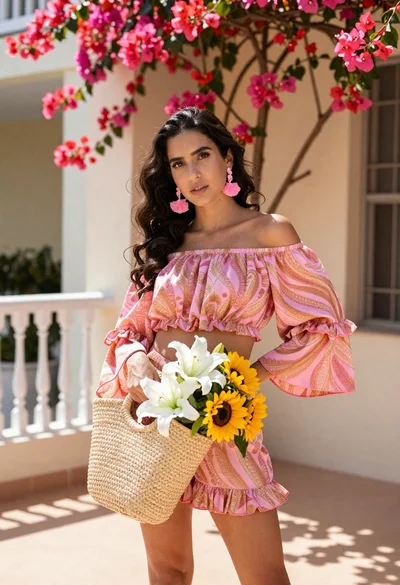
Young woman in pink outfit holding flower basket near bougainvillea flowers
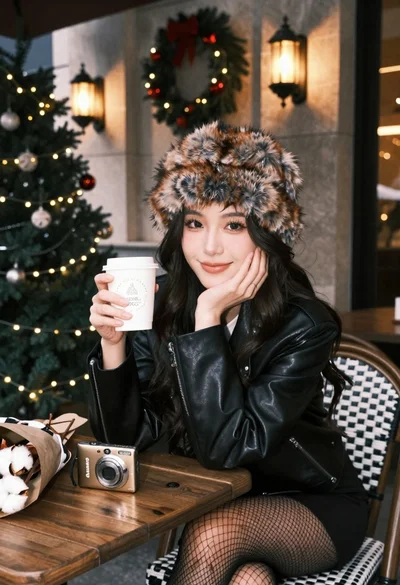
Young woman in fur hat at cozy outdoor cafe during christmas
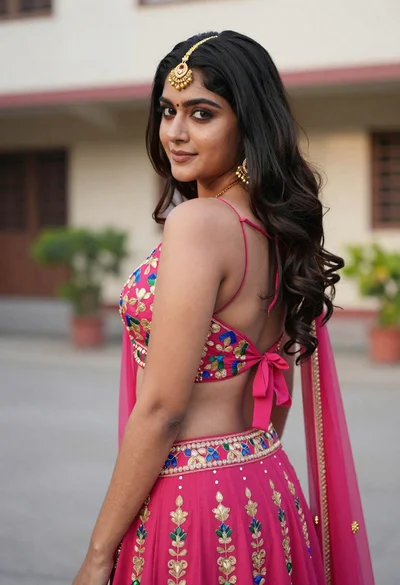
Young woman in pink lehenga looking back over shoulder in courtyard
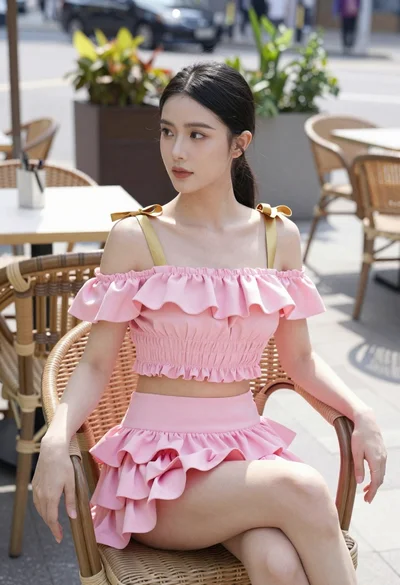
Young woman in pink ruffled outfit sitting at an outdoor cafe
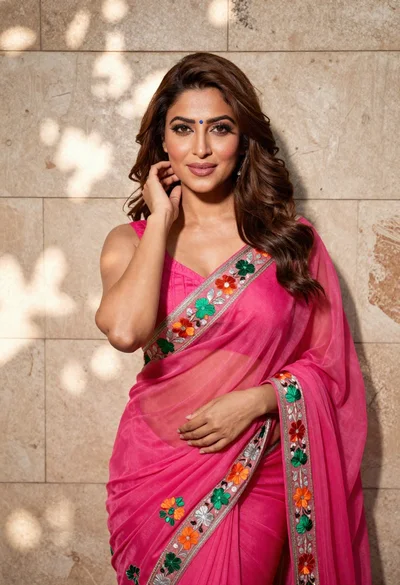
Woman in fuchsia saree posing against textured beige stone wall

Young woman with braided hair in misty woodland setting

Woman in black dress by window overlooking ocean at golden hour
