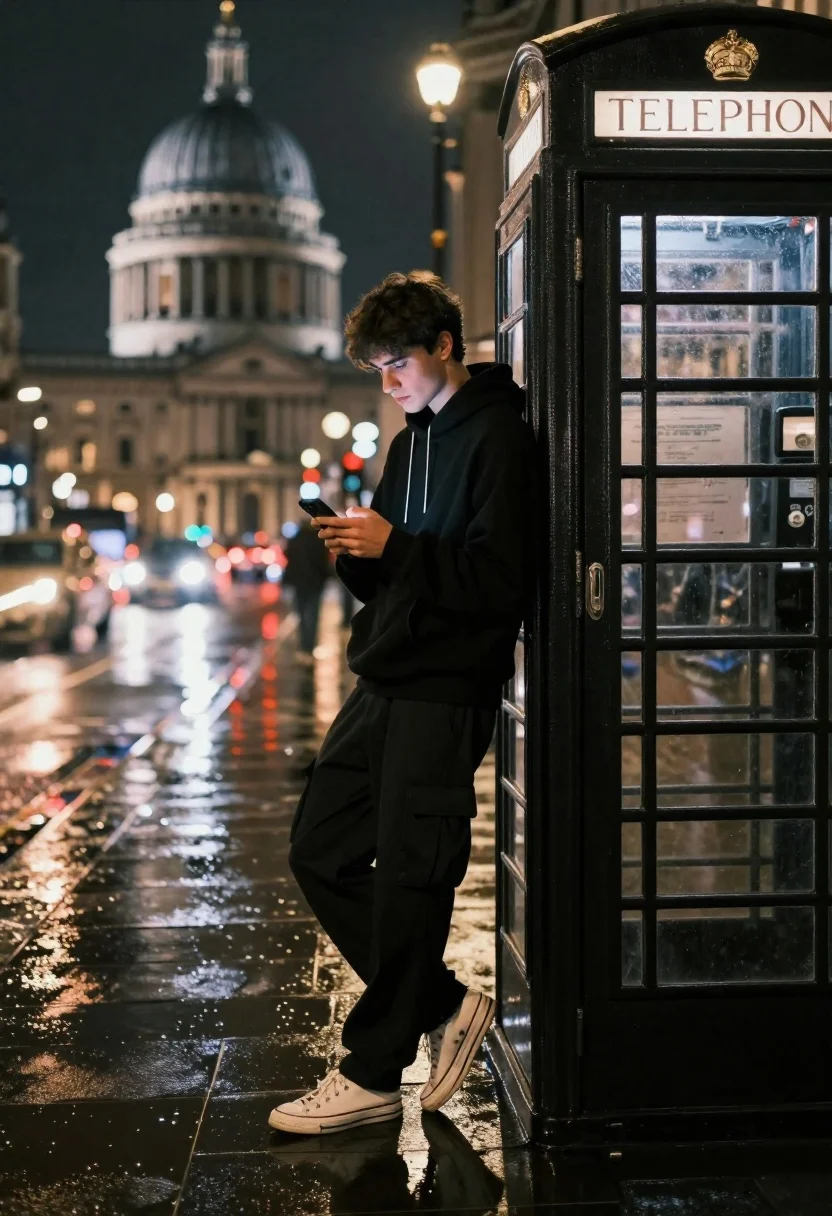
Young man in black hoodie leaning against telephone booth on wet street
Prompt
A young man leans against a classic black telephone booth while looking down at his smartphone on a wet city street at night.

Subject: A young man with dark hair wearing a black hoodie and black cargo pants stands leaning casually against the side of a vintage black telephone booth, holding a smartphone in both hands.

Clothing: He wears a black hooded sweatshirt, loose-fitting black trousers, and white low-top sneakers.

Action: The subject is looking down at his phone with a focused expression, standing in a relaxed pose while leaning back against the structure of the booth.

Environment: The scene takes place on a wet pavement reflecting city lights, with a historic domed building visible in the blurred background and streaks of red and white light trails from passing traffic indicating long exposure.

Camera: Shot with a telephoto lens to compress the distance between the foreground subject and the distant dome, utilizing a shallow depth of field to blur the background while keeping the subject sharp.

Lighting: The scene is lit by ambient city night lights reflecting off the wet ground, creating a moody atmosphere with soft highlights on the pavement and the subject's clothing.

Style Details: Cinematic urban photography style featuring long exposure light trails, high contrast between the dark foreground and the illuminated background, and a realistic yet atmospheric color grading.
Description
This prompt is useful for creating cinematic streetwear editorials, moody travel posters, and narrative film stills depicting late-night urban solitude. The combination of 'wet pavement reflecting city lights' and 'long exposure light trails' establishes a high contrast between the dark foreground subject and the vibrant background energy, while the 'telephoto lens' compression keeps the focus tightly on the man against the backdrop.
Suggestions
- Change 'black hoodie' to 'charcoal grey hoodie' for slight tonal variation.
- Add 'neon blue glow' to the ambient city night lights for more color pop.
- Swap 'vintage black telephone booth' for 'brick-faced newsstand' to alter the architectural feel.
Category
Tags
Black HairFull BodyMaleMedium ShotPortrait ShotRealisticStreetwearUrban
Date added
June 21, 2026
Added by
PromptDexter Team
Related Prompts
More prompts with similar categories and tags.
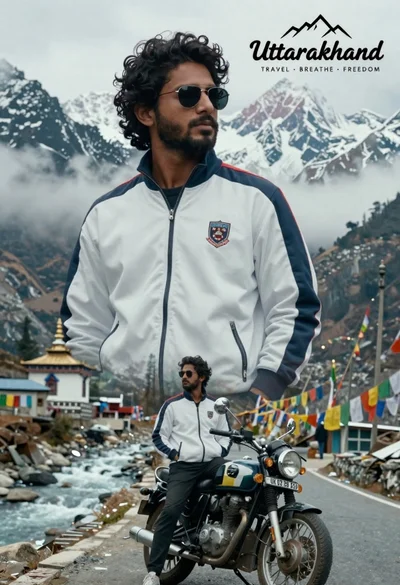
Cinematic travel poster of man on motorcycle against himalayan mountains
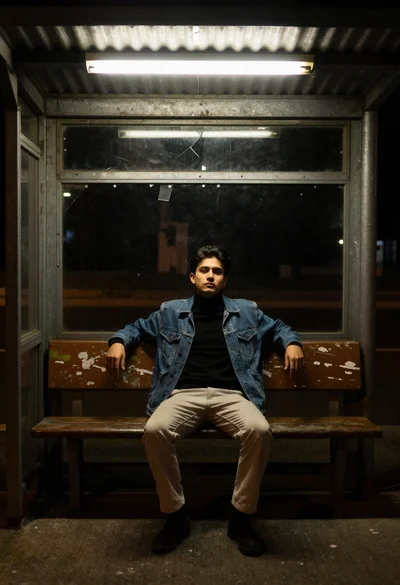
Young man in denim jacket sitting on bench in bus shelter

East asian woman in black leather jacket on bustling chinese street at
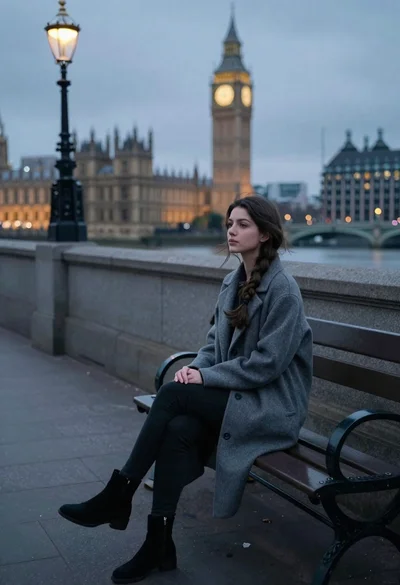
Young woman sitting alone on park bench by river at dusk
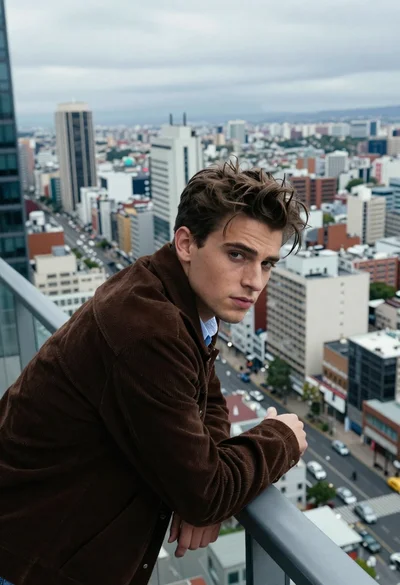
Handsome man leaning on railing overlooking sprawling cityscape from balcony
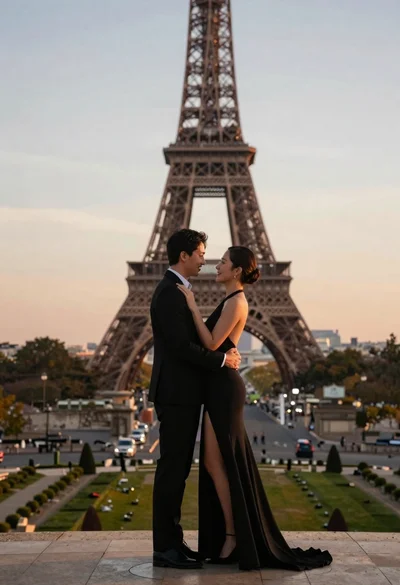
Romantic couple embracing in front of the eiffel tower at sunset
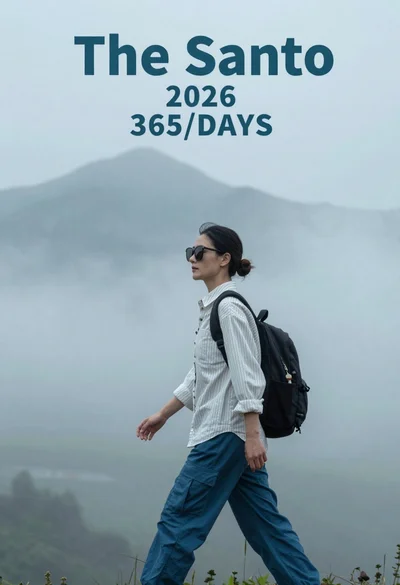
Woman in white shirt walking through misty mountains with fog
Stylish black man in overcoat against paris night skyline
