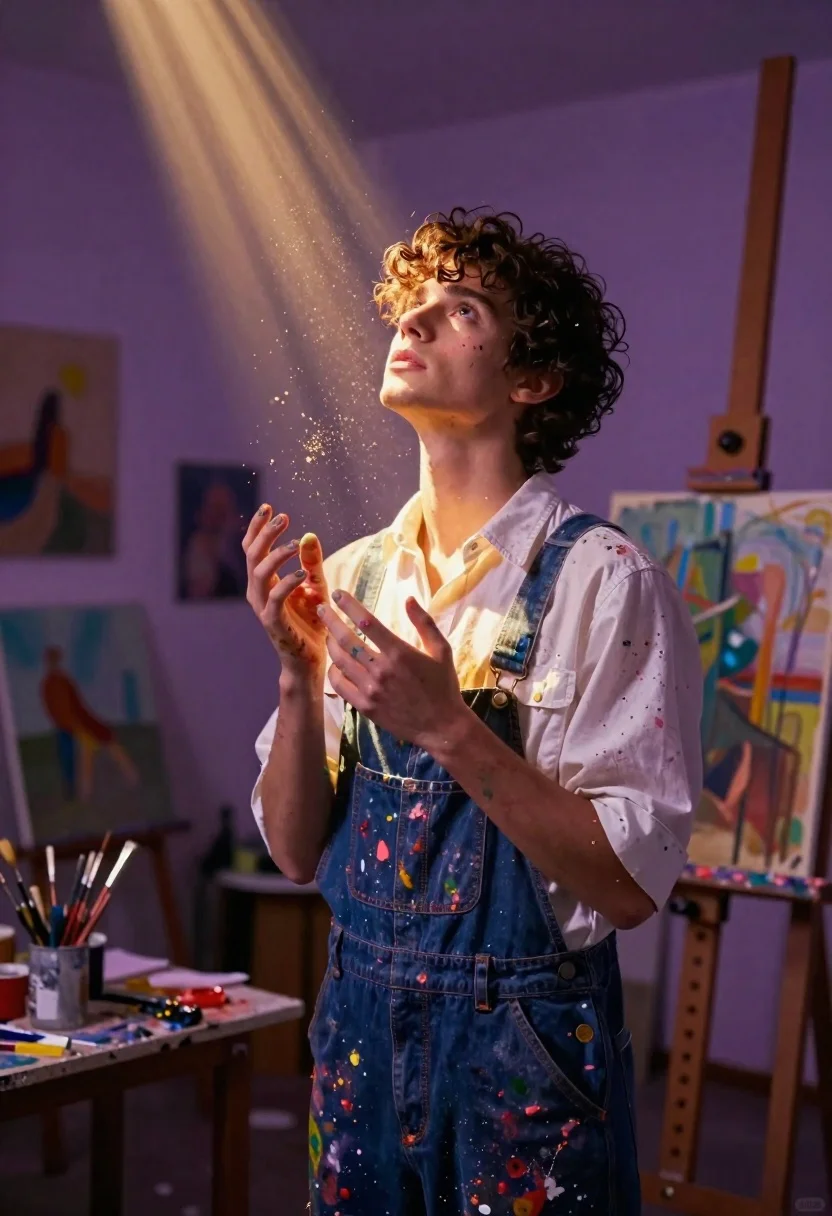
Young man in paintsplattered overalls looking up in an art studio
Prompt
A young man with curly dark hair stands in a painter's studio, looking upward with a reverent expression as golden light beams and glowing particles float around him.

Subject: A young male artist with messy curly dark hair, pale skin, and an intense upward gaze.

Clothing: He wears a white button-down shirt stained with colorful paint splatters over blue denim overalls, also covered in paint marks.

Action: His hands are held gently near his chest and stomach, fingers smeared with paint, conveying a sense of wonder or creation.

Environment: The background is a dimly lit art studio filled with easels holding abstract paintings, canvases leaning against walls, and a cluttered workbench with brushes and paints in the lower left.

Camera: Medium shot focusing on the upper body, slightly low angle looking up at the subject to emphasize the light beams, with soft depth of field blurring the background.

Lighting: Dramatic purple ambient lighting mixed with bright golden shafts of light cutting through the air, creating a magical atmosphere and casting glowing highlights on the subject's face and chest.

Style Details: Cinematic digital art style with volumetric lighting, floating dust motes, high contrast between cool purple shadows and warm golden light, and a painterly texture.
Description
This prompt is useful for creating editorial portraits of artists at work, surreal character concept art, and atmospheric narrative scene illustrations. The combination of 'dramatic purple ambient lighting' contrasting with 'bright golden shafts of light' establishes the magical mood necessary for wonder, while the 'low angle looking up' composition forces the viewer to share the subject's upward gaze toward the illuminated beams.
Suggestions
- Change 'blue denim overalls' to 'canvas smock' for a more artistic feel.
- Add 'bokeh effect' to enhance the glowing particles.
- Swap 'messy curly dark hair' for 'slicked back wet hair' for a different character vibe.
Category
Tags
IndoorsLow AngleMaleMedium ShotRealisticStudio
Date added
June 19, 2026
Added by
PromptDexter Team
Related Prompts
More prompts with similar categories and tags.
Man in black suit gazing thoughtfully before shadowy demon silhouette in mist
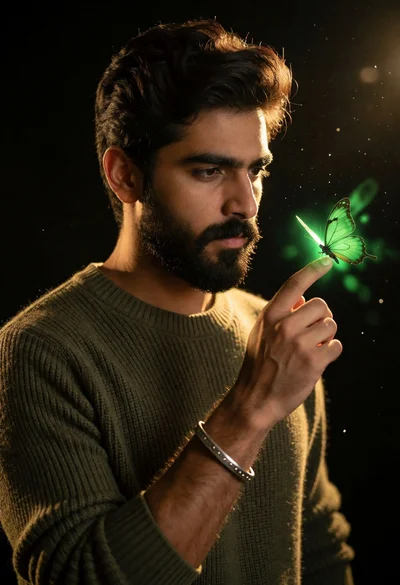
Man holding glowing green butterfly on fingertip against black background
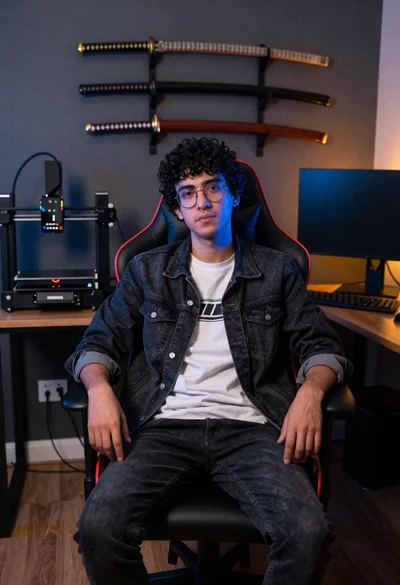
Young man sitting in office gaming chair with katanas
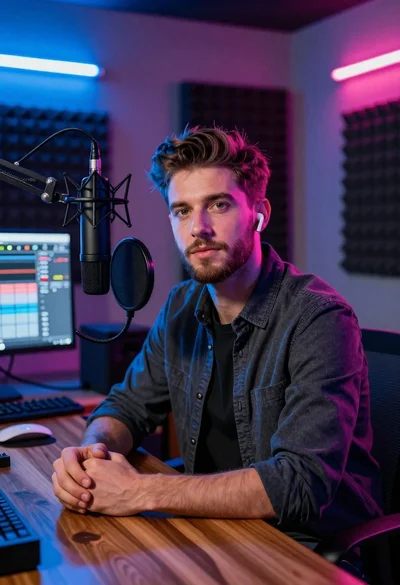
Young man with beard sitting at wooden desk in recording studio
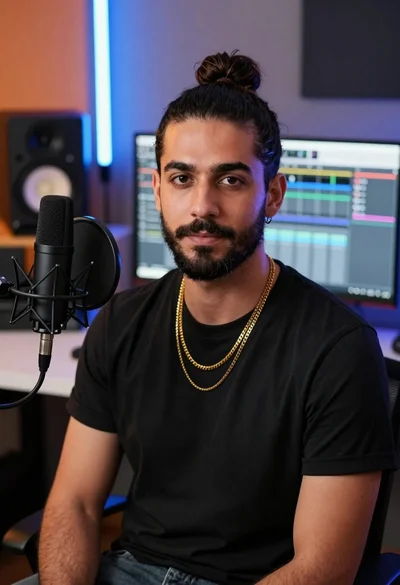
Medium close up portrait of man in studio setting with microphone
Young woman in dark teal slip dress sitting on wooden stool in
Muscular man with beard leaning on black luxury suv in garage
Close up portrait of superhero cyclops in blue and gold costume studio
Young man with curly black hair in rustic studio setting wearing white
Mystical woman with black hair holding glowing moon at twilight beach