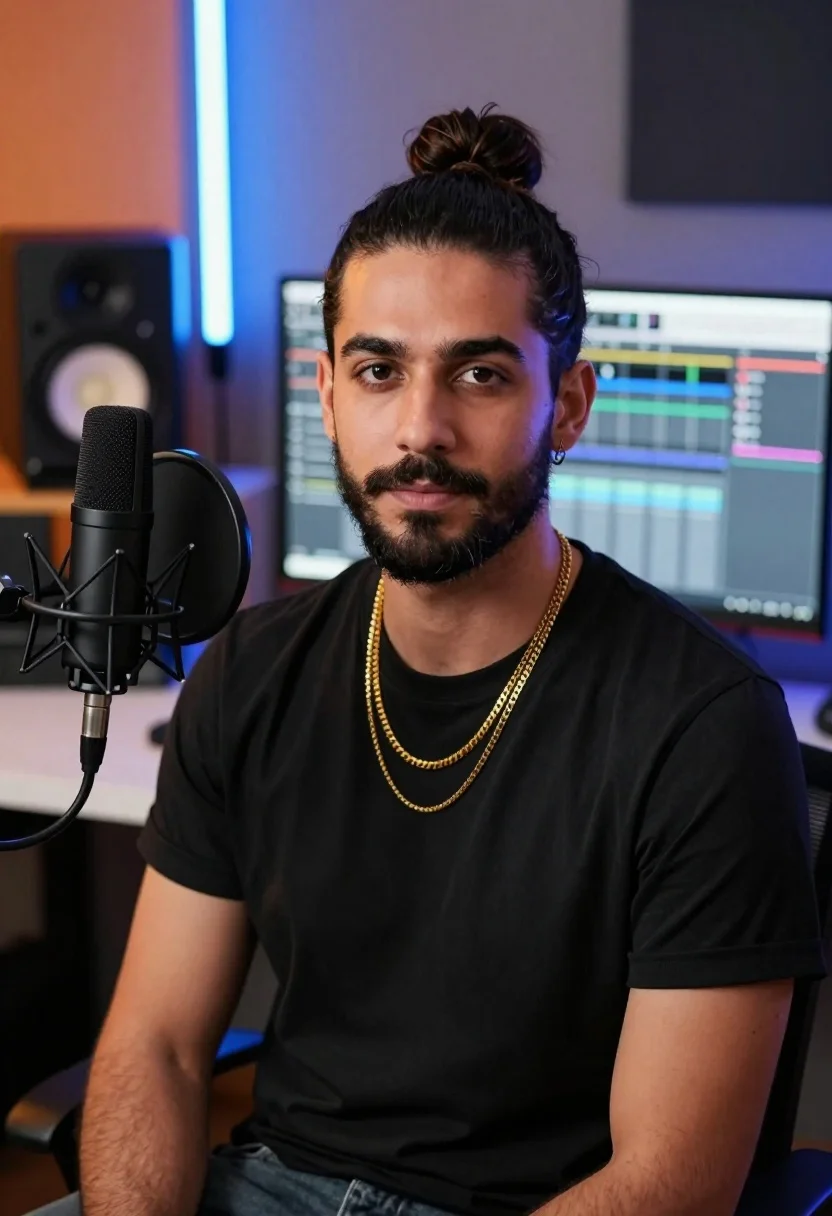
Medium close up portrait of man in studio setting with microphone
Prompt
A confident man with dark hair tied in a top knot gazes directly at the camera.

Subject: A young man with dark brown eyes, a well-groomed beard and mustache, and his black hair styled into a high bun or top knot.

Clothing: He wears a simple black crew-neck t-shirt layered with two gold chains, one thicker and one thinner, resting on his chest.

Action: He sits facing forward with a calm, neutral expression and direct eye contact.

Environment: A modern home studio setting featuring a white desk, large computer monitors displaying audio software in the background, and professional audio equipment.

Objects: A large black condenser microphone mounted on a shock mount stands prominently in the foreground to his left. Studio monitor speakers are visible on shelves behind him, along with a vertical blue neon light tube glowing against the wall.

Lighting: The scene is lit with a warm orange glow from the left side and cool blue ambient light from the right, creating a vibrant split-color atmosphere.

Camera: A medium close-up shot taken at eye level with a shallow depth of field that keeps the subject sharp while softly blurring the background equipment.

Style Details: High-definition digital photography with smooth skin textures, realistic lighting effects, and a clean, professional aesthetic.
Description
This prompt is useful for creating podcast promotional artwork, music album cover concepts, and professional streamer branding materials. The combination of 'warm orange glow from the left side' contrasting with 'cool blue ambient light from the right' establishes a dramatic split-color atmosphere that immediately signals modern media production, while the 'shallow depth of field' ensures the subject remains the sharp focal point against complex background equipment.
Suggestions
- Change 'gold chains' to 'silver chains' for a cooler metallic contrast.
- Replace 'white desk' with 'dark wood surface' to ground the composition.
- Adjust 'warm orange glow' to 'deep amber light' for a more cinematic feel.
Category
Tags
Black HairDigital ArtIndoorsMaleMedium ShotRealisticStudio
Date added
July 3, 2026
Added by
PromptDexter Team
Related Prompts
More prompts with similar categories and tags.

Digital illustration of a soccer player with flaming ball
Medium close up portrait of young woman wearing black top and sunglasses
Medium close up portrait of young man in black tshirt studio setting
Young man in paintsplattered overalls looking up in an art studio
Medium close up portrait of young man with dark curly hair wearing a dark zip-up jacket
Young woman with red hair seated at wooden desk in cozy studio
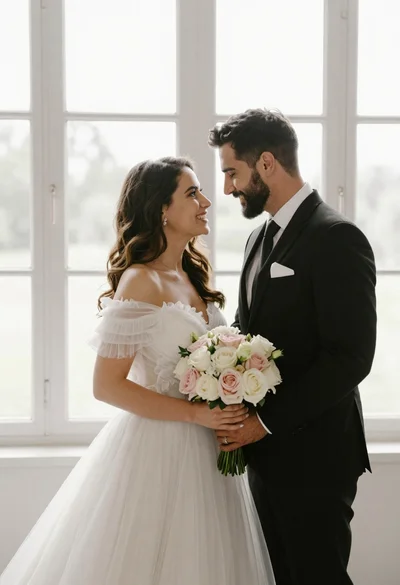
Bride and groom holding rose bouquet together in front of large window
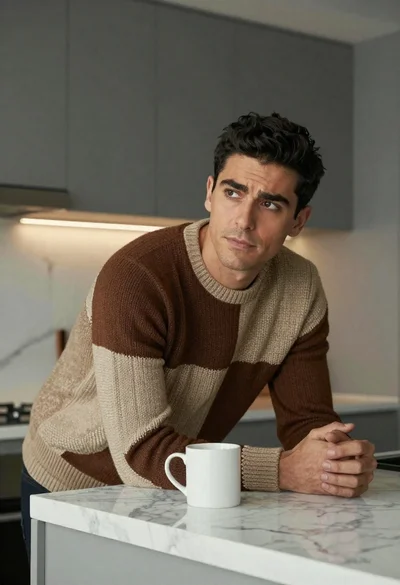
Man in chunky knit sweater leaning on marble counter in modern kitchen
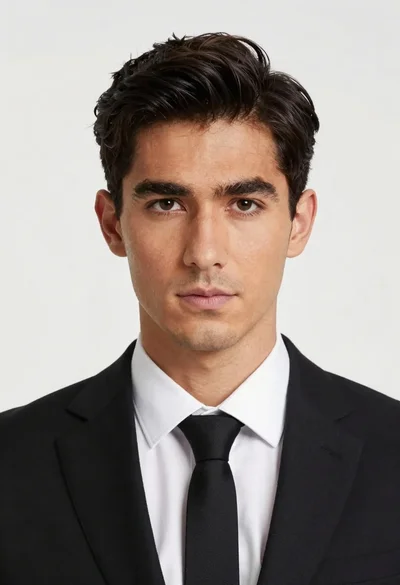
Portrait of handsome man in black suit against white studio background
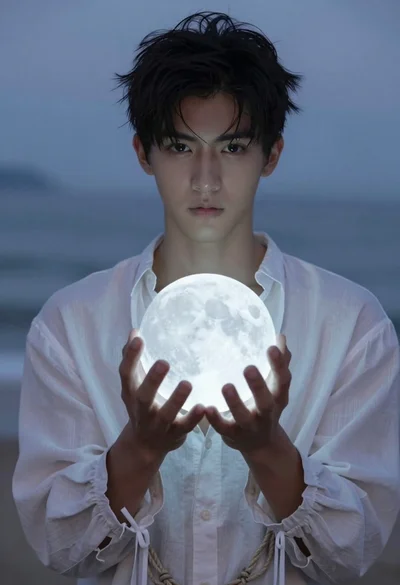
Young man with dark hair holding a glowing moon over sea