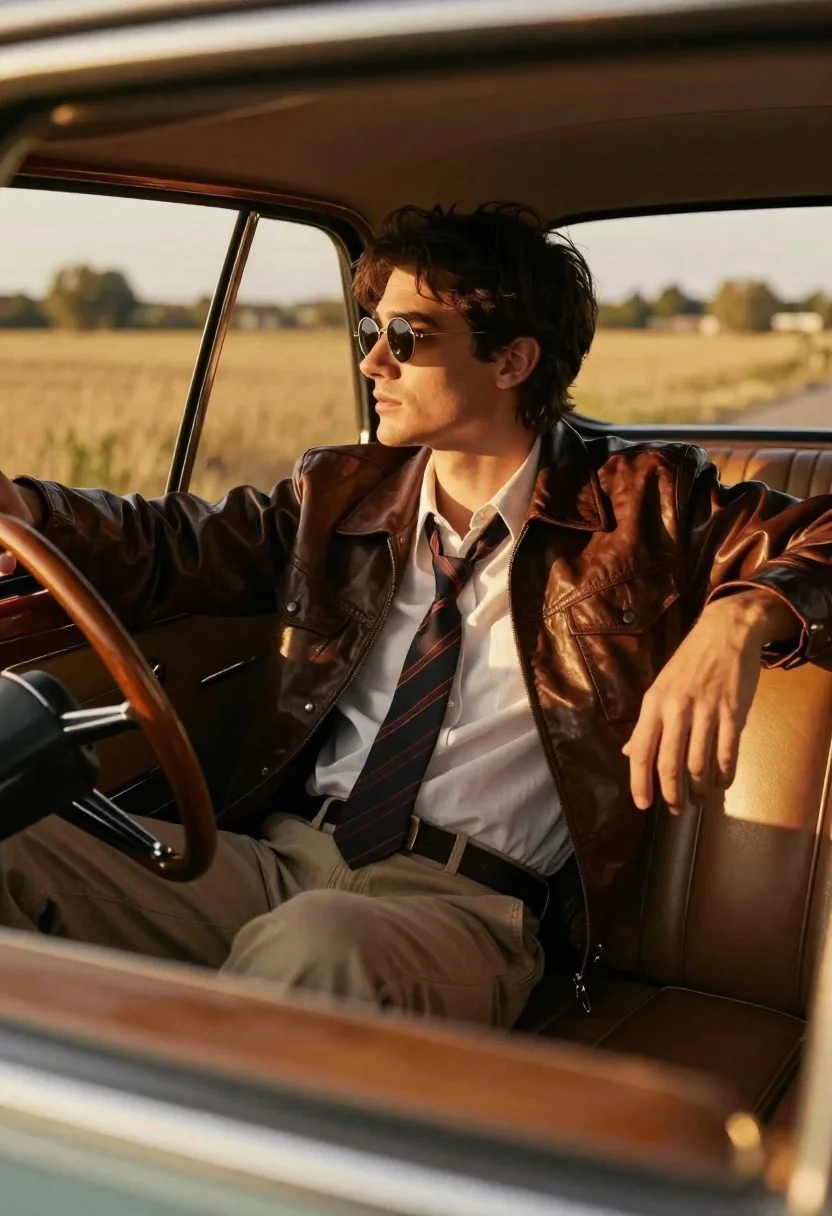
Young man in vintage car looking out at golden field
Prompt
A handsome young man with dark hair sits inside the driver's seat of a vintage car, gazing out the window at a golden field.

Subject: A handsome young man with dark, slightly tousled hair and a contemplative expression wearing round sunglasses.

Clothing: He wears a white button-down shirt, a loose striped necktie, beige trousers, and a dark brown leather jacket.

Action: He sits in a relaxed pose with one hand resting on the wooden steering wheel and the other arm draped along the tan leather seat back.

Environment: The interior of a classic car features wood trim and tan leather upholstery, while the background shows a sunlit field and distant trees through the window.

Camera: Shot from outside the vehicle looking in through the driver's side window with a shallow depth of field that blurs the exterior landscape.

Lighting: Warm golden hour sunlight streams through the windows, creating soft highlights on his face and casting gentle shadows inside the cabin.

Style Details: Cinematic photography style with rich warm tones, high contrast between the interior shadows and bright exterior light, and a nostalgic film aesthetic.
Description
This prompt is useful for creating cinematic automotive advertisements, vintage lifestyle editorials, and moody portraiture featuring travel themes. The combination of 'warm golden hour sunlight' streaming through the window and the 'shallow depth of field' ensures that the subject remains sharply focused against a beautifully blurred exterior landscape, enhancing the nostalgic film aesthetic.
Suggestions
- Change 'dark hair' to 'curly dark hair' for more texture.
- Swap 'beige trousers' for 'khaki chinos' for a slightly different tone.
- Add 'Kodak Portra 400 film grain' to enhance the nostalgic feel.
Category
Tags
Casual WearFull BodyMaleOutdoorsRealisticSide Profile
Date added
June 26, 2026
Added by
PromptDexter Team
Related Prompts
More prompts with similar categories and tags.
Man in black track jacket sits on chair in front of matte
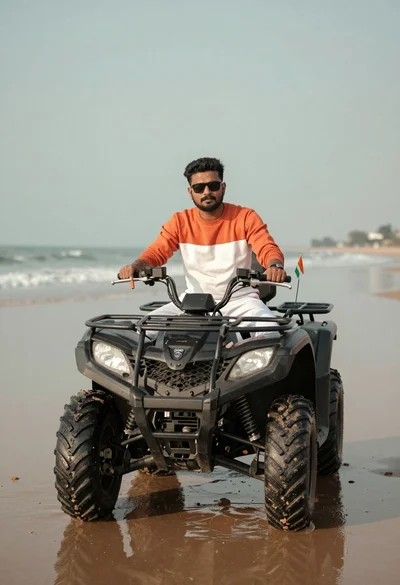
Man sitting confidently on an atv parked on wet sand near the
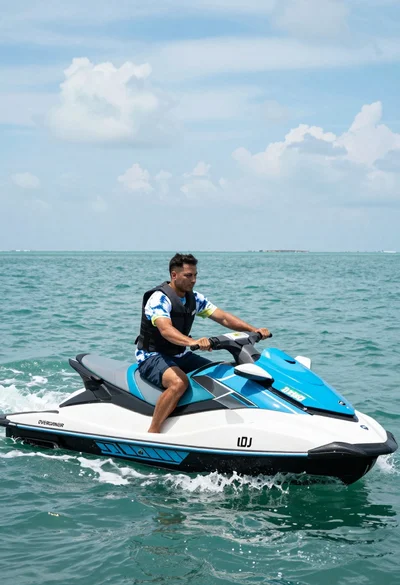
Man riding blue and white jet ski across turquoise ocean water at
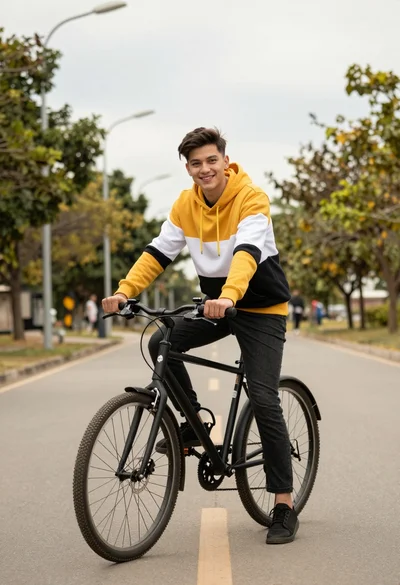
Young man on bicycle sitting on paved road with trees and streetlights
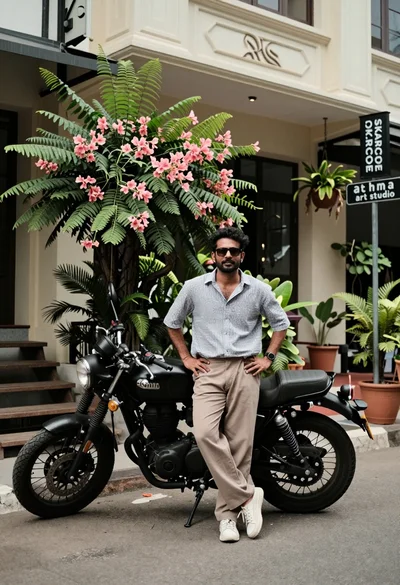
Man standing by black motorcycle on urban street with greenery backdrop
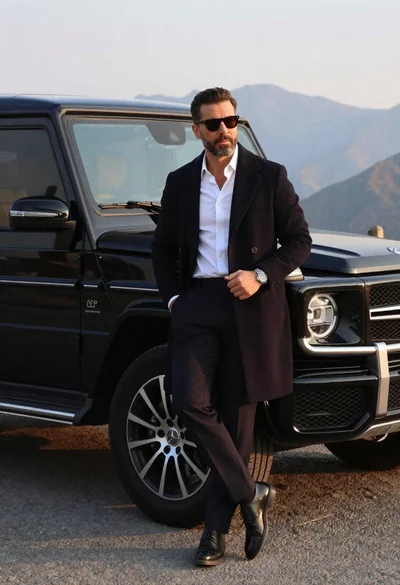
Man in overcoat posing by luxury suv near mountains
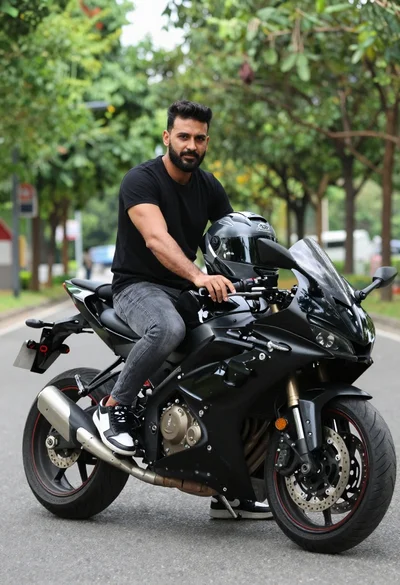
Man sitting on black sport motorcycle on asphalt road
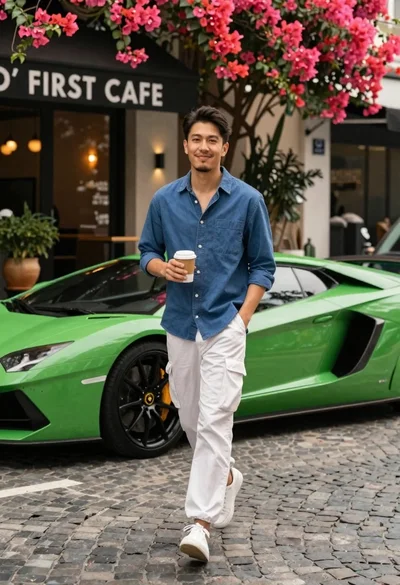
Man walking past green sports car on cobblestone street