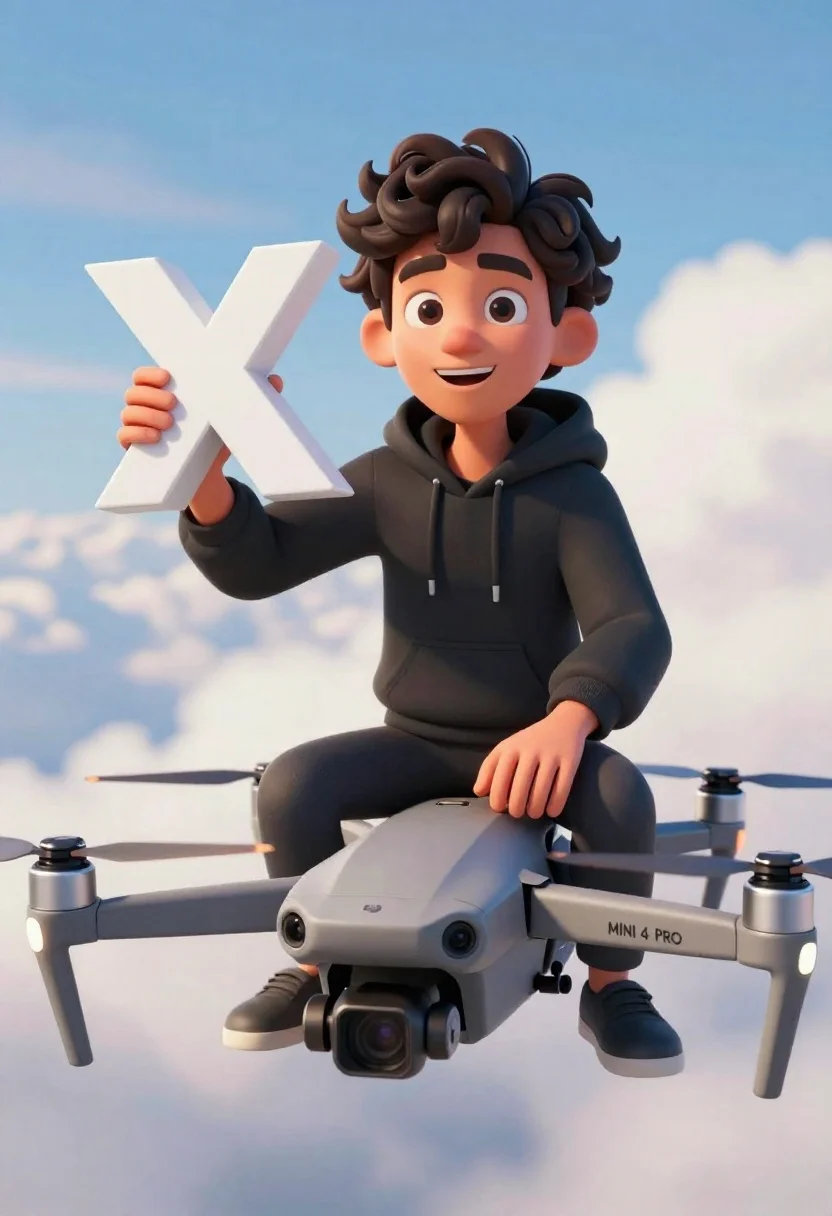
Young man on grey drone holding white letter x against blue sky
Prompt
A young man with curly dark hair sits atop a grey drone while holding a large white letter X in his hand.

Subject: A smiling young male character with thick, wavy black hair and expressive brown eyes looking directly at the viewer.

Clothing: He wears a simple black hooded sweatshirt with the drawstrings hanging down the front.

Action: The character is seated on top of the drone's body, resting one hand on the chassis while holding up a large, three-dimensional white letter X in his other hand.

Environment: The background consists of a bright blue sky filled with soft, fluffy white clouds, suggesting high altitude flight.

Camera: The shot is framed from a slightly low angle looking up at the subject, emphasizing the height and using a shallow depth of field to blur the clouds behind him.

Lighting: Soft, diffuse daylight illuminates the scene evenly, casting gentle shadows that highlight the 3D model's rounded features without harsh contrast.

Objects: A grey DJI Mini 4 Pro drone with visible propellers and camera lens serves as the seat for the character.

Text/Graphics: The text "DJI" is visible on the side of the drone arm, and "MINI 4 PRO" is printed near the front leg.

Style Details: The image features a clean, high-quality 3D animation style with smooth textures, vibrant colors, and a polished, illustrative aesthetic reminiscent of modern digital art or a high-end animated film.
Description
This prompt is useful for creating conceptual product advertisements, stylized brand mascots, and futuristic promotional key art. The combination of 'soft, diffuse daylight' with the 'slightly low angle looking up at the subject' emphasizes the character's elevated status against the bright blue sky, while specifying a 'clean, high-quality 3D animation style' prevents the render from appearing overly photorealistic or muddy.
Suggestions
- Change 'grey DJI Mini 4 Pro drone' to 'matte black industrial drone' for a more aggressive feel.
- Swap 'simple black hooded sweatshirt' for 'utility vest over black hoodie' to add visual complexity.
- Adjust 'soft, diffuse daylight' to 'rim lighting from the side' to sculpt the character's hair.
Category
Tags
3dBlack HairDigital ArtLow AngleMale
Date added
June 19, 2026
Added by
PromptDexter Team
Related Prompts
More prompts with similar categories and tags.
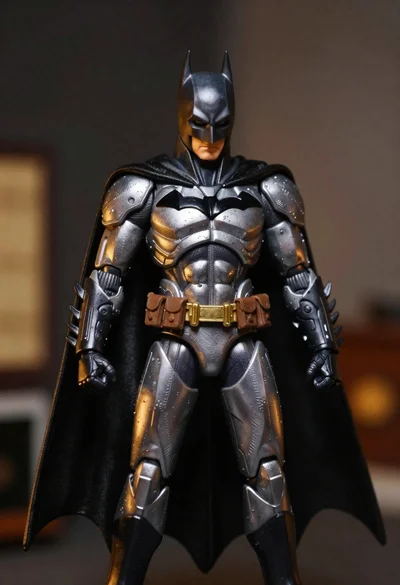
Batman action figure in silver and gold armor
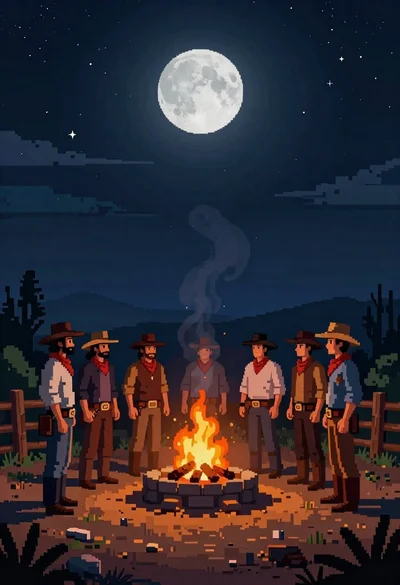
Pixel art cowboys around a campfire under starry night
Low poly geometric bust fragmenting into digital glitch artifacts
Vinyl figure of young man in cream shirt and jeans
Stylized portrait of weary man with black hair
Astronaut portrait against pale blue sky background
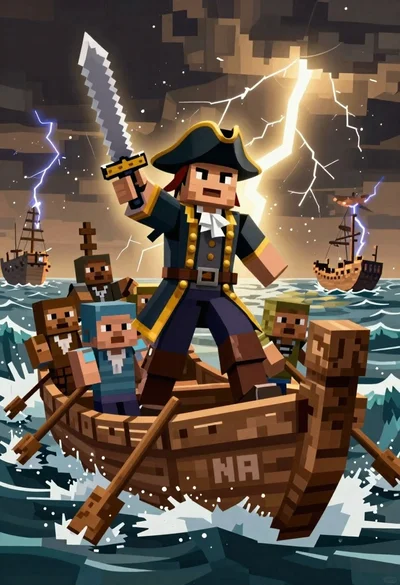
Blocky pirate captain in stormy seas digital painting
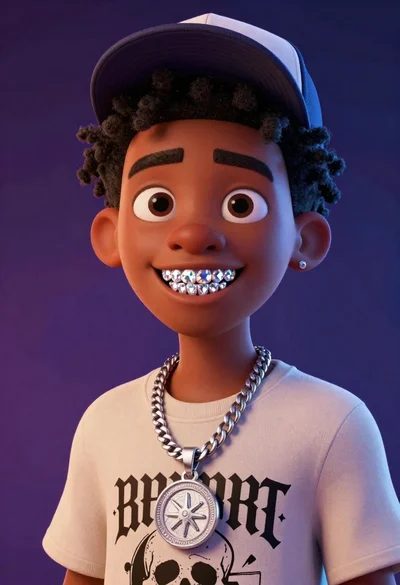
Cartoon portrait of black man with diamond grillz
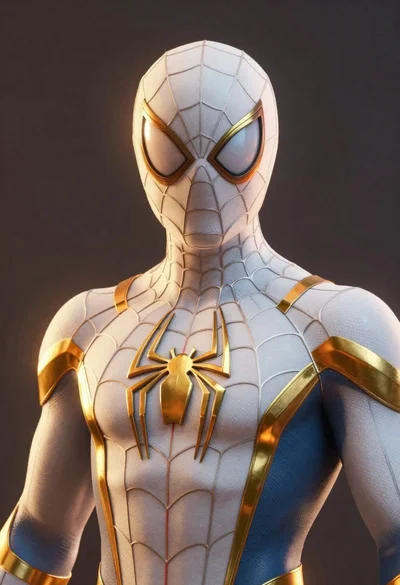
Spider man in white and gold armored suit
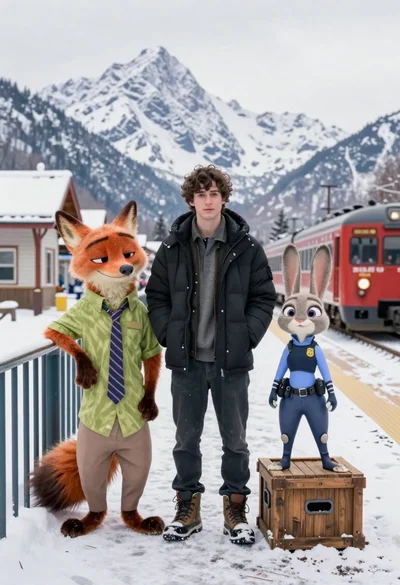
Young man flanked by fox and rabbit at snowy train platform