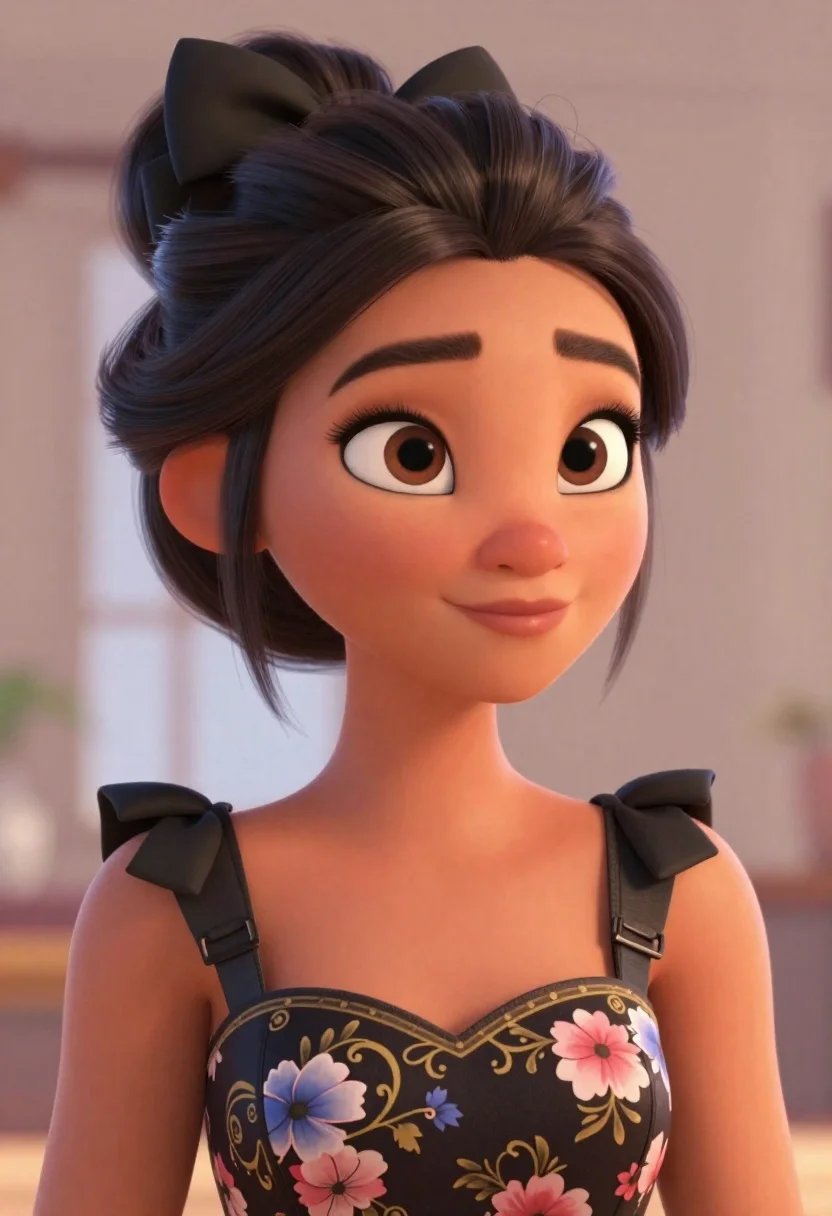
Portrait of young woman with brown skin and floral dress in 3d
Prompt
A close-up portrait of a young woman with large expressive eyes and a gentle smile.

Subject: A young woman with smooth brown skin and large, detailed brown eyes framed by long black eyelashes. She has thick, well-defined eyebrows and a soft, pleasant expression. Her hair is styled in an elegant updo secured with a large black bow on the left side.

Clothing: She wears a dark strapless dress featuring a floral pattern with pink and blue flowers against a black background with gold ornate scrollwork. The dress has wide straps adorned with large black bows at the shoulders.

Action: She is looking slightly to her right with a calm, confident demeanor. Her head is tilted slightly forward.

Environment: A soft, neutral-toned indoor setting with a blurred background that suggests a bright window or light source behind her.

Camera: Close-up framing focusing on the upper torso and face with a shallow depth of field blurring the background.

Lighting: Soft, warm lighting coming from the right side creating gentle highlights on her skin and hair while casting subtle shadows for dimension.

Style Details: 3D animated style with smooth textures, vibrant colors, and a polished digital art aesthetic reminiscent of high-end character design.
Description
This prompt is useful for creating character concept sheets, virtual avatar portraits, and stylized book covers for fantasy genres. The combination of '3D animated style' with 'soft, warm lighting coming from the right side' ensures that the skin retains smooth textures while the directional light sculpts dimension into her face, preventing a flat appearance common in purely front-lit digital renders.
Suggestions
- Change 'floral pattern' to 'geometric pattern' for a more modern look.
- Swap 'black bow' for 'gold filigree accent' to match the scrollwork.
- Adjust 'soft, warm lighting' to 'rim light only' for higher contrast.
Category
Tags
3dBlack HairBrown SkinClose UpDigital ArtFemaleIndoorsRealistic
Date added
June 21, 2026
Added by
PromptDexter Team
Related Prompts
More prompts with similar categories and tags.
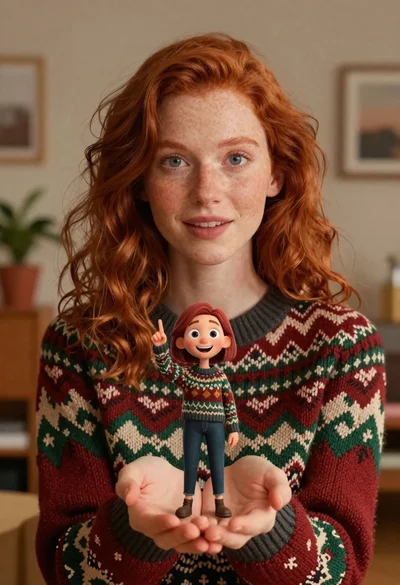
Close up portrait of woman holding miniature animated version of herself
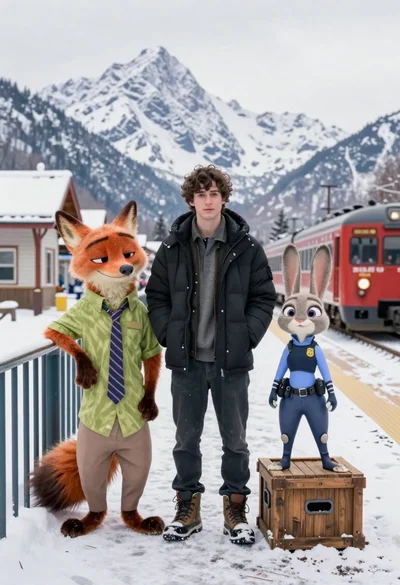
Young man flanked by fox and rabbit at snowy train platform

Handsome man taking a selfie with anime character goku in a cozy
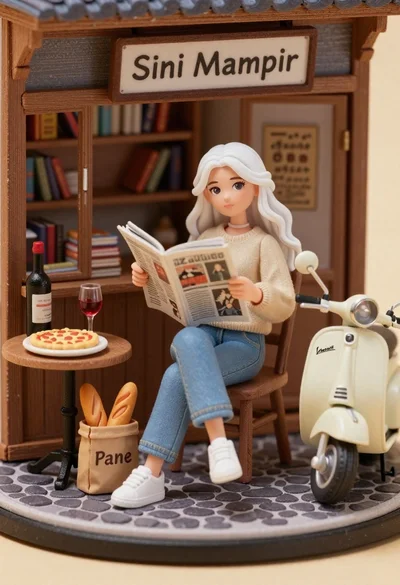
Miniature diorama of young woman reading newspaper in rustic storefront
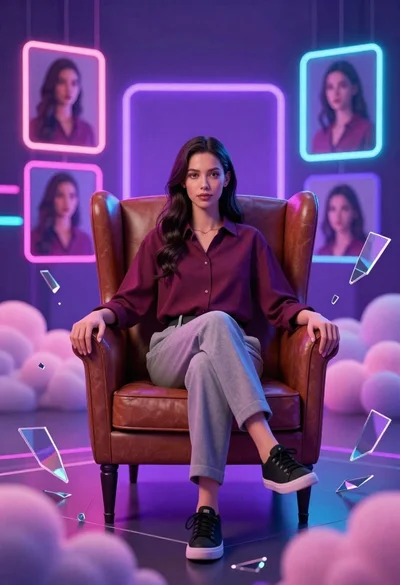
Confident young woman in maroon shirt sitting in brown leather chair with
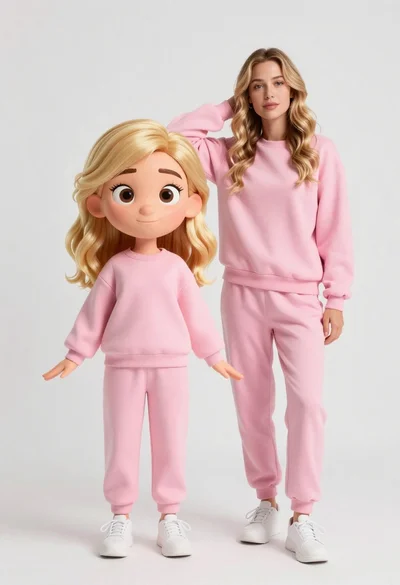
Stylized 3d animated girl in pink loungewear stands next to realistic woman
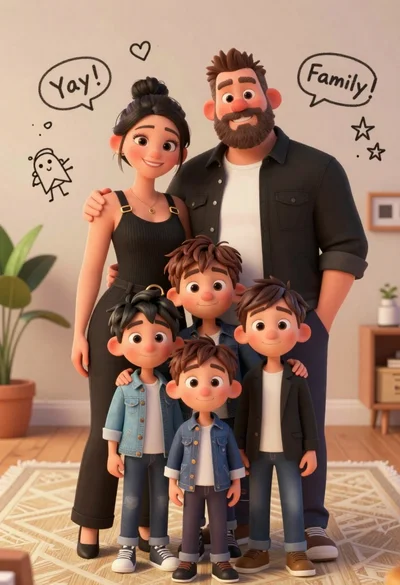
Warm family portrait of mother father and three young sons indoors
Young woman taking a selfie in grocery aisle with pink smoothie