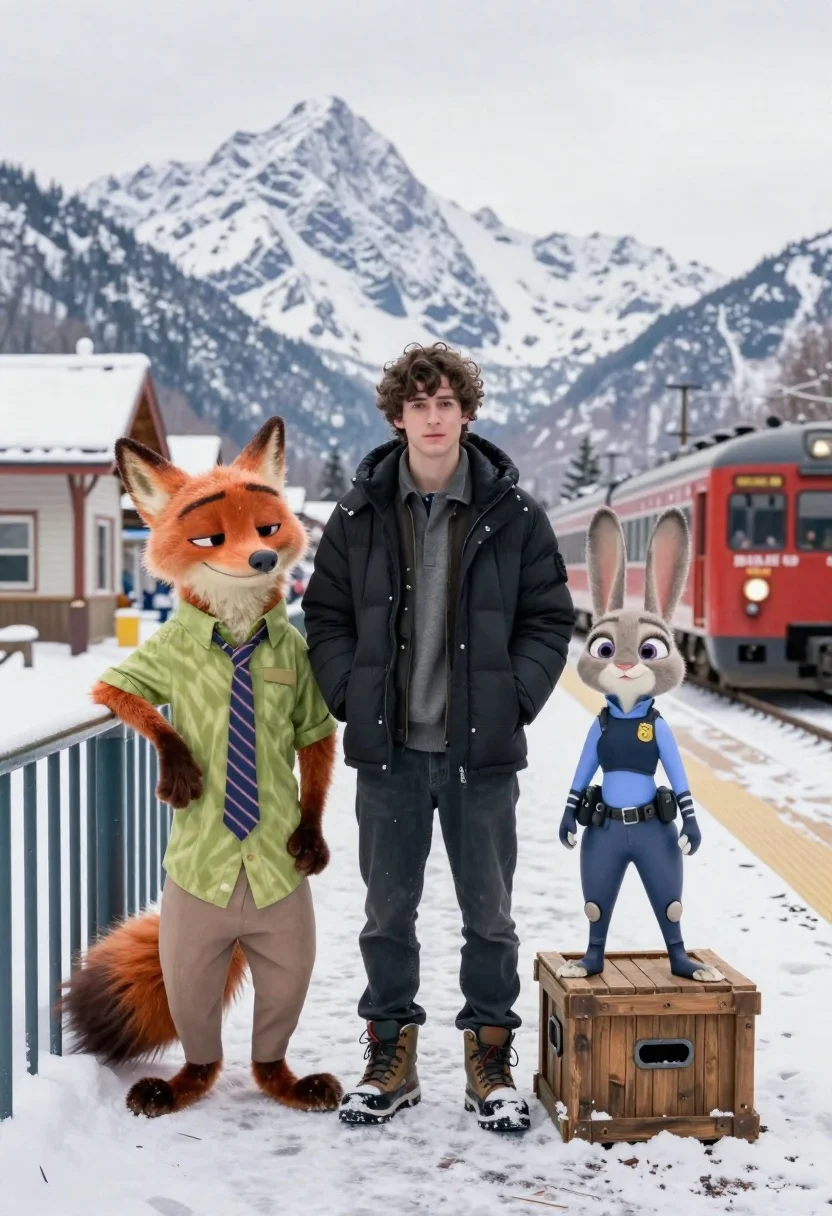
Young man flanked by fox and rabbit at snowy train platform
Prompt
A cinematic shot of a young man standing between two animated characters on a snowy train platform with majestic snow-capped mountains in the background.

Subject: A young man with dark curly hair stands centrally, flanked by an anthropomorphic orange fox leaning against a railing and an anthropomorphic rabbit standing atop a wooden crate.

Clothing: The central figure wears a black puffer jacket over a grey crew-neck sweater, dark jeans, and heavy winter boots; the fox character wears a lime green button-down shirt with a striped tie and tan trousers; the rabbit character is dressed in a blue police uniform with a badge and utility belt.

Action: The man stands with his hands deep in his pockets looking forward; the fox leans casually against the railing with one hand on its hip; the rabbit stands upright on the crate, holding a phone to its ear.

Environment: A snowy train station platform featuring a red passenger train arriving or departing on tracks to the right, a white building with a snow-covered roof to the left, and towering rugged mountains in the distance under an overcast sky.

Camera: Medium shot capturing the full bodies of the subjects with a depth of field that keeps the foreground sharp while slightly softening the distant mountain peaks.

Lighting: Diffused natural daylight typical of a snowy day, creating soft shadows and a cool color temperature that reflects off the white snow.

Style Details: Photorealistic rendering style blending live-action photography with high-fidelity 3D animation, featuring crisp textures on the snow and clothing to mimic a cinematic movie still.
Description
This prompt is useful for creating concept art for animated films, character introductions in sci-fi narratives, or detailed digital storybook illustrations. The combination of 'photorealistic rendering style blending live-action photography with high-fidelity 3D animation' grounds the fantastical elements—the fox and rabbit—in a believable visual medium, while the 'diffused natural daylight' ensures that the snow and clothing textures read as tangible rather than flatly colored.
Suggestions
- Change 'black puffer jacket' to 'dark wool coat' for a more period feel.
- Swap 'red passenger train' for 'steam locomotive' to enhance the vintage aesthetic.
- Adjust 'overcast sky' to 'late afternoon diffused light' for warmer tones.
Category
Tags
3dAnimalsBlack HairCasual WearDigital ArtFull BodyMedium ShotRealisticRobotUrban
Date added
June 19, 2026
Added by
PromptDexter Team
Related Prompts
More prompts with similar categories and tags.
Young man and blue robotic cat riding bicycles down a sunny street
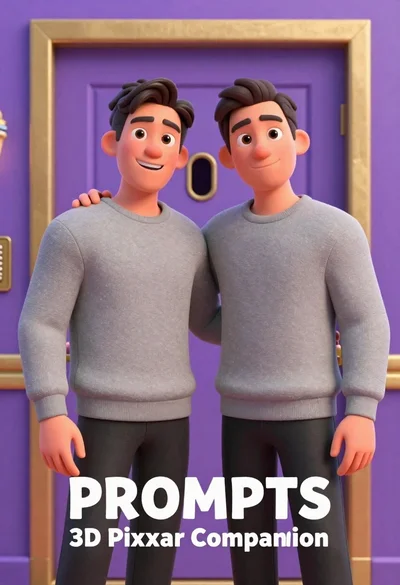
Two men standing side by side in front of a purple door
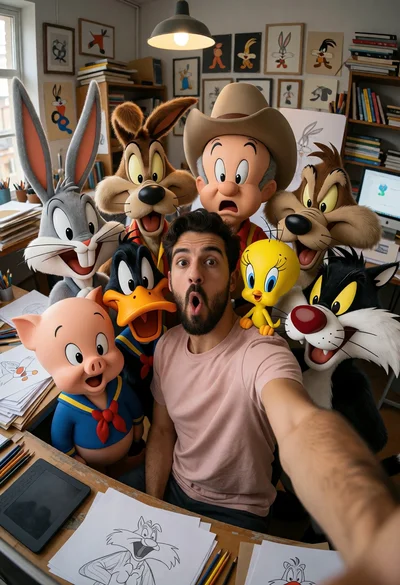
Man taking wide angle selfie with looney tunes characters in studio

Futuristic soldier in heavy snowfall on an urban street
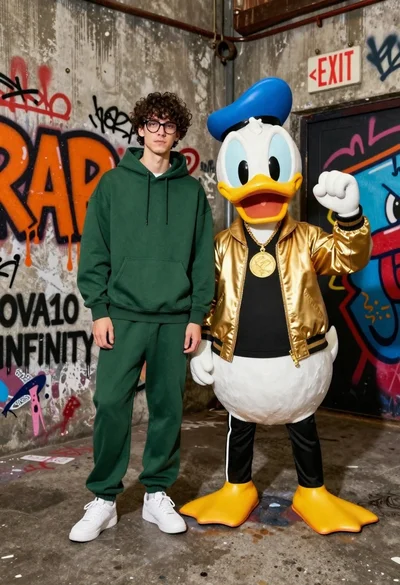
Young man in hoodie next to donald duck mascot in graffiti alleyway

Woman in police uniform stands with fox wearing shirt against white studio

Full body studio shot of woman standing between large mario and luigi

Full body studio shot of woman and anthropomorphic fox character
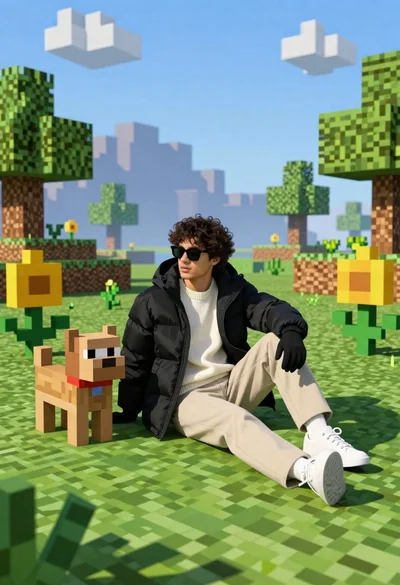
Young man in black puffer jacket sits on grass in minecraft style
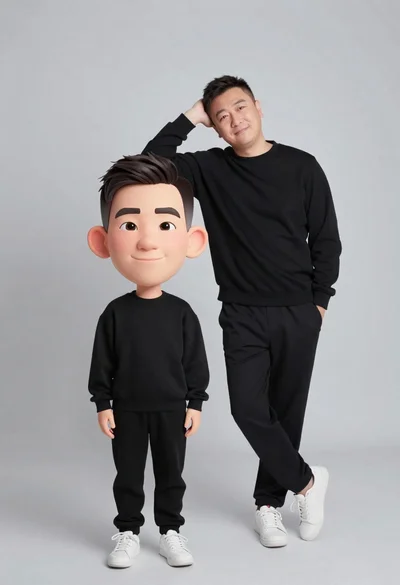
Large headed cartoon caricature standing in front of real life man in