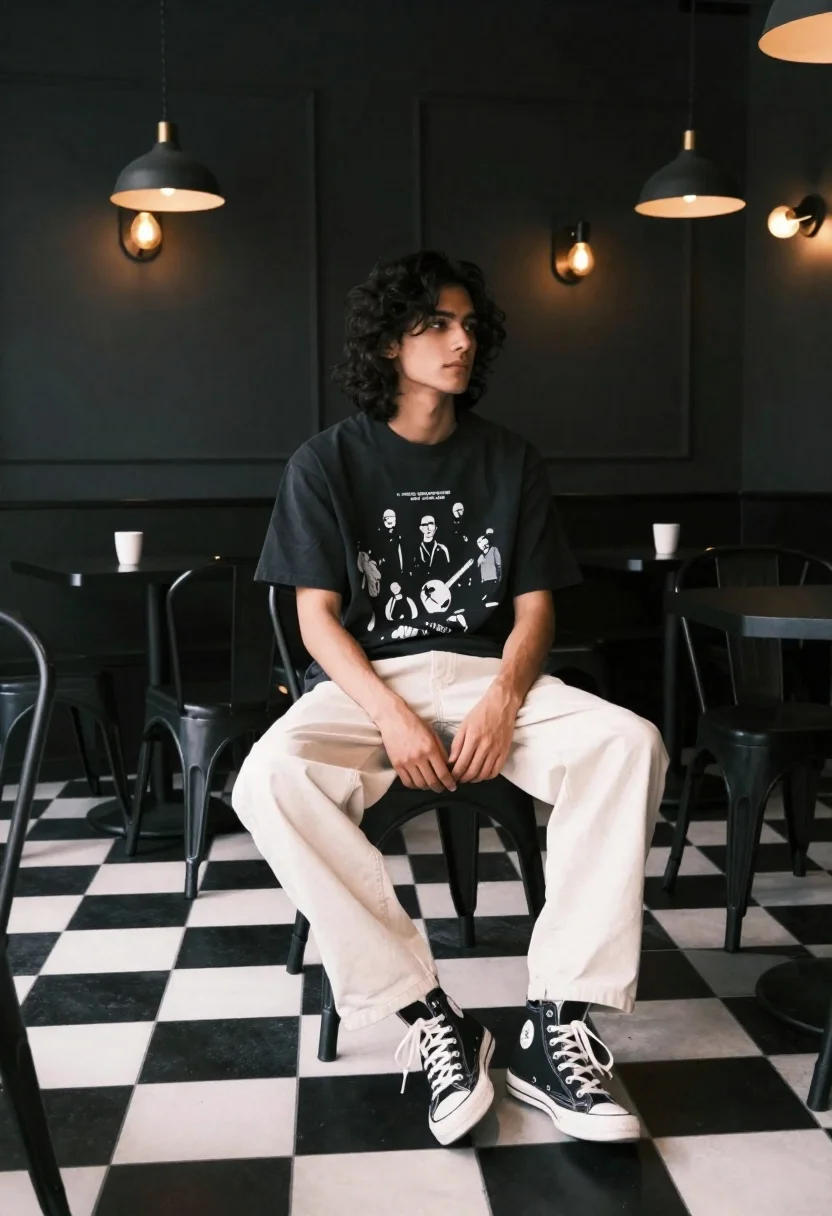
Young man with dark wavy hair sitting in dimly lit cafe interior
Prompt
A young man with long dark wavy hair sits in a dimly lit cafe with black walls and a black and white checkered floor.

Subject: A young man with shoulder-length dark wavy hair and a contemplative expression looking off to the side.

Clothing: He wears a black graphic t-shirt featuring a band illustration, loose-fitting cream trousers, and black high-top sneakers with white laces.

Action: He is seated on a black metal chair with his legs crossed at the ankles and hands resting loosely in his lap.

Environment: The setting is an interior cafe or diner featuring dark grey walls, industrial-style pendant lights, and multiple black tables and chairs arranged around him.

Camera: Shot from a low angle looking up at the subject to emphasize the height of the room and the checkered floor pattern.

Lighting: Warm ambient light emanates from wall-mounted fixtures creating soft highlights on the subject's face and hair against the dark background.

Style Details: Cinematic photography with high contrast, deep shadows, and a moody atmosphere reminiscent of modern fashion editorial work.
Description
This prompt is useful for creating cinematic character portraits, streetwear lookbooks, and mood pieces evoking urban melancholy. The combination of 'low angle looking up' against the 'dark background' enhances the subject's contemplative presence by making him appear monumental within the confined space, while the 'warm ambient light' prevents the high contrast from becoming completely impenetrable.
Suggestions
- Change 'black graphic t-shirt' to 'charcoal grey oversized hoodie' for a softer silhouette.
- Swap 'cream trousers' for 'dark wash denim' to ground the look more heavily.
- Adjust 'industrial-style pendant lights' to 'single exposed bulb fixtures' for a harsher light quality.
Category
Tags
CafeCasual WearIndoorsLow AngleMaleMedium ShotRealisticStreetwear
Date added
June 19, 2026
Added by
PromptDexter Team
Related Prompts
More prompts with similar categories and tags.
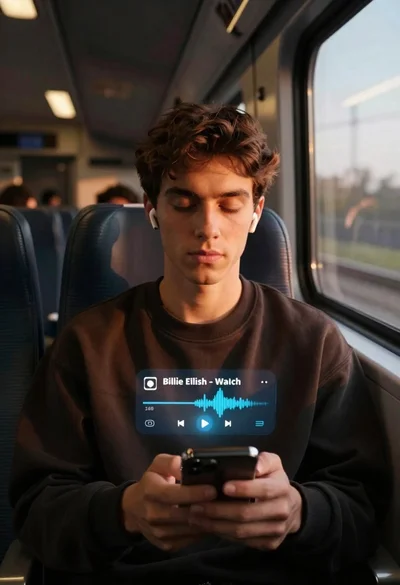
Young man on train listening to music at golden hour
Studio portrait of man in armchair against gray background
Man sitting on subway seat surrounded by motion blur

Man in suit sitting on classic red car outdoors
Young man in trench coat sitting on white beanbag chair against grey
Handsome man in black shirt looking out window at blurred city skyline
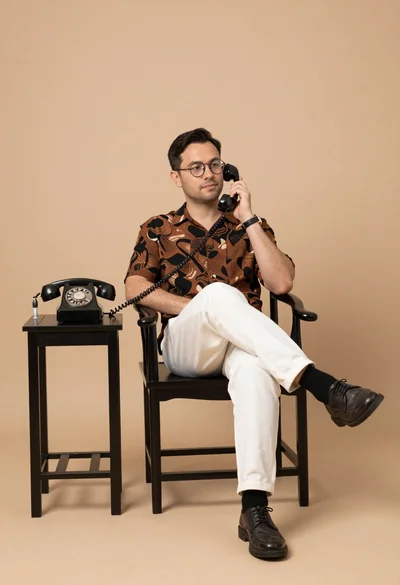
Man in patterned shirt sitting casually with vintage telephone receiver in studio
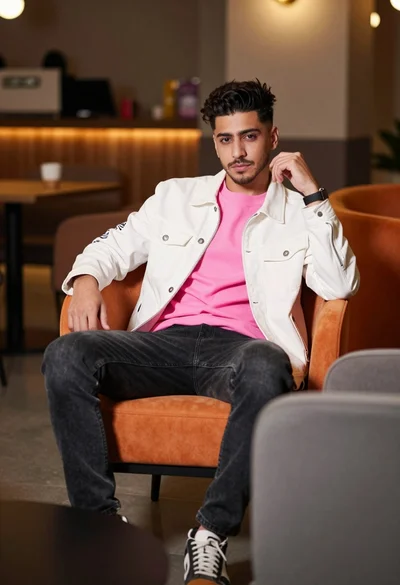
Young man sitting confidently in modern lounge setting with orange chair
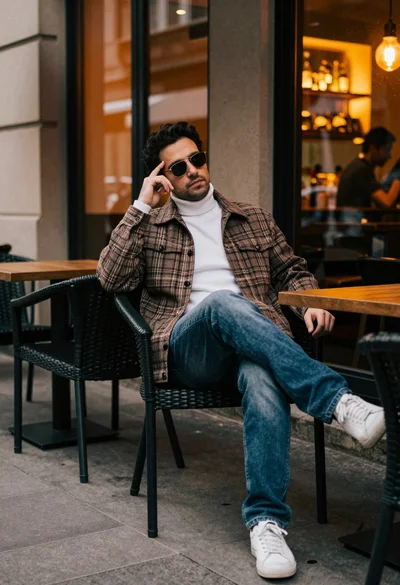
Man in plaid jacket sitting at outdoor cafe table looking away
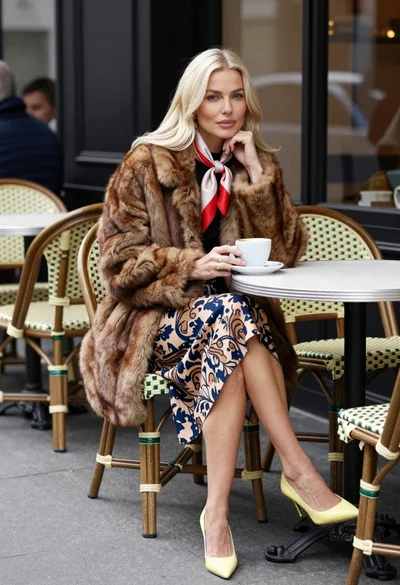
Blonde woman in fur coat sitting at outdoor cafe table with coffee