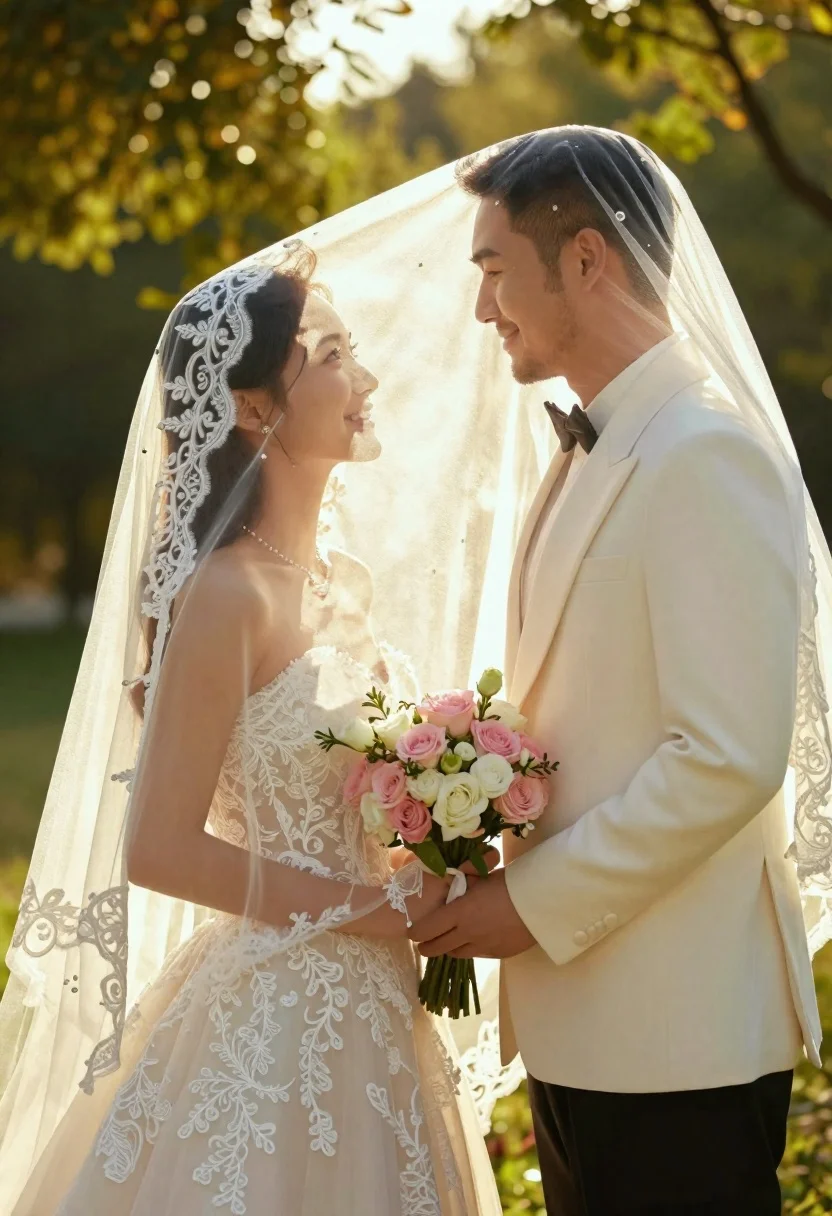
Bride and groom under lace veil in sunlit garden holding roses
Prompt
A romantic close-up of a bride and groom standing face-to-face under a sheer lace veil in a sunlit garden.

Subject: A smiling woman with long dark hair wearing an elegant strapless white wedding gown with intricate lace detailing, holding a large bouquet of pink and white roses with greenery. Beside her stands a smiling man with short dark hair and stubble, dressed in a formal cream-colored tuxedo with a black bow tie.

Clothing: The woman wears a strapless lace wedding dress with delicate embroidery on the bodice and skirt. The man is dressed in a tailored cream suit jacket, white shirt, and black bow tie. A sheer veil with lace trim drapes over both of their heads and shoulders.

Action: The couple stands in profile facing each other, gazing lovingly into one another's eyes with soft smiles on their faces. They are holding the bouquet together between them.

Environment: The setting is a lush green garden or park with soft-focus trees and foliage in the background. Sunlight filters through the leaves creating a warm, glowing atmosphere.

Camera: A medium close-up shot framed to capture the couple from the waist up, utilizing a shallow depth of field that blurs the background into a creamy bokeh. The angle is slightly low, looking up at the subjects to emphasize the sunlight.

Lighting: Warm golden hour sunlight streams from behind and above the couple, creating a soft halo effect around their hair and shoulders while casting gentle shadows on their faces.

Style Details: High-resolution photography with a dreamy, cinematic aesthetic featuring soft color grading, natural skin tones, and a romantic mood enhanced by the backlighting.
Description
This prompt is useful for creating editorial wedding portraits, romantic engagement announcements, and fine art album spreads. The combination of 'sheer lace veil' and 'warm golden hour sunlight' achieves a luminous quality that frames the couple intimately while the 'shallow depth of field' ensures the focus remains solely on their loving gaze against the soft bokeh.
Suggestions
- Change 'pink and white roses' to 'deep burgundy peonies' for a richer color contrast.
- Swap 'cream-colored tuxedo' for 'navy blue tuxedo' for a more dramatic look.
- Adjust 'medium close-up shot' to 'full body shot' to incorporate more of the garden setting.
Category
Tags
Black HairClose UpFemaleFormal WearMaleMedium ShotNatureOutdoorsRealistic
Date added
June 21, 2026
Added by
PromptDexter Team
Related Prompts
More prompts with similar categories and tags.

Romantic wedding couple on beach at sunset in three vertical panels
Man and woman standing close together in the rain on city street

Romantic couple embracing under a large firework display at night

Young couple embracing in a lush rose garden during golden hour
Cinematic portrait collage of woman in black satin dress with golden lighting

Romantic couple embracing on a tree lined path at twilight
Bride and groom kissing under fireworks in a dark garden at night
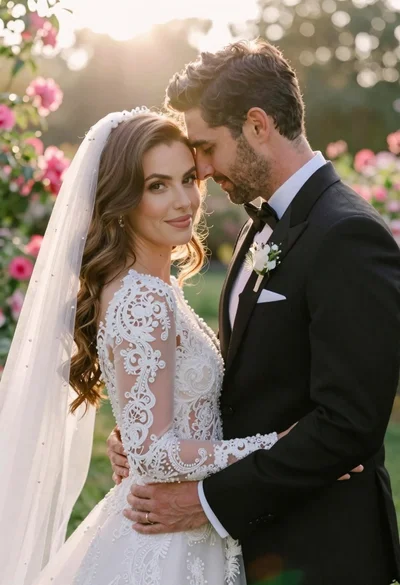
Bride and groom embracing in a sunlit garden during golden hour