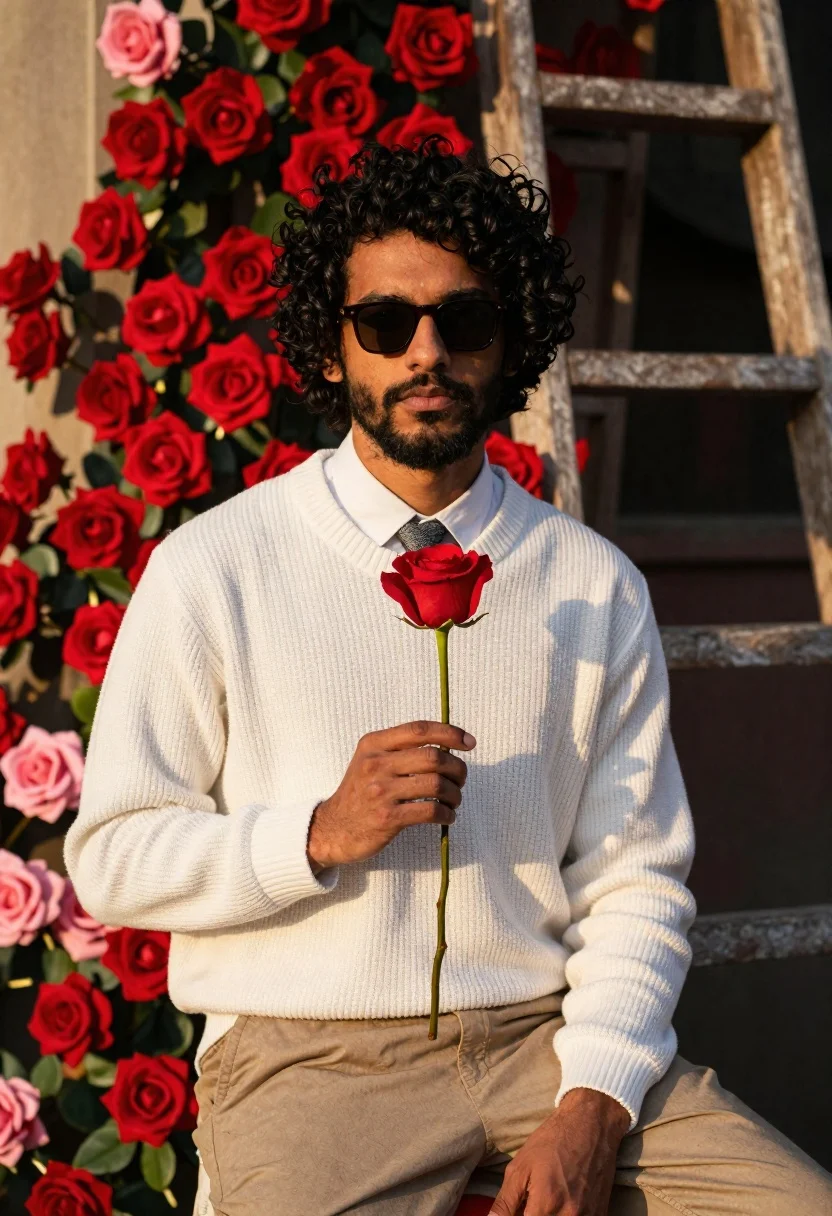
Young man with curly black hair holding a red rose in front
Prompt
A man with curly dark hair and a beard sits holding a single red rose in front of a wall covered in red and pink roses.

Subject: A young man with thick curly black hair, a well-groomed beard, and dark sunglasses looking directly at the camera.

Clothing: He wears a white ribbed knit sweater over a white collared shirt, a patterned grey tie, and beige trousers.

Action: He holds a single red rose by its stem in his right hand near his chest with a calm expression.

Environment: The background is filled with lush red and pink roses climbing up a wall, with a wooden ladder visible behind the flowers.

Lighting: Warm golden hour sunlight illuminates the scene from the side, casting soft shadows and highlighting the texture of the sweater and petals.

Camera: Medium shot capturing the upper body with a shallow depth of field that keeps the subject sharp while softly blurring the floral background.

Style Details: Cinematic portrait photography with rich saturated colors, high contrast between the white clothing and red flowers, and a romantic aesthetic.
Description
This prompt is useful for creating romantic editorial portraits, stylized engagement announcements, and fine art character studies. The combination of 'warm golden hour sunlight' casting soft shadows against the 'white ribbed knit sweater' ensures that the subject remains visible while the shallow depth of field keeps focus on the man holding the red rose, preventing the dense floral background from becoming a distracting mess.
Suggestions
- Change 'red and pink roses' to 'deep crimson roses' for a more monochromatic feel.
- Swap 'white ribbed knit sweater' for 'black turtleneck' to increase contrast.
- Adjust 'Medium shot' to 'close-up portrait' to emphasize the expression.
Category
Tags
Black HairFormal WearFull BodyMaleMedium ShotNatureOutdoorsRealistic
Date added
June 26, 2026
Added by
PromptDexter Team
Related Prompts
More prompts with similar categories and tags.
Young woman outdoors smiling with dark hair wearing denim jeans
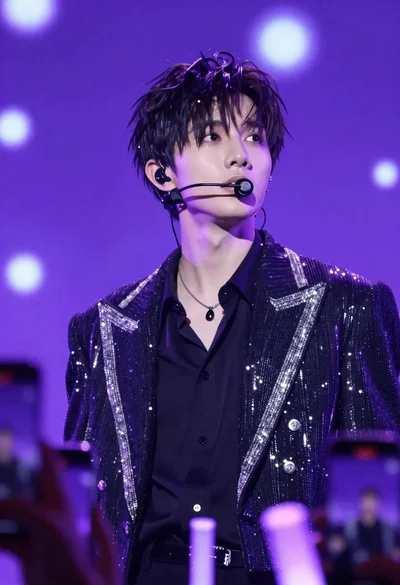
Young man performing on stage under vibrant purple lighting with bokeh background
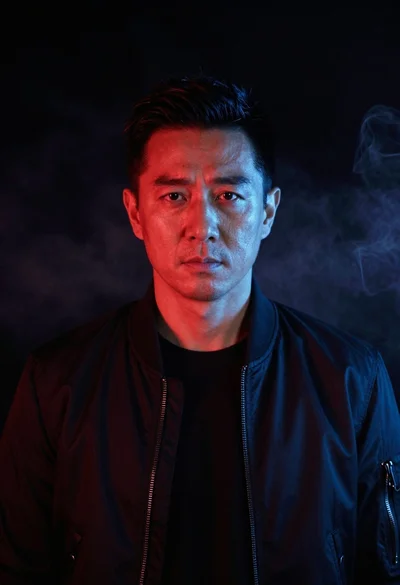
Cinematic portrait of middleaged asian man in black jacket with red blue
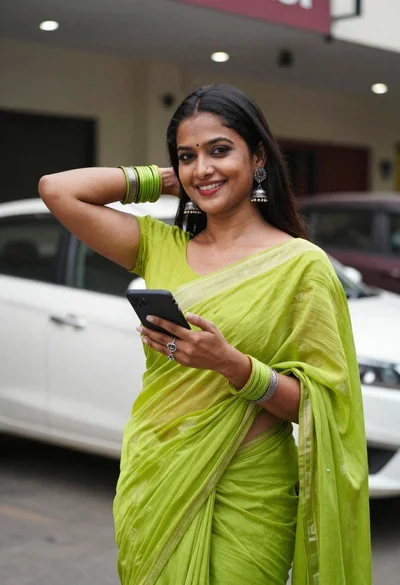
Smiling woman in lime green saree posing outdoors near white car

Smiling young woman in white ruffled dress between green topiary bushes

Young woman in pink camisole standing in sunlit rolling hills
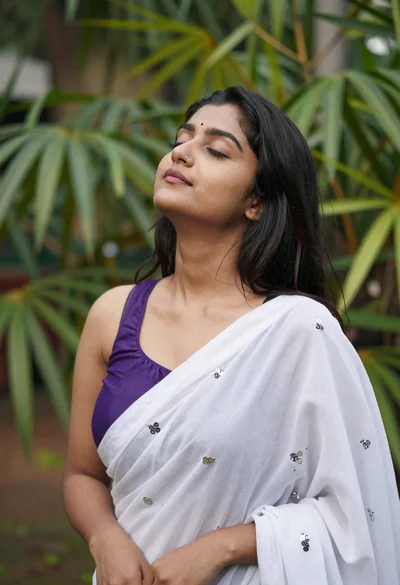
Serene portrait of young woman with dark hair in green foliage
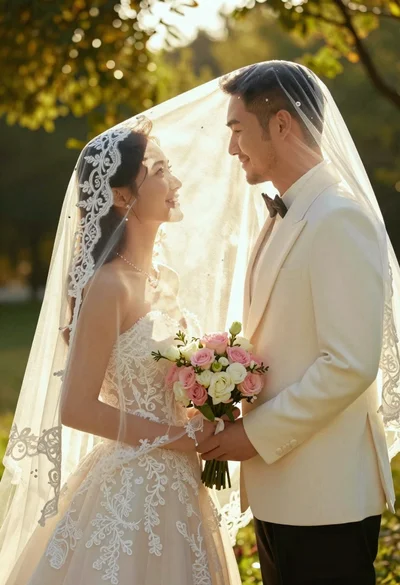
Bride and groom under lace veil in sunlit garden holding roses