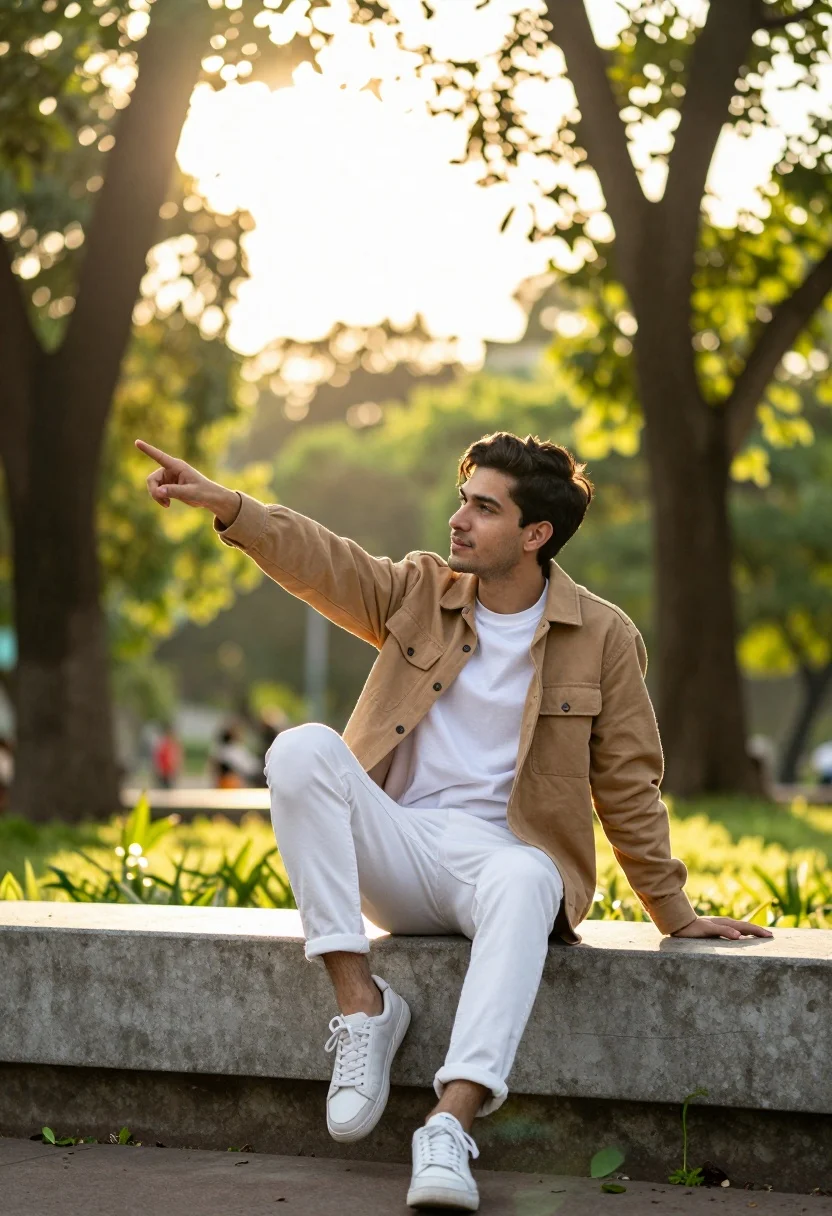
Young man pointing in sundrenched park setting on concrete ledge
Prompt
A young man sits casually on a concrete ledge in a sun-drenched park, pointing toward the distance with a relaxed posture.

Subject: A young man with short dark hair and light facial stubble is seated comfortably on a low wall, looking off to his right side while extending one arm to point forward.

Clothing: He wears a tan button-up jacket over a white crew-neck t-shirt, paired with white trousers and white sneakers.

Action: The man sits with one leg bent and the other extended slightly, resting his left hand on the ledge beside him while pointing with his right index finger.

Environment: A lush green park setting with tall trees and dappled sunlight filtering through the leaves in the background, creating a soft bokeh effect.

Camera: Shot with a telephoto lens from a low angle to emphasize the subject against the bright sky, utilizing a shallow depth of field to blur the background foliage.

Lighting: Warm golden hour sunlight streams from above and behind the trees, casting a soft glow on the scene and creating a dreamy atmosphere.

Objects: A concrete wall or planter box serves as the seating surface, surrounded by green plants at the base.

Style Details: Natural photography with vibrant colors, high dynamic range, and a cinematic color grading that enhances the golden tones of the light.
Description
This prompt is useful for creating lifestyle editorial spreads, architectural featurettes emphasizing human scale, and travel blog imagery capturing moments of discovery. The combination of 'low angle' perspective with 'warm golden hour sunlight' shooting from above emphasizes the subject's stature against the bright sky while the 'shallow depth of field' ensures the viewer focuses solely on the man pointing, preventing the 'lush green park setting' from becoming a distracting visual mess.
Suggestions
- Change 'tan button-up jacket' to 'olive utility jacket' for a more rugged feel.
- Swap 'concrete ledge' for 'weathered stone bench' to alter the material texture.
- Adjust 'telephoto lens' to '35mm prime lens' for a wider, more immersive view.
Category
Tags
Casual WearLow AngleMaleMedium ShotNatureOutdoorsRealistic
Date added
August 5, 2026
Added by
PromptDexter Team
Related Prompts
More prompts with similar categories and tags.

Young woman with dark hair at wooden table in open air setting
Blonde woman in white shirt on stone balcony overlooking green valley
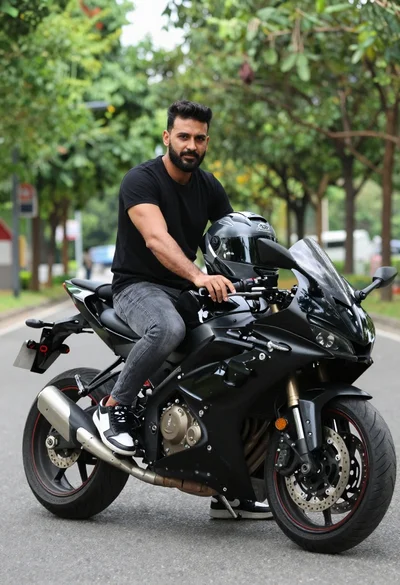
Man sitting on black sport motorcycle on asphalt road
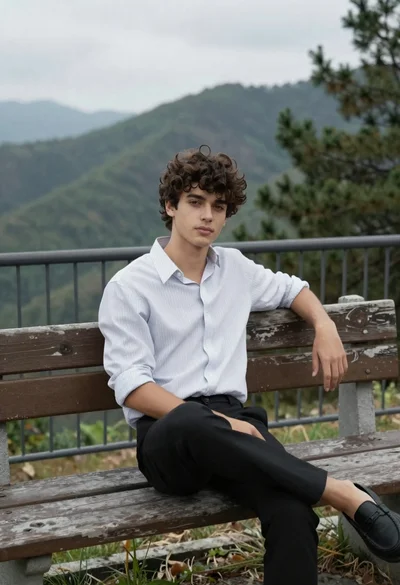
Young man sitting on bench overlooking green mountains and pine trees
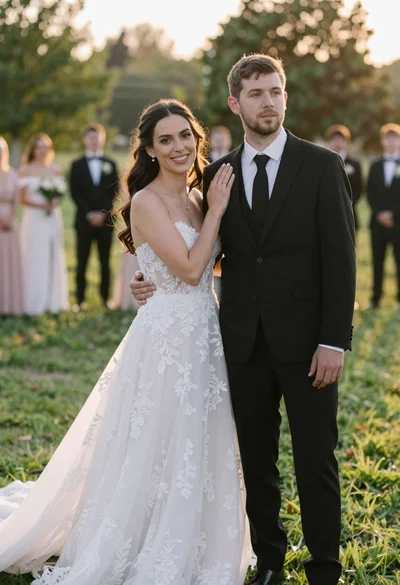
Romantic outdoor wedding portrait of bride and groom in grassy field
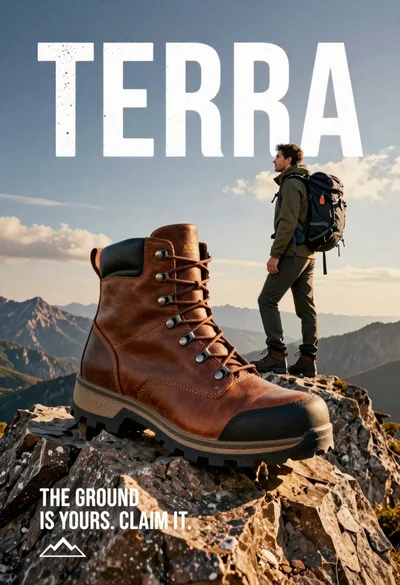
Large brown leather hiking boot on rock peak near lone hiker at
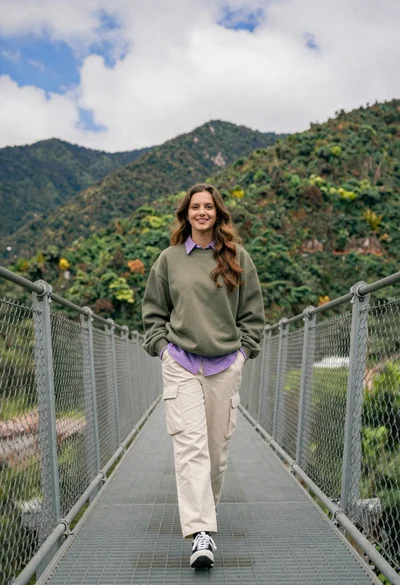
Young woman in olive sweatshirt walking on metal bridge with mountains
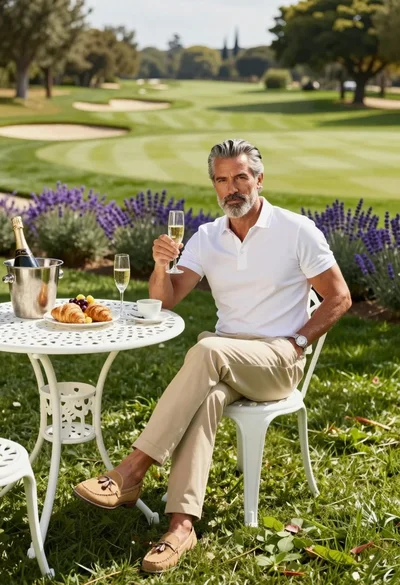
Middle aged man with gray beard sitting at table on green lawn
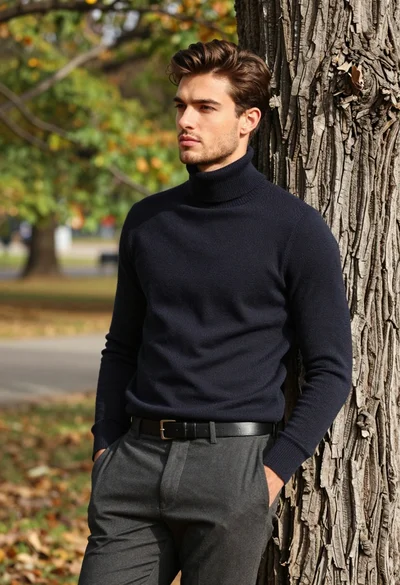
Handsome young man in turtleneck leaning against tree trunk in autumn park
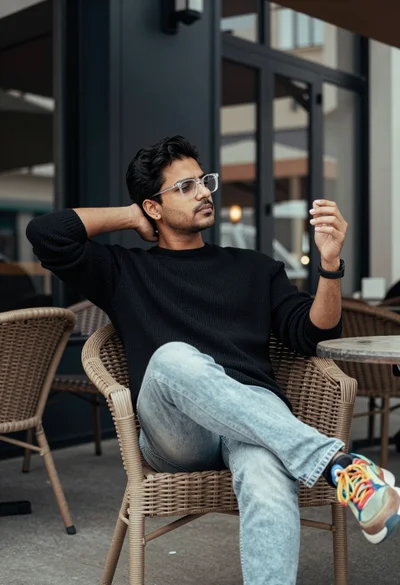
Man sitting on wicker chair at outdoor cafe table looking to side