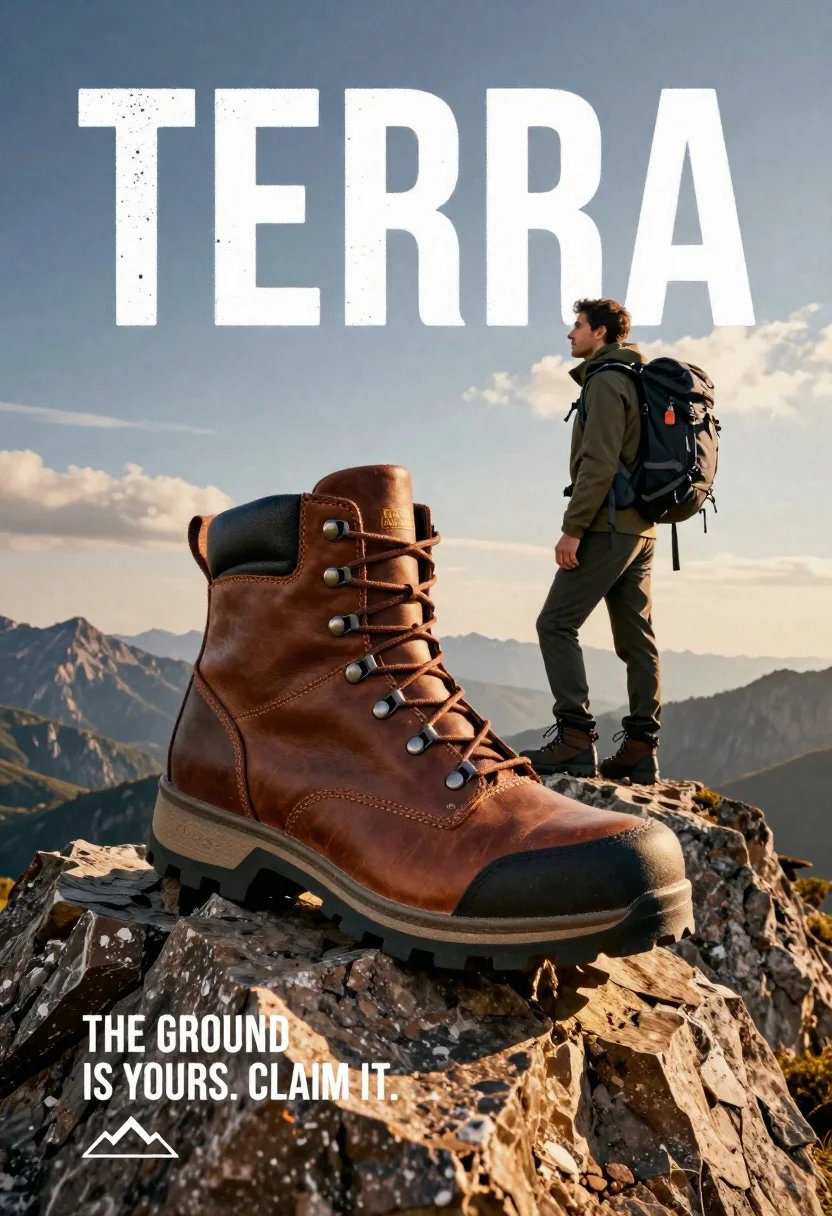
Large brown leather hiking boot on rock peak near lone hiker at
Prompt
A massive brown leather hiking boot rests on a jagged rock peak in the foreground with a lone hiker standing nearby against a dramatic sky.

Subject: A large, detailed brown leather hiking boot dominates the foreground, featuring heavy lacing, metal eyelets, and a rugged treaded sole. Behind it stands a male hiker wearing a backpack and outdoor gear, looking out over the landscape.

Clothing: The hiker wears an olive green jacket, dark trousers, and matching hiking boots, carrying a large black technical backpack with straps.

Action: The hiker stands in profile facing right, gazing into the distance with a confident posture, while the giant boot sits stationary on the rock surface.

Environment: The scene is set atop a rugged mountain peak with jagged rocks in the foreground and distant mountain ranges fading into the horizon under a vast sky.

Camera: A low-angle shot emphasizes the scale of the boot against the landscape, utilizing a wide composition to capture both the product and the environment.

Lighting: Warm golden hour sunlight bathes the scene from the right, casting soft shadows and highlighting the texture of the leather and rock surfaces.

Text/Graphics: Large white distressed typography spelling "TERRA" overlays the sky, while smaller text in the bottom left reads "THE GROUND IS YOURS. CLAIM IT." with a mountain logo below.

Style Details: High-end commercial photography aesthetic with hyper-realistic textures, cinematic color grading, and a polished advertising composition.
Description
This prompt is useful for creating high-end outdoor gear advertisements, adventure brand campaigns, and product placement visuals in extreme environments. The combination of 'low-angle shot' and 'wide composition' forces the viewer to acknowledge the boot's scale against the vast mountain range, while 'warm golden hour sunlight' ensures that the 'brown leather hiking boot' texture is emphasized with rich highlights rather than appearing flat.
Suggestions
- Change 'jagged rock peak' to 'moss-covered boulder' for a softer foreground element.
- Swap 'olive green jacket' for 'charcoal grey technical shell' to modernize the color palette.
- Adjust 'Warm golden hour sunlight' to 'overcast diffused light' if you want less harsh shadow definition.
Category
Tags
Brown HairCasual WearFull BodyLow AngleMaleMountainsNatureOlive SkinOutdoorsRealisticRooftopSportswearWide Shot
Date added
June 26, 2026
Added by
PromptDexter Team
Related Prompts
More prompts with similar categories and tags.

Young man holding green limca soda can in front of gradient background
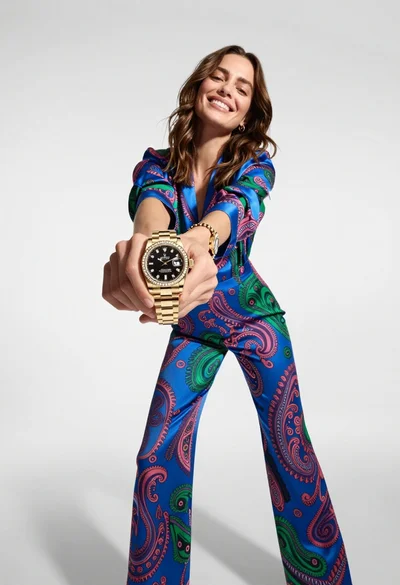
Woman in blue paisley jumpsuit presenting diamond wristwatch against white studio backdrop
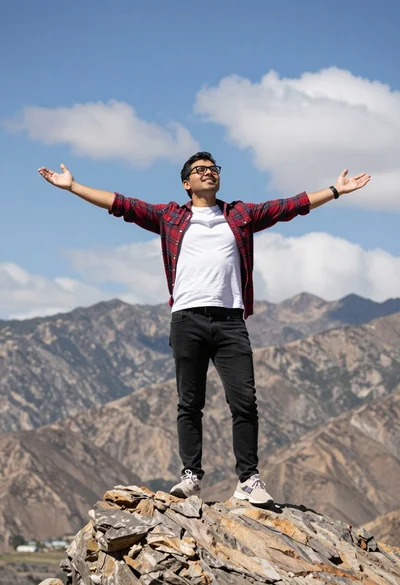
Man standing triumphantly on rocky outcrop overlooking vast mountains

Fair skinned woman with blonde hair sits on a glass jar filled
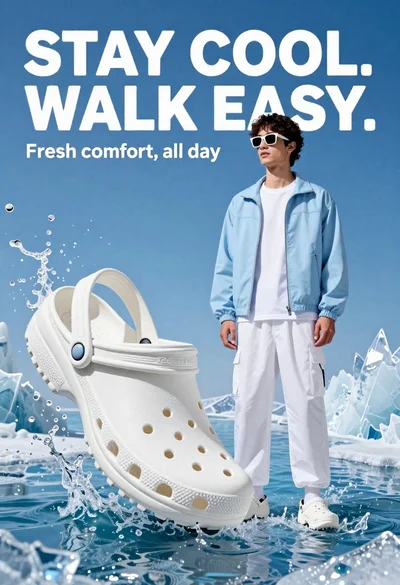
Young man in white crocs stands confidently against splashing blue water and

Stylish woman in white tracksuit leaning against oversized sneaker in studio

Young woman taking selfie in cafe holding purple beverage can

Two smiling children holding red kitkat bars against a blue sky