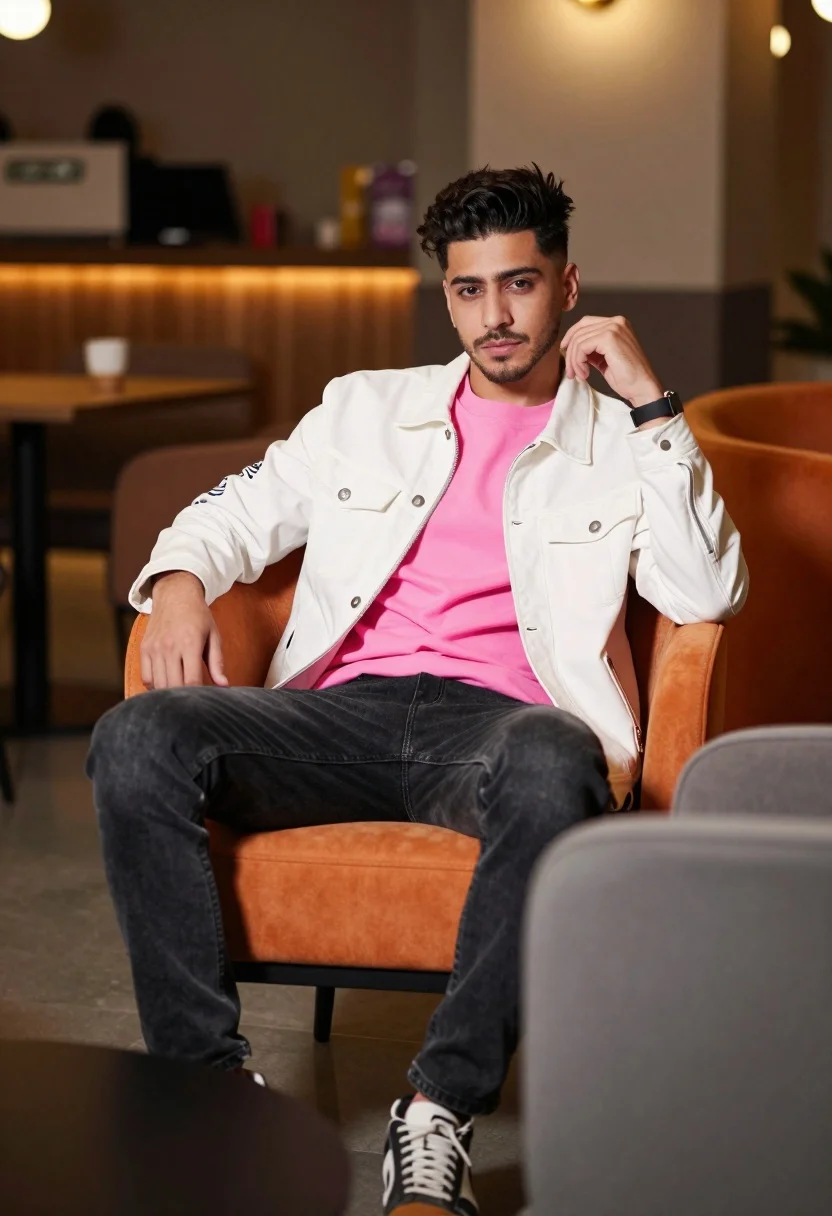
Young man sitting confidently in modern lounge setting with orange chair
Prompt
A man sits confidently in a modern lounge setting with an orange chair and blurred background elements.

Subject: A young man with styled dark hair sits upright on an orange upholstered chair, looking directly at the camera with a calm expression.

Clothing: He wears a white jacket with text printed on the sleeve over a bright pink t-shirt, paired with dark jeans and sneakers.

Action: His right hand rests on the arm of the chair while his left hand is raised near his face in a relaxed pose.

Environment: The setting appears to be an indoor lounge or cafe with warm ambient lighting, wooden furniture, and decorative elements in the background.

Camera: The shot uses a shallow depth of field that keeps the subject sharp while blurring the foreground and background for emphasis.

Lighting: Warm artificial light creates soft highlights on the subject and casts gentle shadows, enhancing the cozy atmosphere.

Objects: A grey upholstered chair is visible in the foreground to the right, adding depth to the composition.

Style Details: The image has a polished photography aesthetic with vibrant colors and a focus on fashion-forward styling.
Description
This prompt is useful for creating editorial lifestyle features, modern menswear lookbooks, and high-end cafe branding materials. The combination of 'warm ambient lighting' and the 'shallow depth of field' ensures that the subject remains the sharp focal point against a softly rendered background, while the specific inclusion of an 'orange upholstered chair' provides necessary saturated color contrast to anchor the composition.
Suggestions
- Change 'bright pink t-shirt' to 'muted terracotta t-shirt' for better tonal harmony.
- Swap 'wooden furniture' for 'polished marble surfaces' to increase modern luxury feel.
- Add 'cinematic grain, 85mm lens' to enhance the polished photography aesthetic.
Category
Tags
CafeCasual WearIndoorsMaleMedium ShotPortrait ShotRealistic
Date added
July 12, 2026
Added by
PromptDexter Team
Related Prompts
More prompts with similar categories and tags.
Portrait of man in black jacket by reflective glass window
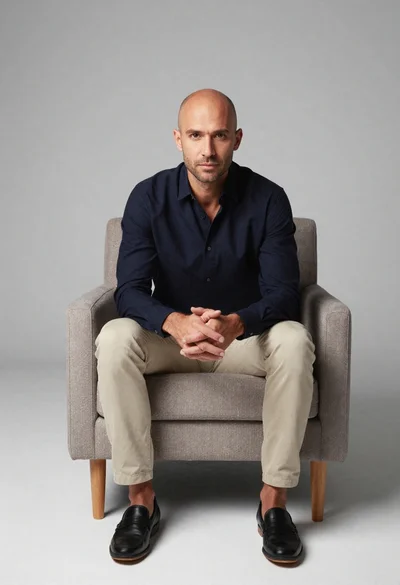
Studio portrait of man in armchair against gray background
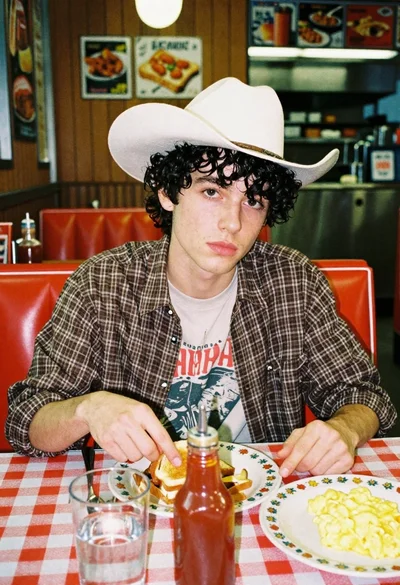
Young man eating breakfast in a retro diner booth
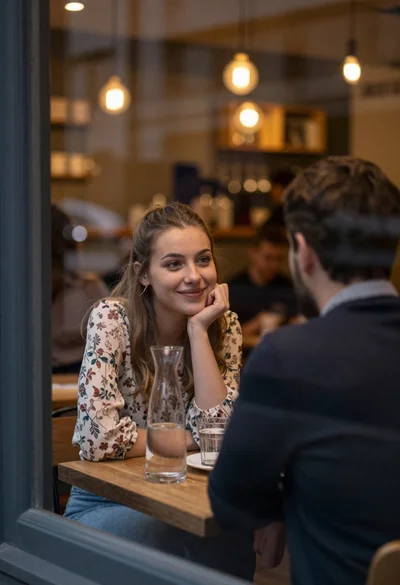
Young woman smiling at date through cafe window

Young woman smiling at camera in cafe setting
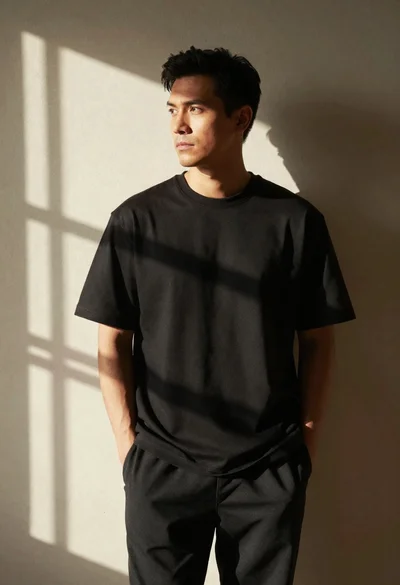
Man in black tshirt against dappled sunlight wall
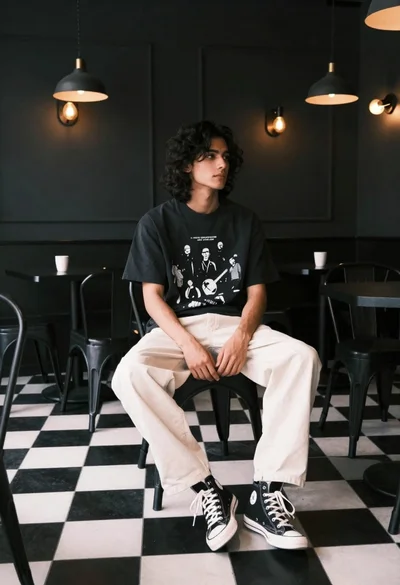
Young man with dark wavy hair sitting in dimly lit cafe interior
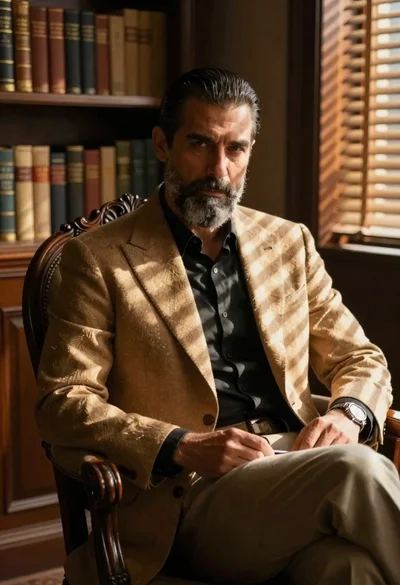
Man in blazer seated by window blinds casting shadows
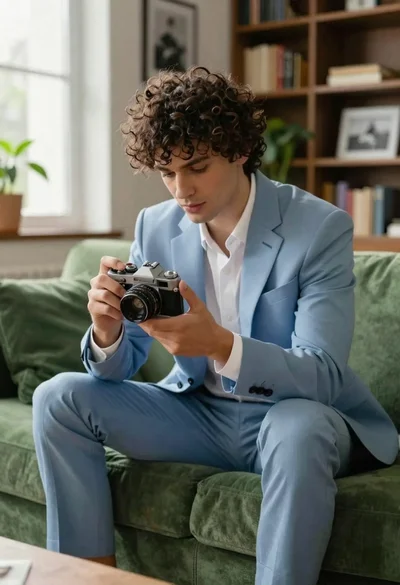
Young man examining vintage camera seated on plush green sofa
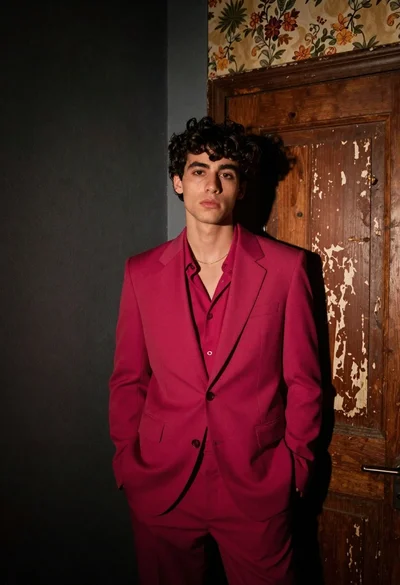
Young man in magenta suit jacket standing in dimly lit room with