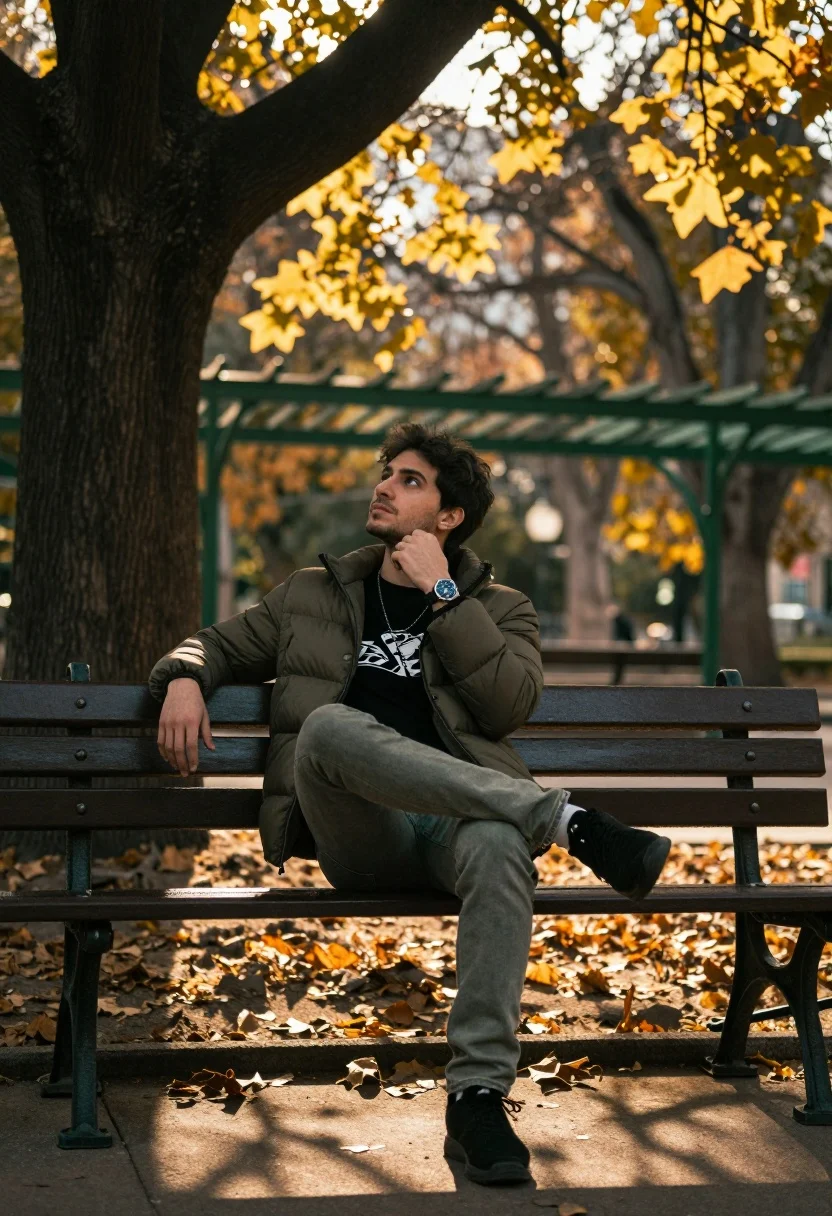
Young man sitting thoughtfully on park bench under golden sunlight filtering through
Prompt
A man sits casually on a park bench under the shade of a large tree with golden sunlight filtering through the leaves above.

Subject: A young man with dark hair and a contemplative expression looking upward, wearing a black t-shirt with a white logo pattern underneath an olive green puffer jacket. He wears olive green jeans and black sneakers, with a watch on his left wrist and a necklace around his neck.

Clothing: Olive green puffer jacket over a black graphic t-shirt, olive green jeans, black sneakers, silver chain necklace, and a wristwatch with a blue face.

Action: Sitting relaxed with one leg crossed over the other, resting his chin on his fist in a thoughtful pose, gazing upward toward the sky.

Environment: A park setting with a large tree trunk to the left, fallen leaves scattered on the ground, and a green metal pergola structure in the background with warm bokeh lights from the sun filtering through autumn foliage.

Camera: Medium shot framed at eye level with shallow depth of field blurring the background, emphasizing the subject against the soft-focus natural backdrop.

Lighting: Warm golden hour sunlight streaming through the trees creating dappled light and shadows on the subject and ground, enhancing the autumnal mood.

Objects: Park bench with ornate metal legs, large tree trunk, fallen leaves on the ground, green pergola structure in background.

Style Details: Naturalistic photography with cinematic color grading, warm tones, soft focus background, and film-like grain for a moody, atmospheric feel.
Description
This prompt is useful for creating editorial fashion moodboards, contemplative portraiture, and cinematic lifestyle content. The combination of 'warm golden hour sunlight streaming through the trees' casting dappled light directly interacts with the subject's pose—resting his chin on his fist—to visually underscore a moment of deep thought against the richly textured background.
Suggestions
- Change 'olive green puffer jacket' to 'charcoal wool coat' for a more formal texture.
- Swap 'fallen leaves scattered on the ground' for 'wet moss patches' to alter the season feel.
- Adjust 'cinematic color grading' to 'Kodak Portra 400 film emulation' for a specific vintage tone.
Category
Tags
MaleMedium ShotOutdoorsRealistic
Date added
July 12, 2026
Added by
PromptDexter Team
Related Prompts
More prompts with similar categories and tags.
Young man sitting on concrete ledge in sundappled garden setting

Woman in black coat standing in golden grass field with rolling hills
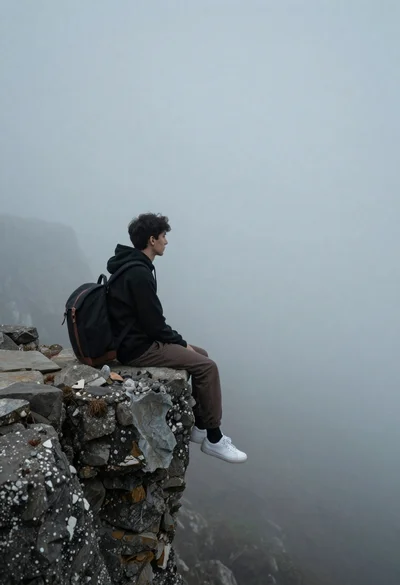
Young man in black hoodie sitting on rocky cliff in thick mist
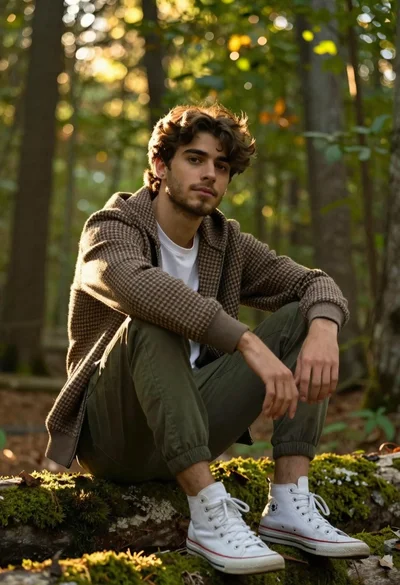
Handsome young man with brown hair sitting on log in sunlit forest
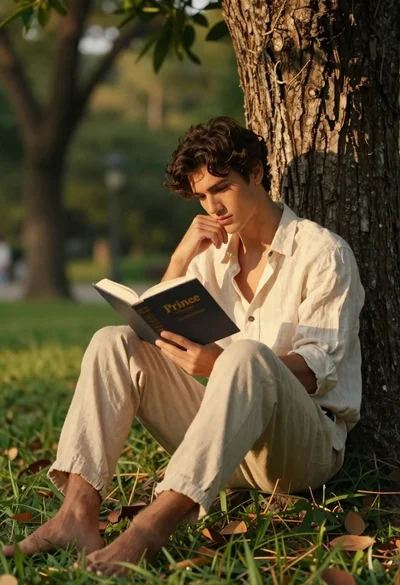
Young man reading a book while leaning against a tree trunk
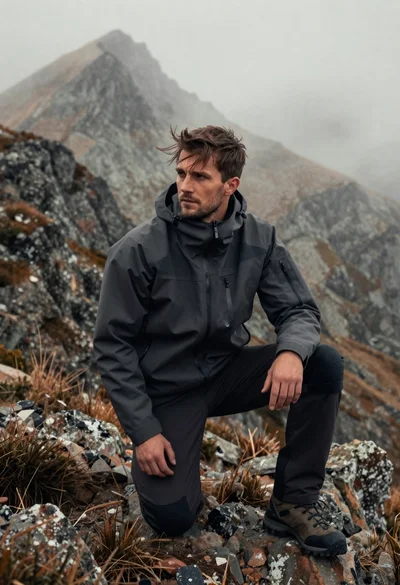
Fit young man kneeling on rocky mountain ridge with misty peaks behind
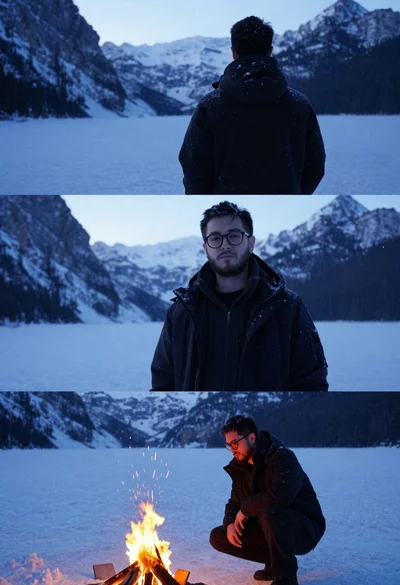
Young man with beard and glasses in snowy mountain landscape at twilight
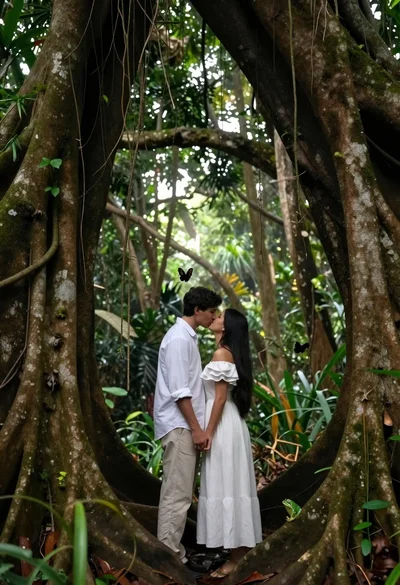
Romantic couple kissing under ancient tree roots in lush rainforest
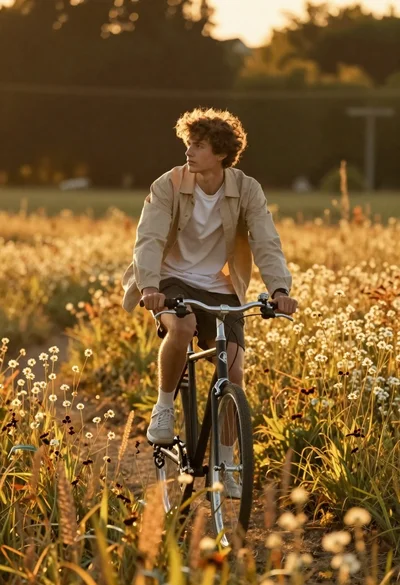
Young man riding bicycle through tall golden wildflowers at sunset
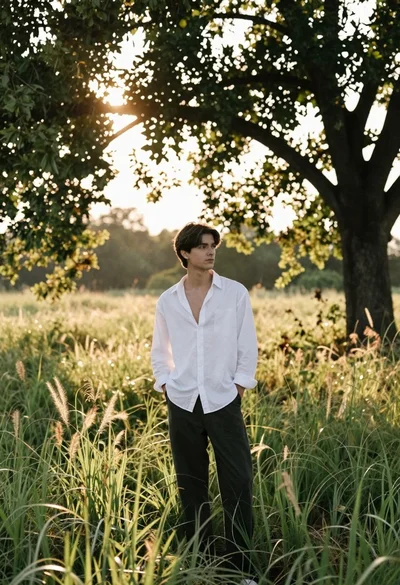
Young man in white shirt standing in a sunny grassy field under