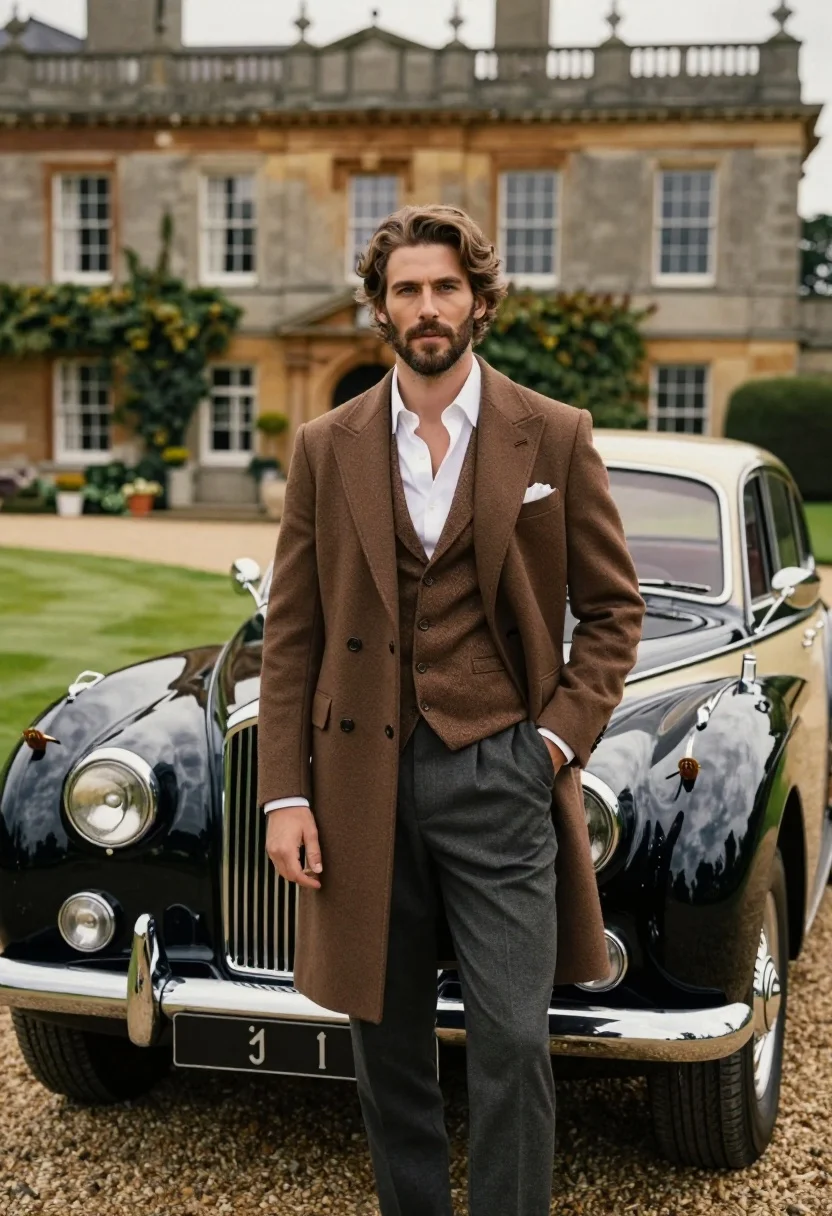
Handsome man in brown overcoat standing by vintage luxury car near manor
Prompt
A handsome man with wavy brown hair and a beard stands confidently in front of a vintage luxury car.

Subject: A well-groomed man with medium-length wavy brown hair, a short beard, and a confident expression looking directly at the camera.

Clothing: He wears a sophisticated three-piece ensemble consisting of a long brown wool overcoat, a matching textured waistcoat, dark grey trousers, and an unbuttoned white dress shirt with a white pocket square.

Action: Standing with his left hand in his trouser pocket and his right arm hanging naturally by his side, exuding a relaxed yet elegant posture.

Environment: A gravel driveway in front of a large, historic stone manor house with multiple windows and lush green grass on the lawn.

Objects: A classic vintage luxury car with a long chrome grille, round headlights, a Spirit of Ecstasy hood ornament, and a two-tone black and cream paint job is parked directly behind him.

Lighting: Soft, natural daylight illuminates the scene from the side, creating gentle highlights on the man's hair and the car's polished surface while casting soft shadows.

Camera: A medium shot with a shallow depth of field that keeps the subject sharp while blurring the background architecture and vehicle details slightly.

Style Details: High-end fashion photography aesthetic with rich earth tones, smooth textures, and a cinematic color palette reminiscent of classic British aristocracy.
Description
This prompt is useful for creating editorial fashion editorials, historical film stills, and luxury brand advertising campaigns featuring masculine elegance. The combination of 'soft, natural daylight' with the 'shallow depth of field' ensures the subject remains crisp while allowing the background manor and car to provide contextual richness without distracting from the man’s 'sophisticated three-piece ensemble'.
Suggestions
- Change 'brown wool overcoat' to 'charcoal tweed overcoat' for a more dramatic contrast.
- Add 'Kodak Portra 400 film grain' to enhance the vintage photographic quality.
- Adjust 'medium shot' to 'full body shot' to better showcase the entire ensemble.
Category
Tags
Brown HairFormal WearFull BodyMaleMedium ShotOutdoorsRealistic
Date added
July 3, 2026
Added by
PromptDexter Team
Related Prompts
More prompts with similar categories and tags.
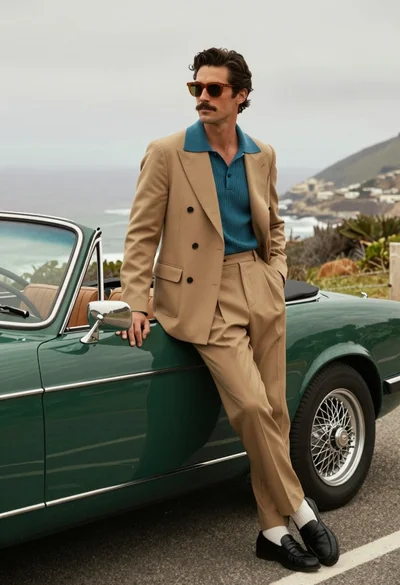
Stylish man in suit leaning on vintage green convertible car by the

Young woman in traditional embroidered attire standing in a lush green meadow
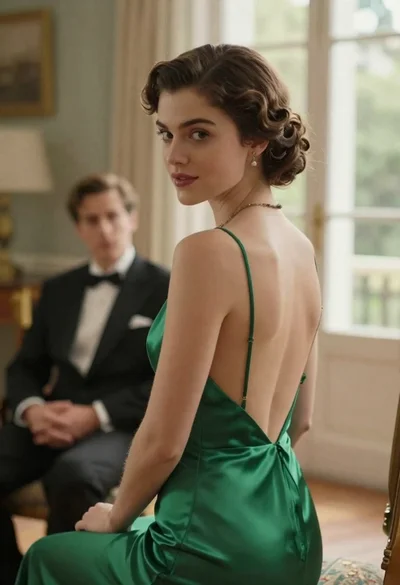
Woman in green dress looking over shoulder in bright ballroom setting

Woman in green satin slip dress standing in sunlit elegant interior room
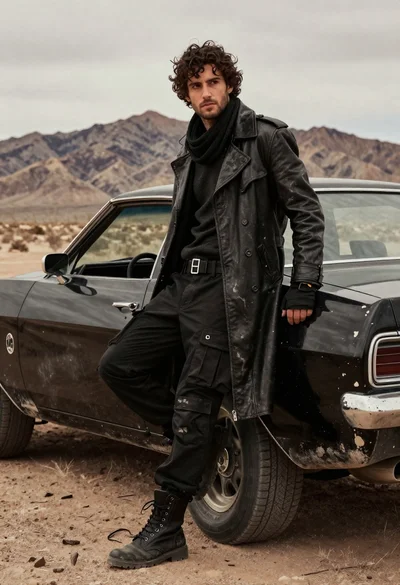
Rugged young man in black coat leaning on muscle car in desert
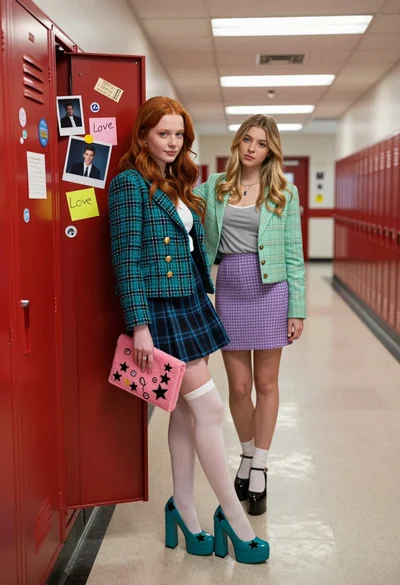
Two young women in school hallway by open red locker filled with
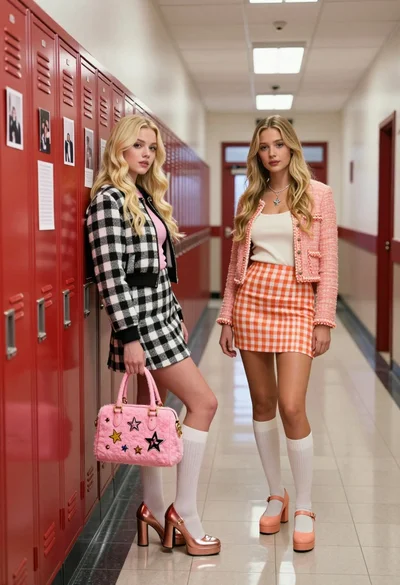
Two blonde women posing in a school hallway next to red lockers
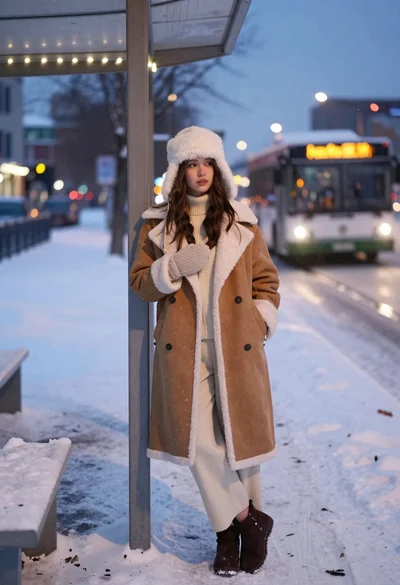
Young woman in shearling coat at snowy bus stop during twilight

Young woman in blue sweater holding yellow daffodils by railway tracks
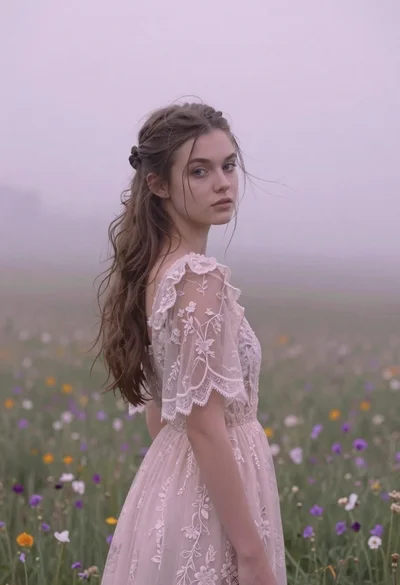
Young woman in pink lace gown standing in misty wildflower field