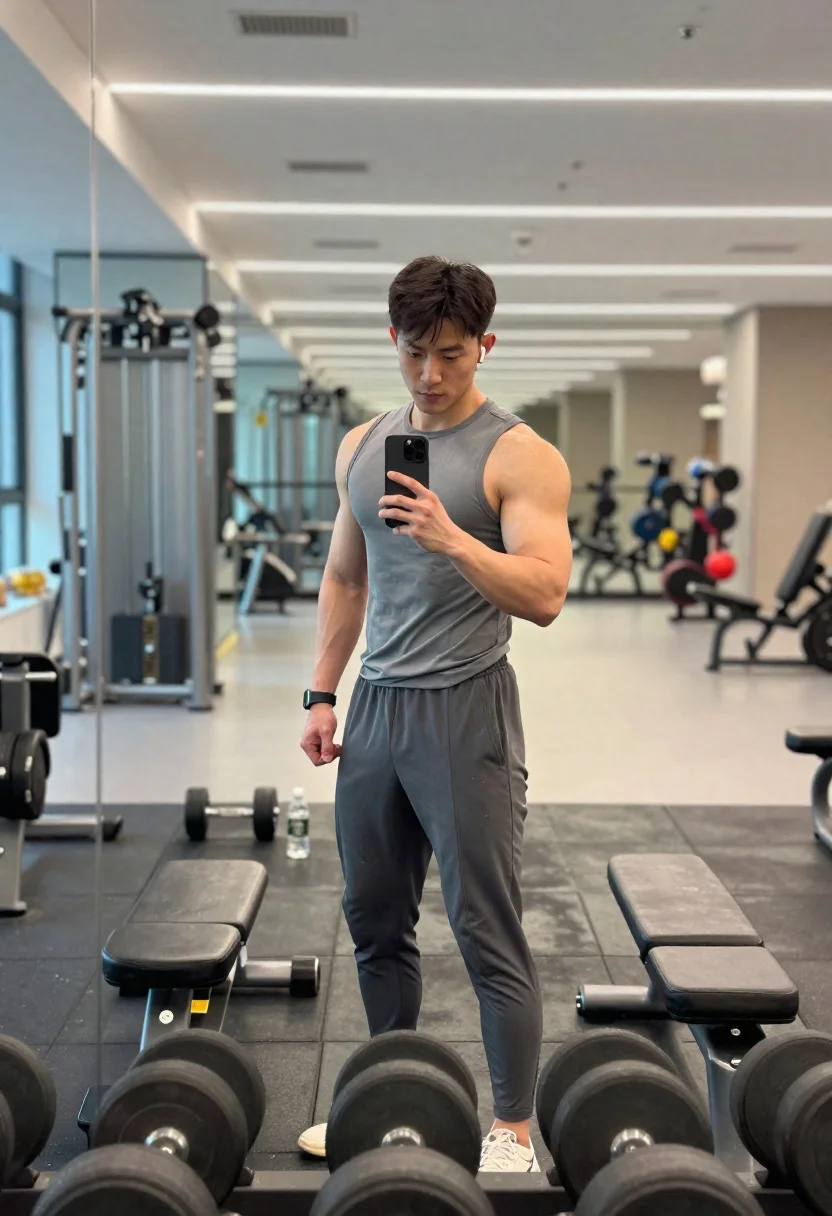
Young man taking progress photo in a modern gymnasium setting
Prompt
Mirror shot capturing a confident athlete documenting progress in a modern gym

Subject: fit young man with a confident, composed expression, well-defined physique

Clothing: sleeveless tank top and slim athletic joggers, slightly sweat-marked

Accessories: smartphone held in one hand, fitness watch on wrist, wireless earbuds

Action: standing in front of a full-length mirror taking a progress photo, relaxed posture with slight flex

Environment: sleek contemporary gym with mirrored walls, polished floors, and neatly arranged equipment

Camera: over-the-shoulder perspective through the mirror, centered framing with shallow depth of field

Lighting: bright diffused overhead lighting with soft reflections enhancing muscle definition

Objects: dumbbell rack reflected in mirror, gym bench, water bottle placed nearby

Interaction: subject focusing on phone screen while subtly flexing to capture physique

Style Details: modern fitness photography with clean composition, balanced lighting, and a social media-ready aesthetic
Description
This prompt is useful for creating personal progress documentation content, gym lifestyle blogs, and athletic brand advertising campaigns. The combination of 'over-the-shoulder perspective through the mirror' and 'bright diffused overhead lighting' ensures that the subject's physique is visible while maintaining a clean composition suitable for social media, preventing harsh shadows that would obscure muscle definition.
Suggestions
- Change 'sleeveless tank top' to 'compression shirt' for a more technical look.
- Swap 'polished floors' for 'dark rubber flooring' to ground the scene better.
- Adjust 'shallow depth of field' to 'medium depth of field' to keep more background equipment visible.
Category
Tags
Full BodyMaleOver The ShoulderRealisticStudio
Date added
June 19, 2026
Added by
PromptDexter Team
Related Prompts
More prompts with similar categories and tags.
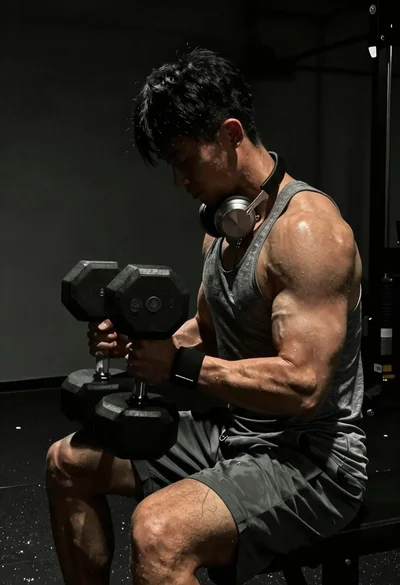
Close up of heavily muscled male athlete performing controlled dumbbell curl
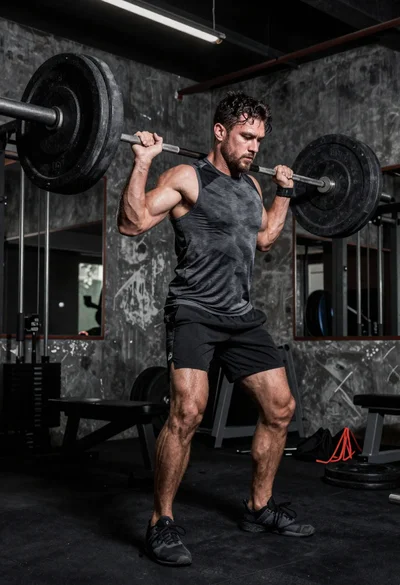
Low angle shot of muscular athlete lifting heavy weights in industrial gym
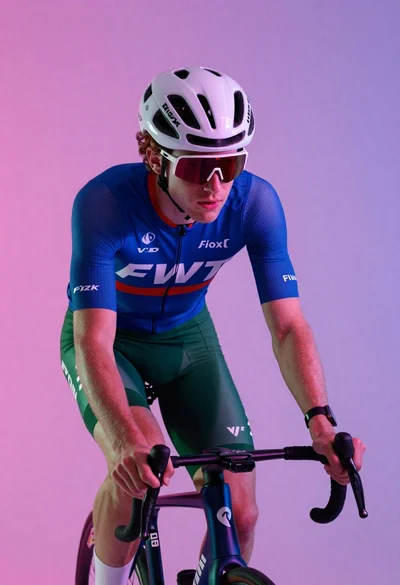
Cyclist in aerodynamic tuck pose studio portrait
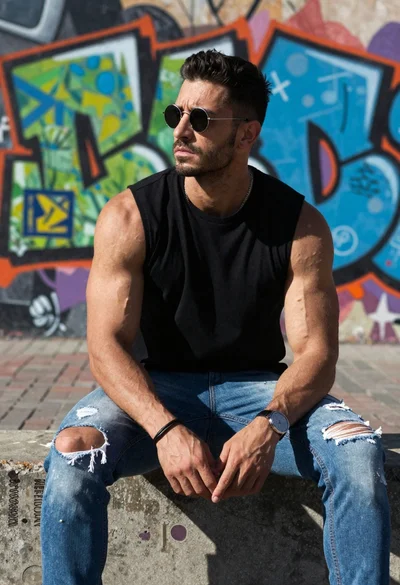
Muscular man sitting on ledge against graffiti mural
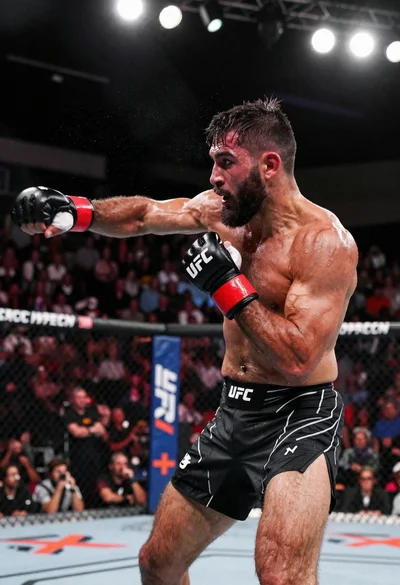
Muscular fighter recoiling from punch in bright arena
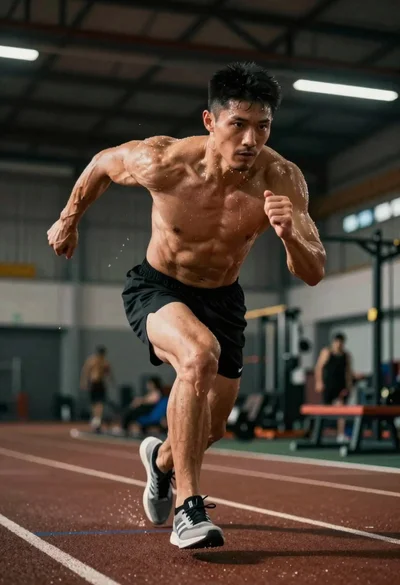
Low angle shot of an athlete showing peak athletic intensity during training
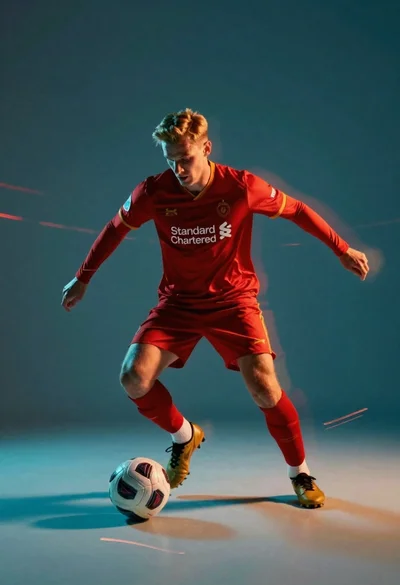
Male soccer player in red jersey dribbling ball with motion blur
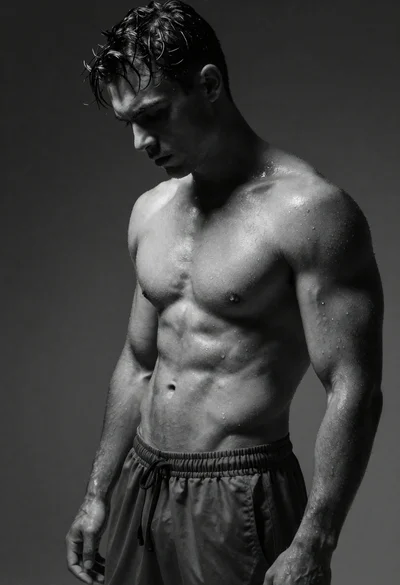
Black and white portrait of muscular man with wet skin