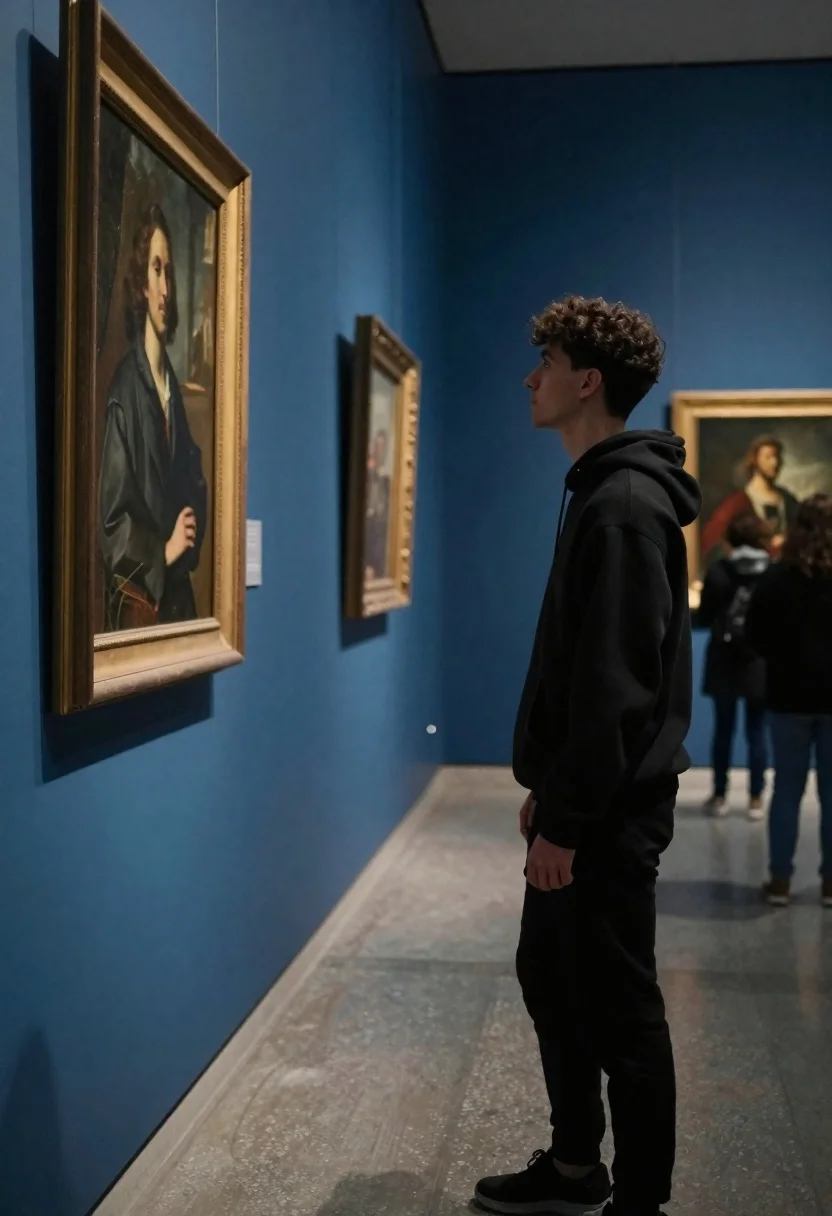
Young man viewing large portrait in blue art gallery setting
Prompt
A young man stands in a museum gallery looking at a large framed portrait on the wall.

Subject: A young man with dark curly hair and a serious expression standing in profile facing left.

Clothing: He wears a black hooded sweatshirt and black pants.

Action: The man is standing still, gazing intently at the artwork with his hands by his sides.

Environment: An art gallery with deep blue walls, polished concrete floors, and other visitors visible in the background.

Camera: A medium shot capturing the subject from the side with a shallow depth of field that blurs the background figures.

Lighting: Soft indoor museum lighting illuminating the subject's profile and casting gentle shadows on the wall.

Style Details: Realistic photography with a cinematic color palette emphasizing cool blues and natural skin tones.
Description
This prompt is useful for creating editorial art gallery documentation, character studies within urban settings, and mood pieces evoking contemplation. The combination of 'deep blue walls' and 'soft indoor museum lighting' establishes a cool, focused atmosphere that directs the viewer's attention to the subject's profile while the 'shallow depth of field' ensures background figures remain atmospheric rather than distracting.
Suggestions
- Change 'black hooded sweatshirt' to 'charcoal turtleneck' for a more refined look.
- Add 'Canon 50mm lens, f/1.
- 4' to enhance the background blur.
Category
Tags
IndoorsMaleMedium ShotRealisticUrban
Date added
June 19, 2026
Added by
PromptDexter Team
Related Prompts
More prompts with similar categories and tags.
Young man in black t shirt standing in dimly lit industrial loft
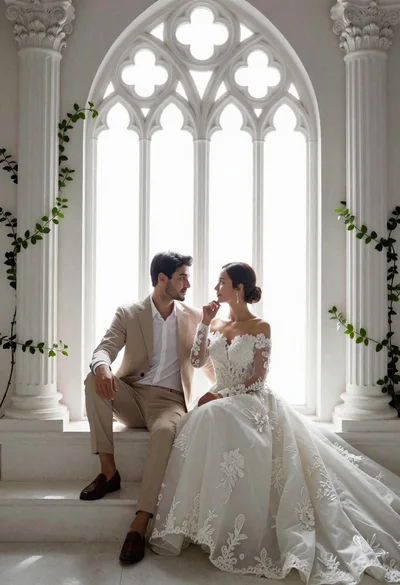
Romantic couple in wedding attire sitting before large gothic window

Handsome man with mug in a softly lit cafe
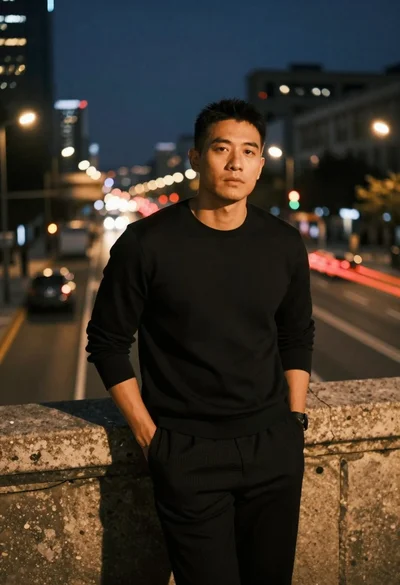
Man leaning on railing overlooking city highway at dusk

Middle aged man writing at office desk with pen
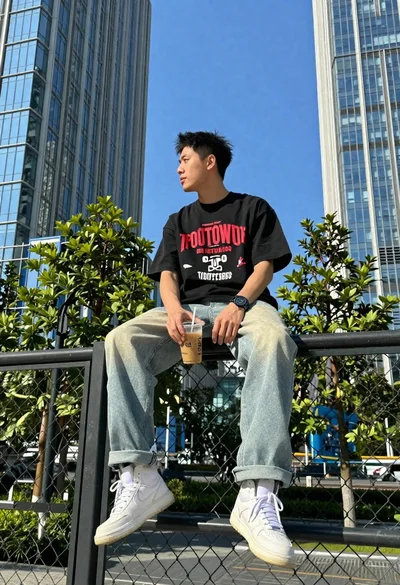
Young man on fence against modern city skyline
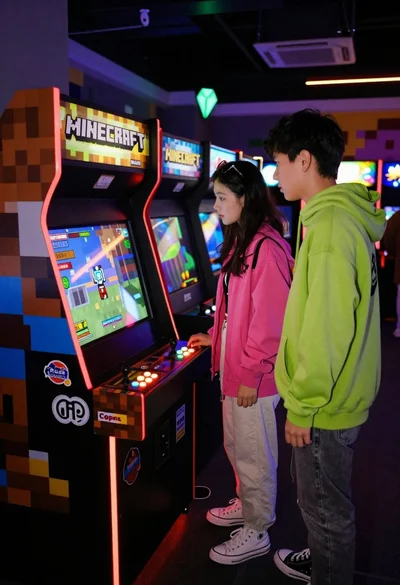
Two people looking at arcade cabinet in dimly lit hall
Young man sitting in office gaming chair with katanas

Man and woman in modern subway station waiting area
Young man writing at a cluttered wooden study desk