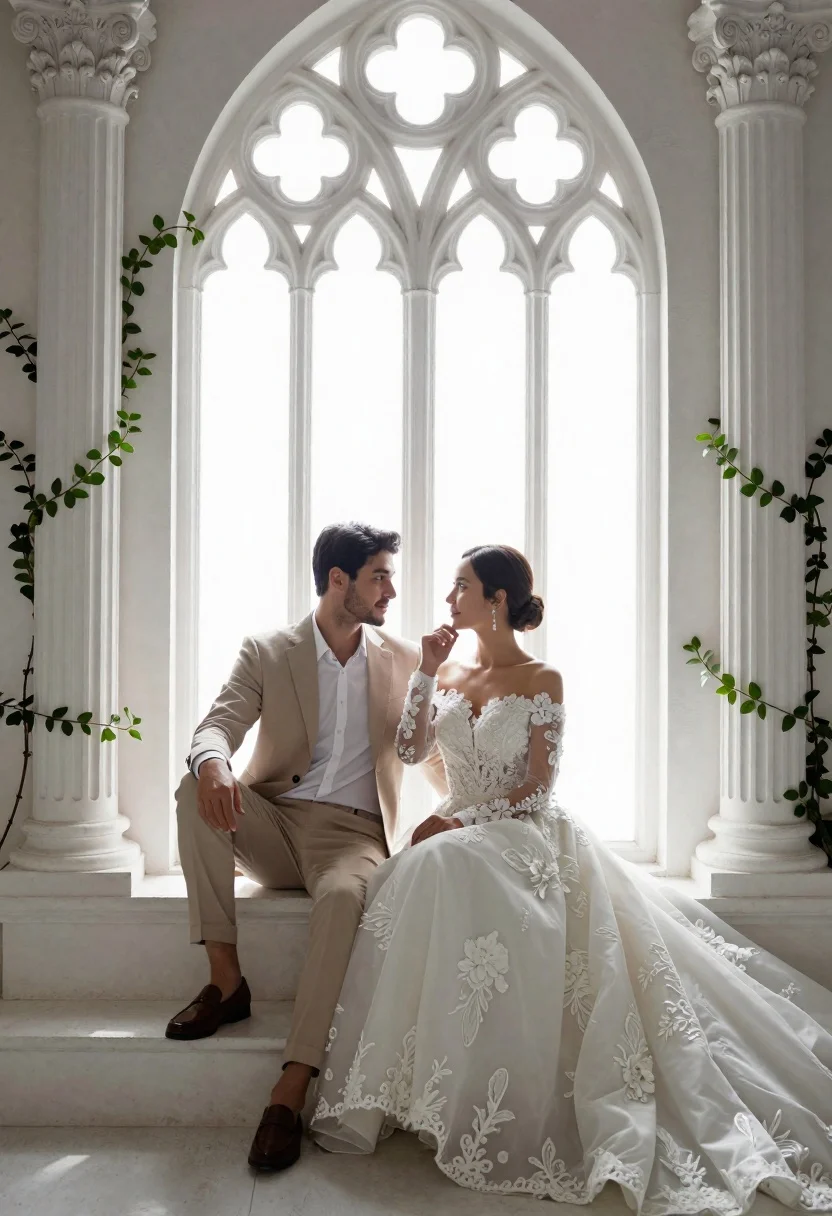
Romantic couple in wedding attire sitting before large gothic window
Prompt
A romantic wedding portrait of a couple sitting together in front of a large Gothic-style window.

Subject: A man and a woman are seated side-by-side on white stone steps, gazing affectionately into each other's eyes with soft smiles. The man has dark hair and light facial stubble, while the woman has her dark hair styled in an elegant low bun.

Clothing: The man wears a beige suit jacket and trousers over a crisp white button-down shirt, paired with brown leather loafers. The woman is dressed in a voluminous white wedding gown featuring an off-the-shoulder neckline, intricate floral lace bodice, and sheer long sleeves adorned with delicate beadwork.

Action: The couple sits in a relaxed pose; the man leans back slightly with one arm resting on his knee, while the woman rests her hand gently near her chin, leaning toward him.

Environment: They are framed by two tall white Corinthian columns decorated with climbing green vines and leaves. Behind them is a massive window with an arched Gothic tracery design that floods the scene with bright, diffused daylight.

Lighting: The scene is illuminated by soft, ethereal backlighting from the large window, creating a high-key aesthetic with gentle shadows and a dreamy, romantic atmosphere.

Camera: Shot at eye level with a medium framing that captures both subjects fully within the architectural frame, utilizing a shallow depth of field to keep the couple in sharp focus while softly blurring the background details.

Style Details: The image features a cinematic, high-end photography style with smooth textures, soft color grading, and a polished, elegant composition reminiscent of luxury fashion editorial or fine art wedding photography.
Description
This prompt is useful for creating fine art wedding albums, romantic engagement announcements, and architectural portraiture pieces. The combination of 'ethereal backlighting' filtering through the 'arched Gothic tracery design' establishes a high-key aesthetic that beautifully isolates the couple against the detailed background, while the 'shallow depth of field' ensures the viewer's focus remains solely on their affectionate gaze.
Suggestions
- Change 'beige suit jacket' to 'charcoal suit jacket' for more contrast.
- Swap 'green vines and leaves' for 'deep red roses' for a richer color palette.
- Adjust 'medium framing' to 'full body shot' to incorporate the steps.
Category
Tags
Black HairFemaleFormal WearIndoorsMaleMedium ShotRealisticTraditional ArtUrban
Date added
June 21, 2026
Added by
PromptDexter Team
Related Prompts
More prompts with similar categories and tags.
Bride and groom holding rose bouquet together in front of large window
Bride and groom exchanging loving glances at a grand historic church altar
Bride and groom embracing intimately behind a glass window pane
Joyful wedding couple celebrating with spraying champagne in studio
Cinematic wedding portrait of bride and groom against dark wood paneling
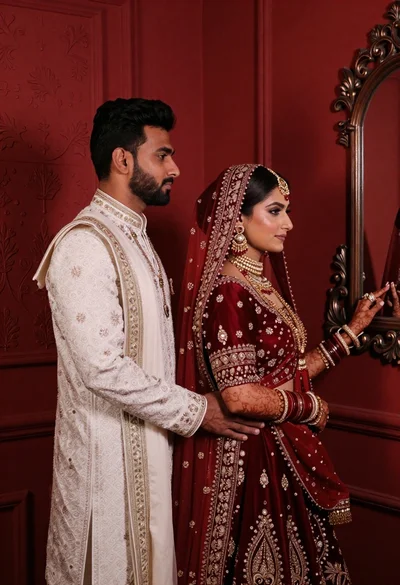
South asian couple in traditional wedding attire against red textured wall
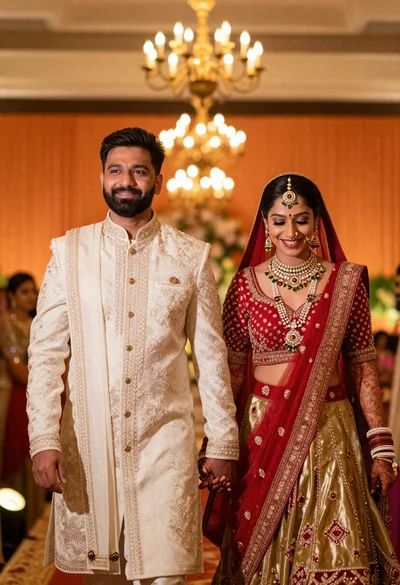
Joyful indian wedding couple walking in warmly lit ceremonial hall
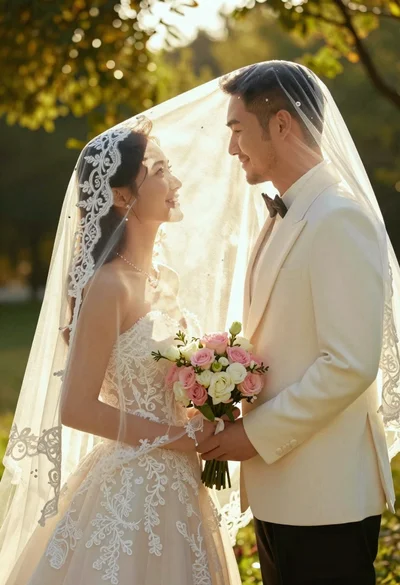
Bride and groom under lace veil in sunlit garden holding roses