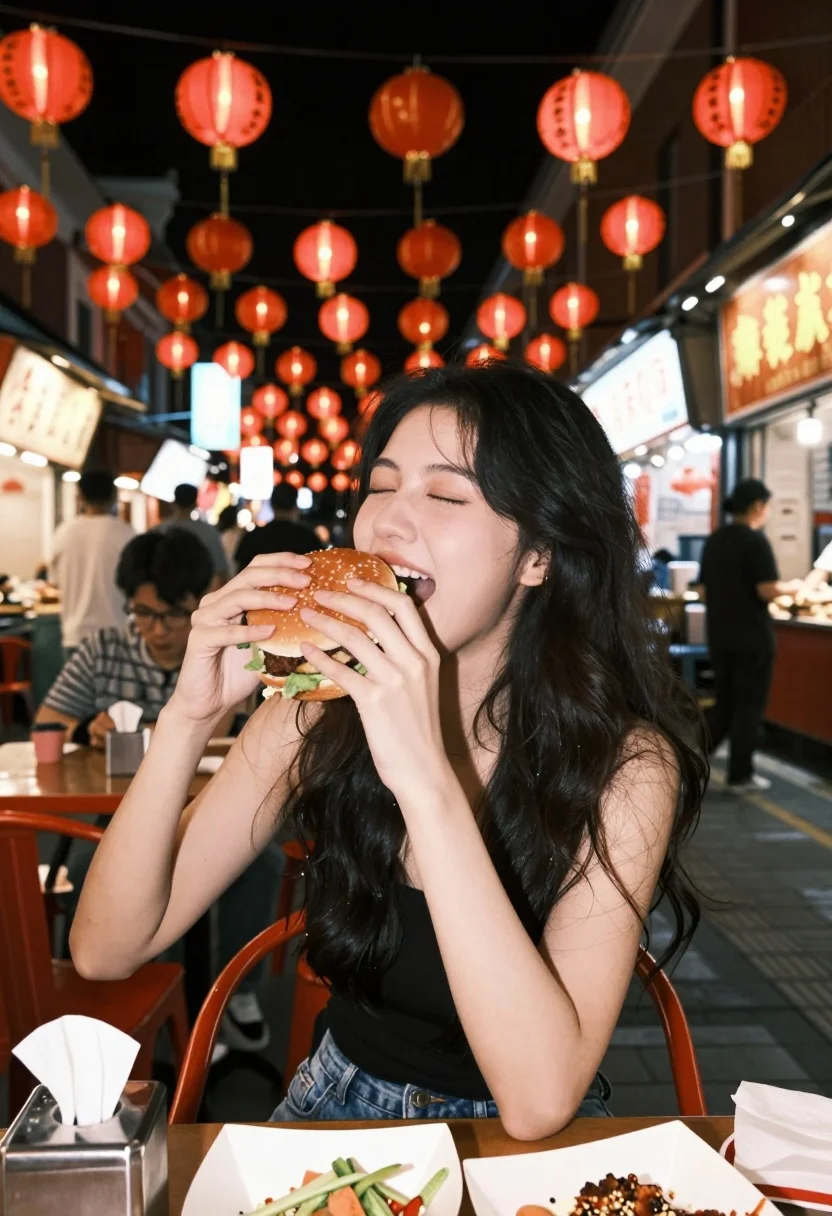
Young woman eating large burger at vibrant night market table setting
Prompt
A young woman with long dark hair is captured mid-bite into a large burger while sitting at an outdoor night market table.

Subject: A young woman with long, loose dark hair and a joyful expression as she eats.

Clothing: She wears a simple black sleeveless top and blue denim jeans.

Action: She holds a large burger with both hands and takes a big bite, her eyes closed in enjoyment.

Environment: The scene is set on a bustling street at night, illuminated by rows of glowing red paper lanterns hanging overhead.

Lighting: The atmosphere is warm and vibrant, lit primarily by the ambient glow of red lanterns and shop signs, creating deep shadows and a cozy mood.

Camera: The shot is taken from a slightly low angle with a shallow depth of field, keeping the subject sharp while blurring the busy background.

Objects: A large burger with lettuce and meat patty, a metal napkin holder with tissues, and a plate of food are on the table in front of her.

Text/Graphics: Vertical Chinese characters are visible on the red lanterns and shop signs in the background.

Style Details: The image has a candid, snapshot aesthetic with high contrast between the warm red lights and dark shadows, resembling film photography.
Description
This prompt is useful for creating vibrant travel blog posts about street food experiences, menu mockups for restaurant marketing, and cinematic lifestyle photography. The combination of 'glowing red paper lanterns' providing the primary illumination, coupled with a 'low angle' shot and 'shallow depth of field,' directs all focus onto the subject enjoying the burger while allowing the rich, high-contrast background details to suggest an authentic, bustling atmosphere.
Suggestions
- Change 'large burger' to 'gourmet stacked burger' for more visual complexity.
- Swap 'red paper lanterns' for 'neon signs' to shift the color palette.
- Adjust 'candid, snapshot aesthetic' to 'Kodak Portra 400 film grain' for a specific vintage feel.
Category
Tags
FemaleFoodLow AngleRealisticStreet
Date added
July 12, 2026
Added by
PromptDexter Team
Related Prompts
More prompts with similar categories and tags.

Young woman in red outfit taking selfie with glazed strawberries on street
Young woman eating burger at crowded neon lit city street table

Blonde woman eating ice cream by riverbank with city skyline background

Two smiling children holding red kitkat bars against a blue sky
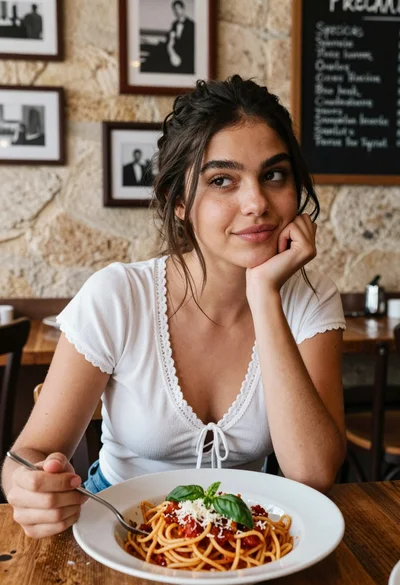
Young woman at rustic table with pasta in cozy italian restaurant setting

Blonde woman eating pizza on wet city sidewalk at night
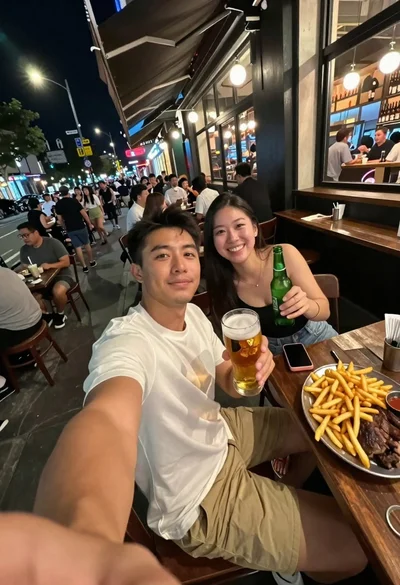
Man taking a selfie at a crowded outdoor night eatery

Woman with dark hair at marble table holding tomato sauce over spaghetti
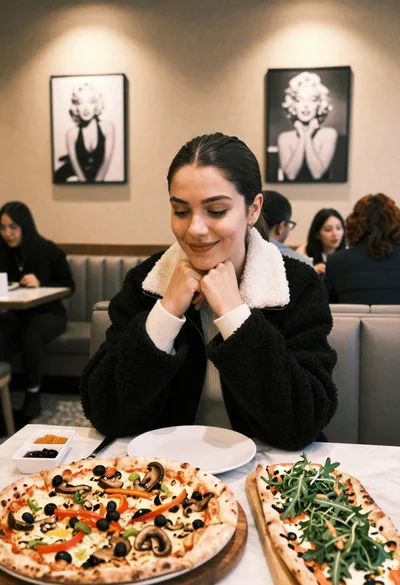
Young woman smiling at table with pizzas in modern restaurant setting

Young woman in yellow dress on historic rooftop overlooking cobblestone street