

Young woman in bear hat and cream top sitting on bed
Prompt
A young woman with long dark hair and bangs sits on a bed wearing a fluffy beige bear hat and a cream tube top.

Subject: A young woman with long straight dark brown hair featuring full bangs, fair skin, and large expressive eyes looking directly at the camera.

Clothing: She wears a soft cream-colored tube top and matching bottoms, accessorized with a plush beige fleece hat shaped like a bear head with embroidered ears and facial features.

Action: She sits upright on the edge of a bed with her arms resting by her sides, maintaining a neutral expression with a direct gaze.

Environment: The setting is a cozy bedroom featuring a white door to the left and built-in shelving units in the background displaying small decorative items like jars and plants.

Lighting: Soft indoor lighting illuminates the scene evenly from above, creating gentle highlights on her face and hair without harsh shadows.

Camera: A medium close-up shot captures the subject from the chest up with a shallow depth of field that keeps the focus sharp on her while softly blurring the background.

Style Details: The image has a clean, high-resolution aesthetic typical of modern portrait photography with natural skin tones and a warm color palette.
Description
This prompt is useful for creating intimate lifestyle portraits, cozy seasonal catalog imagery, and personal blog feature photoshoots. The combination of 'soft indoor lighting' and the 'shallow depth of field' ensures that while the background elements like the shelving units are visible to establish context, they remain softly blurred enough not to distract from the subject's direct gaze and the texture of the 'fluffy beige bear hat'.
Suggestions
- Change 'beige bear hat' to 'faux fur fox hat' for a different animal motif.
- Swap 'cream tube top' for 'ivory knit sweater' to change the material feel.
- Adjust 'soft indoor lighting' to 'window light from the right' for more directional modeling.
Category
Tags
BedroomBrown HairClose UpFair SkinFemaleMedium ShotRealistic
Date added
June 21, 2026
Added by
PromptDexter Team
Related Prompts
More prompts with similar categories and tags.

Young girl smiling in messy bedroom with string lights
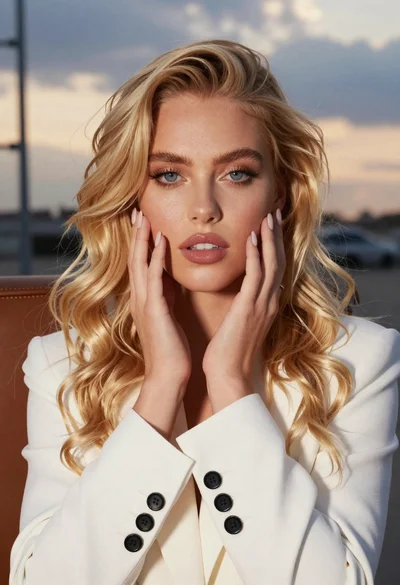
Close up portrait of blonde woman touching face at golden hour

Candid medium close up of young woman laughing in luxury car seat
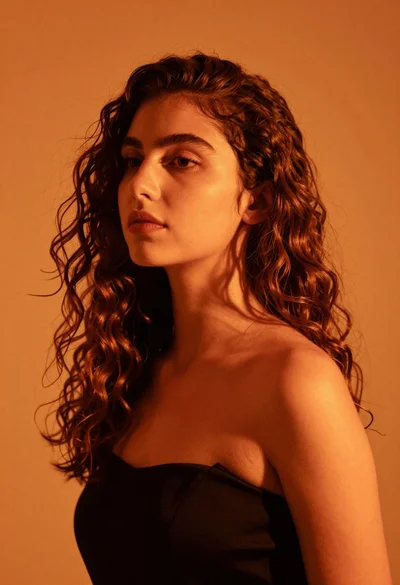
Close up portrait of woman with brown hair against solid orange background

Close up portrait of young woman making heart shape over chest
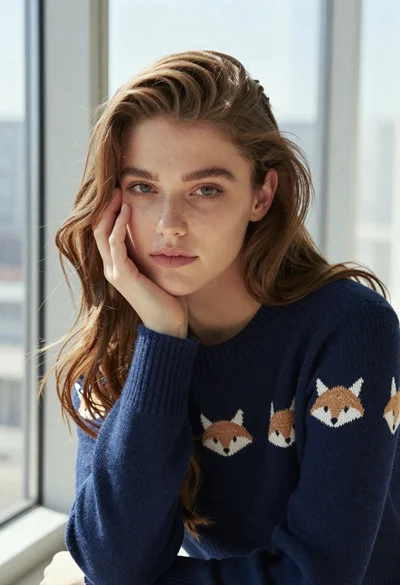
Young woman in navy blue knit sweater posing by a window

Young woman with brown hair holding camera and winking in indoor setting

Close up portrait of blonde woman in cream nightgown