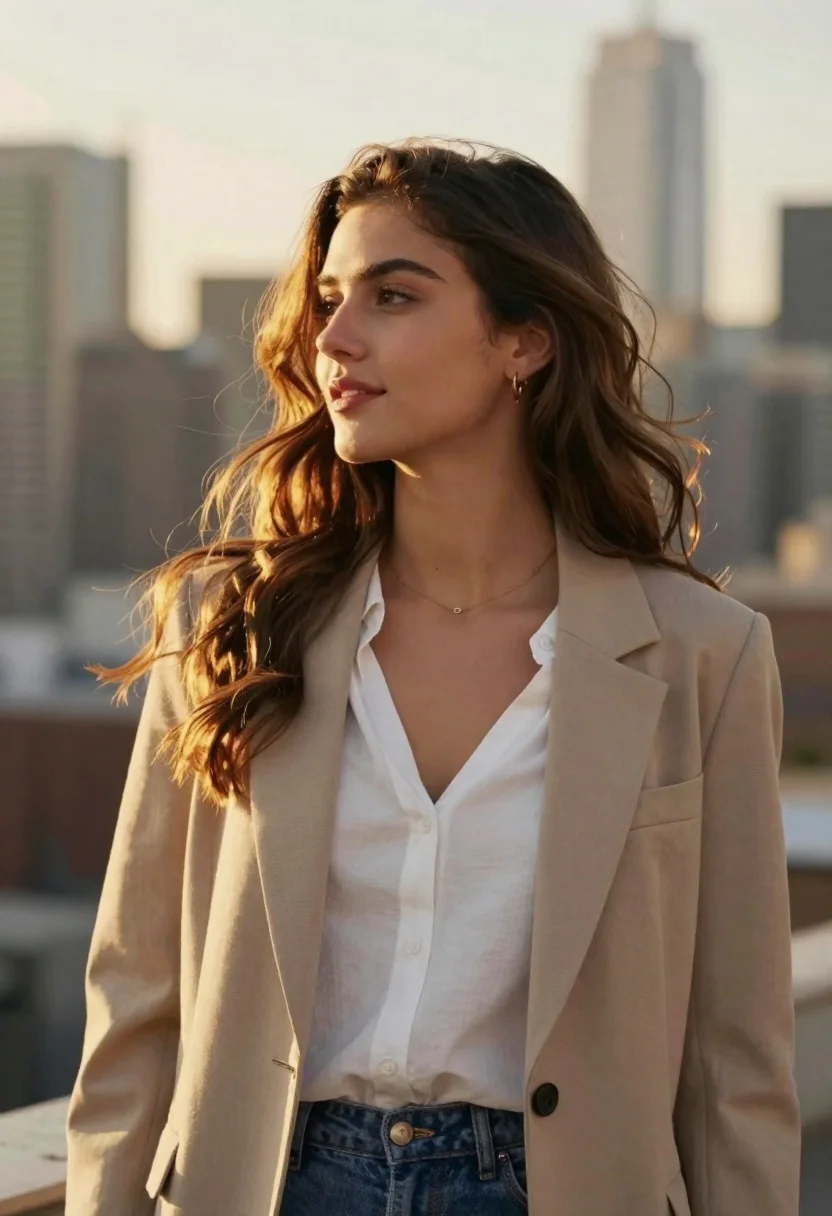
Young woman in beige blazer against city skyline at golden hour
Prompt
Golden hour portrait of a young woman standing against a soft-focus city skyline

Subject: long wavy brown hair with sun-kissed highlights framing her face

Clothing: beige blazer over a white V-neck blouse and blue jeans, accessorized with a delicate gold necklace and small hoop earrings

Lighting: warm golden backlight creating a halo effect around the edges of her hair, soft shadows across her features, gentle glow on skin suggesting late afternoon sun

Camera: medium close-up shot, shallow depth of field blurring background into muted tones, slight upward angle emphasizing profile and expression.
Description
This prompt is useful for creating editorial fashion moodboards, professional lifestyle branding imagery, and sophisticated portrait galleries. The combination of 'warm golden backlight' producing a halo effect and the 'shallow depth of field blurring background into muted tones' ensures the subject remains the focal point while grounding the image in the desired late afternoon glow.
Suggestions
- Change 'beige blazer' to 'camel wool blazer' for richer autumnal tones.
- Add 'bokeh' to the camera section for more pronounced background blur.
- Swap 'blue jeans' for 'dark wash denim' to ground the outfit.
Category
Tags
BlondeBrown HairCasual WearFemaleMedium ShotPortrait ShotRealistic
Date added
June 19, 2026
Added by
PromptDexter Team
Related Prompts
More prompts with similar categories and tags.

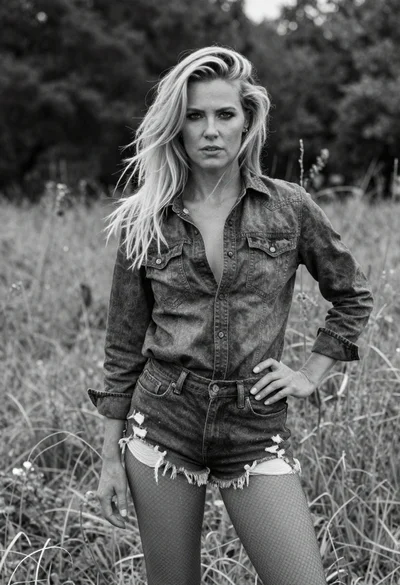
Young blonde woman in brown top seated in modern living room setting
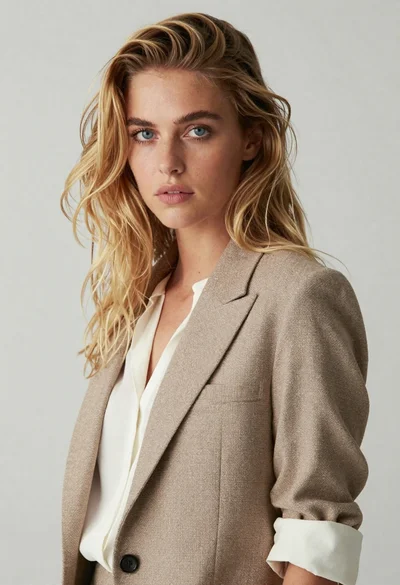
Medium close up portrait of blonde woman in beige blazer studio setting

Blonde woman reading at a cafe table with roses

Smiling blonde woman in black leather outfit at an indoor evening event
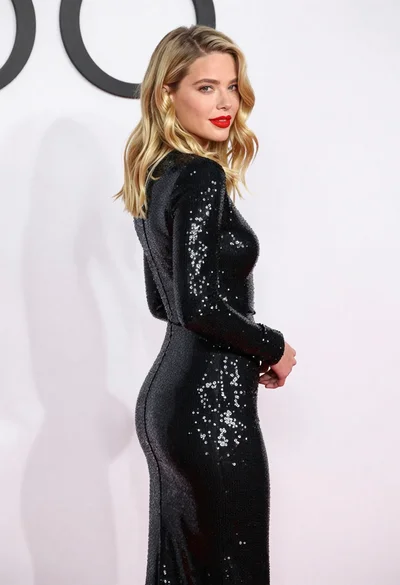
Blonde woman in sequined black dress looking back over shoulder

Blonde woman in black coat leaning against white wall by window
Close up portrait of blonde woman in gold beaded top against stone
Monochrome portrait of blonde woman in wool coat on city street