Young woman in black lace dress standing in dimly lit arched hallway
Prompt
A young woman with long dark hair stands in a dimly lit hallway wearing a black lace dress and a cross necklace.

Subject: A young woman with long straight dark hair parted in the middle, fair skin, defined eyebrows, and glossy lips looking directly at the camera.

Clothing: She wears a black spaghetti-strap dress featuring intricate floral lace patterns over sheer panels on the bodice and torso.

Action: Her arms are extended outwards to her sides, resting against the walls of the hallway, with a neutral facial expression.

Environment: The setting is an indoor corridor with textured brown walls and a series of arched doorways receding into the background, where warm lights are visible in the distance.

Lighting: The scene is lit by soft ambient light that highlights her skin and the texture of the dress, creating a moody atmosphere with deep shadows in the background.

Camera: A medium shot captures the subject from the waist up, utilizing a shallow depth of field to keep the focus sharp on her while blurring the hallway behind her.

Style Details: The image has a realistic photographic quality with a slightly grainy texture and warm color grading that emphasizes the contrast between the dark dress and the skin tones.
Description
This prompt is useful for creating gothic editorial portraits, moody character concept art, and high-fashion narrative stills. The combination of 'black lace dress' against 'textured brown walls' within a dimly lit setting establishes immediate visual drama, while the 'shallow depth of field' ensures that the viewer's focus remains intensely on the subject despite the receding arches.
Suggestions
- Change 'black spaghetti-strap dress' to 'velvet gown' for a heavier texture.
- Adjust 'warm color grading' to 'cool blue tones' for an eerie feel.
- Modify 'receding into the background' to 'with visible architectural details' for more context.
Category
Tags
Fair SkinFemaleIndoorsMedium ShotPortrait ShotRealistic
Date added
June 19, 2026
Added by
PromptDexter Team
Related Prompts
More prompts with similar categories and tags.

Young woman in white lace dress seated against soft floral backdrop

Young woman seated on grey sofa against pink wall fashion portrait

Smiling woman in floral kurta dress indoors with sheer dupatta drape

Blonde woman in striped swimsuit seated on sofa indoors studio shot

Young woman looking back over shoulder in champagne knit top indoors
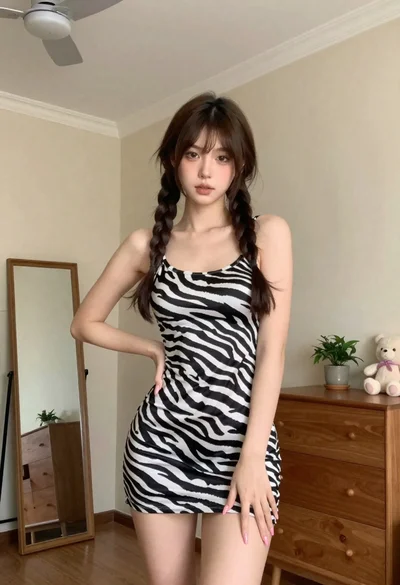
Young woman in zebra print dress indoors near wooden dresser

Two women in red mini dresses posing indoors at an opulent setting

Blonde woman in shimmering gold gown standing in an elegant hallway
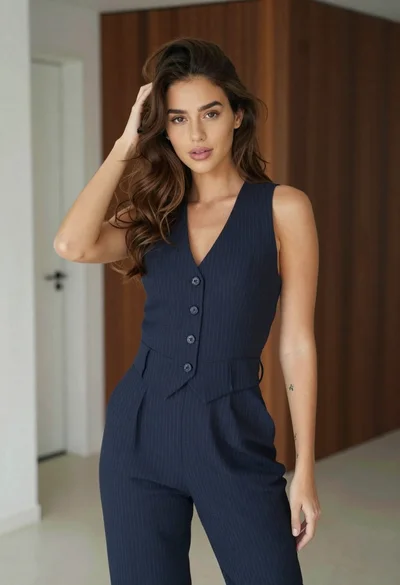
Young woman in navy jumpsuit posing indoors with soft expression

Young woman with brown hair on beige sofa in dimly lit lounge