

Young woman with brown hair on beige sofa in dimly lit lounge
Prompt
A young woman with long brown hair sits on a beige sofa in a dimly lit lounge.

Subject: A young woman with long straight brown hair and fair skin. She wears large round wire-rimmed glasses and has a confident, slightly pouty expression while looking off to the side. Her hands are raised near her head as she adjusts her hair or glasses.

Clothing: She is wearing a tight-fitting, strapless mini dress with a beige and dark brown zebra-stripe pattern. The dress features a sweetheart neckline and ruched detailing on the bodice. She wears multiple bracelets on both wrists and a delicate necklace.

Objects: A white quilted handbag with a gold-tone logo clasp rests on her lap.

Environment: The setting is an upscale indoor lounge or restaurant at night, featuring dark wood paneling, warm ambient lighting in the background, and a blurred interior space suggesting a sophisticated atmosphere.

Lighting: The scene is lit by warm artificial light that highlights the subject against a darker background, creating soft shadows and a cozy evening mood.

Camera: Medium shot with a shallow depth of field that keeps the woman in sharp focus while blurring the background elements.

Style Details: High-quality photography with a modern, fashion-forward aesthetic and rich color tones.
Description
This prompt is useful for creating editorial portraiture for luxury lifestyle magazines, character concept art for film promotion, and mood boards for high-end interior design featuring people. The combination of 'warm artificial light' against 'dark wood paneling' establishes a moody intimacy that complements the sophisticated setting, while the 'shallow depth of field' ensures the subject remains the sharp focal point despite the richly detailed background.
Suggestions
- Change 'zebra-stripe pattern' to 'velvet texture' for a richer material feel.
- Swap 'warm artificial light' for 'single overhead spotlight' to increase drama.
- Adjust 'medium shot' to 'close up portrait' to emphasize the expression.
Category
Tags
Brown HairFair SkinFemaleIndoorsMedium ShotPortrait ShotRealistic
Date added
June 19, 2026
Added by
PromptDexter Team
Related Prompts
More prompts with similar categories and tags.

Young woman seated on grey sofa against pink wall fashion portrait

Smiling woman in floral kurta dress indoors with sheer dupatta drape

Two women in red mini dresses posing indoors at an opulent setting
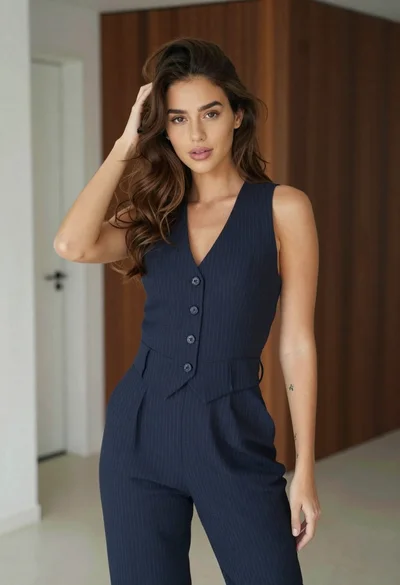
Young woman in navy jumpsuit posing indoors with soft expression

Young woman in black graphic tshirt against white paneled wall

Blonde woman in cream sweater sitting on beige couch

Fair skinned woman in black blazer against white studio wall

Woman in white corset top standing by grey wall and large window
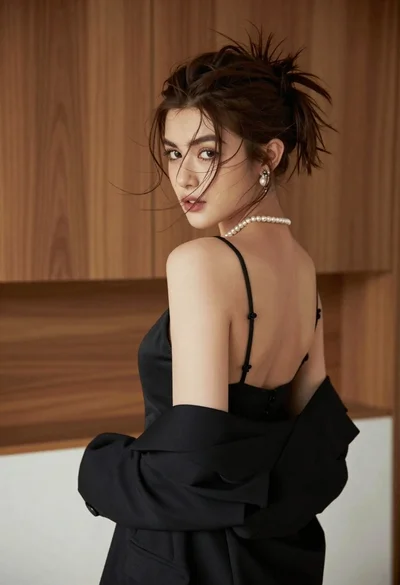
Young woman looking back over shoulder in black dress indoors
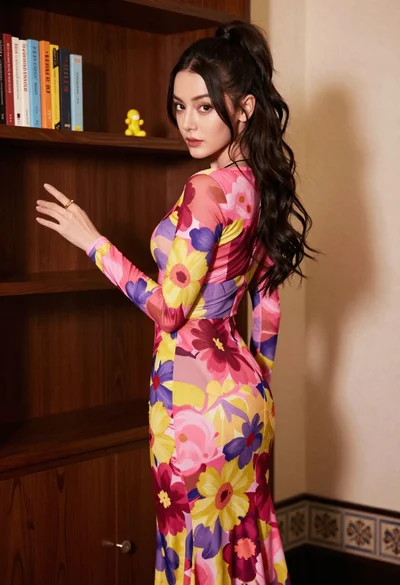
Young woman in floral maxi dress standing near dark wooden bookcase
