Young woman in black ruffled mini skirt blazer on red carpet
Prompt
A confident woman with long wavy brown hair stands on a red carpet wearing a black ruffled mini skirt and blazer.

Subject: A young woman with long, wavy brown hair featuring lighter highlights at the ends, fair skin, and a neutral facial expression looking directly at the camera.

Clothing: She wears a black outfit consisting of a deep V-neck bodysuit, a matching cropped blazer with structured shoulders, and a voluminous ruffled mini skirt. A wide black belt with a large gold rectangular buckle and a dangling chain detail cinches her waist. She accessorizes with a thick gold choker necklace, a gold ring on her right hand, and a gold wristwatch on her left wrist.

Action: She stands facing forward with her hands resting lightly on the ruffles of her skirt, displaying a poised and elegant posture.

Environment: The background features large vertical panels in bold red and yellow colors, suggesting an event backdrop or curtain.

Lighting: The scene is illuminated by bright, direct flash photography typical of a red carpet, creating sharp highlights on her skin and hair while casting soft shadows behind her.

Camera: A medium shot captures the subject from the thighs up, utilizing a standard portrait lens with a shallow depth of field to keep the background slightly blurred.

Style Details: High-resolution fashion photography with vibrant colors and a polished, glamorous aesthetic typical of celebrity event coverage.
Description
This prompt is useful for creating high-fashion editorial spreads, celebrity red carpet coverage mockups, and dramatic portrait visualizations. The combination of 'bright, direct flash photography' and the 'bold red and yellow colors' in the background ensures a highly saturated, glamorous aesthetic that mimics professional event documentation, while the specified 'shallow depth of field' keeps focus sharply on the subject's structured outfit.
Suggestions
- Change 'black ruffled mini skirt' to 'patent leather ruffled mini skirt' for more shine.
- Swap 'gold rectangular buckle' for 'crystal-encrusted belt' for added sparkle.
- Adjust 'bright, direct flash photography' to 'soft strobe lighting' for less harsh shadows.
Category
Tags
Brown HairFair SkinFemaleMedium ShotPortrait ShotRealistic
Date added
June 19, 2026
Added by
PromptDexter Team
Related Prompts
More prompts with similar categories and tags.

Close up portrait of woman in champagne gown with brown hair

Woman in rust gown posing on white step and repeat backdrop

Blonde woman reading at a cafe table with roses
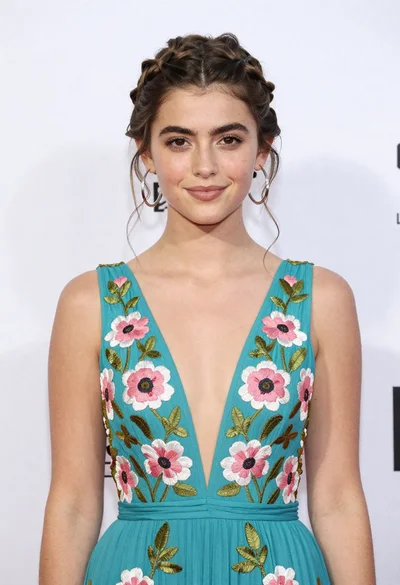
Portrait of young woman in teal embroidered gown against white backdrop
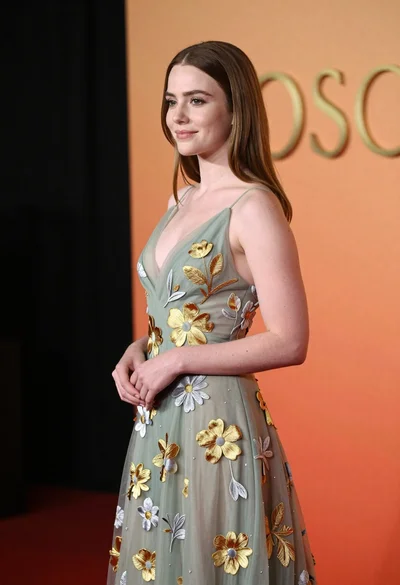
Young woman in sage green embroidered gown against orange backdrop
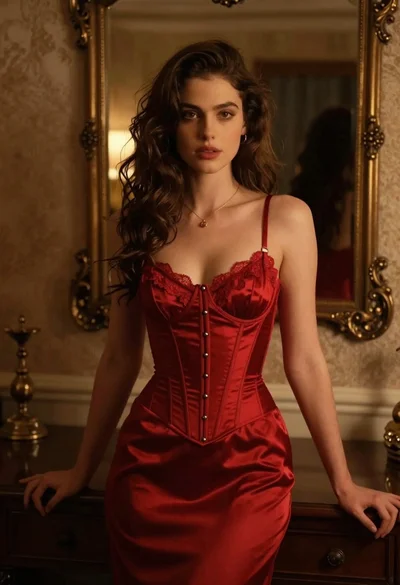
Woman in red corset dress standing in dimly lit room with ornate

Blonde woman in black coat leaning against white wall by window

Young woman in black velvet dress looking over shoulder at event

Smiling blonde woman in pink satin dress against dark branded backdrop
Glamorous woman turning over shoulder with flowing brown hair