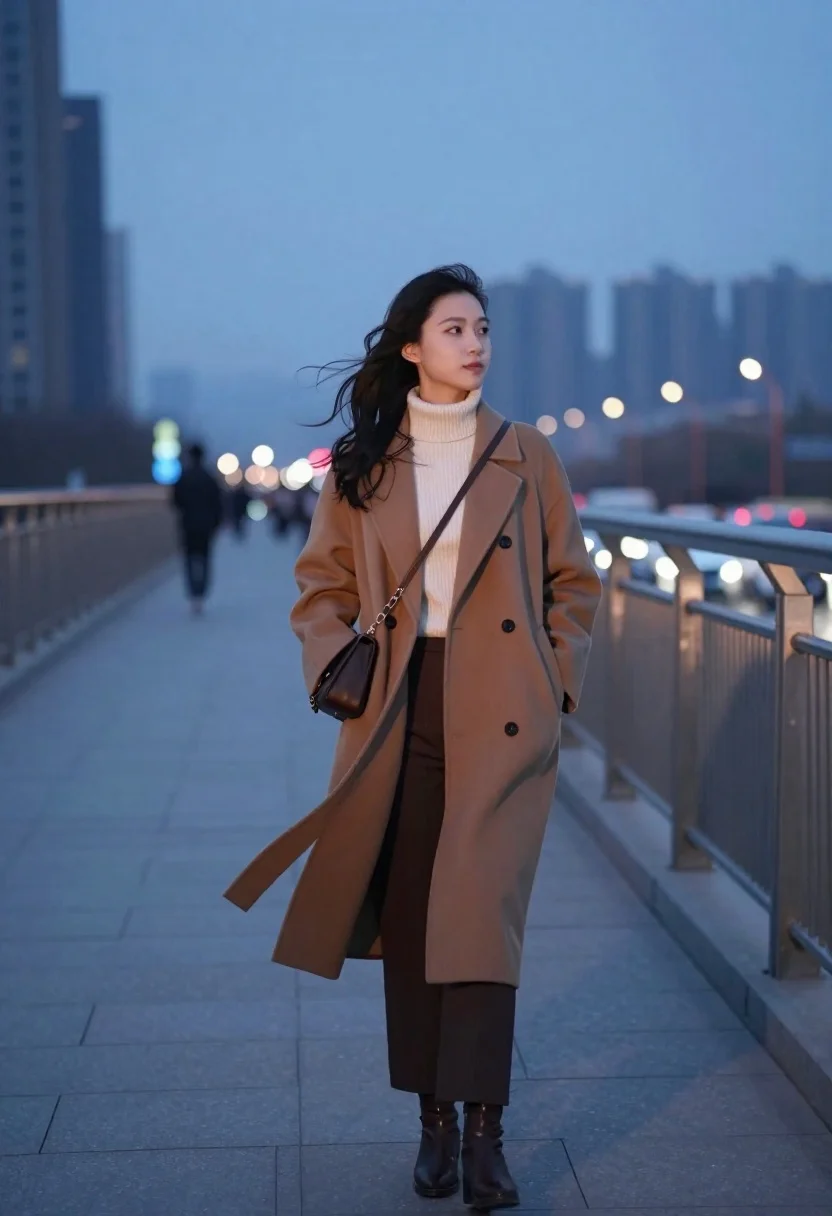
Young woman in camel coat standing on a pedestrian bridge overlooking city
Prompt
A solitary woman stands on a pedestrian bridge overlooking a city skyline at dusk.

Subject: A young woman with long dark hair blowing in the wind, looking off to the side with a calm expression.

Clothing: She wears a long camel-colored wool coat over a cream ribbed turtleneck sweater and dark trousers, accessorized with brown ankle boots and a small dark crossbody bag.

Action: She stands still with one hand in her pocket while the wind gently lifts her hair and coat hem.

Environment: An elevated walkway with metal railings, with blurred city buildings and streetlights visible in the background under a twilight sky.

Camera: Shot from a medium-full length perspective with a shallow depth of field that keeps the subject sharp while blurring the background traffic and skyline.

Lighting: Soft ambient light from the setting sun creates a gentle glow on her face, contrasting with the cool blue tones of the evening cityscape.

Style Details: The image features a cinematic color palette with warm skin tones against cool blues, rendered in a high-quality photorealistic style with smooth textures and atmospheric depth.
Description
This prompt is useful for creating cinematic editorial spreads, moody travel photography, and fashion campaign visuals set at twilight. The combination of 'warm skin tones against cool blues' establishes the desired dramatic contrast, while specifying a 'shallow depth of field' ensures the subject remains crisp despite the busy background elements like the 'blurred city buildings'.
Suggestions
- Change 'camel-colored wool coat' to 'charcoal wool trench coat' for a moodier tone.
- Add 'anamorphic lens flare' to enhance the twilight atmosphere.
- Swap 'medium-full length perspective' for 'full body shot' to better capture the wind effect.
Category
Tags
Casual WearFemaleFull BodyMedium ShotOutdoorsRealisticUrban
Date added
June 23, 2026
Added by
PromptDexter Team
Related Prompts
More prompts with similar categories and tags.
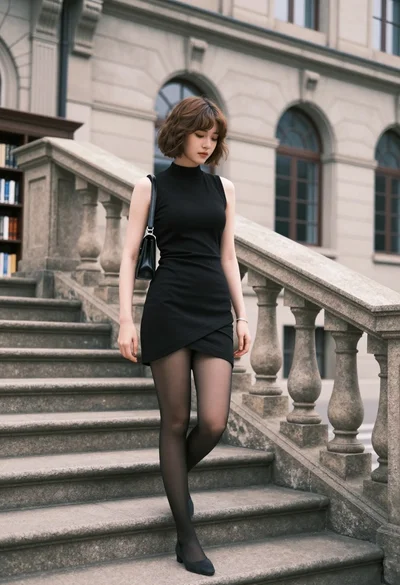
Young woman in black dress standing on stone steps before classical building

Young woman in traditional embroidered attire standing in a lush green meadow

Woman in brown corduroy sitting in golden dry grass at sunset
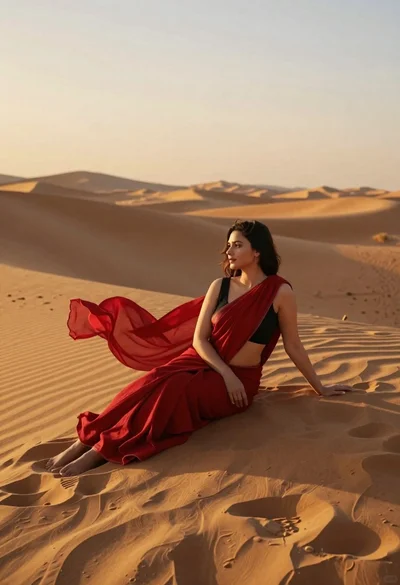
Young woman in red sari sitting on sand dunes at golden hour

Woman in white dress holding lotus flower in shallow pool with fish
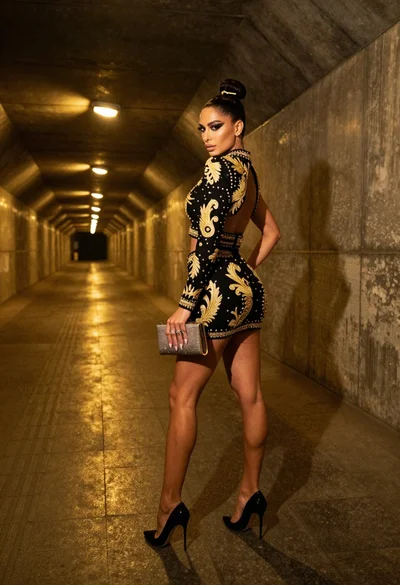
Glamorous woman in black gold outfit posing in concrete subway tunnel
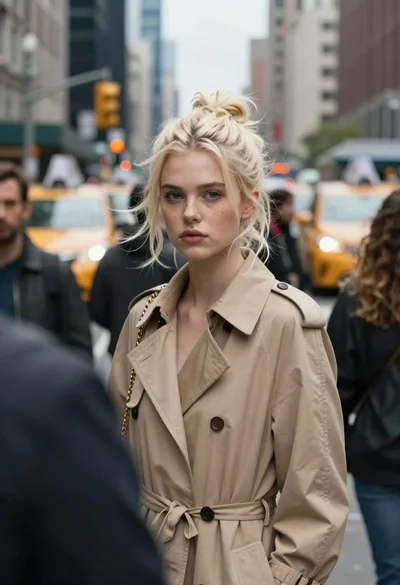
Young woman with platinum blonde hair in trench coat on busy city
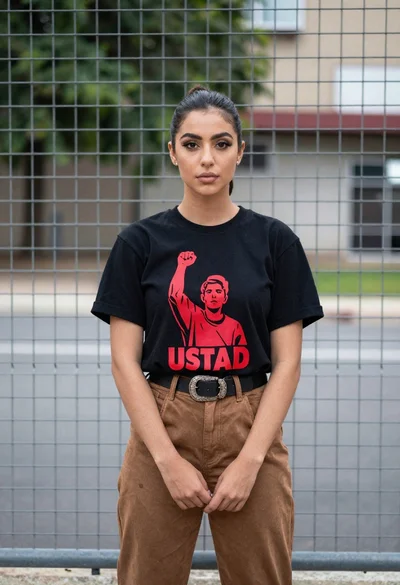
Young woman in black graphic tshirt by metal fence outdoors