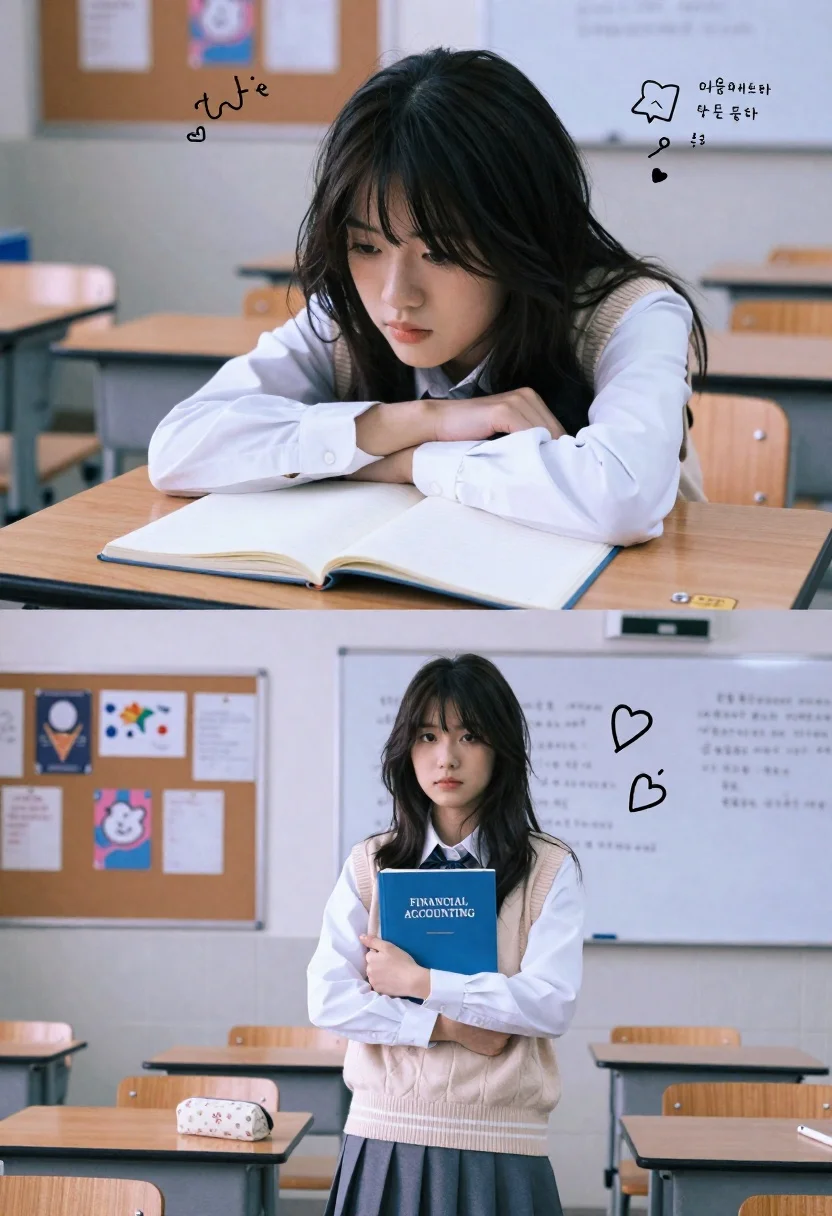
Young woman in classroom with textbook and doodles split screen collage
Prompt
A split-screen collage of a young woman in a classroom setting with a nostalgic, lo-fi aesthetic.

Subject: A young woman with long, dark, slightly messy hair and a soft, contemplative expression.

Clothing: She wears a white button-down shirt layered under a beige ribbed sweater vest with horizontal stripes at the hem, paired with a grey pleated skirt.

Action: In the top panel, she rests her chin on her folded arms on a desk; in the bottom panel, she stands holding a blue textbook close to her chest.

Environment: The setting is a classroom featuring wooden desks, a bulletin board covered in papers in the background, and a whiteboard behind her in the lower shot.

Objects: An open notebook lies on the desk in the top frame, while she holds a blue book titled "FINANCIAL ACCOUNTING" in the bottom frame; a floral pencil case sits on the desk nearby.

Text/Graphics: Hand-drawn doodles and Korean text overlays appear in both panels, including a bored face icon, hearts, and handwritten notes.

Lighting: The lighting is soft and diffused with a cool, slightly desaturated color palette that evokes a vintage film look.

Camera: The framing is medium close-up for the top shot and full-length for the bottom shot, utilizing a shallow depth of field to blur the background.

Style Details: The image features a grainy texture, muted tones, and a dreamy, lo-fi visual style reminiscent of analog photography or Instagram filters.
Description
This prompt is useful for creating academic mood boards, character concept art for slice-of-life narratives, and aesthetic social media collages. The combination of 'soft and diffused' lighting with a 'grainy texture' achieves the desired vintage film look, while specifying both 'medium close-up' and 'full-length' framing within the split screen ensures visual variety across the narrative panels.
Suggestions
- Change 'beige ribbed sweater vest' to 'cardigan sweater' for a different silhouette.
- Swap 'blue textbook' for 'vintage red book' to alter the color focus.
- Adjust 'Korean text overlays' to 'Japanese kanji characters' if you want a different cultural feel.
Category
Tags
Casual WearFemaleFull BodyIndoorsMedium ShotRealistic
Date added
June 26, 2026
Added by
PromptDexter Team
Related Prompts
More prompts with similar categories and tags.
Young blonde woman in white lace dress standing in blue doorway
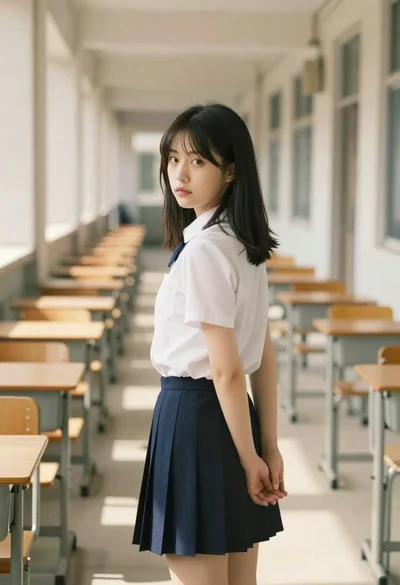
Young woman in school uniform looking back over shoulder down hallway

Young woman in white blouse leaning against beige wall near mirror
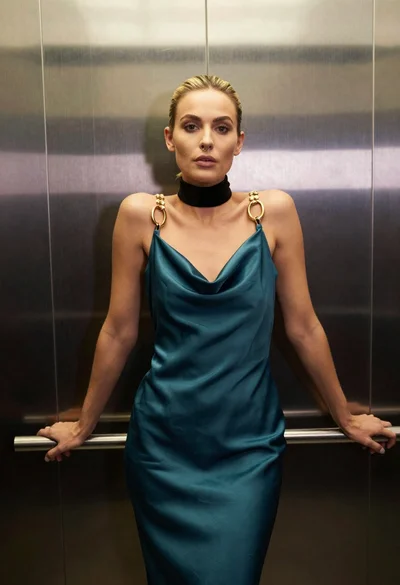
Blonde woman in teal slip dress leaning on elevator handrail

Woman in green satin slip dress standing in sunlit elegant interior room
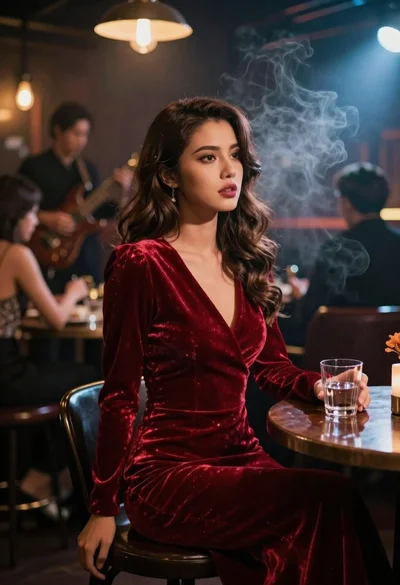
Woman in red velvet dress sitting at table in smoky jazz club

Young woman in beige mini dress looking back at camera on subway

Black and white portrait of young woman in wool coat standing in