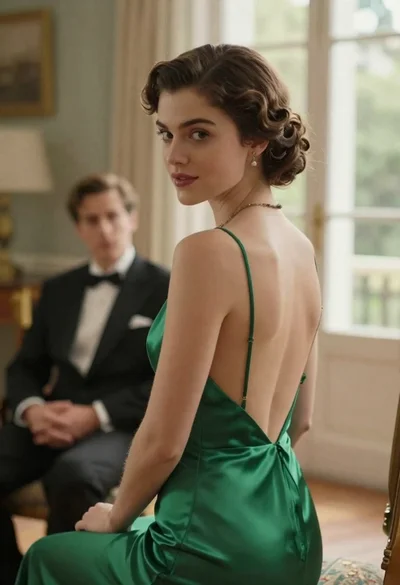

Woman in green satin slip dress standing in sunlit elegant interior room
Prompt
A woman with short dark hair stands in a sunlit room wearing a green satin slip dress.

Subject: A woman with short, wavy dark brown hair and fair skin, looking slightly to the side with a neutral expression.

Clothing: She wears a vibrant emerald green satin slip dress with thin spaghetti straps, a deep V-neckline featuring delicate embroidery or beading near the bust, and a gathered waist that flows into a draped skirt. A wide silver cuff bracelet is visible on her left wrist.

Action: She stands in a relaxed pose with her right arm hanging by her side and her left hand slightly raised near her chest, fingers gently curled.

Environment: The setting is an elegant interior room featuring cream-colored walls with floral wallpaper, a white fireplace mantel decorated with a turquoise vase, and built-in cabinetry with glass doors in the background.

Lighting: Warm natural sunlight streams from the right side, casting soft highlights on her shoulder and neck while creating gentle shadows that define her features and the folds of the dress.

Camera: The shot is framed as a medium close-up at eye level, utilizing a shallow depth of field to keep the subject sharp while softly blurring the background details.

Style Details: The image exhibits a cinematic quality with rich color saturation, high contrast between light and shadow, and a polished, film-like aesthetic reminiscent of period drama photography.
Description
This prompt is useful for creating vintage editorial fashion spreads, character portraits for period dramas, and sophisticated lifestyle advertisements. The combination of 'warm natural sunlight' casting soft highlights on the shoulder and neck, paired with the 'shallow depth of field,' ensures the subject remains sharply defined against a softly blurred background, which prevents distracting details from pulling focus away from the rich texture of the 'green satin slip dress'.
Suggestions
- Change 'vibrant emerald green' to 'muted sage green' for a more vintage feel.
- Add 'Kodak Portra 400 film grain' to the style details for an analog look.
- Adjust the lighting by specifying 'rim light from the left' to create more dramatic separation.
Category
Tags
Brown HairCasual WearFair SkinFemaleIndoorsMedium ShotPortrait ShotRealistic
Date added
June 19, 2026
Added by
PromptDexter Team
Related Prompts
More prompts with similar categories and tags.
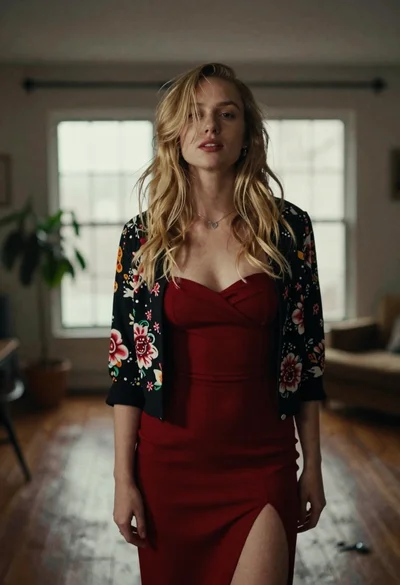
Fair blonde woman in red dress and floral jacket indoors
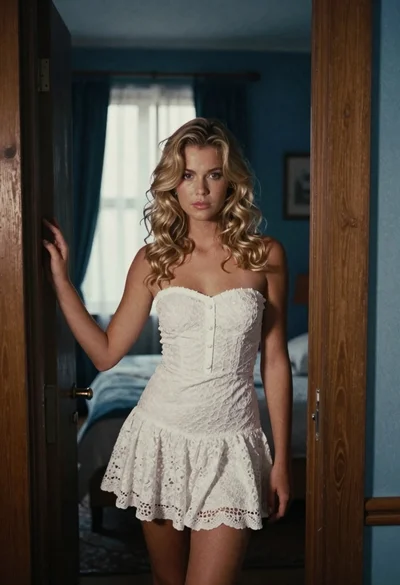
Young blonde woman in white lace dress standing in blue doorway

Blonde woman in teal slip dress leaning on elevator handrail
Young woman in blue velvet dress with candelabra in dimly lit room
Blonde woman in black lace corset top against dark green wall
Young woman in blue tulle gown standing with eyes closed in wind
Young woman in pink lace gown standing in misty wildflower field
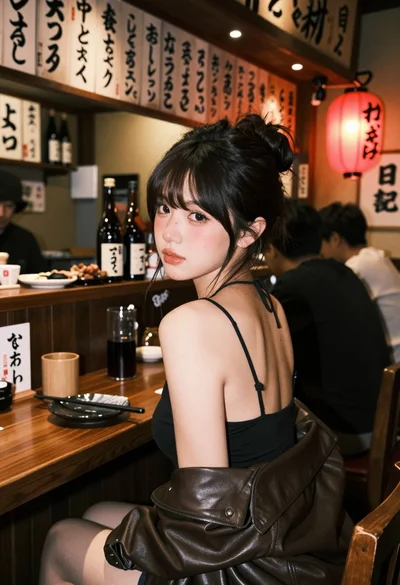
Young woman at wooden counter in dimly lit japanese izakaya bar setting
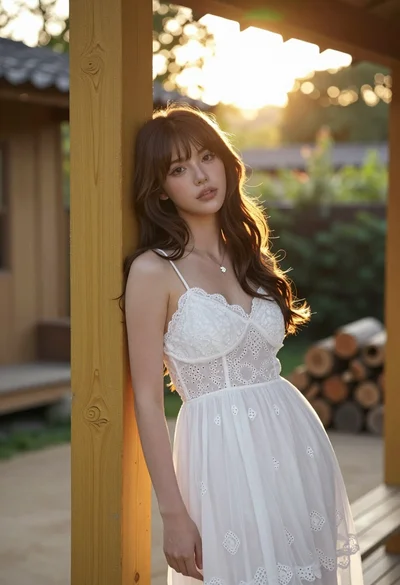
Young woman with brown hair leaning on yellow pillar during golden hour
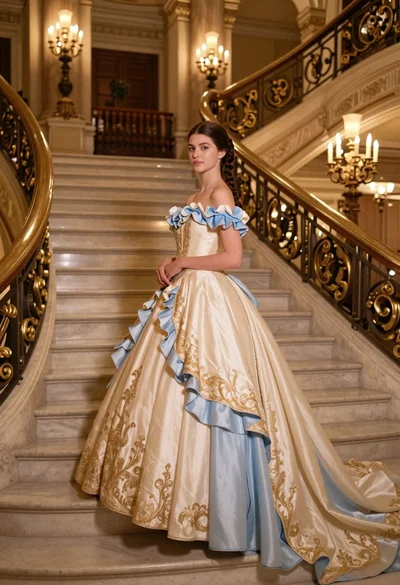
Young woman in elaborate ballgown on grand marble staircase interior