
Young woman in school uniform looking back over shoulder down hallway
Prompt
A young woman with dark shoulder-length hair stands in a sunlit school hallway, looking back over her shoulder at the camera.

Subject: A young woman with fair skin and straight black hair cut to shoulder length. Her expression is calm and slightly alluring as she turns her head to look directly at the viewer.

Clothing: She wears a crisp white short-sleeved button-up shirt tucked into a dark navy blue pleated skirt that falls above the knee. The outfit resembles a standard school uniform.

Action: She stands with her body angled away from the camera, facing down the hallway, while turning her upper body and head back to look over her left shoulder. Her hands are clasped loosely behind her lower back.

Environment: The setting is an empty school corridor lined with rows of wooden desks and chairs on both sides. The background features a long perspective leading into a bright, slightly blurred distance, suggesting depth and emptiness.

Lighting: Natural daylight streams in from the left side, illuminating the woman's face and casting soft shadows across the floor and furniture. The lighting is warm and creates a nostalgic, serene atmosphere.

Camera: Shot with a medium telephoto lens to compress the perspective of the hallway, utilizing a shallow depth of field that keeps the subject sharp while blurring the background and foreground elements.

Style Details: The image has a cinematic, film-like quality with soft focus and a warm color palette, evoking a quiet, contemplative mood.
Description
This prompt is useful for creating cinematic character portraits, narrative scene stills, and editorial pieces suggesting nostalgia or mystery. The combination of 'medium telephoto lens' and 'shallow depth of field' compresses the hallway perspective while ensuring the subject remains sharp against a blurred background, perfectly framing the moment she looks back over her shoulder.
Suggestions
- Change 'dark shoulder-length hair' to 'wavy black hair' for more movement.
- Swap 'navy blue pleated skirt' for 'plaid tartan skirt' to change the uniform feel.
- Adjust 'Natural daylight streams in from the left side' to 'dramatic sidelight' for harsher shadows.
Category
Tags
Black HairCasual WearFair SkinFemaleIndoorsMedium ShotOver The ShoulderRealistic
Date added
June 19, 2026
Added by
PromptDexter Team
Related Prompts
More prompts with similar categories and tags.

Blonde woman in teal slip dress leaning on elevator handrail
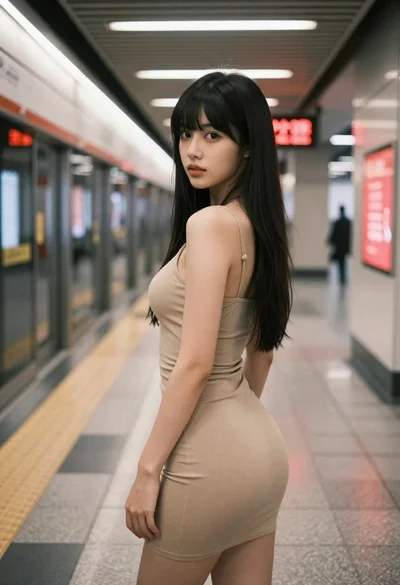
Young woman in beige mini dress looking back at camera on subway
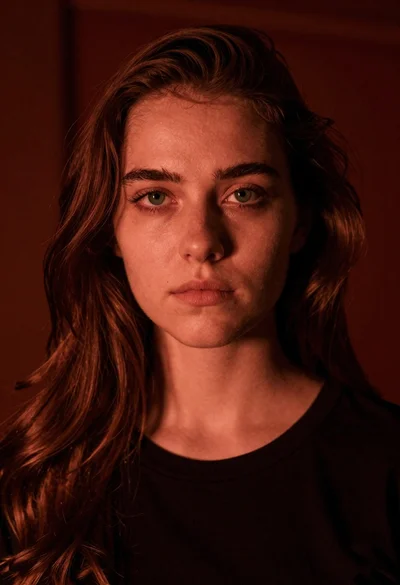
Closeup portrait of young woman with brown hair and green eyes in
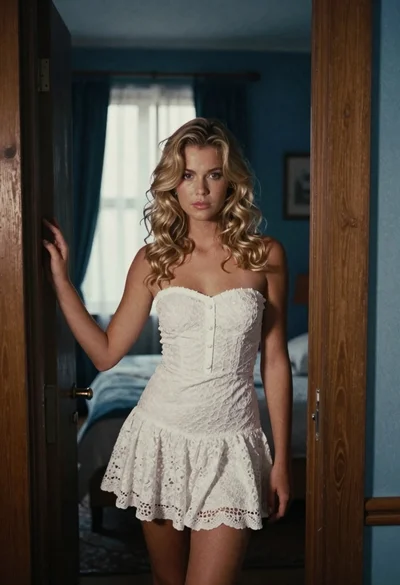
Young blonde woman in white lace dress standing in blue doorway

Woman in green satin slip dress standing in sunlit elegant interior room
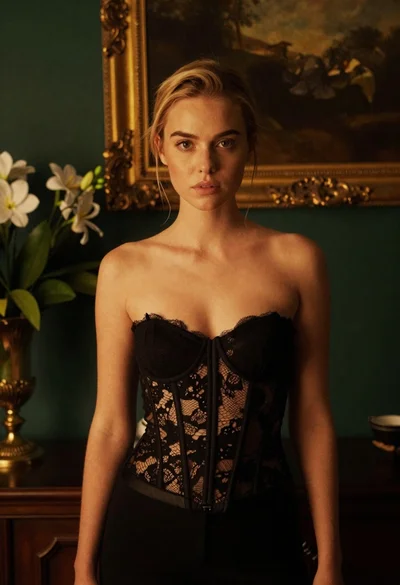
Blonde woman in black lace corset top against dark green wall

Young woman with long black hair standing in dark environment with projected

Young woman holding green tea bottle inside a convenience store aisle
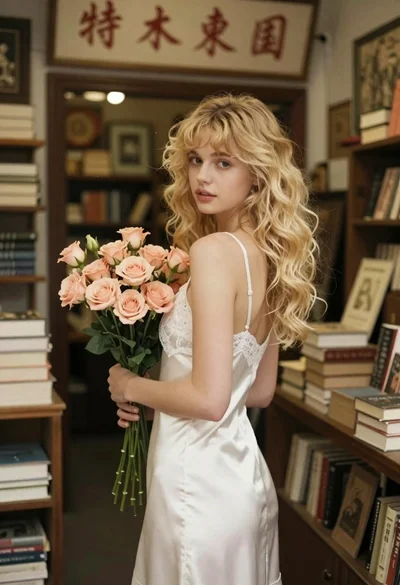
Fair skinned young woman with wavy blonde hair holding flowers in vintage
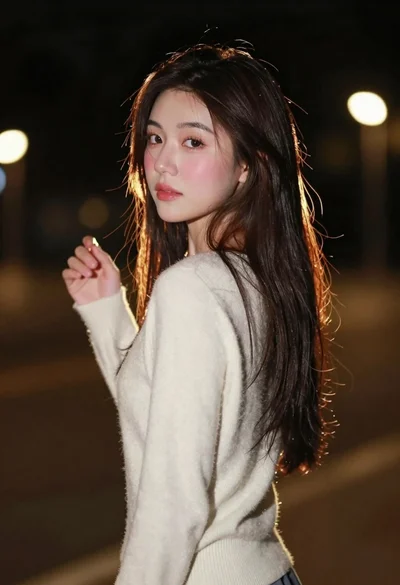
Young woman with long dark hair looking back over shoulder in dimly