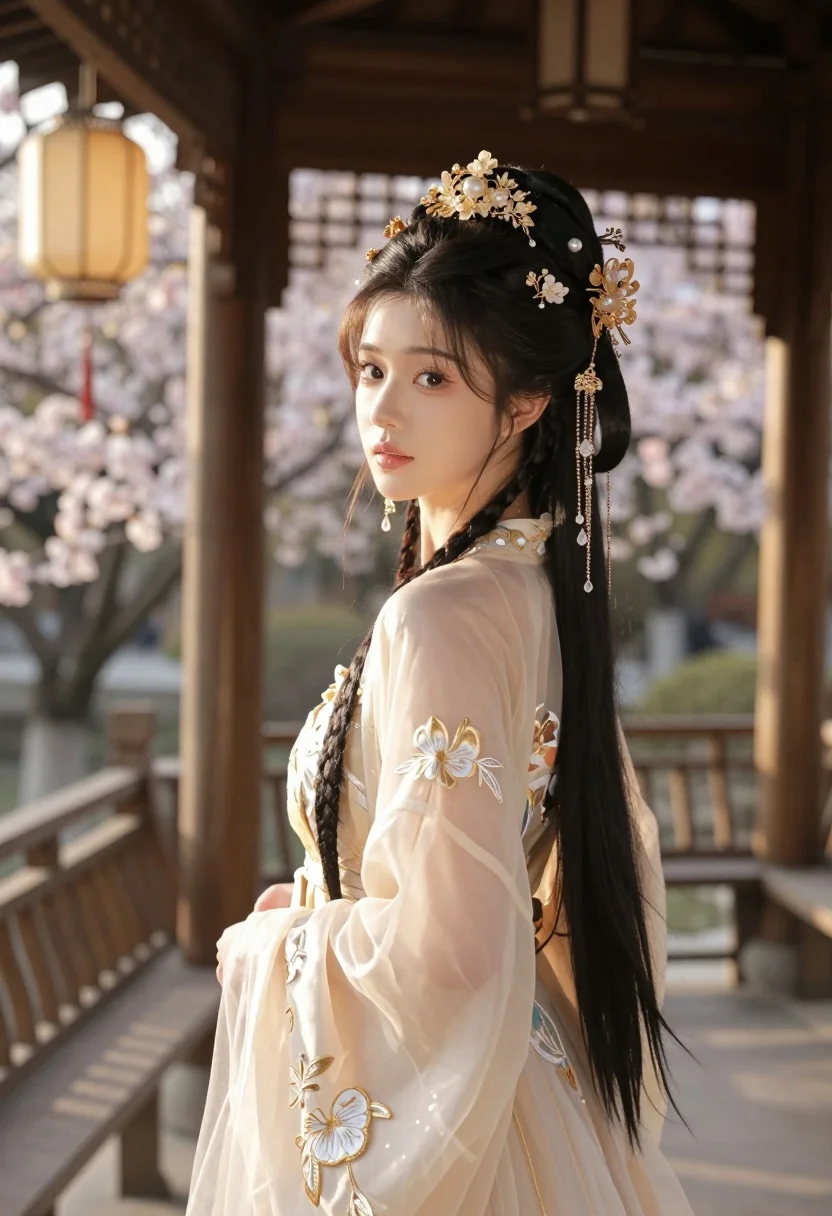
Young woman in cream gown looking back over shoulder at wooden pavilion
Prompt
A young woman with dark hair styled in an elaborate updo adorned with intricate golden floral headpieces and dangling crystal chains stands in a traditional wooden pavilion.

Subject: A beautiful young woman with fair skin, large expressive eyes, and a soft, serene expression looking back over her shoulder. Her long dark hair is intricately braided and pinned with ornate gold jewelry featuring flowers and pearls.

Clothing: She wears an elegant, translucent cream-colored gown with delicate floral embroidery in gold thread, featuring sheer sleeves that reveal the intricate details of the bodice underneath.

Action: The woman stands gracefully with her body angled away from the camera while turning her head to look back over her shoulder with a gentle gaze.

Environment: She is positioned on a wooden balcony or bridge surrounded by soft-focus cherry blossoms and traditional lanterns hanging in the background, creating a dreamy atmosphere.

Lighting: Warm golden sunlight filters through the scene, casting a soft glow on her face and highlighting the shimmering details of her dress and jewelry with gentle shadows.

Camera: The image is captured with a shallow depth of field that keeps the subject sharply in focus while blurring the background elements to emphasize her presence.

Style Details: The image features a highly detailed, realistic rendering with soft lighting effects and a warm color palette that evokes a sense of ethereal beauty and traditional elegance.
Description
This prompt is useful for creating editorial fashion moodboards, historical costume concept art, and luxury wedding invitations. The combination of 'translucent cream-colored gown' with 'delicate floral embroidery in gold thread' ensures the fabric catches the 'Warm golden sunlight,' preventing it from appearing flat while allowing the intricate details to remain visible against the soft focus of the cherry blossoms.
Suggestions
- Change 'intricate golden floral headpieces' to 'jade and mother-of-pearl adornments' for a different color story.
- Swap 'cherry blossoms' for 'wisteria blooms' to alter the seasonal feel.
- Adjust 'Warm golden sunlight' to 'diffused overcast light' for a more muted, painterly look.
Category
Tags
Brown HairFair SkinFemaleFull BodyMedium ShotOutdoorsRealisticRooftopTraditional Wear
Date added
July 3, 2026
Added by
PromptDexter Team
Related Prompts
More prompts with similar categories and tags.
Young woman in kebaya beside vintage car in sunlit architectural corridor
Young woman in grey top and white skirt by water at dusk

Woman standing barefoot in dry autumn field at golden hour

Young woman in black and white patterned outfit on urban rooftop

Smiling blonde woman in sports bra sitting on outdoor lounge chair
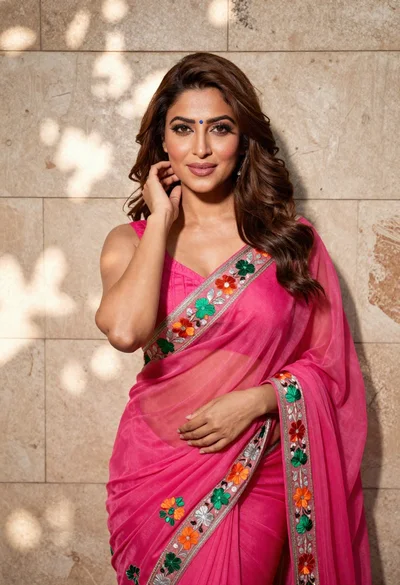
Woman in fuchsia saree posing against textured beige stone wall

Young woman with braided hair in misty woodland setting
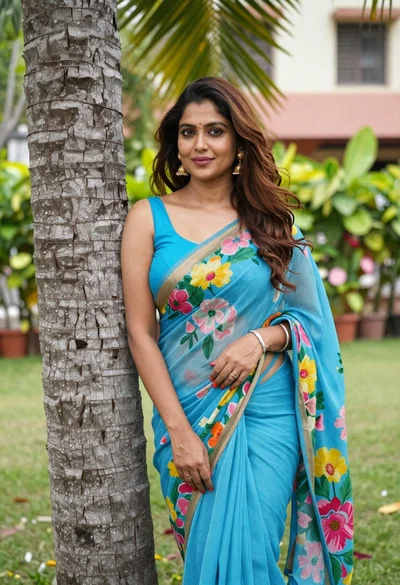
Woman in blue floral saree leaning against tree trunk in lush garden
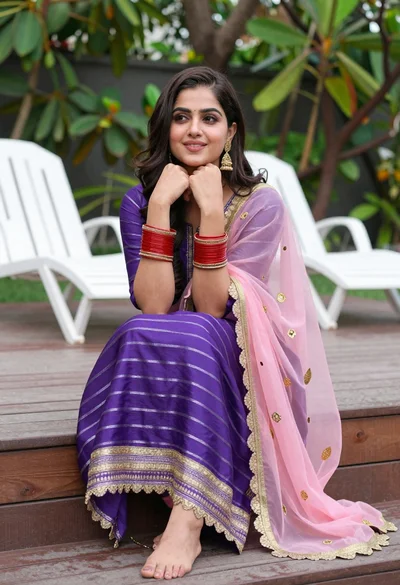
Young woman in purple salwar kameez on wooden garden deck
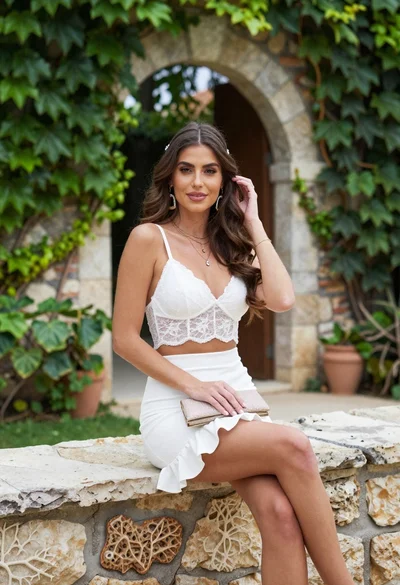
Young woman in white lace outfit sitting on stone ledge in garden
