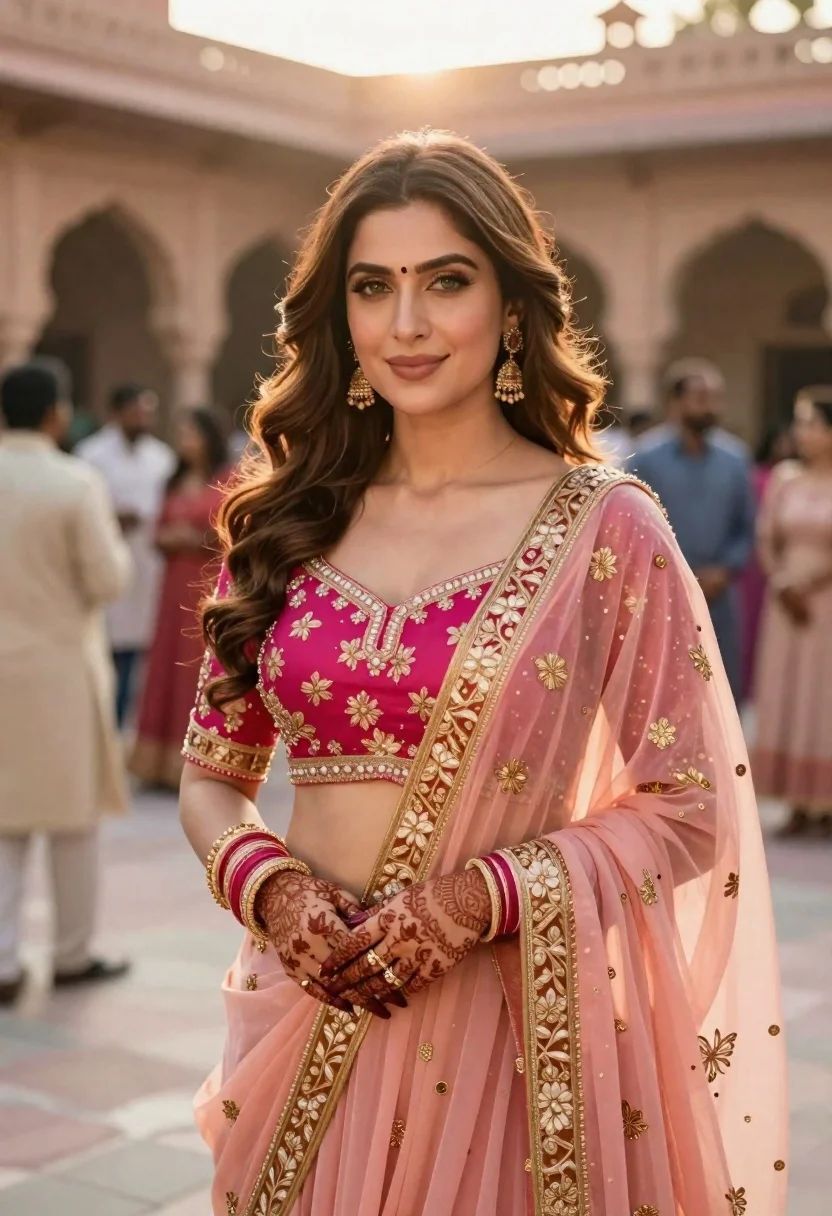
Indian woman in pink and peach traditional dress in sunlit courtyard
Prompt
A confident woman stands in a warm, sunlit courtyard wearing an elaborate pink and peach traditional Indian outfit with heavy gold embroidery.

Subject: A beautiful woman with long wavy brown hair, fair skin, and striking green eyes looking directly at the camera with a gentle smile.

Clothing: She wears a vibrant magenta blouse paired with a sheer peach dupatta draped over her shoulder, both featuring intricate golden floral patterns and borders.

Action: Her arms are crossed gracefully in front of her chest, displaying detailed henna designs on her hands and wrists adorned with gold bangles and rings.

Environment: The background shows a blurred outdoor setting with stone arches and guests mingling under soft daylight, suggesting a wedding or festive gathering.

Lighting: Soft golden hour sunlight illuminates the scene from above, casting gentle highlights on her hair and face while creating a warm, romantic atmosphere.

Style Details: High-resolution portrait photography with shallow depth of field, rich color grading, and elegant composition emphasizing traditional elegance and cultural richness.
Description
This prompt is useful for creating wedding editorial spreads, cultural lifestyle blogs, and high-end bridal lookbooks. The combination of 'soft golden hour sunlight' casting highlights on her hair and face, paired with the 'shallow depth of field,' ensures that the intricate details of the 'heavy gold embroidery' remain visible while the background remains softly suggestive rather than distracting.
Suggestions
- Change 'magenta blouse' to 'rani pink blouse' for a deeper jewel tone.
- Swap 'stone arches' for 'carved marble pillars' to increase architectural formality.
- Add 'Canon RF 85mm f/1.
Category
Tags
Brown HairFair SkinFemaleFull BodyMedium ShotOutdoorsPortrait ShotRealisticTraditional Wear
Date added
June 21, 2026
Added by
PromptDexter Team
Related Prompts
More prompts with similar categories and tags.

Young woman with braided hair in misty woodland setting

Young woman in white lace outfit sitting on stone ledge in garden

Young woman in green jacket holding plush toy at festive carousel
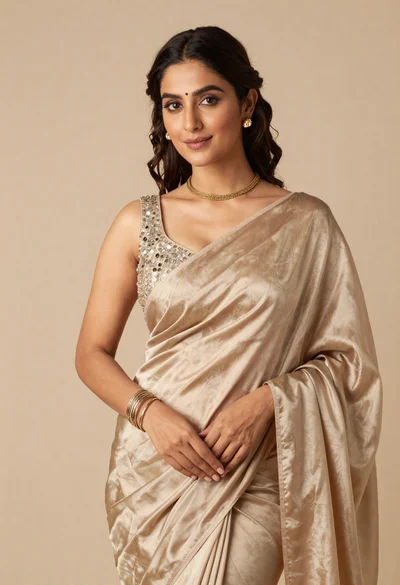
Portrait of woman in shimmering beige silk saree posing in studio
Young indian woman in green saree posing in front of garden
Young woman in pink traditional lehenga sitting on chair outdoors

Young woman in sage green outfit leaning against textured wall in sunlight
Young woman in pink lace gown standing in misty wildflower field