
Young woman in graphic tshirt and polka dot skirt against pink background
Prompt
A young woman with long dark wavy hair stands confidently against a textured pink background.

Subject: A young woman with fair skin and long dark brown wavy hair that falls over her shoulders. She has a soft expression with a slight smile, looking upwards and to the side.

Clothing: She wears a black short-sleeved t-shirt featuring a large colorful graphic print of the words "FORÇA BARCA" in a stylized script font using yellow, white, red, and blue colors. The shirt has a small Nike logo on the upper chest. She is also wearing a white pleated mini skirt with black polka dots.

Action: She stands facing forward with her hands resting lightly on her hips, pulling slightly at the hem of her t-shirt. Her head is tilted back as she gazes upward.

Environment: The background is a solid pink surface with a subtle glittery texture. There are decorative graphic elements floating around her, including a purple flower shape and dashed lines resembling stitching or thread paths in white and pink.

Lighting: The lighting is bright and even, illuminating the subject clearly without harsh shadows, creating a soft and cheerful mood.

Style Details: The image has a playful and vibrant aesthetic with a focus on fashion and colorful graphics, rendered with high clarity and a polished commercial photography style.
Description
This prompt is useful for creating vibrant e-commerce lookbooks, pop art inspired editorial spreads, and casual brand advertising featuring graphic apparel. The combination of 'bright and even' lighting ensures the 'colorful graphic print' remains legible against the 'textured pink background,' while the specific styling elements like the 'pleated mini skirt with black polka dots' anchor the image in a playful commercial aesthetic.
Suggestions
- Change 'solid pink surface' to 'pastel coral backdrop' for a warmer feel.
- Swap 'large colorful graphic print' for 'minimalist line art graphic' to tone down the saturation.
- Adjust 'slight smile' to 'confident smirk' to shift the mood.
Category
Tags
Black HairBrown HairCasual WearFair SkinFemaleFull BodyRealisticStudio
Date added
June 19, 2026
Added by
PromptDexter Team
Related Prompts
More prompts with similar categories and tags.
Glamorous portrait of young woman in shimmering black mesh top
Studio portrait of woman with brown hair and green eyes

Young woman in black velvet dress looking over shoulder at event
Glamorous blonde woman in white sequin gown holding feather boa indoors
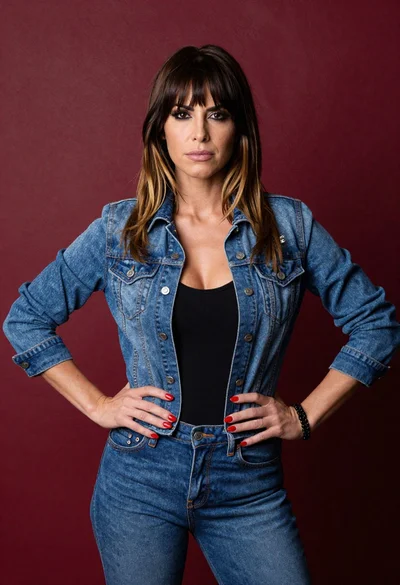
Confident woman with brown hair in denim jacket against deep red textured
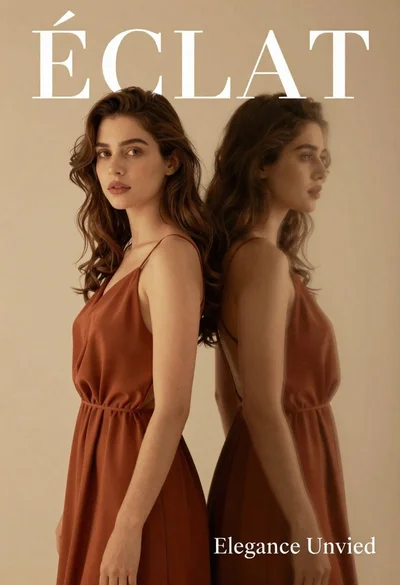
Dual portrait of woman in rust dress against beige studio background
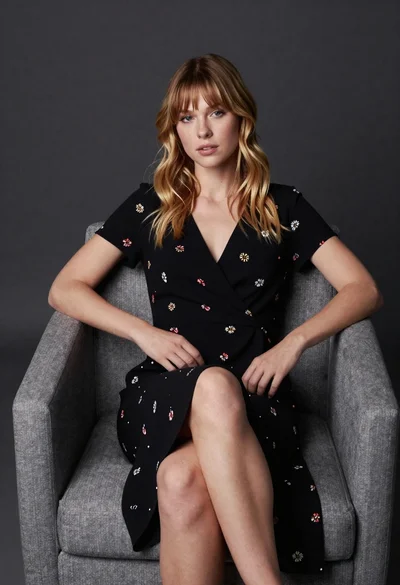
Young blonde woman in floral dress seated on grey armchair studio portrait
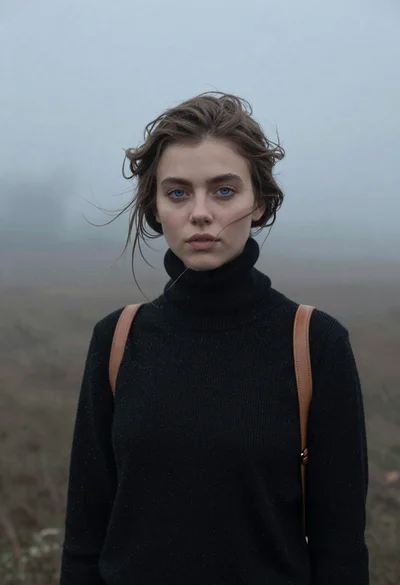
Portrait of woman in black sweater in thick fog

Young woman in silver sequin top and lace dress against beige wall
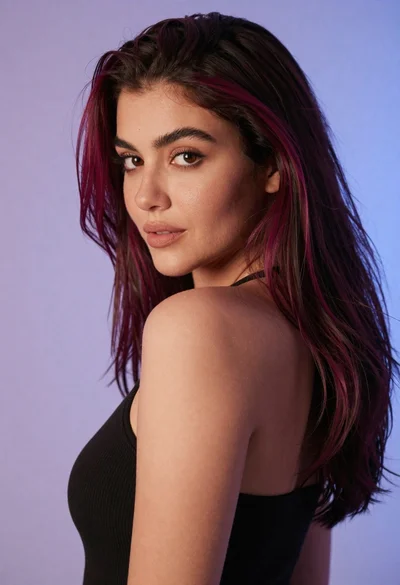
Close up portrait of woman with dark magenta highlighted hair looking over
