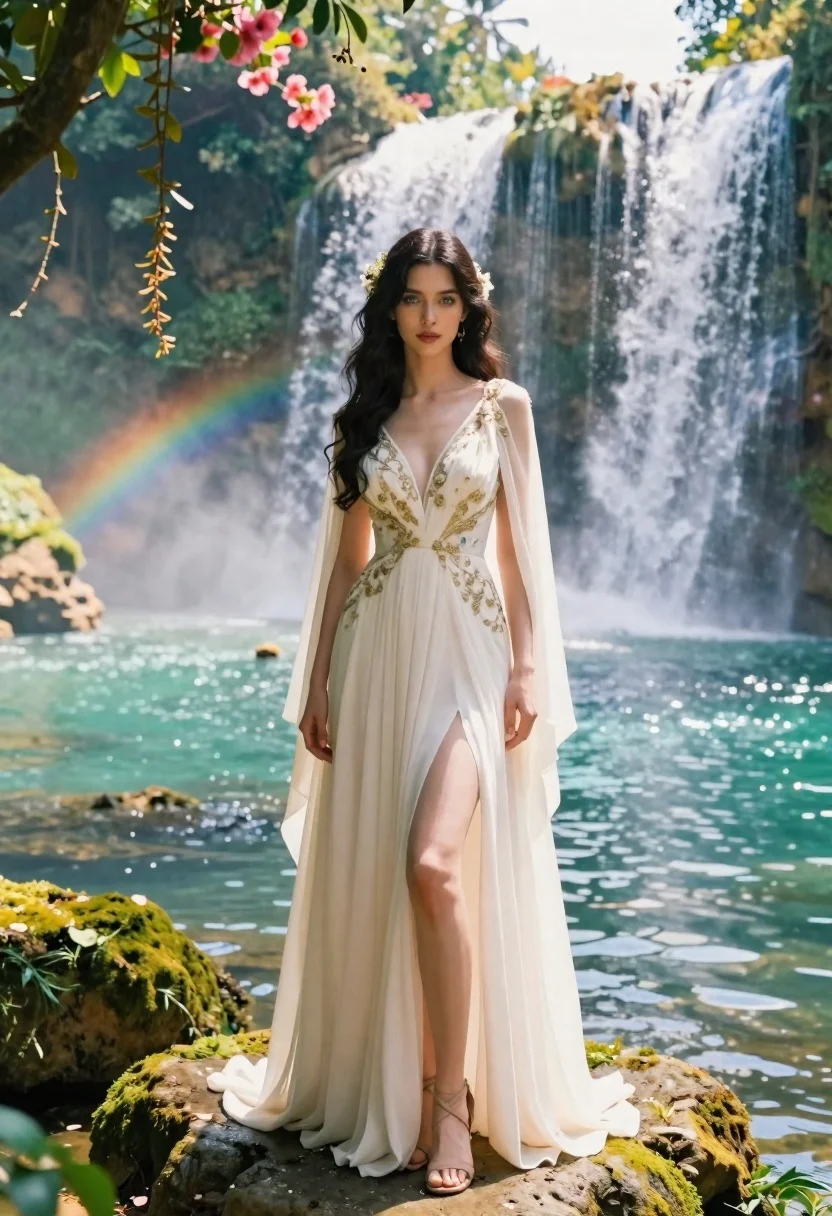
Young woman in ivory gown on mossy rock by turquoise waterfall
Prompt
A woman stands gracefully on a mossy rock ledge beside a turquoise pool with majestic waterfalls cascading in the background and a faint rainbow arching over the mist.

Subject: A young woman with long, dark, wavy hair adorned with small floral accents framing her face, featuring soft blue eyes and a serene expression.

Clothing: She wears an elegant, floor-length ivory gown with a deep V-neckline, intricate gold embroidery along the bodice and flowing sheer cape sleeves, paired with delicate strappy sandals.

Action: Standing upright in a poised pose with one leg slightly forward to show the high slit of her dress, her hands resting gently at her sides while looking directly at the viewer.

Environment: A lush tropical setting with moss-covered rocks, hanging vines, pink flowers on the left, and powerful waterfalls flowing into a shimmering turquoise lake under bright daylight.

Lighting: Warm golden sunlight filters through the foliage creating soft highlights on her skin and dress, with misty backlighting from the waterfalls enhancing the dreamlike atmosphere.

Style Details: Photorealistic cinematic rendering with high detail, vibrant natural colors, subtle film grain, and ethereal depth of field emphasizing the subject against the majestic landscape.
Description
This prompt is useful for creating editorial fashion editorials set in exotic locales, fantasy concept art featuring mythological figures, and luxury resort advertising campaigns. The combination of 'ivory gown' with 'gold embroidery' against a 'turquoise pool' backdrop establishes a high-contrast, romantic aesthetic that the 'misty backlighting from the waterfalls' accentuates by giving the subject an almost otherworldly glow.
Suggestions
- Change 'pink flowers on the left' to 'blue orchids' for color harmony.
- Swap 'golden sunlight' for 'overcast diffused light' for a softer look.
- Add 'anamorphic lens flare' to enhance the cinematic quality.
Category
Tags
FemaleFull BodyOutdoorsRealistic
Date added
June 19, 2026
Added by
PromptDexter Team
Related Prompts
More prompts with similar categories and tags.
Young woman in silver top sitting on mossy stone steps in forest
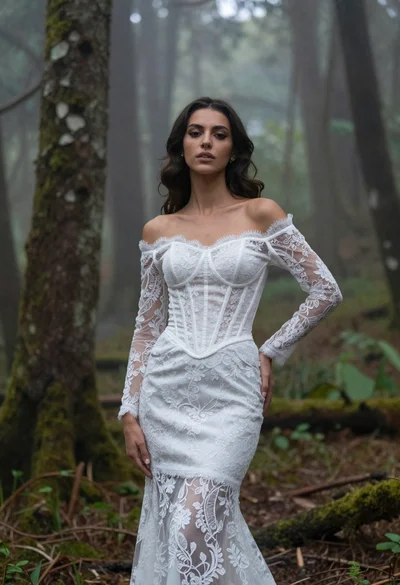
Woman in white lace gown standing in misty forest medium shot
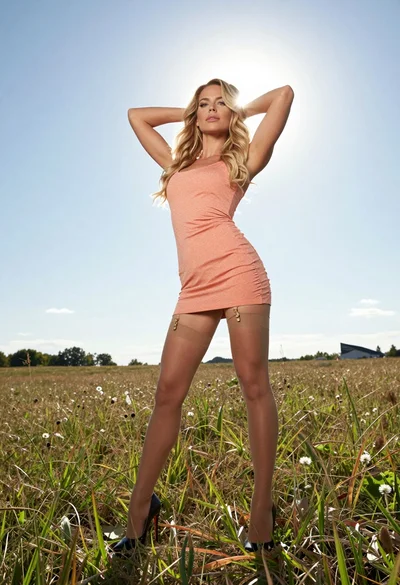
Fit blonde woman in peach dress standing in grassy field under bright
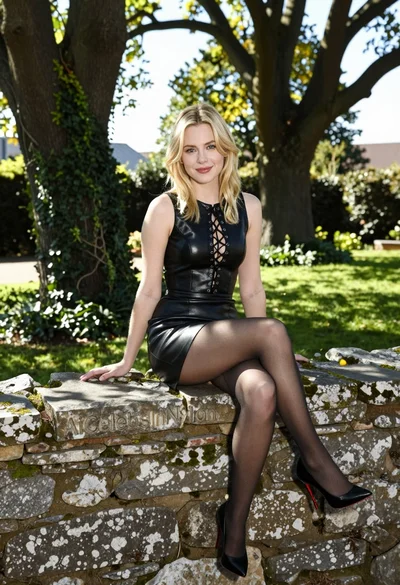
Blonde woman in black leather dress sitting on mossy stone wall in
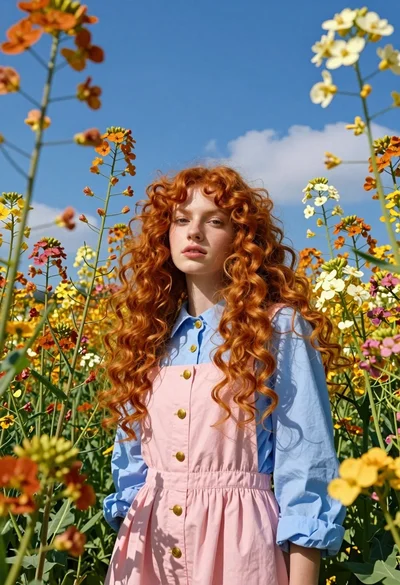
Fair young woman with red hair standing in a vibrant field of
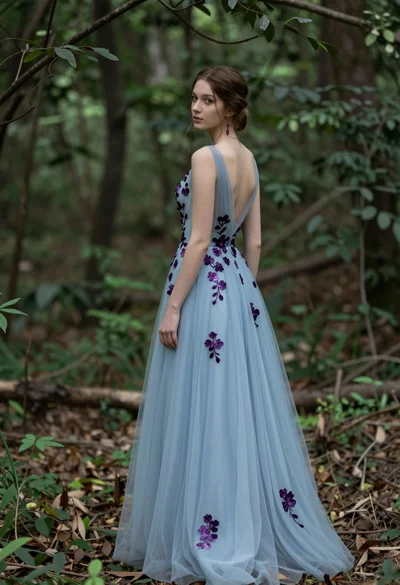
Young woman in light blue gown standing in a lush forest setting
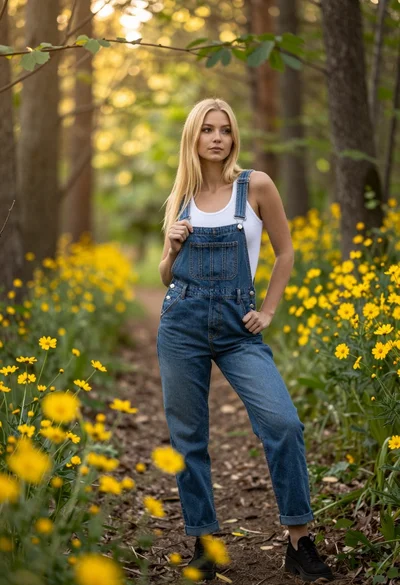
Blonde woman in denim overalls on a sunny forest path with wildflowers
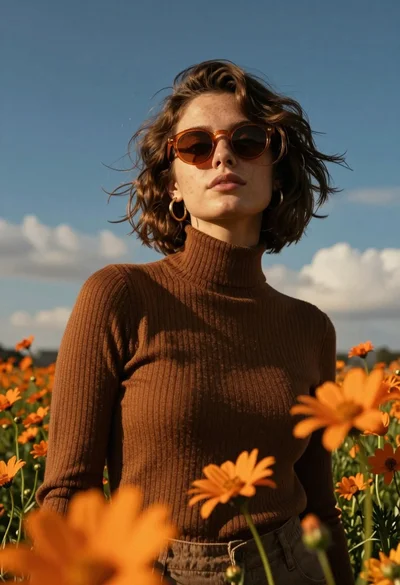
Young woman in brown sweater standing in orange flower field under deep
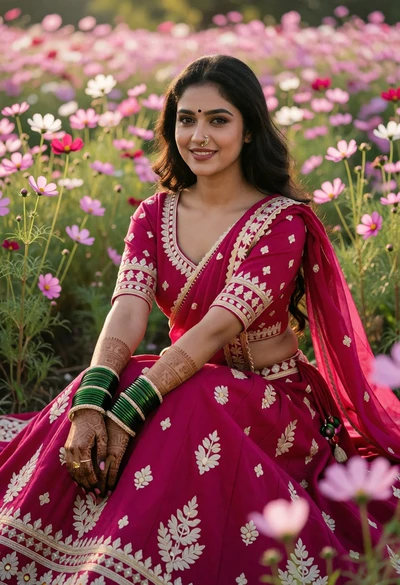
Young woman in magenta lehenga amidst pink and white cosmos flowers
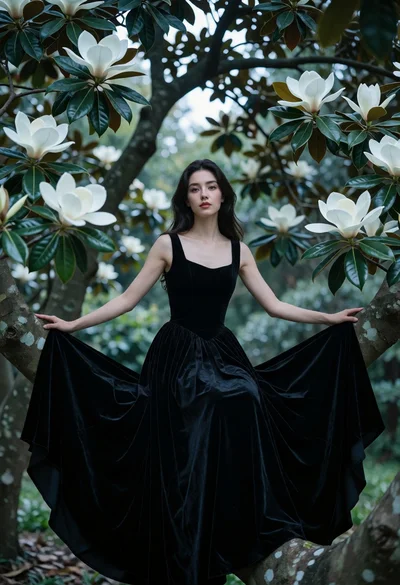
Woman in black velvet gown seated on tree branch among magnolia blossoms