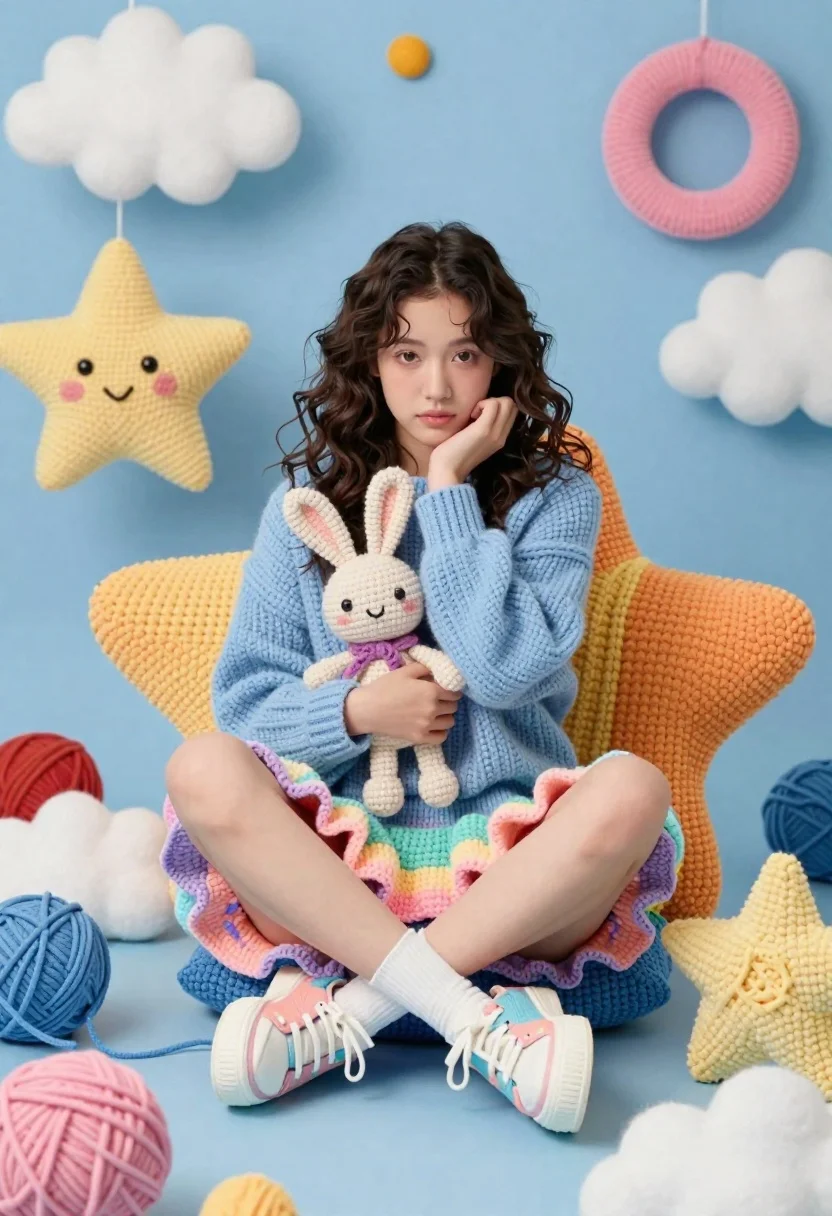
Young woman in knit sweater sitting among giant crocheted stars and clouds
Prompt
A young woman sits in a whimsical crocheted world surrounded by giant yarn stars and clouds.

Subject: A young woman with dark wavy hair, fair skin, and a soft, contemplative expression looking directly at the camera.

Clothing: She wears a chunky light blue knit sweater, a pastel rainbow-colored ruffled skirt, white crew socks, and pastel platform sneakers.

Action: She sits cross-legged on a large crocheted chair, holding a small beige crochet bunny to her chest with one hand while resting her chin on the other hand in a thoughtful pose.

Environment: The setting is a surreal, dreamlike room entirely constructed from crochet textures, featuring giant yarn stars, floating rings, and colorful spheres against a blue background.

Camera: A medium shot capturing the full upper body of the subject, framed to include the surrounding whimsical props with a shallow depth of field that keeps the focus on the woman.

Lighting: Soft, diffused studio lighting creates a gentle glow, casting minimal harsh shadows and highlighting the texture of the yarn materials.

Style Details: The image features a distinct 3D render style mimicking crochet or amigurumi textures, with vibrant pastel colors, high detail, and a playful, magical atmosphere.
Description
This prompt is useful for creating whimsical children's book illustrations, surreal portraiture for artistic portfolios, and themed editorial spreads for craft magazines. The combination of 'chunky light blue knit sweater,' 'pastel rainbow-colored ruffled skirt,' and the specified '3D render style mimicking crochet or amigurumi textures' ensures that the subject feels fully integrated into the fantastical environment rather than simply placed in front of it.
Suggestions
- Change 'light blue knit sweater' to 'cream cable knit sweater' for a warmer tone.
- Swap 'pastel rainbow-colored ruffled skirt' for 'ivory tulle skirt' to simplify the color palette.
- Adjust 'soft, diffused studio lighting' to 'rim lighting' to separate the subject from the background.
Category
Tags
Brown HairFair SkinFemaleFull BodyMedium ShotPortrait ShotRealistic
Date added
June 21, 2026
Added by
PromptDexter Team
Related Prompts
More prompts with similar categories and tags.

Woman in rust gown posing on white step and repeat backdrop

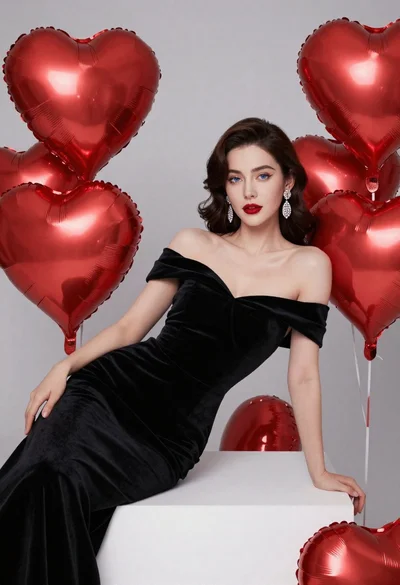
Young woman in black velvet dress looking over shoulder at event
Young blonde woman in floral dress seated on grey armchair studio portrait
Woman in grey suit and cream turtleneck standing against white wall
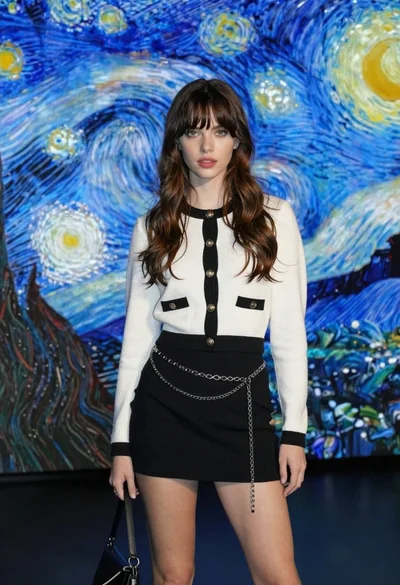
Stylish woman in white cardigan standing before large abstract digital screen
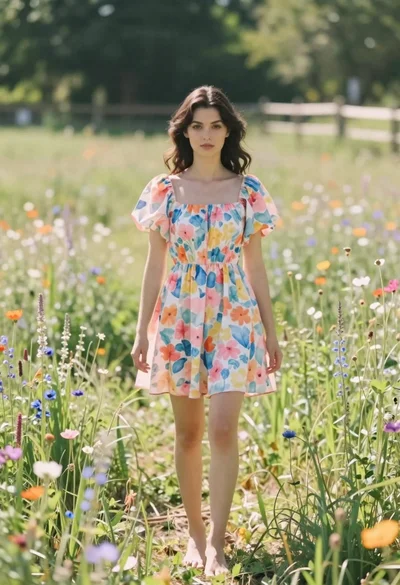
Young woman in floral dress standing in sun drenched meadow field
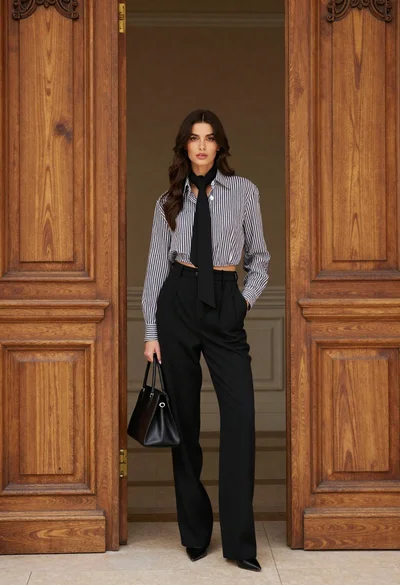
Stylish woman in striped shirt standing between large ornate wooden doors
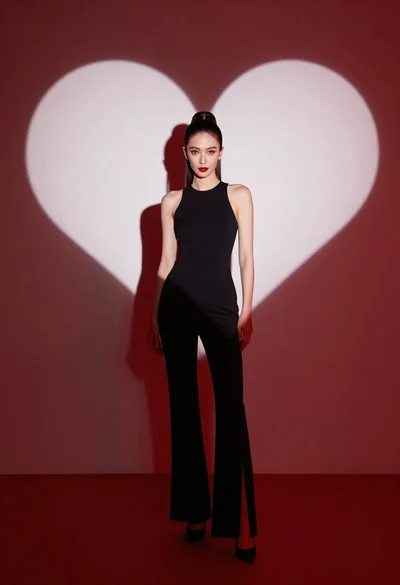
Woman in black jumpsuit standing before large white heart on red
Portrait of young woman with brown hair in white shirt and suspenders
Young woman in white tshirt leaning against vintage red convertible car