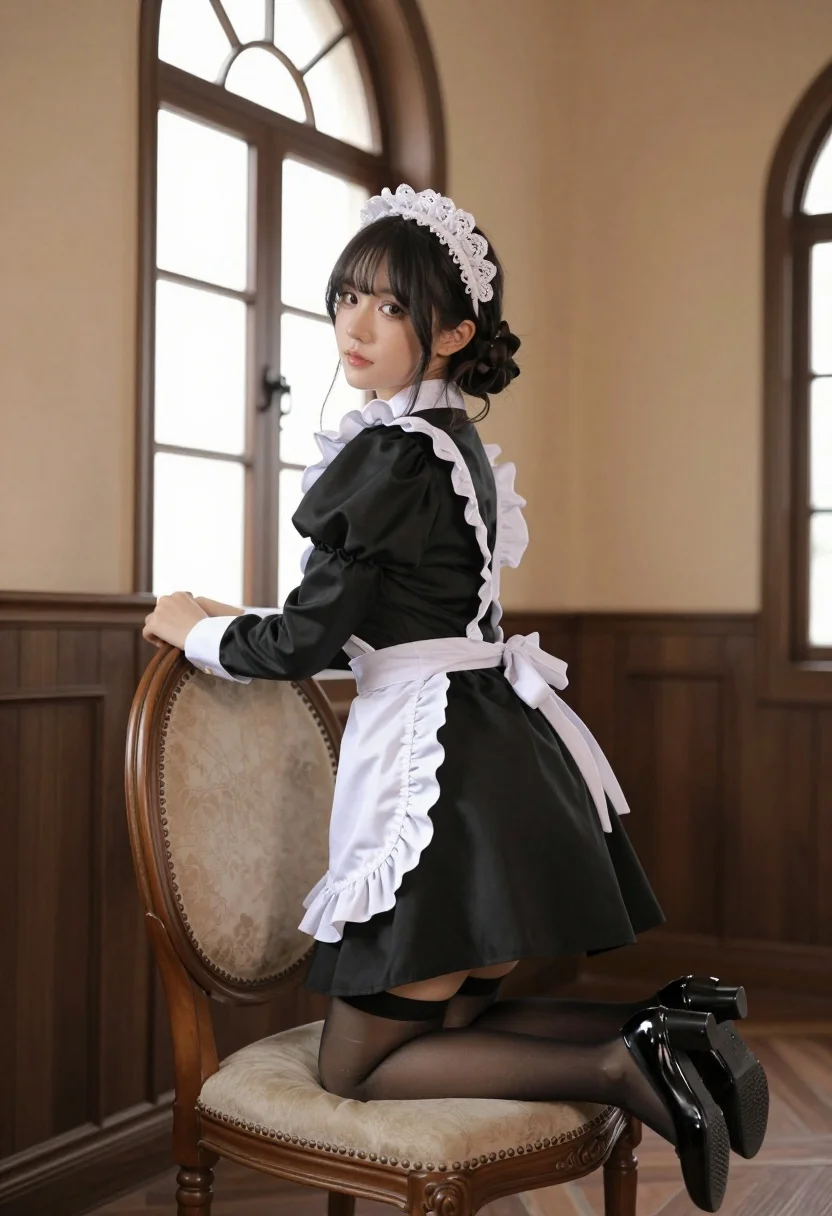
Young woman in maid outfit kneeling on ornate chair looking back over
Prompt
A young woman in a classic maid outfit kneels gracefully on an ornate wooden chair, looking back over her shoulder with a soft gaze.

Subject: A young woman with dark hair styled in an updo and wearing a white lace headpiece.

Clothing: She wears a black long-sleeved dress with puffed shoulders, a white frilled apron tied at the waist, white cuffs, sheer black stockings, and glossy black high-heeled shoes.

Action: The woman is kneeling on a vintage upholstered chair, leaning forward slightly with one hand resting on the back of the chair, while looking back over her shoulder towards the viewer.

Environment: An elegant room featuring dark wood paneling on the lower walls, tall arched windows letting in soft light, and warm beige upper walls.

Camera: Shot from a low angle emphasizing the subject's pose, with a shallow depth of field that blurs the background slightly to focus attention on her.

Lighting: Soft natural light streams through the large arched windows, creating gentle highlights on her face and dress while casting subtle shadows that add depth to the scene.

Style Details: The image has a cinematic, high-quality photographic style with warm color tones and a polished, professional aesthetic reminiscent of fashion photography.
Description
This prompt is useful for creating vintage portraiture, themed editorial spreads, or character concept art requiring dramatic framing. The combination of 'low angle' perspective and the 'ornate wooden chair' grounds the subject while the specified 'soft natural light' prevents harsh shadows, ensuring the intricate details of the 'white lace headpiece' remain visible against the dark wood paneling.
Suggestions
- Change 'dark hair styled in an updo' to 'loose wavy brunette hair' for a softer feel.
- Swap 'black long-sleeved dress' for 'velvet maid uniform' to increase richness.
- Adjust 'warm beige upper walls' to 'deep emerald green' for more contrast.
Category
Tags
BrunetteFemaleFormal WearFull BodyIndoorsLow AnglePortrait Shot
Date added
July 12, 2026
Added by
PromptDexter Team
Related Prompts
More prompts with similar categories and tags.
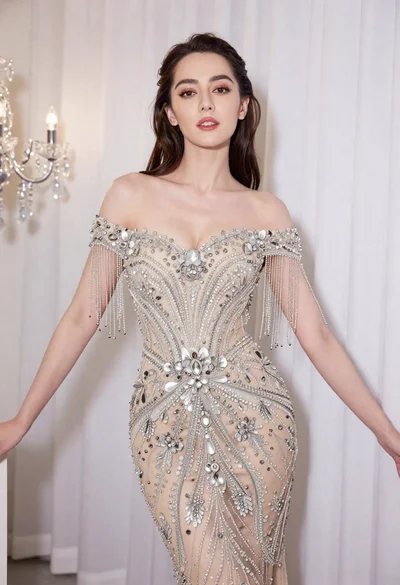
Glamorous woman in embellished gown standing before white draped curtains
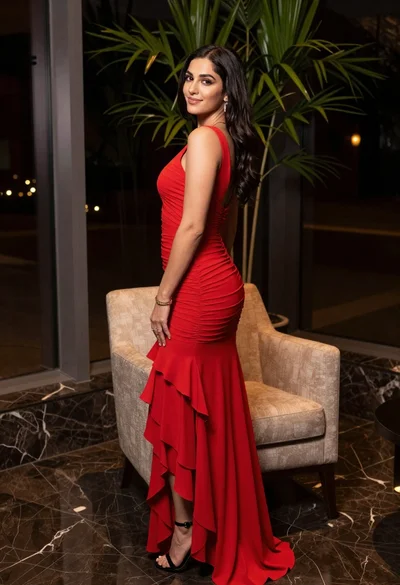
Woman in red evening gown posing indoors by modern armchair

Poised woman in black gown posing indoors with dramatic low key lighting
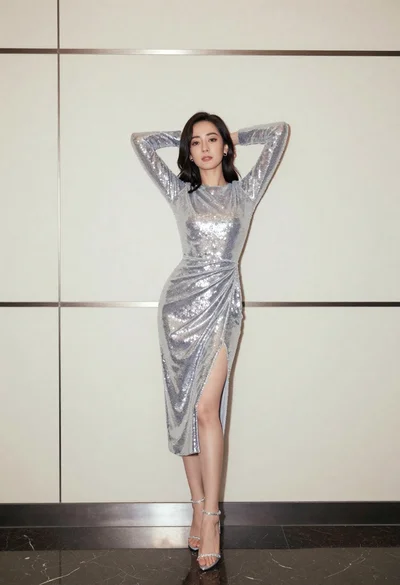
Full body portrait of woman in silver sequin dress against modern paneling
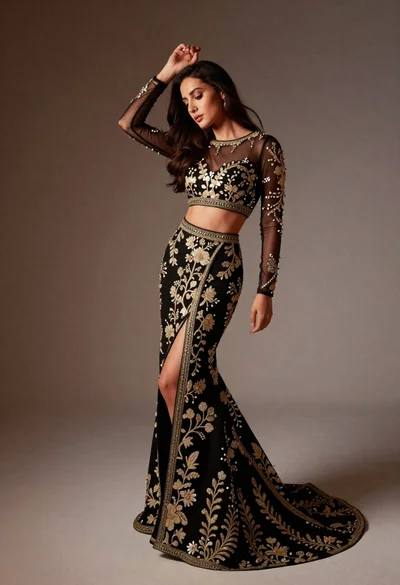
Full length studio portrait of woman in elaborate black and gold ensemble
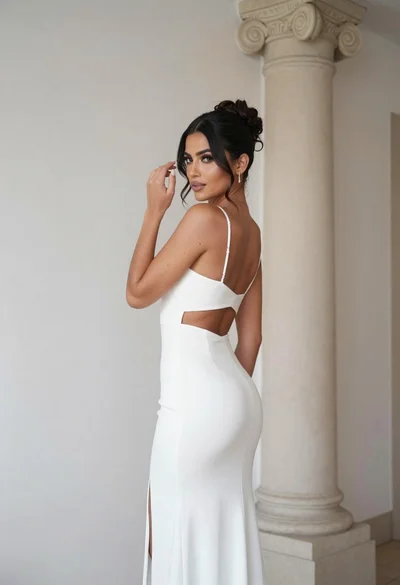
Woman in white gown posing near classical column interior setting
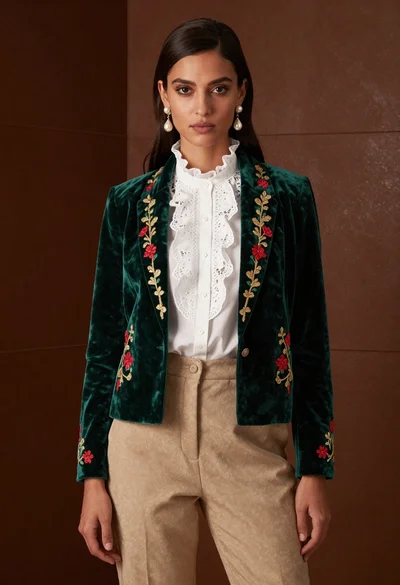
Woman in emerald jacket against deep brown backdrop
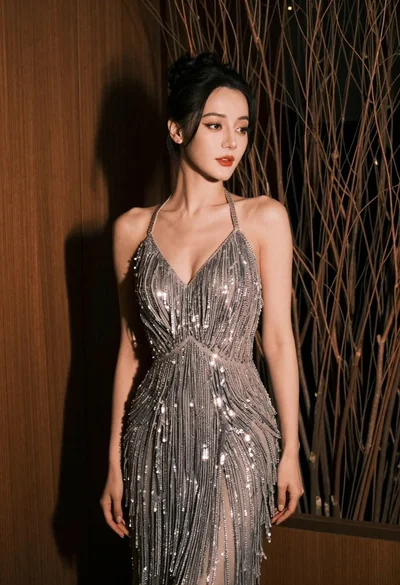
Glamorous woman in silver gown posing indoors with textured organic background
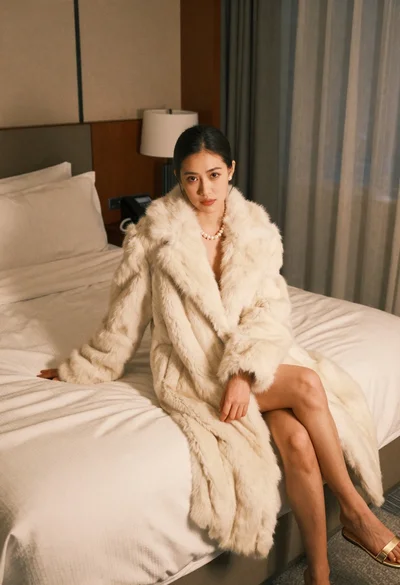
Woman in cream fur coat seated on bed looking at camera
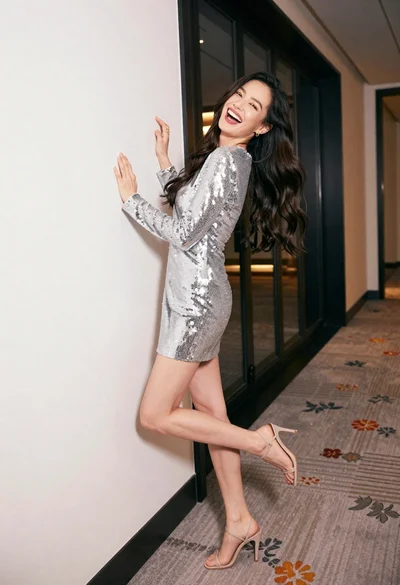
Joyful woman in silver sequin dress laughing against white hallway wall