
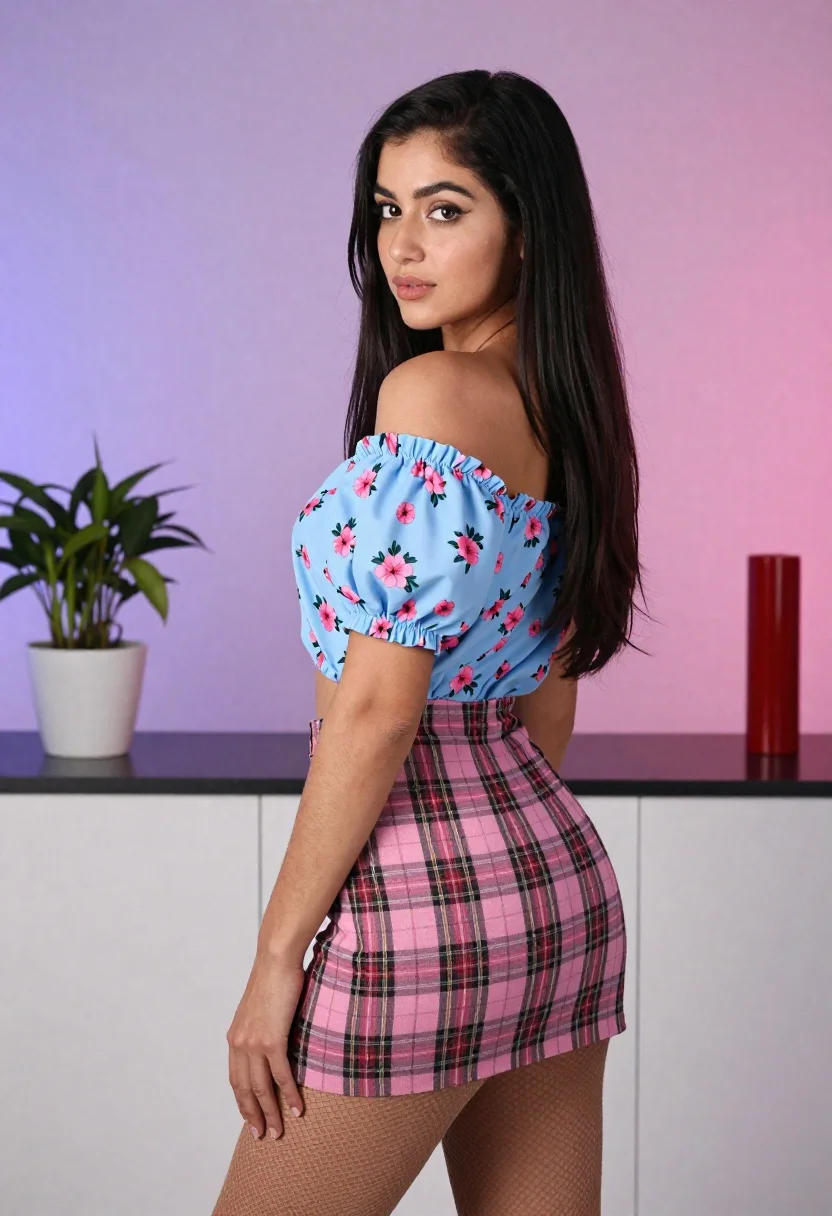
Young woman in floral blouse and plaid skirt looking over shoulder
Prompt
A young woman with long dark hair stands in a three-quarter pose looking back over her shoulder at the camera.

Subject: A young woman with long, straight black hair and fair skin. She has a neutral to slightly serious expression with soft makeup.

Clothing: She wears a light blue off-the-shoulder blouse featuring pink floral prints and puffy sleeves gathered at the elbow. Her outfit includes a pink plaid mini-skirt with black grid lines and sheer fishnet stockings on her legs.

Action: The woman is turned away from the camera but has pivoted to look back over her left shoulder, with one hand resting near her hip.

Environment: She stands in front of a white cabinet unit with a dark countertop. To her left is a potted green plant in a white pot, and to her right is a tall red cylindrical object on the counter. The background wall features a smooth gradient fading from purple at the top to pink near the bottom.

Lighting: The scene is evenly lit with soft, diffused studio lighting that minimizes harsh shadows and highlights the texture of her clothing.

Camera: A medium shot captures the subject from the thighs up, utilizing a shallow depth of field to keep the background slightly blurred while maintaining sharp focus on the woman.

Style Details: High-resolution commercial photography style with vibrant colors and clean composition.
Description
This prompt is useful for creating e-commerce catalog shots, editorial fashion spreads focusing on pattern mixing, and stylized character portraits. The combination of 'soft, diffused studio lighting' ensures that the intricate details of the 'pink floral prints' and 'black grid lines' remain visible without harsh specular highlights, which is crucial for showcasing patterned garments in a clean composition.
Suggestions
- Change 'light blue off-the-shoulder blouse' to 'cream silk blouse' for a more luxurious feel.
- Swap 'puffy sleeves gathered at the elbow' for 'fitted bishop sleeves' to change the silhouette.
- Adjust the background gradient from purple to deep teal for a cooler mood.
Category
Tags
3/4 AngleBlack HairFair SkinFemaleMedium ShotOver The ShoulderPortrait ShotRealisticStudio
Date added
June 21, 2026
Added by
PromptDexter Team
Related Prompts
More prompts with similar categories and tags.
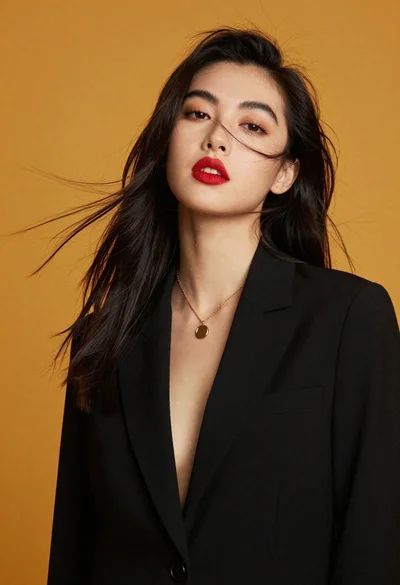
High fashion portrait of woman against mustard yellow background
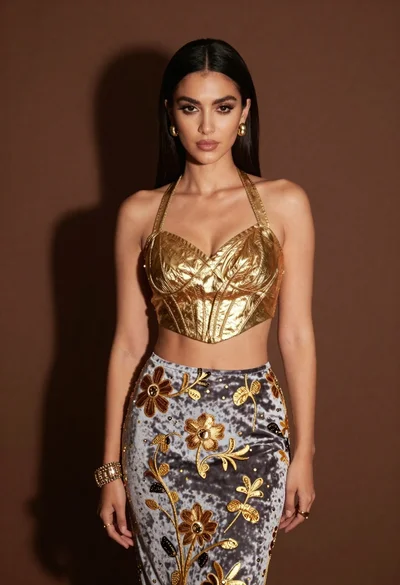
Glamorous woman in gold crop top and velvet skirt studio portrait
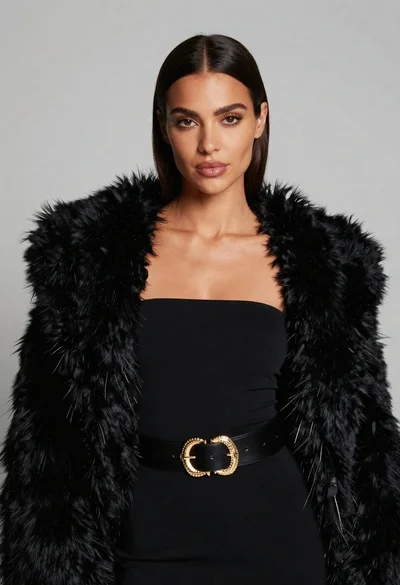
Poised woman in black fur stole against a plain light grey studio
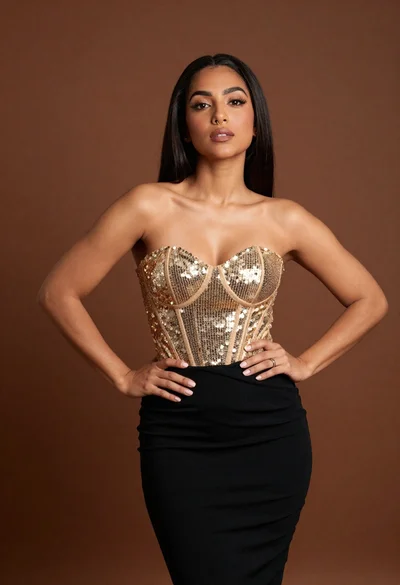
Confident woman in gold sequin top and black skirt against brown backdrop
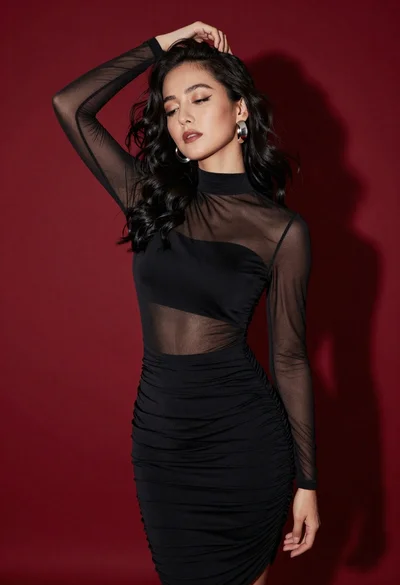
Confident woman in black dress posing against deep red studio backdrop
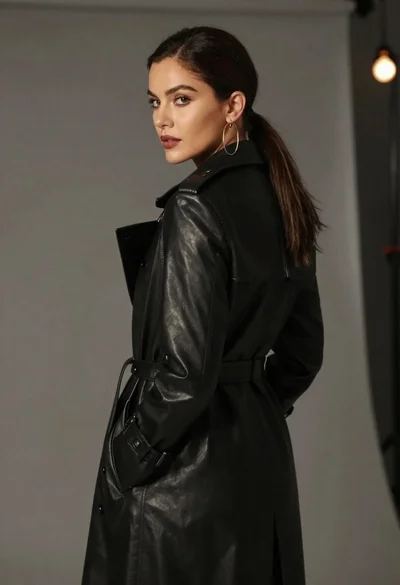
Woman in black trench coat looking over shoulder
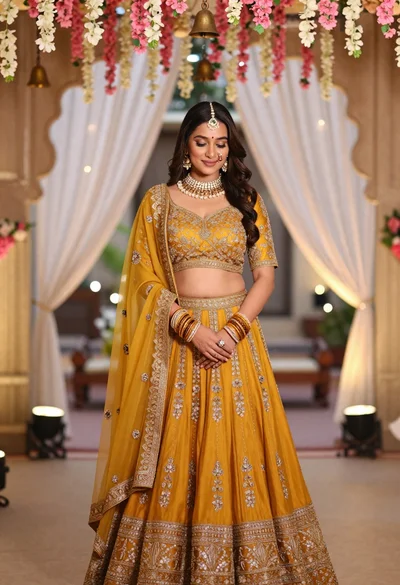
Young indian woman in mustard yellow lehenga standing under floral archway

Young woman in silver sequin top and lace dress against beige wall
