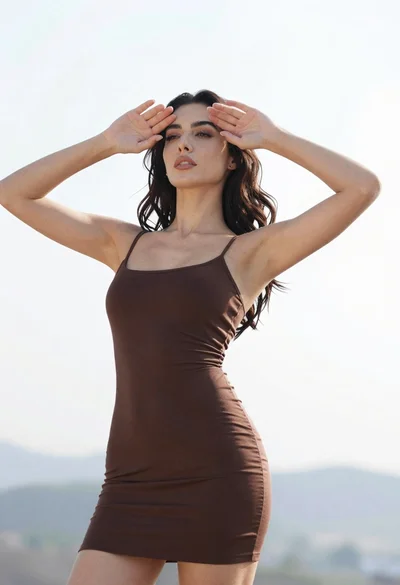

Woman leaning against colorful text art wall in vintage 1970s style
Prompt
A woman with long dark wavy hair leans against a painted wall covered in colorful text and landscape art.

Subject: A woman with voluminous dark wavy hair, heavy dark eye makeup, and large gold hoop earrings. She has a visible tattoo on her left arm featuring a crescent moon and a portrait of a face.

Clothing: She wears a sleeveless mini dress made of shiny brown sequins arranged in circular patterns. She is wearing long reddish-brown leather gloves that reach past her elbows and holds a furry brown accessory near her waist.

Action: She leans back against the wall with her head tilted slightly upward, looking directly at the camera with a confident expression. Her left arm rests along the wall while her right hand holds the fur accessory.

Environment: The background is a textured wall painted with soft pastel colors and abstract landscape elements like hills and water. Curved ribbons of text in various languages are painted across the surface.

Camera: Medium shot capturing the subject from the thighs up, framed vertically to emphasize her height against the wall.

Lighting: Soft natural light illuminates the scene from the front left, casting gentle shadows and highlighting the texture of the sequins and skin.

Style Details: Vintage 1970s aesthetic with a warm color palette, soft focus background, and artistic mural style rendering.
Description
This prompt is useful for creating editorial fashion editorials, retro-themed portrait photography, and album cover art evoking the disco era. The combination of 'shiny brown sequins' against the 'soft pastel colors' backdrop, coupled with the 'Vintage 1970s aesthetic,' directs the model to render high textural contrast while maintaining a cohesive, warm visual mood suitable for stylized fashion narratives.
Suggestions
- Change 'shiny brown sequins' to 'metallic gold sequins' for more impact.
- Swap 'soft pastel colors' for 'mustard yellow and burnt orange' to intensify the 70s vibe.
- Adjust 'Soft natural light' to 'harsh directional sunlight' for higher contrast.
Category
Tags
Brown SkinBrunetteFemaleMedium ShotOutdoorsPortrait ShotRealistic
Date added
June 19, 2026
Added by
PromptDexter Team
Related Prompts
More prompts with similar categories and tags.
Medium close up portrait of woman in red black beaded top
Woman in fuchsia saree posing against textured beige stone wall
Young woman in ornate lehenga choli against vibrant blue mural background
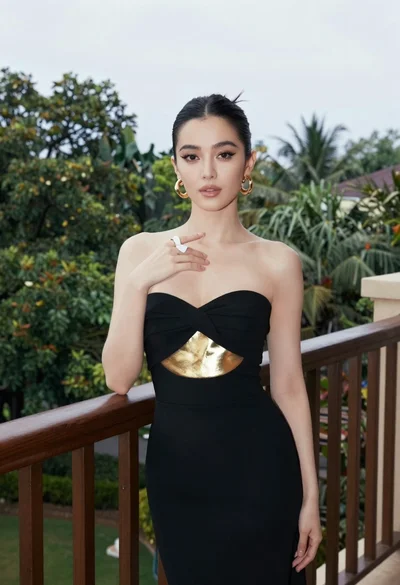
Woman in black gown on balcony with lush greenery background

Young woman with braided hair in misty woodland setting
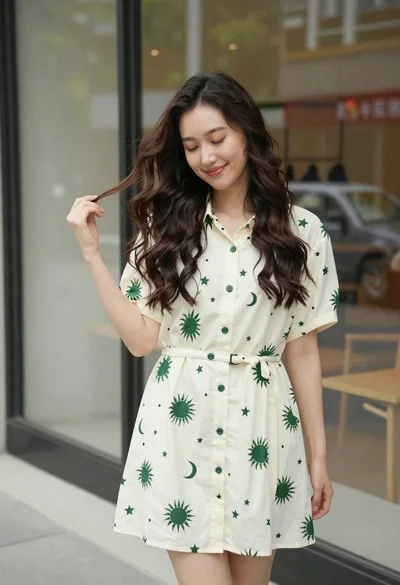
Smiling young woman in cream dress near large glass window outdoors
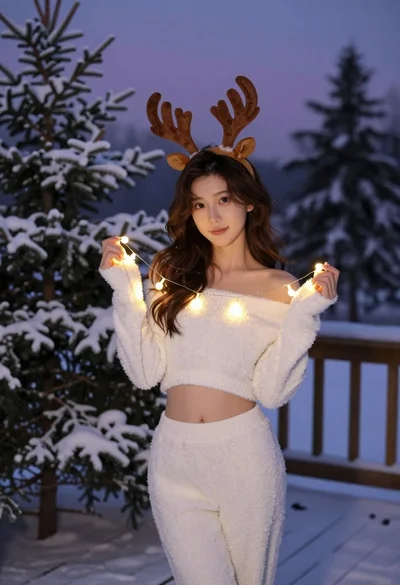
Young woman in fuzzy white outfit on snowy deck at twilight
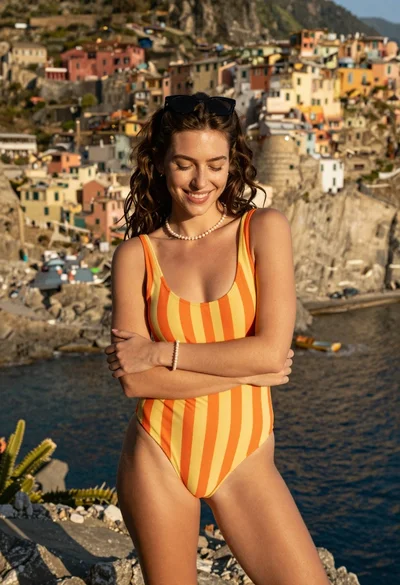
Smiling woman in striped swimsuit on cliff overlooking colorful coastal village
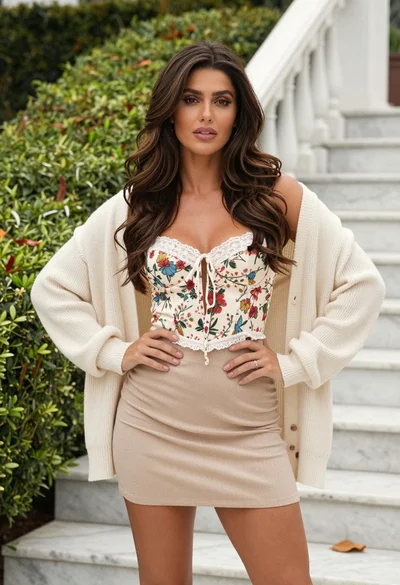
Confident woman in floral bustier and cardigan standing by white marble stairs
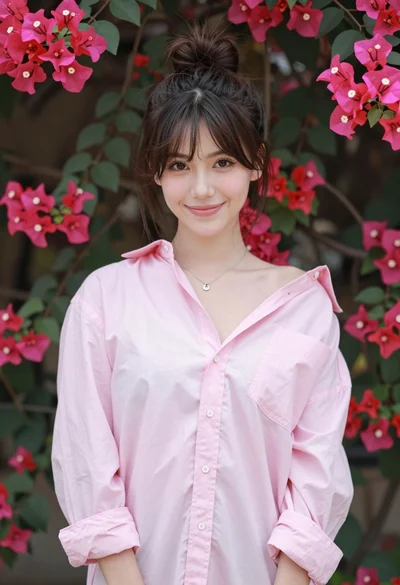
Young woman in pink shirt against vibrant bougainvillea flowers portrait
