
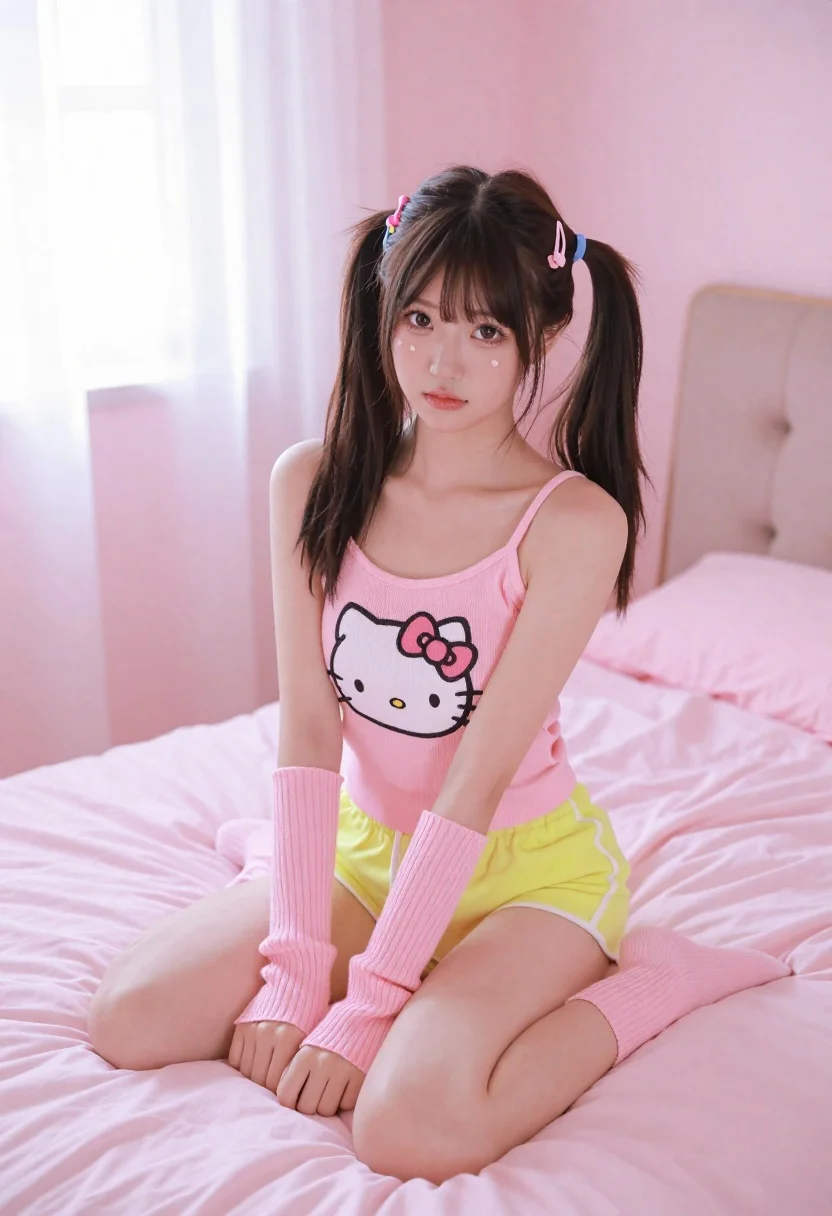
Young woman in pink room sitting on bed wearing hello kitty shirt
Prompt
A young woman with dark hair styled in high pigtails sits cross-legged on a pink bed in a soft pink bedroom.

Subject: A young woman with fair skin and dark brown hair tied into two high pigtails secured with colorful barrettes, featuring small heart-shaped beauty marks on her cheeks.

Clothing: She wears a pink ribbed tank top displaying a large Hello Kitty graphic on the chest, paired with neon yellow shorts and matching pink ribbed arm warmers that extend to her elbows.

Action: She sits in a relaxed pose with one leg bent over the other, looking directly at the camera with a neutral expression.

Environment: The setting is a bedroom dominated by shades of pink, featuring a plush pink bedspread, a pink upholstered headboard, and sheer curtains diffusing light from windows in the background.

Lighting: Soft, natural daylight filters through the sheer curtains creating a gentle, airy atmosphere with minimal harsh shadows.

Camera: A medium shot framed to capture the subject from the waist up, utilizing a shallow depth of field that keeps the woman sharp while softly blurring the background elements.

Style Details: The image has a polished, high-definition aesthetic with smooth skin textures and vibrant, saturated pastel colors.
Description
This prompt is useful for creating playful lifestyle content, themed portrait photography, and character concept art for pop culture merchandise. The combination of 'soft, natural daylight' filtering through sheer curtains establishes an airy mood that complements the 'vibrant, saturated pastel colors,' while the 'shallow depth of field' ensures the subject remains the sharp focus against the deliberately soft background elements.
Suggestions
- Change 'Hello Kitty graphic' to a specific brand logo for commercial use.
- Swap 'neon yellow shorts' for 'pastel blue shorts' to harmonize with the pink palette.
- Adjust 'high pigtails' to 'loose waves' for a more mature feel.
Category
Tags
BedroomCasual WearFair SkinFemaleIndoorsMedium ShotRealistic
Date added
June 26, 2026
Added by
PromptDexter Team
Related Prompts
More prompts with similar categories and tags.
Fair skinned woman in dark velvet slip dress sitting on hotel bed
Young woman with blonde pigtails holding hair while sitting on a pink
Young woman in blue tank top kneeling on pink bed holding hair
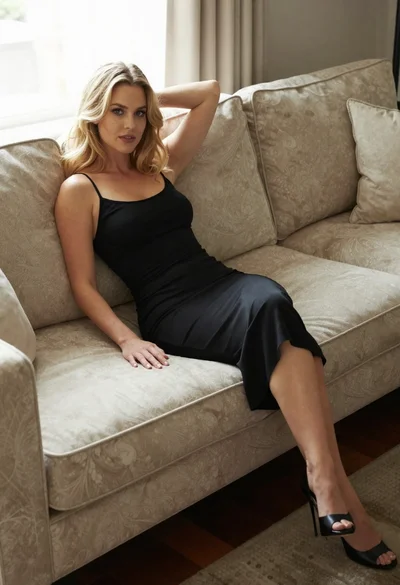
Blonde woman in black slip dress reclining on beige sofa indoors

Fair skinned woman in black sequined outfit sitting elegantly indoors

Smiling blonde woman in boutique wearing navy blouse and black skirt
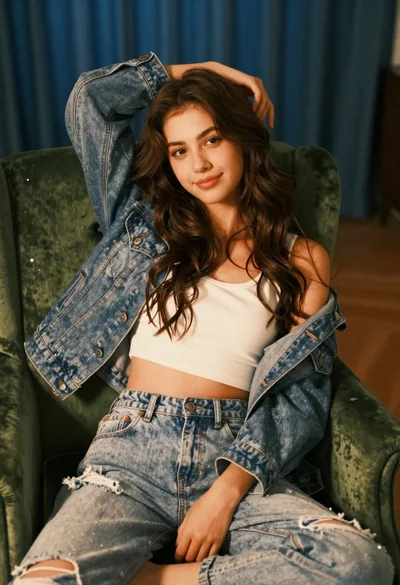
Young woman with brown hair sitting on green velvet chair indoors

Black and white portrait of confident woman in blazer
