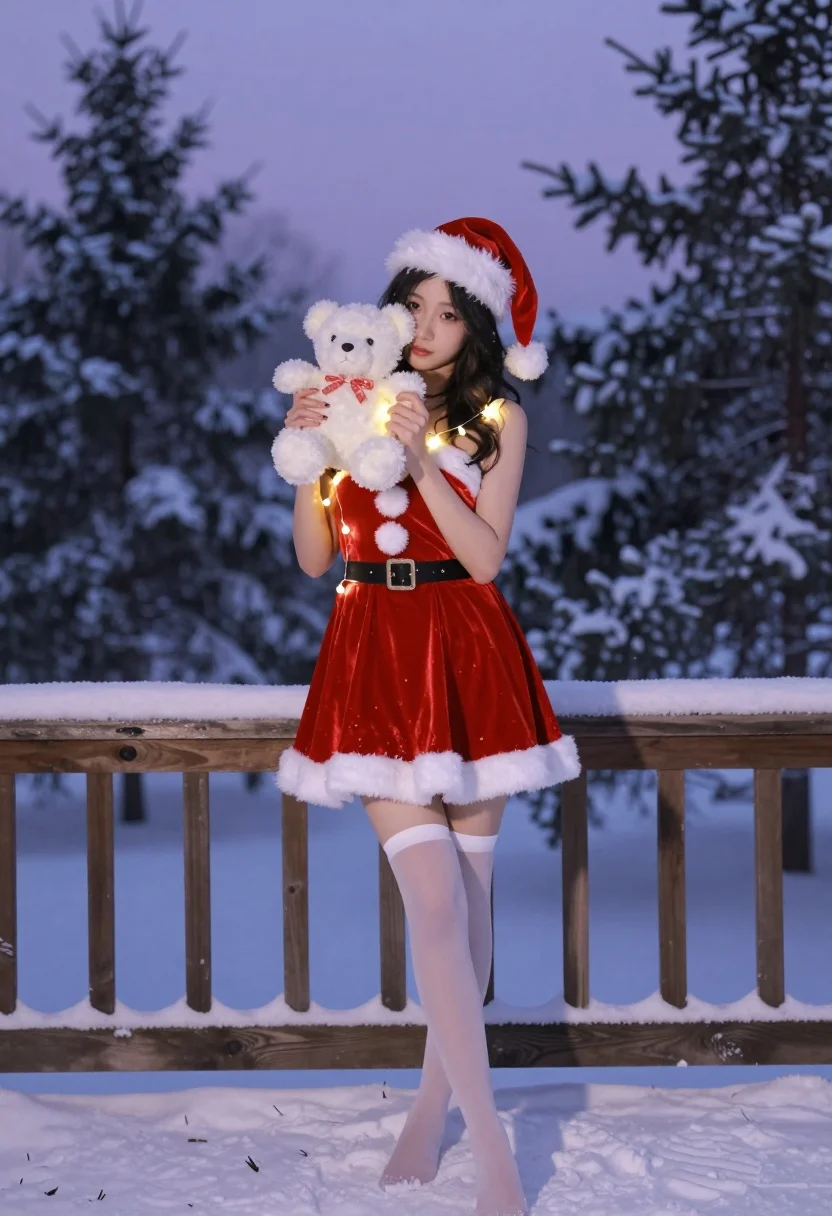
Young woman in red santa outfit holding teddy bear in snowy twilight
Prompt
A young woman stands in a snowy outdoor setting during twilight, holding a white teddy bear to her face and wearing a festive red Santa outfit with white fur trim.

Subject: A young woman with long dark hair standing barefoot in the snow, holding a small white teddy bear up to her face so it obscures most of her features.

Clothing: She wears a red velvet Santa-style dress with white faux-fur trim on the neckline and hem, featuring a large white pom-pom at the center of the bodice and a matching belt. She also wears a red Santa hat with white fur trim and fluffy pompoms, along with sheer white thigh-high stockings.

Action: The woman stands in a relaxed pose, holding the teddy bear close to her chest with both hands while her left hand holds a string of warm fairy lights near her shoulder. Her body is angled slightly toward the camera.

Environment: A snowy wooden deck or balcony serves as the immediate foreground, with snow-covered pine trees and a twilight sky in the background suggesting a winter evening.

Lighting: The scene is lit by soft ambient light from the purple-hued dusk sky, complemented by the warm glow of fairy lights draped across her dress and held in her hand, creating a cozy contrast against the cool tones of the snow.

Style Details: The image has a cinematic, high-quality aesthetic with a focus on holiday warmth, featuring rich reds and whites, soft shadows, and a slightly dreamy atmosphere typical of professional portrait photography.
Description
This prompt is useful for creating holiday-themed character portraits, festive seasonal advertising, and cozy narrative illustrations. The combination of 'soft ambient light from the purple-hued dusk sky' with the 'warm glow of fairy lights' establishes a deliberate color contrast that prevents the rich reds and whites from looking flat against the cool tones of the snow.
Suggestions
- Change 'red velvet Santa-style dress' to 'deep burgundy velvet' for a richer tone.
- Add 'bokeh effect' to the background lighting for more dreaminess.
- Swap 'snowy wooden deck or balcony' for 'pine boughs covered in frost' to enhance the winter feel.
Category
Tags
Cosplay CostumeFemaleRealistic
Date added
July 12, 2026
Added by
PromptDexter Team
Related Prompts
More prompts with similar categories and tags.

Young woman with blue braided hair holding staff in richly decorated indoor

Young woman with silver hair posing near decorated christmas tree lights

Glamorous young woman blowing a kiss in an elegantly decorated studio

Glamorous blonde woman in silver sequin dress on wooden deck at sunset
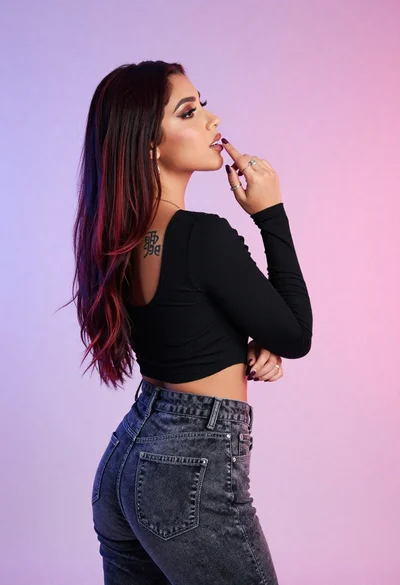
Woman in black crop top posing against purple pink gradient background

Glamorous woman in rose gold sequins against textured wood paneling

Woman standing barefoot in dry autumn field at golden hour
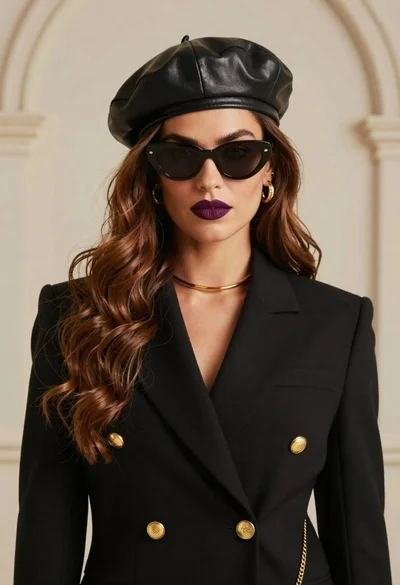
Stylish woman wearing black blazer beret and sunglasses against beige wall

Blonde woman in black lace gown standing in opulent room setting
High fashion portrait of woman in sequined black gown against white studio