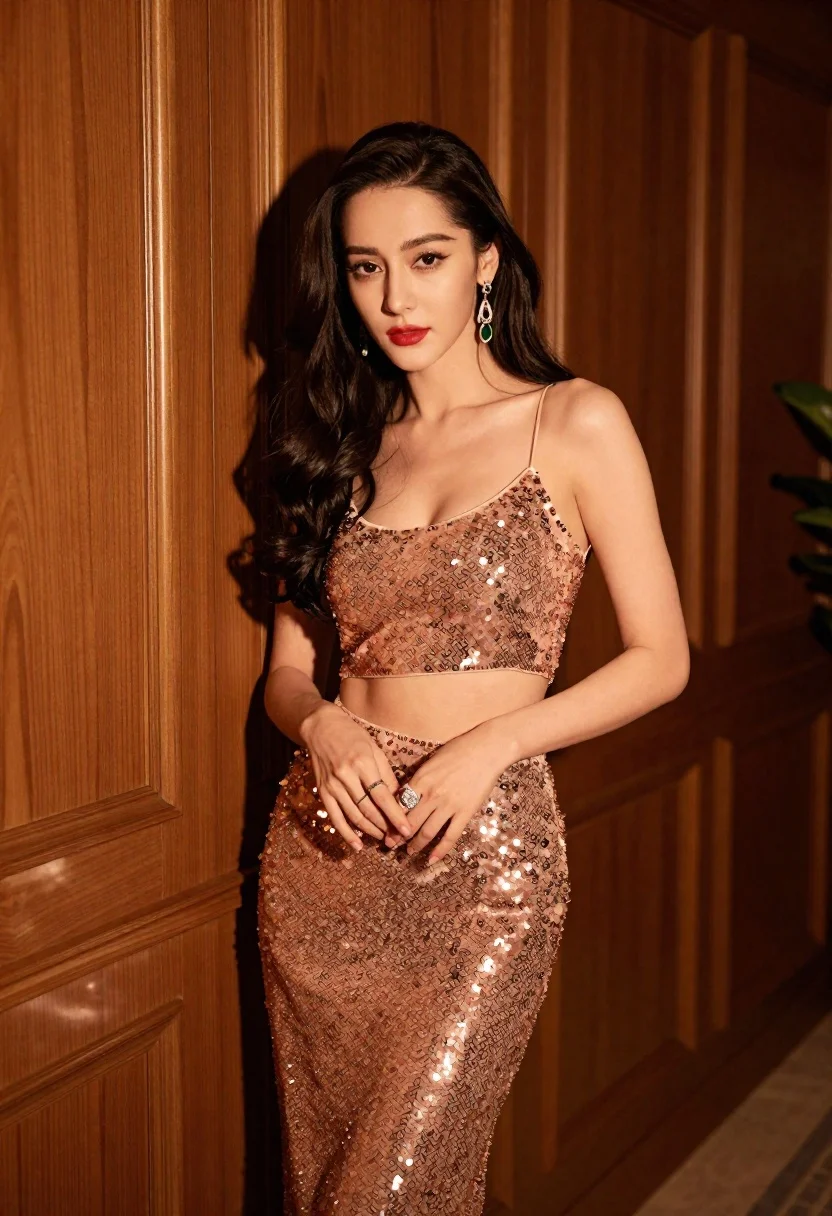
Glamorous woman in rose gold sequins against textured wood paneling
Prompt
A glamorous woman stands confidently in a warm, golden-lit room against a textured wooden paneled wall.

Subject: A beautiful woman with long dark wavy hair, fair skin, and striking makeup featuring defined eyebrows, eyeliner, and bold red lipstick. She has a confident expression and is looking directly at the camera.

Clothing: She wears a shimmering rose-gold sequined two-piece outfit consisting of a spaghetti-strap crop top and a matching skirt or long pants. Her hands are adorned with large statement rings, one featuring a prominent stone, and she wears dangling earrings with green accents.

Action: She stands in a relaxed pose with her hands gently clasped near her waist, fingers slightly curled. Her body is angled slightly to the side while her face remains forward-facing.

Environment: The background consists of tall wooden panels with vertical grooves, suggesting an elegant interior or hallway. A hint of green foliage is visible on the far right edge.

Lighting: The scene is illuminated by warm, directional lighting that casts soft shadows behind her and highlights the sparkle of her sequined outfit. The light source appears to be coming from the front-left, creating a rich golden glow on her skin and clothing.

Camera: The shot is a medium close-up framed vertically, capturing her from the mid-thigh up. The angle is slightly low, emphasizing her stature and presence against the tall wooden backdrop.

Style Details: High-fashion editorial photography with a focus on texture and sparkle, featuring rich warm tones, soft skin textures, and a polished, glamorous aesthetic.
Description
This prompt is useful for creating high-end magazine editorials, character concept art for luxury brands, and dramatic portrait visualizations. The combination of 'rose-gold sequined' attire against the 'textured wooden paneled wall' directs the model to emphasize specular highlights on the sequins while using the wood grain to ground the composition, preventing the image from looking too ethereal or weightless.
Suggestions
- Change 'bold red lipstick' to 'deep burgundy lipstick' for a moodier tone.
- Swap 'green accents' in the jewelry for 'emerald green' to match the richness of the background.
- Adjust the lighting by adding 'rim light from the back-right' to create more separation.
Category
Tags
BrunetteFair SkinFemalePortrait ShotRealistic
Date added
June 19, 2026
Added by
PromptDexter Team
Related Prompts
More prompts with similar categories and tags.

Portrait of woman with red hair in navy blouse and green skirt

Young woman in blue denim jacket posing against pale pink seamless background
Woman in white gown standing against dark stone architectural wall outdoors

Blonde woman in striped swimsuit seated on sofa indoors studio shot
Smiling woman with dark wavy hair wearing sparkling tiara and pink boa
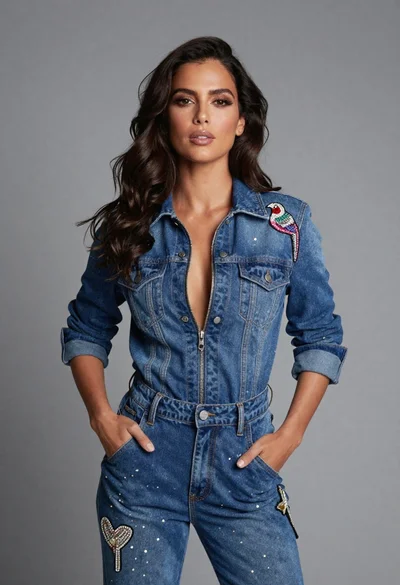
Confident woman in embellished denim jumpsuit against a gray studio backdrop
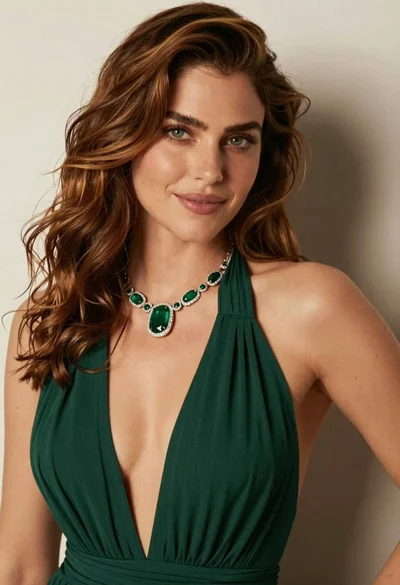
Close up portrait of woman with brown hair in green dress

Young woman in black graphic tshirt against white paneled wall

Fantasy portrait of regal woman in ornate golden armor
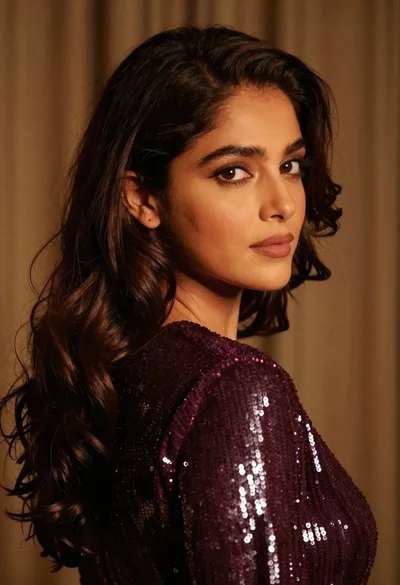
Close up portrait of woman with dark brown hair looking over shoulder
