

Young woman in red satin dress sitting on bed in bedroom
Prompt
A young woman with dark wavy hair sits gracefully on a bed in a soft, romantic bedroom setting.

Subject: A beautiful young woman with fair skin and striking green eyes, featuring a delicate pearl earring and a small gold ring on her finger.

Clothing: She wears a deep red satin slip dress with thin spaghetti straps and a draped neckline that catches the light.

Action: She sits upright with her hands resting gently on her knees, looking directly at the camera with a calm, composed expression.

Environment: The background shows a cozy bedroom with a fluffy pink pillow, white linens, sheer curtains, and a blurred floral arrangement in the distance.

Camera: Shot from a medium close-up angle with a shallow depth of field that keeps the subject sharp while softly blurring the background.

Lighting: Soft, warm ambient light illuminates her face and shoulders, creating gentle highlights on the satin fabric and a dreamy atmosphere.

Style Details: The image has a cinematic, high-fashion editorial quality with rich color grading and smooth texture rendering.
Description
This prompt is useful for creating intimate portrait photography, luxury catalog editorials, and romantic narrative scenes. The combination of 'deep red satin slip dress' catching the light against 'white linens' under 'soft, warm ambient light' ensures that the rich color contrast remains visible without harsh reflections, which is key for both high-fashion editorial quality and a dreamy atmosphere.
Suggestions
- Change 'fluffy pink pillow' to 'velvet throw' for a richer texture.
- Swap 'deep red satin slip dress' for 'black velvet gown' for dramatic contrast.
- Adjust the lighting by adding 'rim light from the side' to sculpt the figure.
Category
Tags
BedroomBrown HairFair SkinFemaleIndoorsMedium ShotPortrait ShotRealistic
Date added
June 21, 2026
Added by
PromptDexter Team
Related Prompts
More prompts with similar categories and tags.

Young woman in white lace dress seated against soft floral backdrop

Young woman seated on grey sofa against pink wall fashion portrait
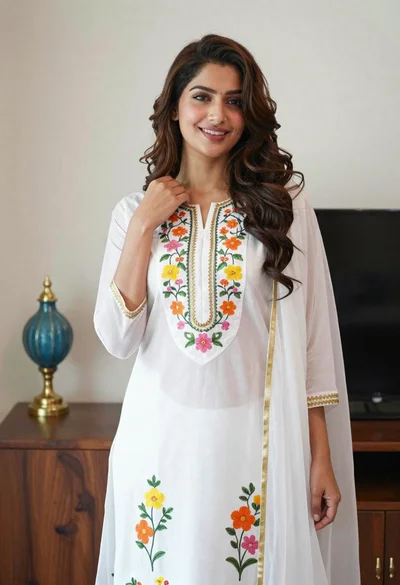
Smiling woman in floral kurta dress indoors with sheer dupatta drape

Young woman in navy jumpsuit posing indoors with soft expression

Young woman in black graphic tshirt against white paneled wall

Blonde woman in cream sweater sitting on beige couch

Fair skinned woman in black blazer against white studio wall

Woman in red corset dress standing in dimly lit room with ornate
