
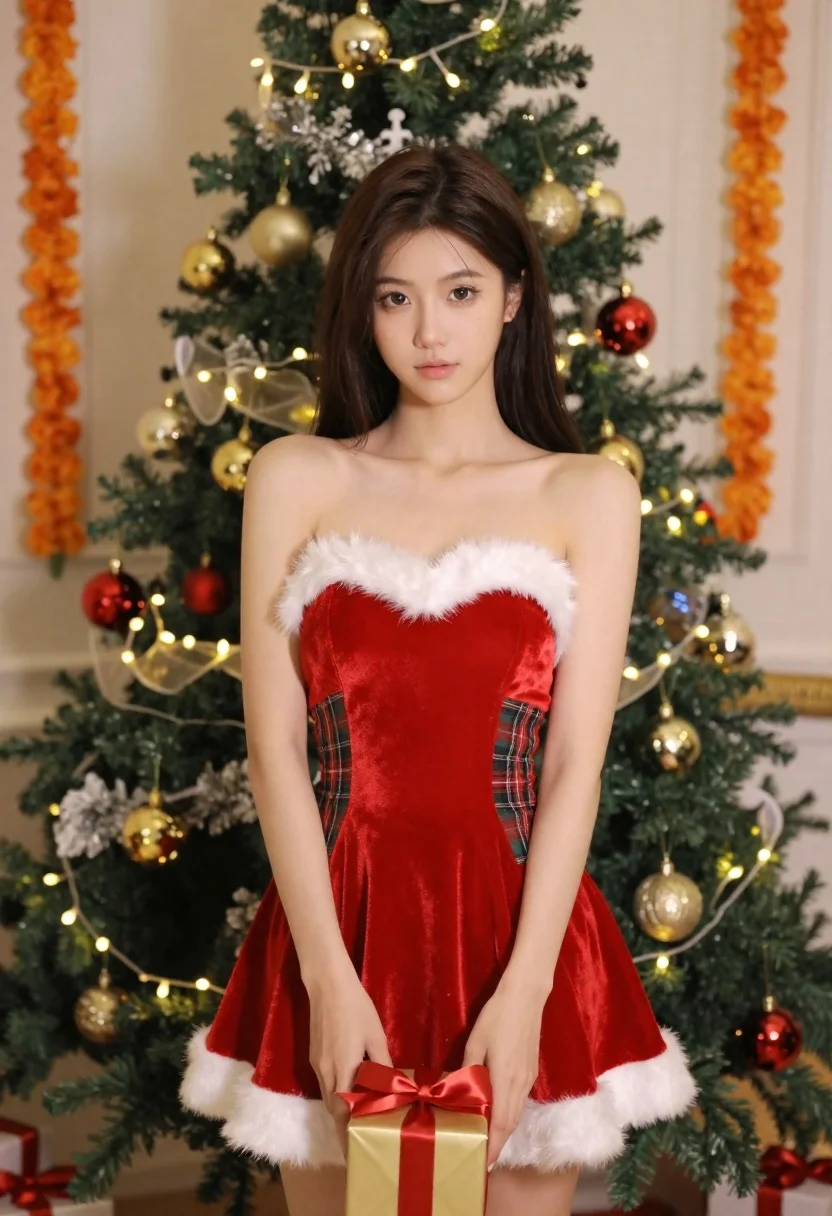
Young woman in red velvet dress holding gift by christmas tree
Prompt
A young woman with long dark hair stands in front of a decorated Christmas tree wearing a festive red and plaid Santa-style dress.

Subject: A young woman with long straight dark brown hair parted in the middle, fair skin, defined eyebrows, and soft makeup with neutral lips.

Clothing: She wears a strapless red velvet mini-dress featuring a white faux-fur trim around the neckline, arm cuffs, and hem, accented with green and red tartan plaid panels on the sides.

Action: She stands facing forward with a calm expression, her hands resting gently in front of her holding a small wrapped gift box.

Environment: The background features a lush Christmas tree adorned with gold and red ornaments, white garlands, and warm string lights, flanked by vertical orange marigold flower garlands hanging on the walls.

Camera: A medium shot framed from the waist up, utilizing a soft depth of field to keep the subject sharp while gently blurring the festive background.

Lighting: Soft, diffused studio lighting illuminates her face and upper body evenly, creating a warm holiday atmosphere with gentle highlights on her skin and hair.

Style Details: High-resolution commercial photography with vibrant colors, smooth textures, and a polished, festive aesthetic.
Description
This prompt is useful for creating seasonal catalog imagery, holiday portraiture for greeting cards, and themed retail advertising displays. The combination of 'soft, diffused studio lighting' and the 'red velvet mini-dress' ensures that the subject remains brightly visible against the richly decorated background, preventing harsh shadows that would distract from the gift or the festive details.
Suggestions
- Change 'red velvet mini-dress' to 'deep burgundy velvet gown' for a more formal feel.
- Swap 'gold and red ornaments' for 'antique brass and emerald ornaments' to shift the color palette.
- Adjust 'soft, diffused studio lighting' to 'bokeh effect from string lights' for more background glow.
Category
Tags
Brown HairFair SkinFemaleIndoorsMedium ShotPortrait ShotRealistic
Date added
June 21, 2026
Added by
PromptDexter Team
Related Prompts
More prompts with similar categories and tags.

Young woman seated on grey sofa against pink wall fashion portrait
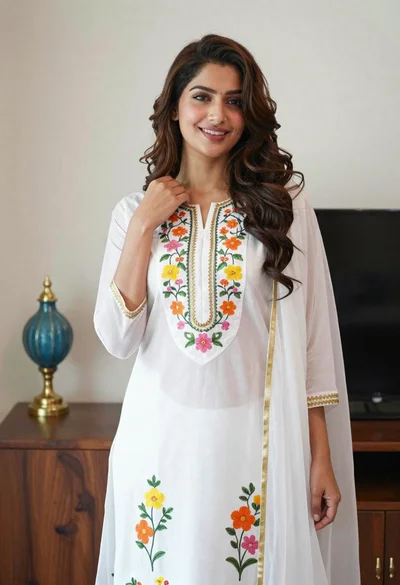
Smiling woman in floral kurta dress indoors with sheer dupatta drape
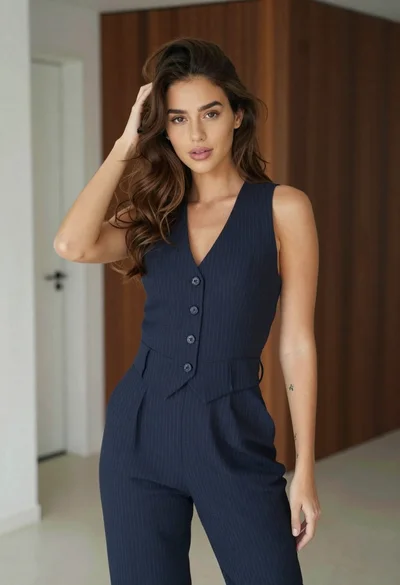
Young woman in navy jumpsuit posing indoors with soft expression

Young woman in black graphic tshirt against white paneled wall

Blonde woman in cream sweater sitting on beige couch
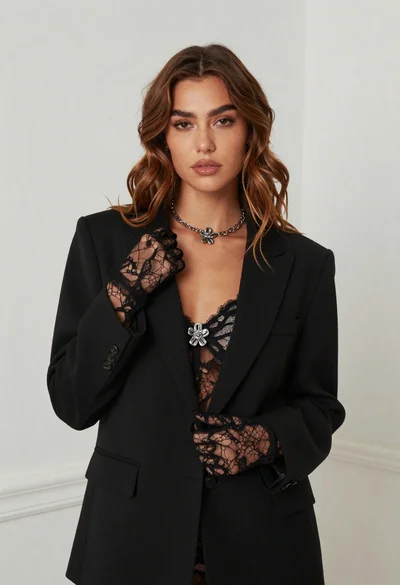
Fair skinned woman in black blazer against white studio wall
Woman in white corset top standing by grey wall and large window
Woman in red corset dress standing in dimly lit room with ornate
