Young woman in shimmering gold halter dress at an indoor event space
Prompt
A woman stands confidently in a full-length shot wearing a shimmering gold halter dress with a high side slit and matching strappy heels.

Subject: A young woman with long dark hair styled straight down her back, featuring a fair complexion and a calm, direct gaze toward the camera.

Clothing: She wears a metallic gold sequined or mesh slip dress with thin straps, a plunging neckline, and a high asymmetrical slit revealing one leg; she is accessorized with a chunky gold choker necklace and matching strappy sandals.

Action: She stands in a relaxed pose with her weight shifted slightly, holding the fabric of the dress near the hip with both hands while looking forward.

Environment: The setting is an indoor event space featuring a grey concrete floor and a backdrop composed of large white panels with bold blue diagonal stripes.

Camera: The image is captured from a straight-on eye-level perspective using a medium telephoto lens to compress the background and isolate the subject against the geometric pattern.

Lighting: Bright, even studio lighting illuminates the scene from the front, creating strong specular highlights on the metallic fabric of the dress while casting soft shadows behind the figure.

Style Details: The image exhibits a high-fashion editorial aesthetic with sharp focus, vibrant color saturation, and a clean composition typical of red carpet photography.
Description
This prompt is useful for creating high-end red carpet editorials, luxury brand lookbooks, and formal event coverage requiring dramatic subject isolation. The combination of 'bright, even studio lighting' with the 'metallic gold sequined or mesh slip dress' ensures that strong specular highlights catch the fabric's texture, while the 'medium telephoto lens' compresses the background to keep focus squarely on the figure against the bold blue diagonal stripes.
Suggestions
- Change 'shimmering gold halter dress' to 'liquid silver gown' for a cooler tone.
- Replace 'grey concrete floor' with 'polished black marble' for more drama.
- Adjust 'medium telephoto lens' to '85mm portrait lens' for tighter subject focus.
Category
Tags
BrunetteFair SkinFemaleFull BodyMedium ShotRealisticStudio
Date added
June 19, 2026
Added by
PromptDexter Team
Related Prompts
More prompts with similar categories and tags.
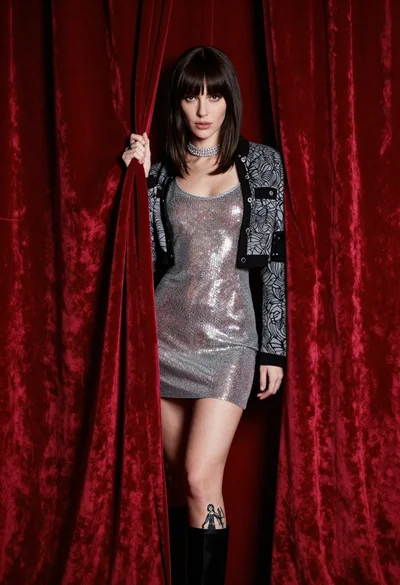
Confident woman in silver mesh dress against deep red velvet curtain backdrop
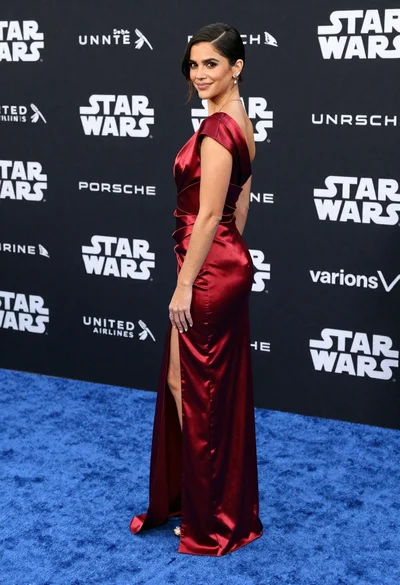
Woman in deep red satin gown standing on blue carpet at an

Blonde woman in burgundy velvet gown holding flower in white studio

Poised woman in elegant white gown on blurred red carpet steps

Fair blonde woman in slip dress seated in minimalist studio setting

Blonde woman in black slip dress posing on red carpet at formal

Blonde woman looking back over shoulder against white wall

Fair skinned woman with red hair in brown satin dress against gray

Young woman sitting among colorful clothes in minimalist studio setting

Glamorous woman on balcony overlooking city skyline at night