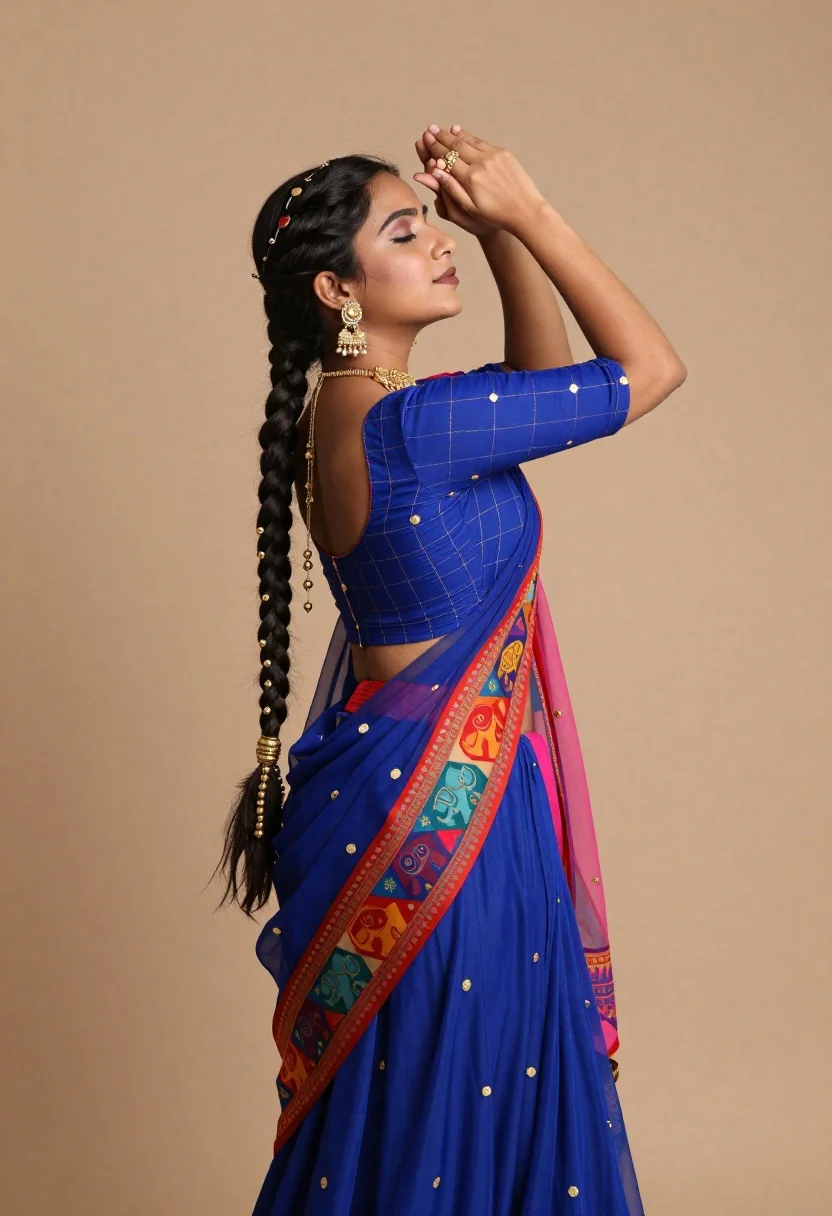
Young woman in vibrant blue traditional indian outfit against beige backdrop
Prompt
A woman in a vibrant blue traditional Indian outfit poses gracefully against a soft beige backdrop.

Subject: A young woman with dark skin and a long, thick black braid adorned with gold beads cascading down her back. She has a serene expression with her eyes closed or looking upward, and her hands are raised near her forehead in a delicate gesture.

Clothing: She wears a royal blue ensemble featuring a grid-patterned blouse with small gold motifs and a matching skirt. The saree draped over her shoulder displays a bold, colorful geometric pattern with red borders and intricate designs including stylized elephants and floral elements. A sheer pinkish-blue dupatta hangs loosely from her waist.
Accessories: She wears ornate gold jewelry, including large dangling earrings, a choker necklace, and a longer chain around her neck.

Action: Her body is turned slightly away from the camera in profile, with her head tilted back and her hands framing her face in an elegant pose.

Environment: The background is a smooth, solid beige surface that provides a neutral contrast to the vivid colors of her attire.

Lighting: Soft, directional lighting highlights the contours of her face and the texture of her clothing, casting gentle shadows that enhance the depth of the scene.

Style Details: High-resolution photography with rich color saturation and sharp focus on the subject’s features and fabric textures.
Description
This prompt is useful for creating cultural portraiture for travel magazines, editorial costume spreads, and artistic mood boards celebrating South Asian textiles. The combination of 'vibrant blue traditional Indian outfit' against a 'soft beige backdrop' ensures the rich color saturation pops while the 'directional lighting' sculpts the subject’s form, preventing the intricate gold jewelry from looking flat or overly shiny.
Suggestions
- Change 'royal blue ensemble' to 'indigo silk ensemble' for a deeper tone.
- Add 'bokeh background' to soften the beige backdrop further.
- Swap 'gold motifs' for 'antique brass motifs' to alter the metallic feel.
Category
Tags
Black HairDark SkinFemaleFull BodyPortrait ShotRealisticTraditional Wear
Date added
June 19, 2026
Added by
PromptDexter Team
Related Prompts
More prompts with similar categories and tags.
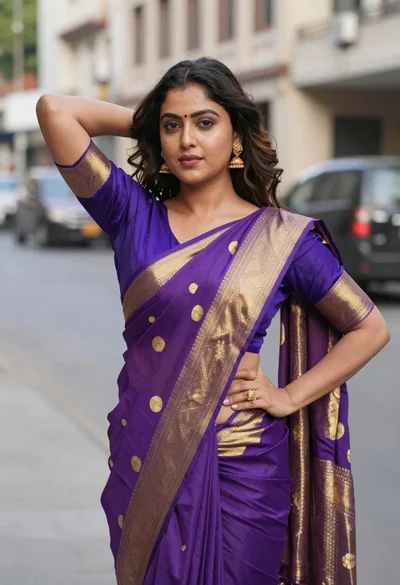
Woman in purple and gold saree standing on an urban city street
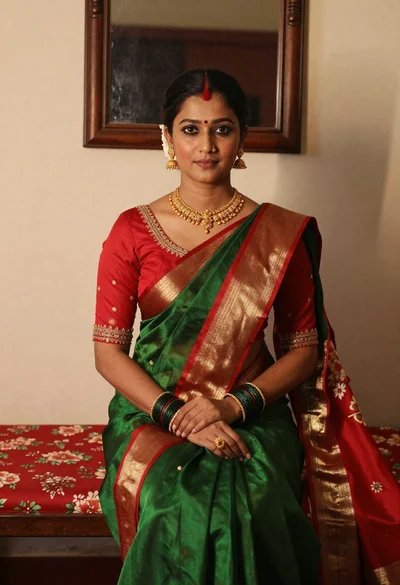
Portrait of woman in green saree and red blouse indoors
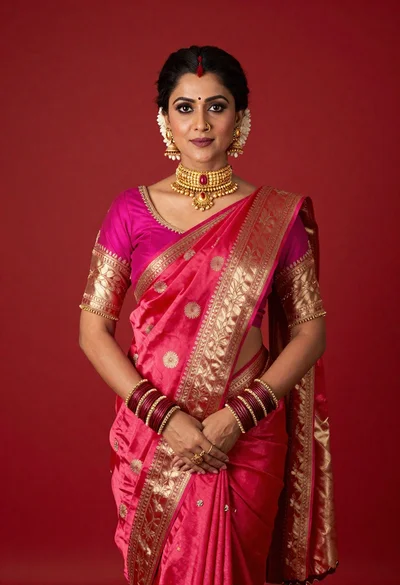
Poised woman in vibrant pink and red silk saree against solid red
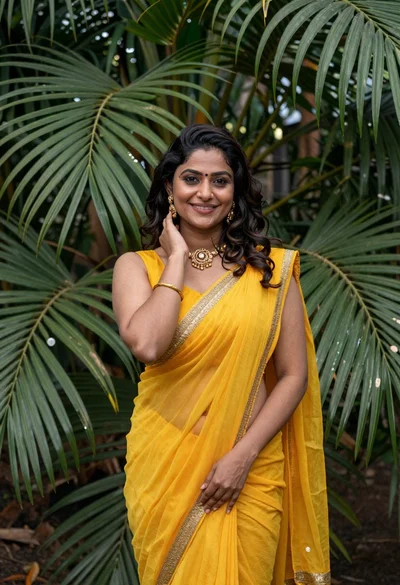
Smiling woman in yellow saree against lush tropical palm foliage backdrop
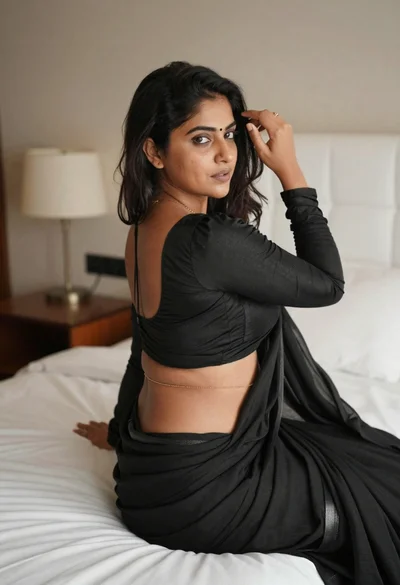
Young woman in black saree sitting on bed touching dark hair
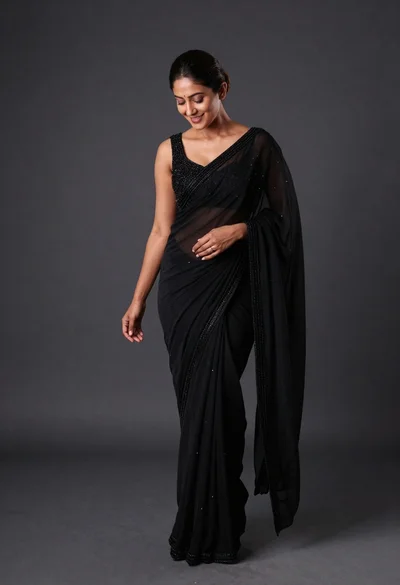
Full length studio portrait of woman in elegant black sheer beaded saree
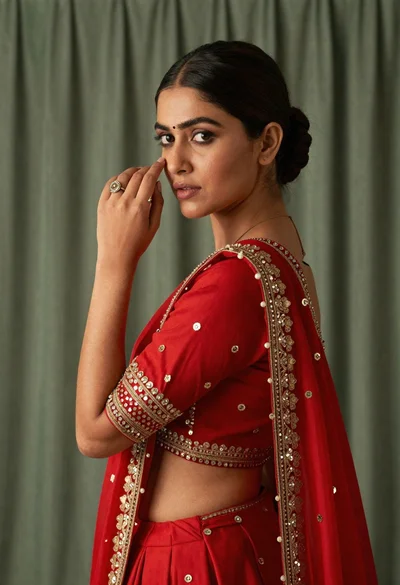
Woman in red embroidered lehenga posing elegantly looking over shoulder
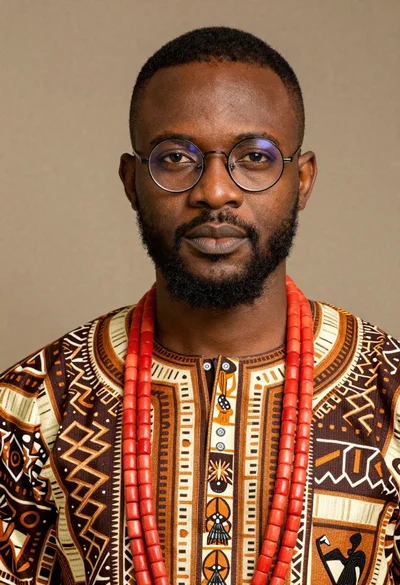
Portrait of black man wearing west african dashiki
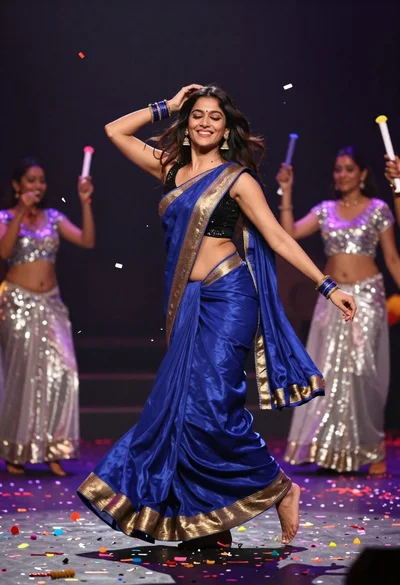
Joyful woman in blue silk saree dancing amidst falling colorful confetti

Woman in black dress holding cocktail glass at dimly lit restaurant table