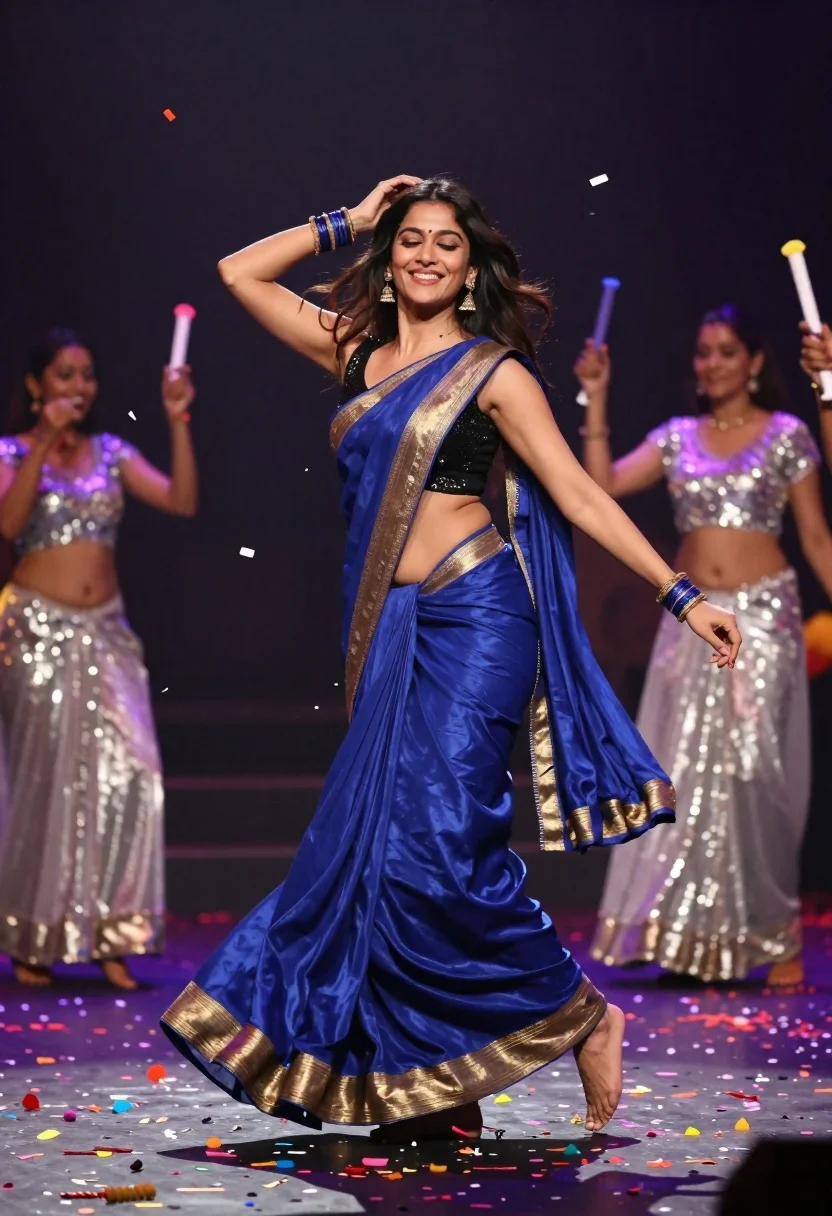
Joyful woman in blue silk saree dancing amidst falling colorful confetti
Prompt
A joyful woman in a flowing blue saree with gold trim dances exuberantly while confetti rains down around her.

Subject: A smiling woman with long dark hair dancing energetically with one hand raised to her head and eyes closed in delight.

Clothing: She wears a deep royal blue silk saree with a wide gold border paired with a black sequined sleeveless blouse that reveals her midriff, and she is barefoot.

Action: The subject is captured mid-dance with an ecstatic expression, her body angled dynamically as if spinning or moving through the air.

Environment: A dark indoor stage setting filled with falling multi-colored confetti and scattered debris on the floor, with a blurred background of backup dancers in silver sequined outfits holding party poppers.

Lighting: Dramatic high-contrast lighting highlights the subject against the dark background, creating a spotlight effect that emphasizes her movement and the shimmering textures of her attire.

Camera: Medium shot capturing the full body of the dancer with a shallow depth of field that keeps the foreground sharp while blurring the background dancers to emphasize the main subject.

Style Details: Cinematic high-fidelity photography with vibrant saturated colors, dynamic motion blur on the falling confetti, and a polished Bollywood music video aesthetic.
Description
This prompt is useful for creating cinematic cultural event promotional materials, stylized dance performance album art, and vibrant editorial features celebrating joy. The combination of 'dramatic high-contrast lighting' against the 'dark indoor stage setting' ensures the subject pops out from the background, while specifying 'dynamic motion blur on the falling confetti' captures the ephemeral energy essential for a Bollywood music video aesthetic.
Suggestions
- Change 'deep royal blue silk saree' to 'emerald green georgette saree' for a different color pop.
- Add 'golden hour backlighting' to soften the contrast slightly.
- Modify 'medium shot' to 'full body, low angle' to enhance the sense of drama.
Category
Tags
Black HairFemaleFull BodyIndoorsMedium ShotPortrait ShotRealisticTraditional Wear
Date added
June 21, 2026
Added by
PromptDexter Team
Related Prompts
More prompts with similar categories and tags.
Confident woman smiling indoors on dark wood walkway with red decor
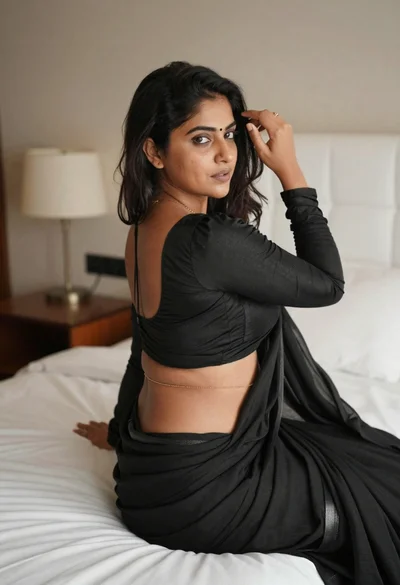
Young woman in black saree sitting on bed touching dark hair
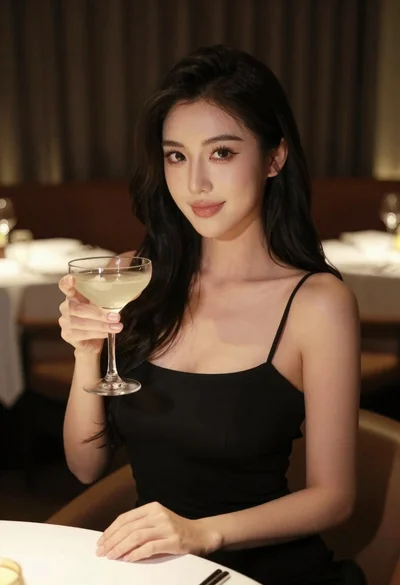
Woman in black dress holding cocktail glass at dimly lit restaurant table

Woman in black velvet cheongsam holding katana against red background
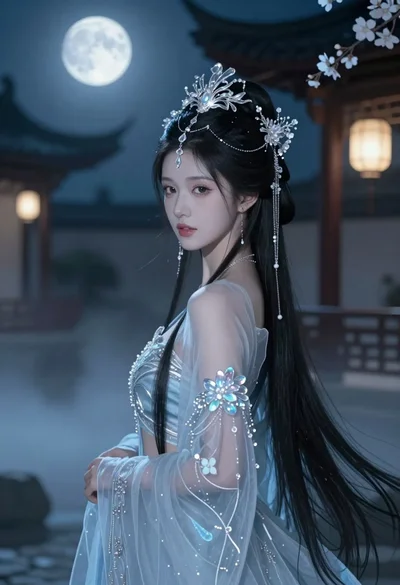
Young woman in blue gown standing in misty courtyard under full moon
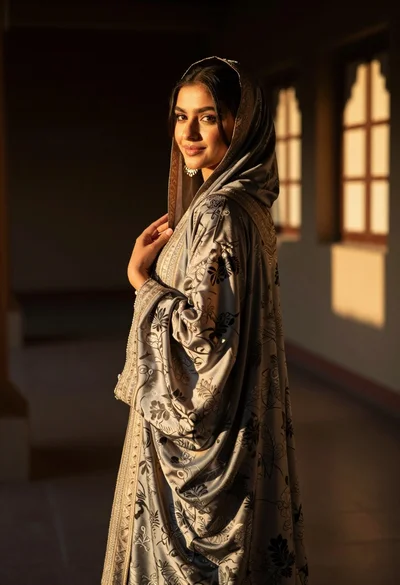
Woman in traditional attire looking back indoors with golden sunlight glow

Anime girl holding toy blaster against bright blue sky
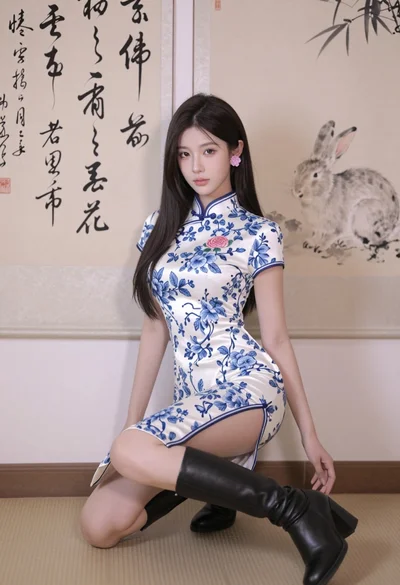
Poised young east asian woman in white cheongsam against chinese calligraphy art