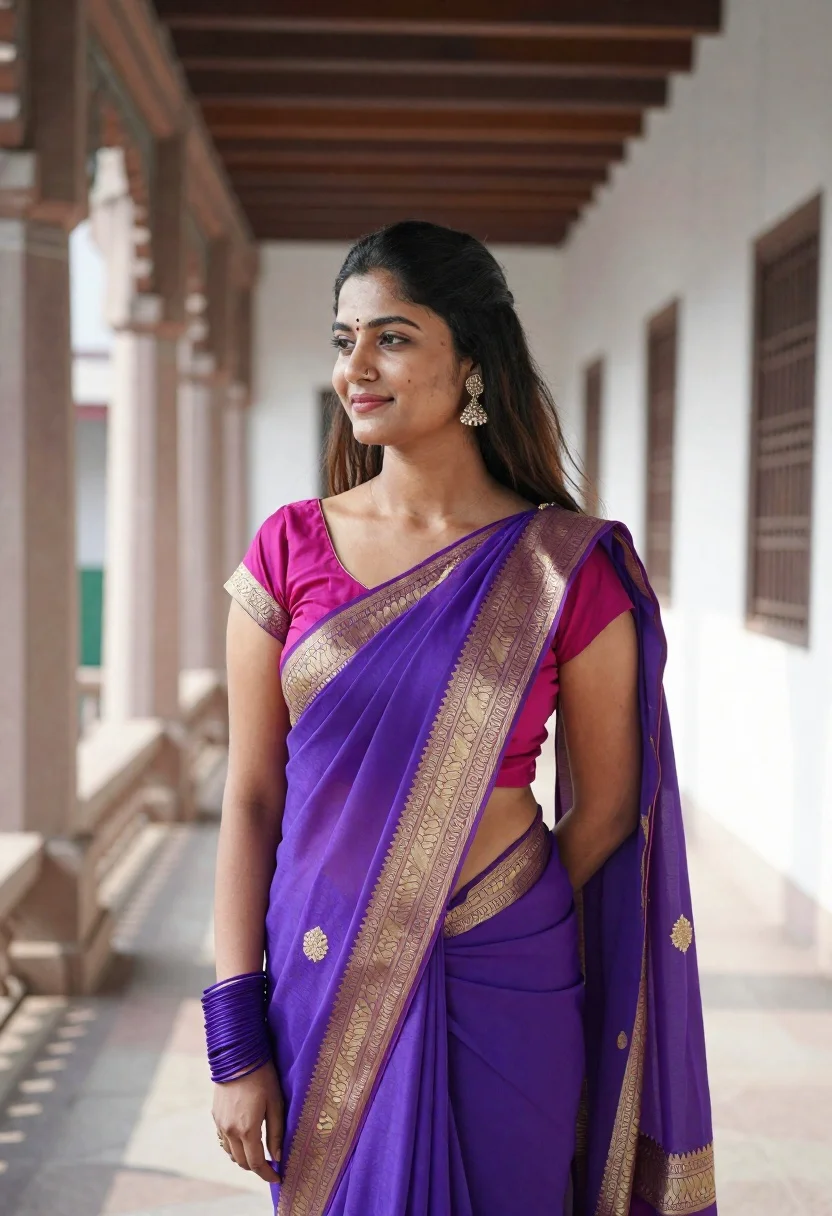
Young woman in vibrant purple saree standing in stone architectural corridor
Prompt
A woman stands in profile wearing a vibrant purple saree with gold embroidery and a matching blouse.

Subject: A young woman with long dark hair pulled back, fair skin, and a gentle smile looking away to the left.

Clothing: She wears a bright purple saree draped over her shoulder featuring intricate gold zari borders and patterns on the sleeve of her magenta blouse. She accessorizes with a matching purple bangle on her wrist and dangling earrings.

Environment: The setting is an outdoor architectural corridor or veranda featuring large stone pillars, carved wooden beams overhead, and a paved stone floor leading into a bright white background.

Camera: Shot from a medium close-up angle using a shallow depth of field that blurs the background to emphasize the subject.

Lighting: Natural daylight illuminates the scene from the side, casting soft shadows and highlighting the rich colors of her attire.

Style Details: The image has a polished portrait aesthetic with high color saturation on the purple fabric and a clean, bright composition.
Description
This prompt is useful for creating cultural portraiture, editorial fashion spreads featuring traditional wear, and architectural lifestyle photography. The combination of 'natural daylight' casting soft shadows against the 'large stone pillars' grounds the vibrant purple saree in a tangible setting, while the 'shallow depth of field' ensures that the intricate gold zari borders remain the focal point over any distracting background detail.
Suggestions
- Change 'vibrant purple saree' to 'deep indigo saree' for a moodier tone.
- Add 'golden hour side light' to intensify the embroidery details.
- Swap 'paved stone floor' for 'moss-covered flagstones' to alter the environment feel.
Category
Tags
Fair SkinFemaleRealisticSide ProfileTraditional Wear
Date added
June 19, 2026
Added by
PromptDexter Team
Related Prompts
More prompts with similar categories and tags.
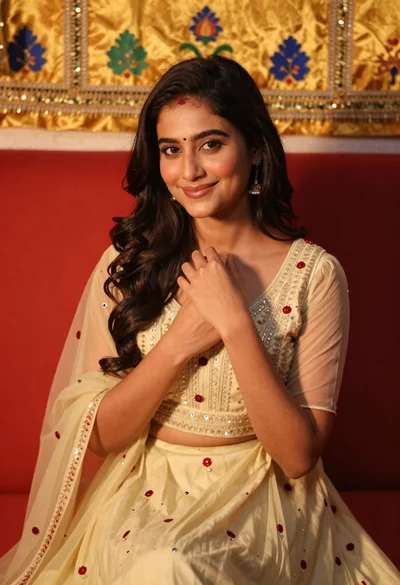
Young woman smiling indoors wearing embroidered lehenga choli against red sofa
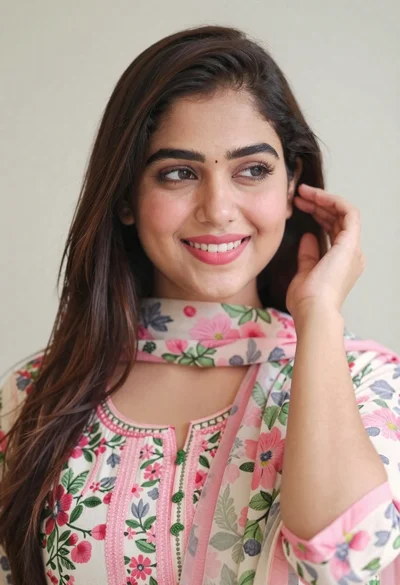
Close up portrait of smiling woman with dark hair and floral traditional

Blonde woman in black top on balcony overlooking beige stone street
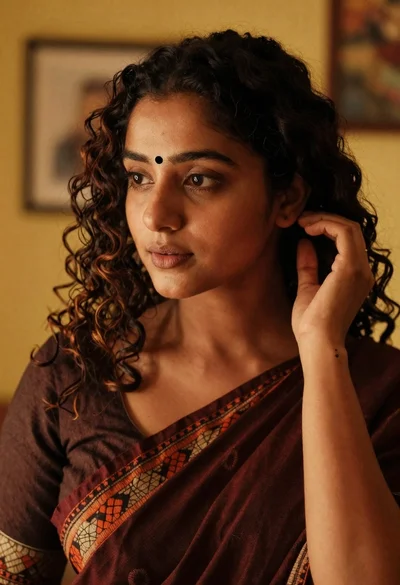
Medium close up portrait of woman in maroon saree indoors
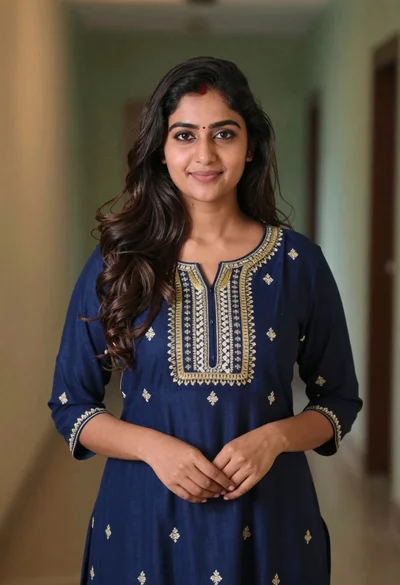
Young woman in navy embroidered traditional dress indoors medium shot
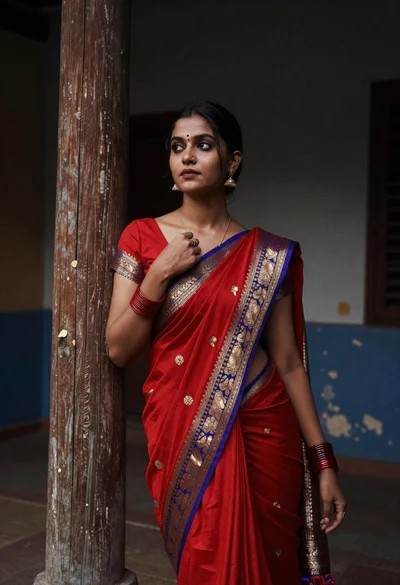
Portrait of young woman in red saree against weathered wooden pillar
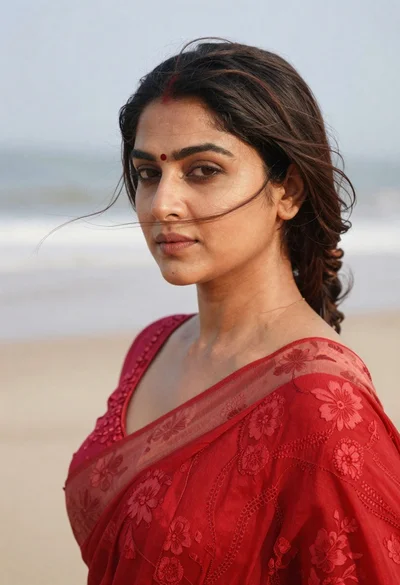
Profile portrait of woman with dark hair on a soft beach
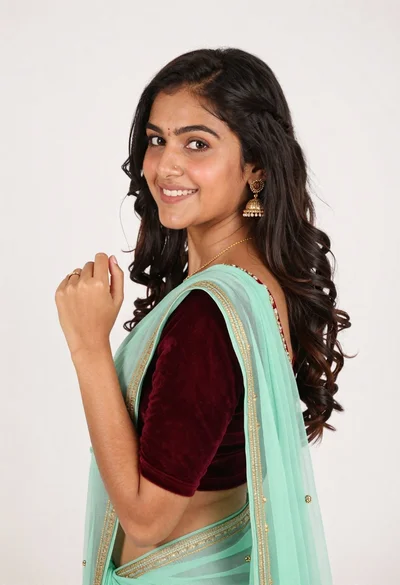
Smiling young woman in maroon velvet and mint saree studio portrait
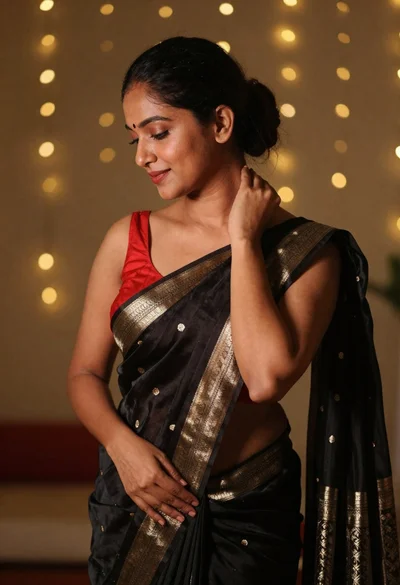
Profile portrait of woman in black silk saree near bokeh lights
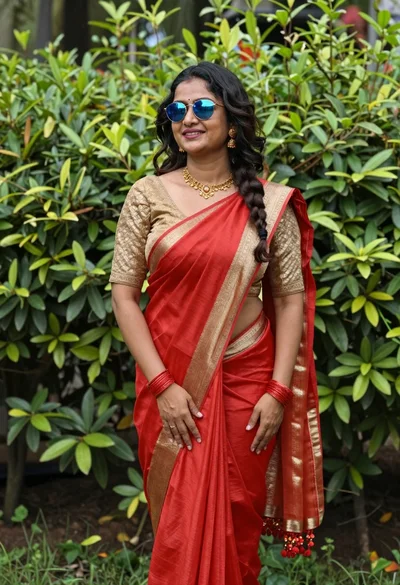
Smiling woman in vibrant red saree standing in a lush green garden