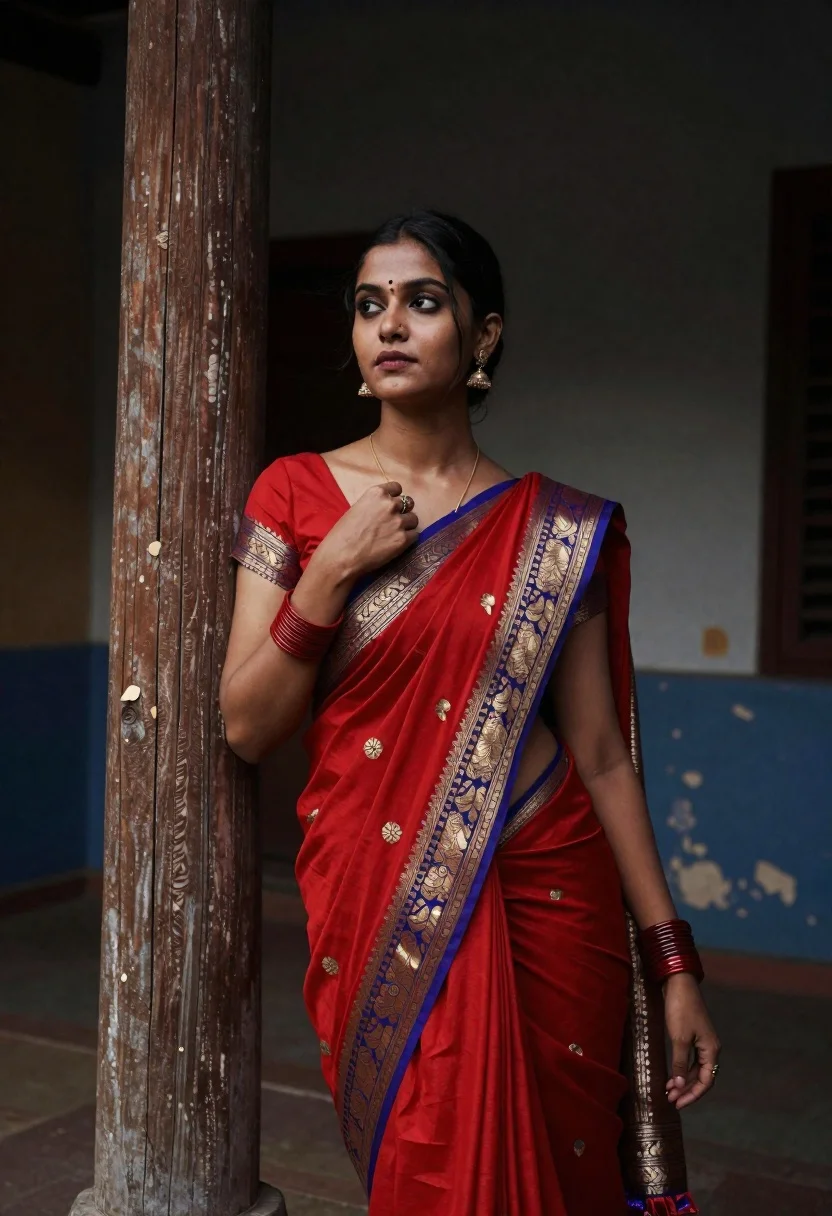
Portrait of young woman in red saree against weathered wooden pillar
Prompt
A striking portrait of a young woman wearing a traditional red saree with gold and blue woven borders, standing confidently against a weathered wooden pillar in a dimly lit space.

Subject: A beautiful young woman with dark hair pulled back, fair skin, and a calm, confident expression looking slightly upward. She has a small bindi on her forehead and a nose ring.

Clothing: She wears a vibrant red silk saree featuring intricate gold and blue woven patterns along the border and pallu. The blouse is short-sleeved and cropped, revealing her midriff. She accessorizes with traditional red bangles on both wrists, dangling earrings, a delicate gold necklace, and a ring on her finger.

Action: She leans casually against a vertical wooden pillar, resting her left arm along the wood while her right hand gently touches the neckline of her blouse. Her posture is relaxed yet poised.

Environment: The setting appears to be an old, rustic interior or courtyard with peeling blue paint and textured walls in the background. A large wooden pillar stands prominently beside her, adding depth and structure to the composition.

Lighting: Soft, directional lighting highlights her face and upper body, creating gentle shadows that enhance the contours of her features and clothing. The overall mood is moody and cinematic with a warm color tone.

Camera: Medium close-up shot with shallow depth of field, keeping the subject sharply in focus while softly blurring the background to emphasize her presence.

Style Details: High-resolution portrait photography with rich textures, natural skin tones, and a slightly desaturated background that draws attention to the vivid red of her attire.
Description
This prompt is useful for creating editorial fashion moodboards, cinematic character portraits, and cultural storytelling visuals. The combination of 'soft, directional lighting' against the 'weathered wooden pillar' sculpts the subject by emphasizing facial contours while allowing the background to recede due to the 'shallow depth of field,' which prevents the rustic setting from distracting from the vivid red silk saree.
Suggestions
- Change 'red saree' to 'maroon silk saree' for a deeper, moodier tone.
- Swap 'peeling blue paint' for 'oxidized verdigris' to enhance the aged texture.
- Adjust 'medium close-up shot' to 'waist-up portrait' to better showcase the bangles and midriff.
Category
Tags
Fair SkinFemaleIndoorsRealisticTraditional Wear
Date added
June 19, 2026
Added by
PromptDexter Team
Related Prompts
More prompts with similar categories and tags.
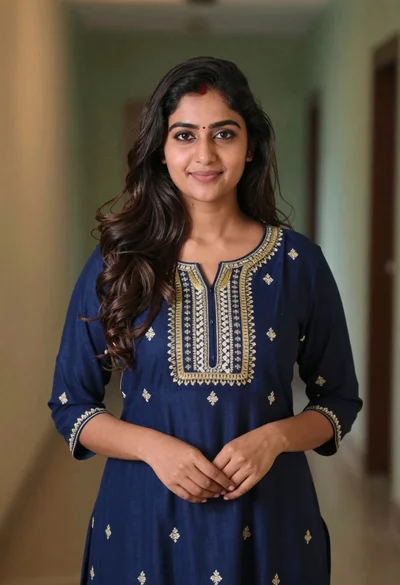
Young woman in navy embroidered traditional dress indoors medium shot
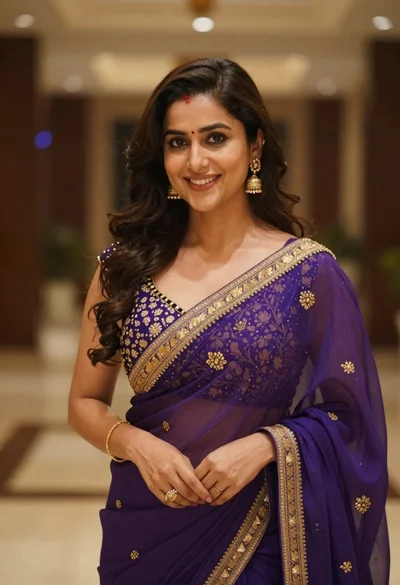
Young woman in purple embroidered saree standing indoors with warm smile
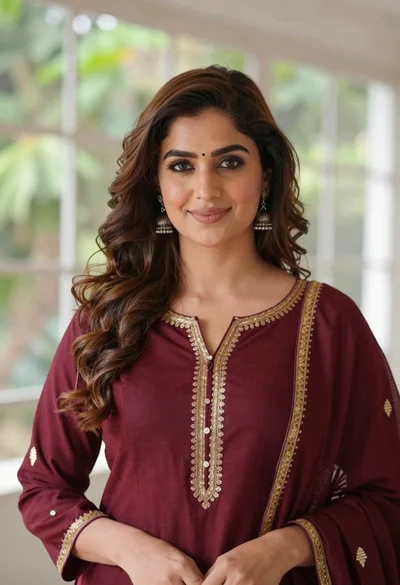
Portrait of woman with brown hair in maroon tunic indoors
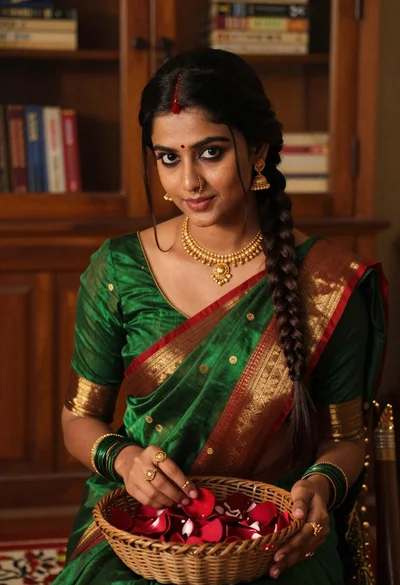
Young woman in green saree holding red petal indoors with books background

Young woman in red santa hat leaning over table near christmas tree

Close up portrait of young woman in pink embroidered robe indoors
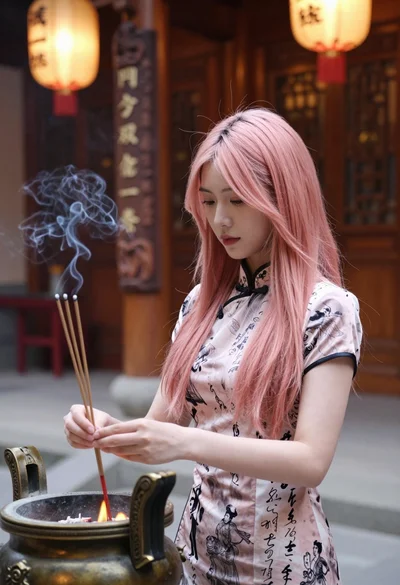
Young woman in cheongsam holding incense sticks in a warm temple setting
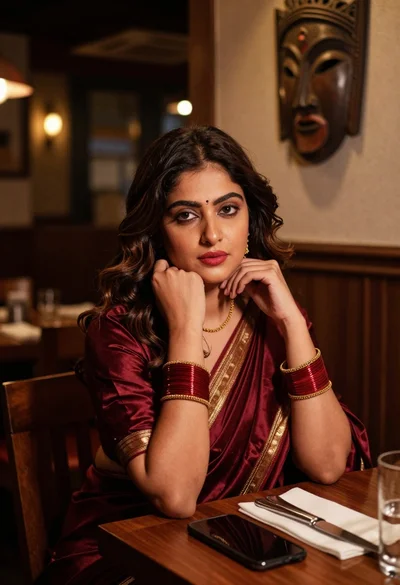
Woman in maroon silk saree resting chin on hand at dimly lit
Young woman in white embroidered saree smiling indoors with soft natural light
Young woman in green saree by window looking at camera indoors