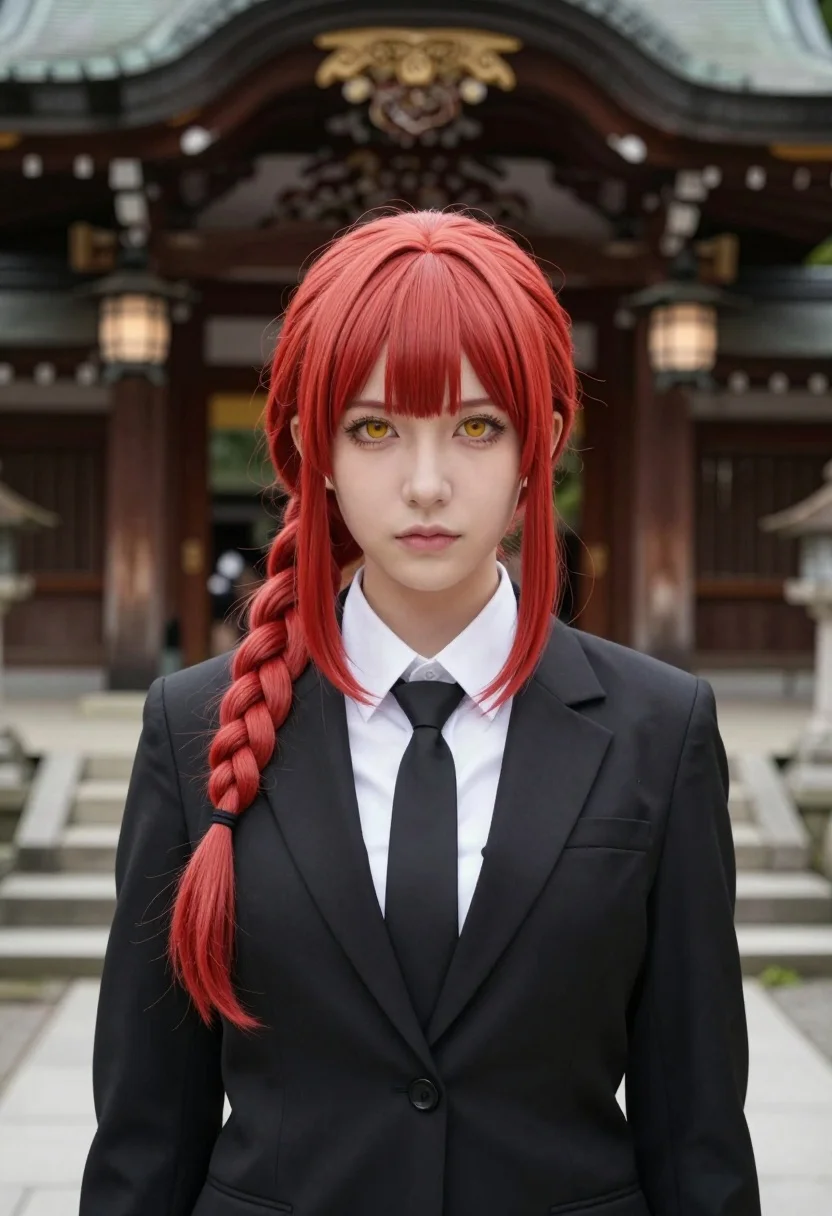
Portrait of young woman with red hair before traditional japanese shrine entrance
Prompt
A striking portrait of a young woman with vibrant red hair styled in a side braid and bangs, standing solemnly before a traditional Japanese shrine.

Subject: A young woman with fair skin, intense golden-brown eyes, and a serious, neutral facial expression. Her most prominent feature is her bright red hair, which features straight bangs covering the forehead and a thick braid hanging down over her left shoulder.

Clothing: She wears a formal black suit jacket over a crisp white collared shirt and a black necktie. The outfit resembles a school uniform or formal attire.

Action: She stands facing forward with a direct gaze, maintaining a calm and composed posture.

Environment: The background features the entrance of a traditional Japanese shrine with dark wooden architecture, ornate roof details, and hanging lanterns. Stone steps lead up to the structure behind her.

Lighting: The scene is lit by soft, diffused natural daylight, creating even illumination on the subject's face and minimizing harsh shadows.

Camera: A medium close-up shot framed vertically, focusing tightly on the upper body and face with a shallow depth of field that blurs the shrine background slightly to emphasize the subject.

Style Details: High-definition photography with realistic textures, sharp focus on facial features, and a clean, polished aesthetic typical of professional cosplay portraiture.
Description
This prompt is useful for creating character concept art for historical dramas, editorial fashion spreads blending cultures, and high-end cosplay portfolio pieces. The combination of 'formal black suit jacket' against the 'dark wooden architecture' creates a striking visual contrast that grounds the subject while the 'soft, diffused natural daylight' ensures that the vibrant red hair remains the focal point without harsh highlights.
Suggestions
- Change 'black suit jacket' to 'deep indigo kimono jacket' for better cultural integration.
- Swap 'golden-brown eyes' for 'emerald green eyes' to increase contrast with the red hair.
- Adjust 'medium close-up shot framed vertically' to 'waist-up shot' to incorporate more of the shrine steps.
Category
Tags
Black HairFair SkinFemaleFormal WearOutdoorsRealisticRed HairSide ProfileTraditional Wear
Date added
July 12, 2026
Added by
PromptDexter Team
Related Prompts
More prompts with similar categories and tags.
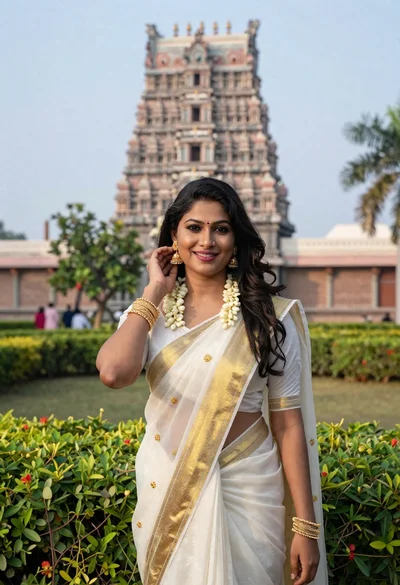
Smiling indian woman in traditional white saree standing before an ornate temple
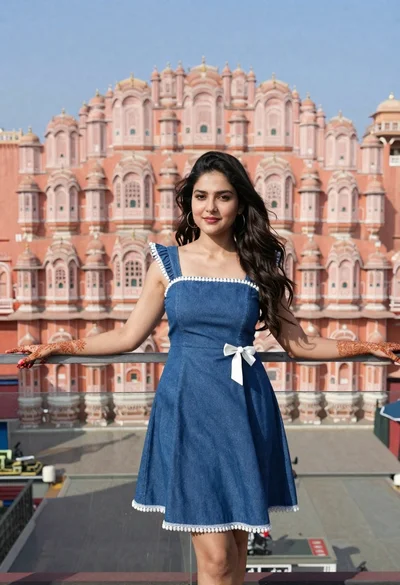
Young woman in denim dress standing on balcony before hawa mahal
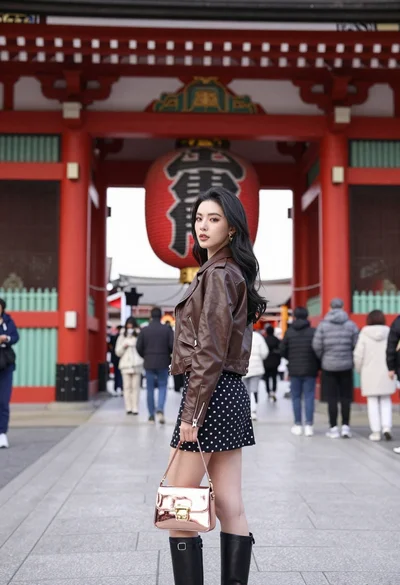
Young woman in leather jacket standing before traditional japanese temple gate
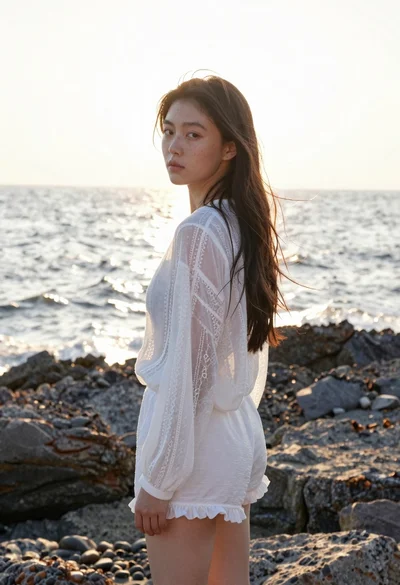
Young woman in white lace blouse standing on rocky shore at sunset
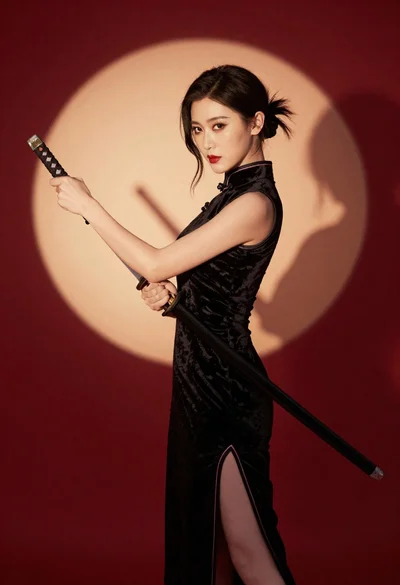
Woman in black velvet cheongsam holding katana against red background
East asian woman in pale green hanfu robe near white blossoms
Close up portrait of young woman in traditional attire with golden headpiece
Young woman in cream outfit looking back over shoulder on paved street
Young woman in black slip dress standing by window in bright bedroom

Smiling woman in lime green saree posing outdoors near white car